
1. Įvadas
This manual provides detailed instructions for the Varmilo VA Series V2 Aurora Bluetooth White LED Mechanical Keyboard. It covers setup, operation, maintenance, and troubleshooting to ensure optimal performance and user experience. The VA Series V2 features an upgraded design with a standard USB-C cable, a double-section kickstand for enhanced adjustability, North-facing LEDs, and sound-proof silicone pads for a quieter typing experience. Indicator lights are positioned on the top right to minimize distractions.
2. Pakuotės turinys
Išpakuodami patikrinkite pakuotės turinį. Jei trūksta kokių nors daiktų arba jie pažeisti, susisiekite su klientų aptarnavimo tarnyba.
- Varmilo VA Series V2 Aurora Mechanical Keyboard
- USB-C kabelis
- Vartotojo vadovas (šis dokumentas)
3. Sąranka
3.1 Fizinė konfigūracija
- Išpakuokite klaviatūrą: Atsargiai išimkite klaviatūrą ir visus priedus iš pakuotės.
- Sureguliuokite atramas: Klaviatūra turi dvi raidestage height adjustable feet. Flip out the desired kickstands on the underside of the keyboard to achieve your preferred typing angle.

Image: The underside of the keyboard, highlighting the two-stage adjustable kickstand for ergonomic positioning.
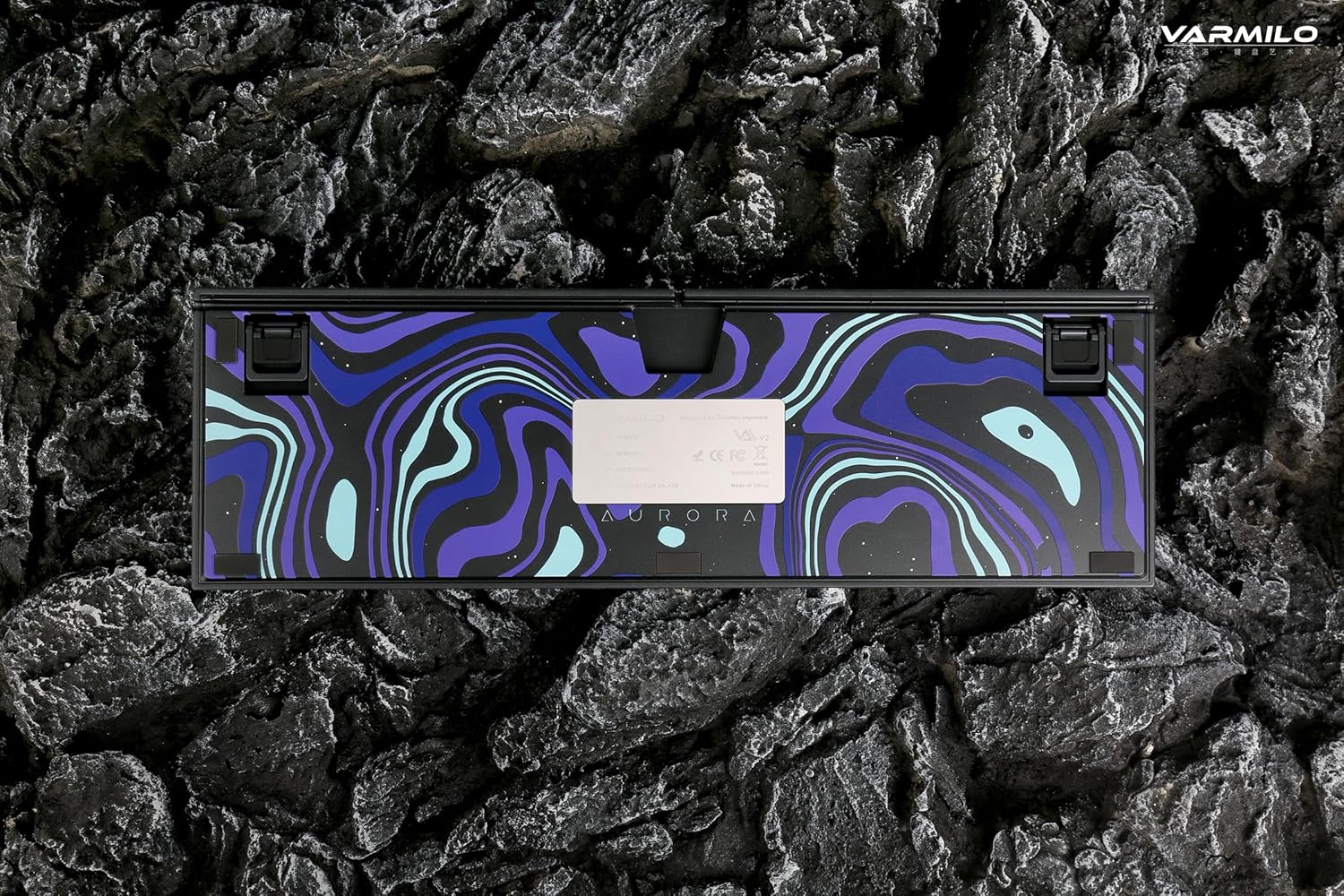
Image: The bottom of the keyboard, illustrating the cable grooves that allow the USB-C cable to exit from the left, right, or middle.
3.2 Prisijungimo būdai
3.2.1 Laidinis ryšys (USB-C)
- Raskite USB-C prievadą klaviatūros gale.
- Connect the provided USB-C cable to the keyboard and the other end to an available USB port on your computer or device.
- The keyboard will be automatically recognized by your operating system. The indicator light will show charging status if the battery is low.
3.2.2 Belaidis „Bluetooth“ ryšys
The Varmilo VA Series V2 Aurora keyboard supports connecting up to 3 devices wirelessly via Bluetooth.
- Perjungti į „Bluetooth“ režimą: Locate the mode switch on the keyboard (usually on the back or side) and set it to Bluetooth mode.
- Įjunkite susiejimo režimą: Paspauskite ir palaikykite Fn + įterpimas (for Bluetooth device 1), Fn + Pagrindinis (for Bluetooth device 2), or Fn + Puslapis aukštyn (for Bluetooth device 3) for 3-5 seconds until the indicator light flashes rapidly, indicating pairing mode.
- Įjunkite „Bluetooth“ savo įrenginyje: On your computer, smartphone, or tablet, go to Bluetooth settings and turn on Bluetooth.
- Pasirinkite klaviatūrą: Look for "Varmilo VA2" or a similar name in the list of available devices and select it to pair.
- Patvirtinkite susiejimą: Once paired, the indicator light on the keyboard will stop flashing and remain solid for a few seconds, then turn off or show battery status.
- Pair Additional Devices: Repeat steps 2-5 using a different Fn key combination (Fn + Home or Fn + Page Up) to pair up to two more devices.
4. Naudojimo instrukcijos
4.1 Įrenginių perjungimas
- To switch to Bluetooth device 1: Press Fn + įterpimas.
- To switch to Bluetooth device 2: Press Fn + Pagrindinis.
- To switch to Bluetooth device 3: Press Fn + Puslapis aukštyn.
- To switch to Wired mode: Set the mode switch on the keyboard to Wired mode.
4.2 LED foninio apšvietimo valdymas
The keyboard features a White LED backlight. Use the following key combinations to control the backlight:
- Fn + < (Left Arrow): Sumažinkite foninio apšvietimo ryškumą.
- Fn + > (Right Arrow): Padidinkite foninio apšvietimo ryškumą.
- Fn + rodyklė aukštyn: Change backlight mode/effect.
- Fn + rodyklė žemyn: Change backlight mode/effect (reverse direction).
- Fn + Z: Įjungti / išjungti foninį apšvietimą.
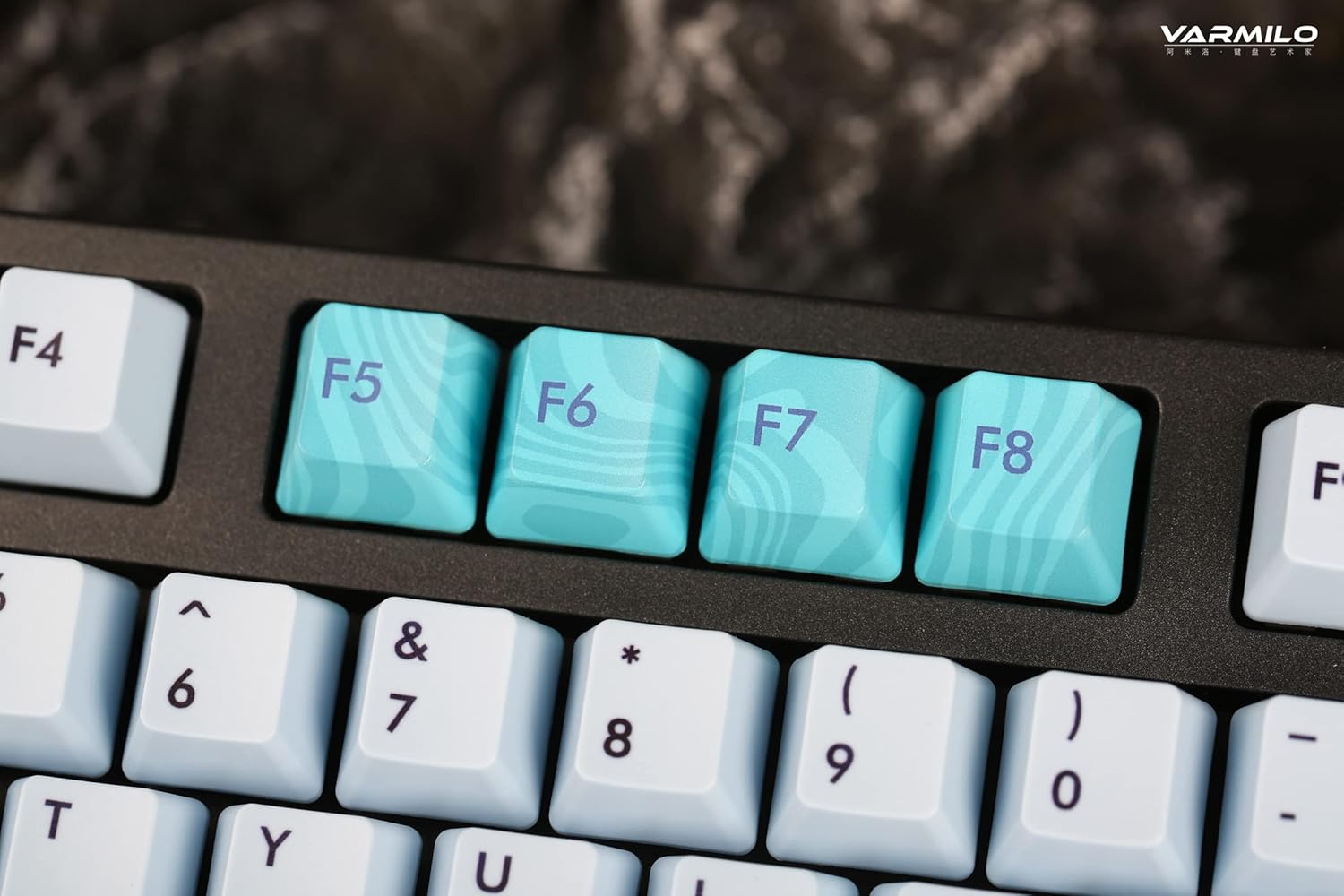
Image: Close-up of the arrow keys, which are used in combination with the Fn key to control backlight brightness and modes.
4.3 Function Keys and Multimedia Controls
The keyboard features a full-size (104 + 4) layout with dedicated function keys and multimedia controls accessible via the Fn raktas.
- Fn + F1–F12: Access various system functions (e.g., media playback, volume control, screen brightness). Refer to your operating system's settings for specific mappings or common keyboard shortcuts.
- Fn + „Windows“ klavišas: Užrakinkite / atrakinkite „Windows“ klavišą, kad išvengtumėte atsitiktinio paspaudimo žaidimo metu.
- Fn + dešinysis „Ctrl“: Switch between Mac/Windows layout (if applicable, check specific model features).

Vaizdas: Stambus planas view of the F5-F8 keys, showcasing their unique design and potential secondary functions.
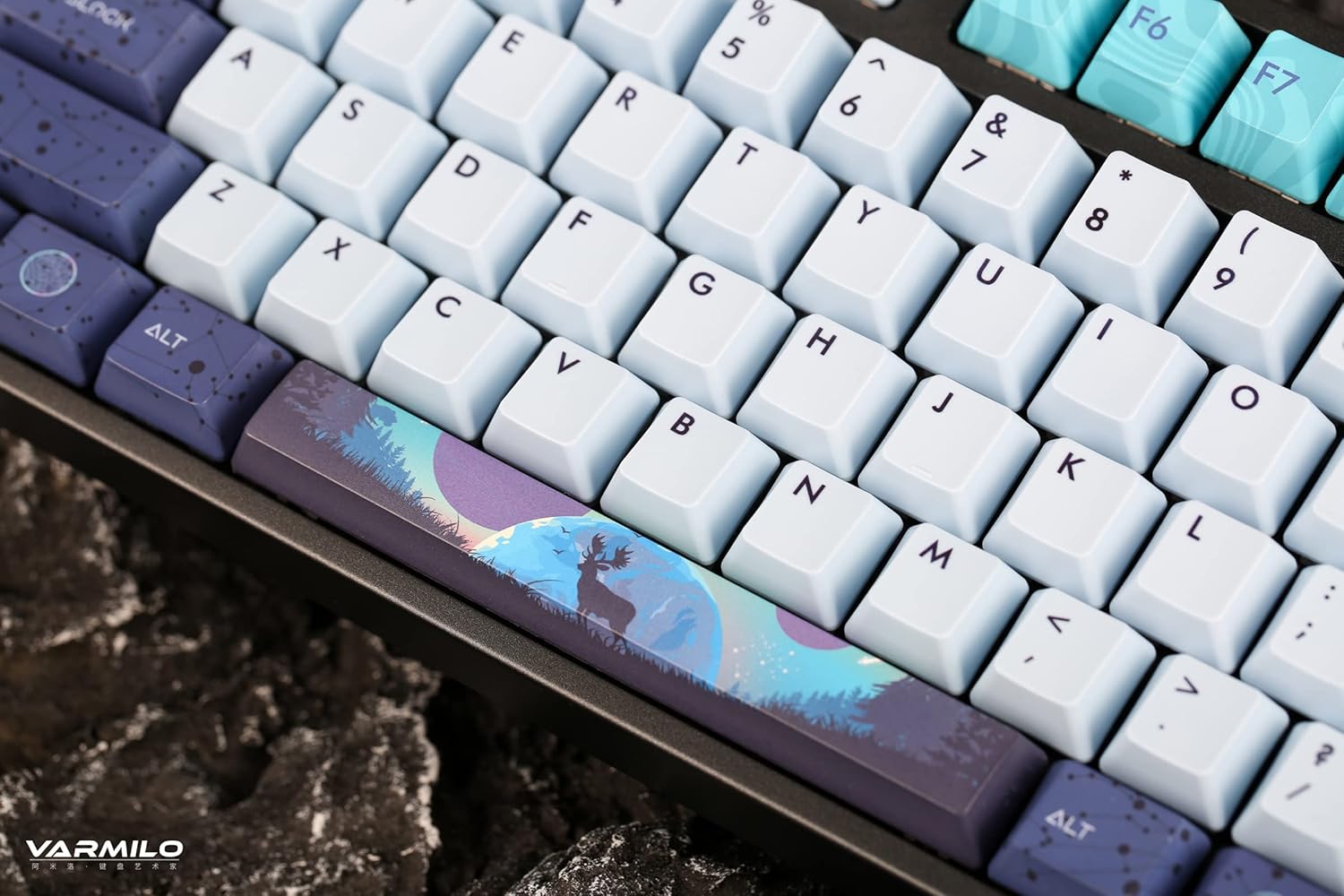
Paveikslėlis: detalus view of the keyboard's keycaps, including a custom-designed spacebar, highlighting the thick Dye Sub PBT keycaps.
5. Priežiūra
Proper maintenance ensures the longevity and performance of your Varmilo keyboard.
- Valymas: Use a soft brush or compressed air to remove dust and debris from between the keycaps. For stubborn dirt, gently wipe the keycaps with a damp cloth and mild soap solution, ensuring no liquid enters the keyboard.
- Klaviatūros dangtelio nuėmimas: If you need to clean under the keycaps or replace them, use a keycap puller. Gently pull the keycap straight up to avoid damaging the switch. The keyboard features durable Dye Sub PBT keycaps.
- Saugykla: Kai klaviatūra ilgesnį laiką nenaudojama, laikykite ją sausoje, be dulkių aplinkoje.
- Venkite skysčių: Do not expose the keyboard to liquids. Spills can cause permanent damage.
6. Problemų sprendimas
| Problema | Galima priežastis | Sprendimas |
|---|---|---|
| Klaviatūra nereaguoja (laidinė) | Loose USB-C cable connection; faulty USB port; incorrect mode. |
|
| Klaviatūra nereaguoja („Bluetooth“) | Not paired; out of range; low battery; incorrect Bluetooth channel selected. |
|
| Foninis apšvietimas neveikia | Backlight turned off; brightness set to minimum; low battery. |
|
| Raktai neregistruojami arba įvedami du kartus | Dust/debris under keycap; switch malfunction; software issue. |
|
7. Specifikacijos
| Funkcija | Detalė |
|---|---|
| Prekės ženklas | Varmilo |
| Modelis | VA Series V2 Aurora |
| Klaviatūros tipas | Mechaninis |
| Jungiklio tipas | Kailh Prestige Red |
| Ryšys | USB-C (Wired), Bluetooth (Wireless) |
| Belaidžiai įrenginiai | Connects up to 3 devices wirelessly |
| Klaviatūros | Thick Dye Sub PBT |
| Foninis apšvietimas | White LED, North-facing |
| Išdėstymas | Full-size (104 + 4 keys) |
| Suderinami įrenginiai | Nešiojamasis kompiuteris, asmeninis kompiuteris, išmanusis telefonas, planšetinis kompiuteris |
| Ypatingos savybės | Dviejų stage height adjustable feet, Sound-proof silicone pads, Cable grooves |
| Medžiaga | Silicone (internal sound dampvakaras) |
8. Garantija ir palaikymas
Varmilo products are designed for quality and durability. For warranty information, technical support, or service inquiries, please refer to the official Varmilo websvetainėje arba susisiekite su savo pardavėju.
You can visit the official Varmilo Store for more information: „Varmilo“ parduotuvė „Amazon“ platformoje.