
Andoer 1080P HD Mini Body Camera
Andoer 1080P HD Mini Body Camera User Manual
Model: B0CL9SCVVK
1. Įvadas
The Andoer 1080P HD Mini Body Camera is a compact and versatile recording device designed for various applications, including daily recording, service delivery, and personal security. It features high-definition video recording, a 180° rotatable lens, night vision capabilities, and WiFi connectivity for live viewing. This manual provides essential information for setting up, operating, and maintaining your device.

The Andoer 1080P HD Mini Body Camera offers a range of functionalities including high-definition video recording, photo capture, and mobile monitoring via WiFi. It supports various modes such as night vision and features a 180-degree rotatable lens for flexible recording.
2. Pakuotės turinys
Išpakuodami patikrinkite pakuotės turinį, kad įsitikintumėte, jog yra visi reikalingi daiktai:
- Andoer 1080P HD Mini Body Camera (Host)
- USB įkrovimo/duomenų laidas
- Instrukcijų vadovas

This image illustrates the contents of the product package, including the main camera unit, a USB charging and data cable, the retail packaging, and the printed instruction manual.
3. Pagrindinės savybės
- 1080P HD Video Recording: Užfiksuoja aiškų ir išsamų vaizdo įrašątage.
- Garso įrašymas: Supports WAV format for audio capture.
- 180° pasukamas objektyvas: Allows for flexible adjustment of the camera angle.
- Naktinio matymo funkcija: Enables clear recording in low-light conditions.
- „WiFi“ ryšys: Connects to a smartphone app for live viewvaldymas.
- Prisegamas dizainas: Easily attaches to clothing or bags for portable use.
- Large Memory Capacity: Supports up to 256GB TF (Micro SD) card for ample saugykla.
- Ilgas baterijos veikimo laikas: Equipped with a 1400mAh lithium battery, providing 4-5 hours of recording.

The camera features a convenient clip-on design, allowing it to be easily attached to clothing like a collar or pocket, or to a backpack for hands-free recording.

With its 180-degree rotating lens and wide-angle view, the camera can function as a driving recorder, capturing a broad perspective of the road and surroundings.
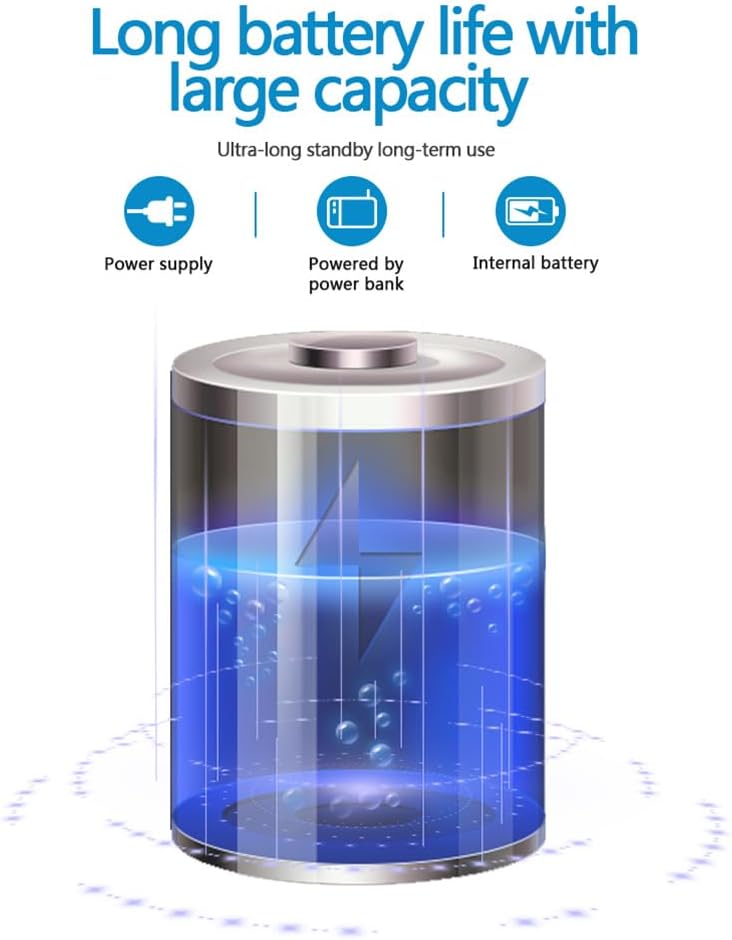
The camera is equipped with a 1400mAh lithium battery, providing extended recording time. It can be powered by an internal battery, an external power bank, or a direct power supply.
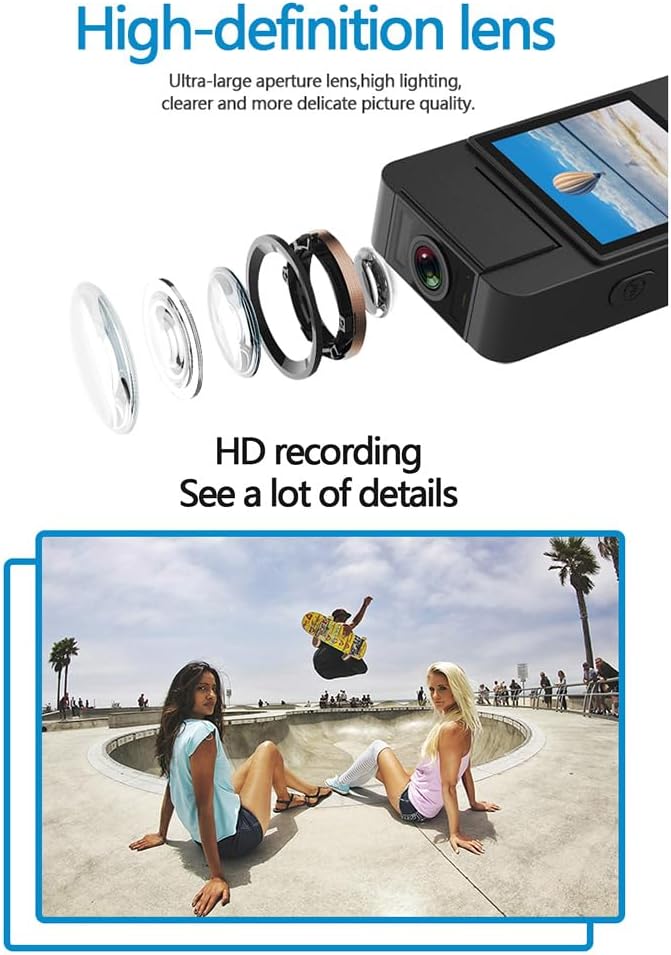
The camera features a high-definition lens with a large aperture, designed to capture clear, bright, and detailed images and videos.
4. Sąrankos vadovas
4.1 Įrenginio įkrovimas
Before first use, fully charge the camera. Connect the provided USB cable to the camera's Type-C port and the other end to a DC 5V power adapter or a computer's USB port. The charging indicator light will show the charging status and turn off when fully charged.
4.2 Micro SD kortelės įdėjimas
The camera supports Micro SD (TF) cards up to 256GB. Insert the Micro SD card into the designated slot with the gold contacts facing down until it clicks into place. Ensure the camera is powered off before inserting or removing the card.
4.3 Pradinis įjungimas
Press and hold the Power button for a few seconds until the indicator light turns on, indicating the device is powered on.
5. Naudojimo instrukcijos
5.1 Maitinimo įjungimas/išjungimas
- Maitinimas: Paspauskite ir palaikykite maitinimo mygtuką, kol užsidegs indikatoriaus lemputė.
- Išjungti: Paspauskite ir palaikykite maitinimo mygtuką, kol užges indikatoriaus lemputė.
5.2 Vaizdo įrašymas
In standby mode, press the Video button once to start recording. The indicator light will flash to confirm recording is in progress. Press the Video button again to stop recording and save the file.
5.3 Garso įrašymas
In standby mode, press the Audio button once to start audio-only recording. The indicator light will flash. Press the Audio button again to stop recording and save the file.
5.4 Photo Function
In standby mode, press the Photo button once to capture a still image. The indicator light will flash briefly.

The camera is designed for simple operation, featuring dedicated buttons for one-click recording, switching between recording modes, and activating video mode.
5.5 Night Vision Activation
The camera features an automatic night vision function. It can be manually toggled on or off depending on the model variant. Refer to the on-screen menu or specific button for night vision control.
5.6 Objektyvo kampo reguliavimas
The camera lens can be manually rotated 180 degrees to capture different perspectives without repositioning the entire device.
5.7 WiFi Live Viewing
Download the dedicated app on your smartphone. Power on the camera and activate its WiFi function. Connect your smartphone to the camera's WiFi network (SSID and password usually found on the device or in the manual). Open the app to view gyvas kvailystage, control recording, and access settings.
5.8 Atkūrimas
Įrašyta files can be played back directly on the camera's screen (if available), or by connecting the camera to a computer via USB. Alternatively, remove the Micro SD card and insert it into a card reader to access files kompiuteryje.
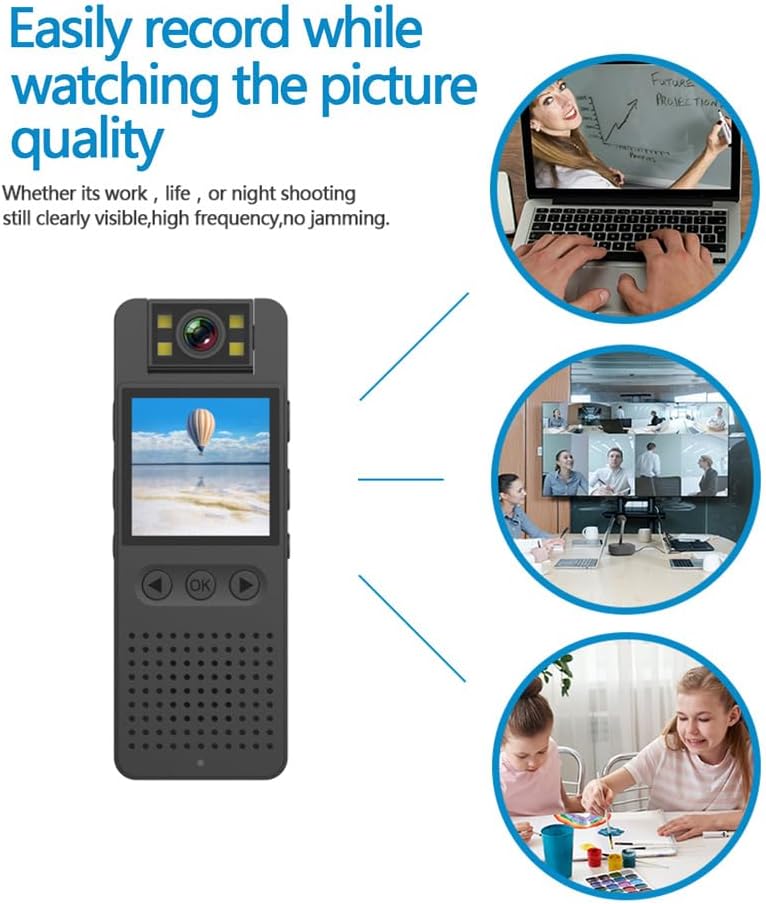
This image illustrates the camera's ability to record clearly in various environments, whether for work, leisure, or night shooting, maintaining high picture quality.
6. Priežiūra ir priežiūra
- Objektyvo valymas: Use a soft, lint-free cloth specifically designed for camera lenses to gently clean the lens. Avoid abrasive materials or harsh chemicals.
- Akumuliatoriaus priežiūra: To prolong battery life, avoid fully discharging the battery frequently. Charge the device regularly, even if not in use for extended periods. Store in a cool, dry place.
- Saugykla: Store the camera in a dry environment, away from extreme temperatures, direct sunlight, and dust.
- Duomenų atsarginė kopija: Regularly back up important recordings from the Micro SD card to a computer or external storage device to prevent data loss.
- Venkite poveikio: Saugokite įrenginį nuo kritimų ir smūgių, kurie gali pažeisti vidinius komponentus.
7. Problemų sprendimas
7.1 Įrenginys neįsijungia
- Ensure the battery is sufficiently charged. Connect the camera to a power source and try again.
- Paspauskite ir palaikykite maitinimo mygtuką ilgiau (5–10 sekundes).
7.2 Recording Issues (No Recording/Poor Quality)
- Check if a Micro SD card is properly inserted and has sufficient free space.
- Ensure the Micro SD card is formatted correctly (FAT32 recommended).
- Clean the camera lens if the image quality is blurry.
- Ensure adequate lighting for optimal video quality, or activate night vision in low-light conditions.
7.3 WiFi Connection Problems
- Make sure the camera's WiFi function is enabled.
- Ensure your smartphone is within range of the camera's WiFi signal.
- Verify that you have entered the correct WiFi password.
- Iš naujo paleiskite fotoaparatą ir išmanųjį telefoną, tada bandykite prisijungti dar kartą.
7.4 Įrenginys užstringa arba nereaguoja
- Press and hold the Power button for an extended period (up to 15 seconds) to force a shutdown.
- If possible, use a small pin to press the reset button (if available on your model).
8. Techninės specifikacijos
| Vaizdo raiška | 1920*1080p |
| Vaizdo įrašo formatas | MOV |
| Vaizdo įrašo kadrų dažnis | 25 kadrų per sekundę |
| Vaizdo santykis | 16:9 |
| Įrašymo formatas | WAV |
| Nuotraukų raiška | 4608*3456p |
| Nuotraukos formatas | JPG |
| Baterijos talpa | 1400 mAh |
| Darbo laikas | Approx. 290 minutes (4-5 hours) |
| Įkrovimo ttage | DC 5V |
| Saugojimo palaikymas | Up to 256GB TF card (Micro SD) |
| Sąsajos tipas | C tipas |
| Palaikomos sistemos | Windows, Mac OS, Linux |
| Ryšio technologija | USB, Wi-Fi |
| Ypatingos savybės | Low Light, Night Vision |
| Atsparumo vandeniui lygis | Neatsparus vandeniui |
| Objektyvo tipas | Padidinti |
| Fokusavimo tipas | Rankinis fokusavimas |
9. Informacija apie garantiją
Specific warranty details for the Andoer 1080P HD Mini Body Camera may vary by region and retailer. Please refer to the product packaging, the seller's website, or your purchase receipt for comprehensive warranty terms and conditions. It is recommended to retain your proof of purchase for any warranty claims.
10. Pagalba klientams
For technical assistance, product inquiries, or customer support, please contact the retailer from whom you purchased the device or visit the official Andoer website. When contacting support, please have your product model number (B0CL9SCVVK) and purchase details readily available to facilitate faster service.
Ask a question about this manual
Ask about setup, troubleshooting, compatibility, parts, safety, or missing instructions. Manuals+ will review the question and use this page’s manual context to help answer it.