
1. Įvadas
The Lexar JumpDrive S80 USB 3.2 Gen 1 Flash Drive is designed for high-speed data transfer and secure storage. This manual provides instructions for setting up, operating, and maintaining your flash drive, along with important specifications and troubleshooting tips.
2. Produkto ypatybės
- Didelės spartos našumas: Utilizes USB 3.2 Gen 1 technology for read speeds up to 150MB/s and write speeds up to 60MB/s, enabling quick transfer of large files.
- Išplėstinė sauga: Features 256-bit AES encryption software to protect your sensitive data from unauthorized access.
- Ištraukiamas dizainas: A protective, retractable cover safeguards the USB connector when not in use.
- Platus suderinamumas: Backward-compatible with USB 3.0 and USB 2.0 devices, ensuring versatility across various systems.
- Multiple Capacities: Available in various storage capacities, including 512GB, to suit different user needs.
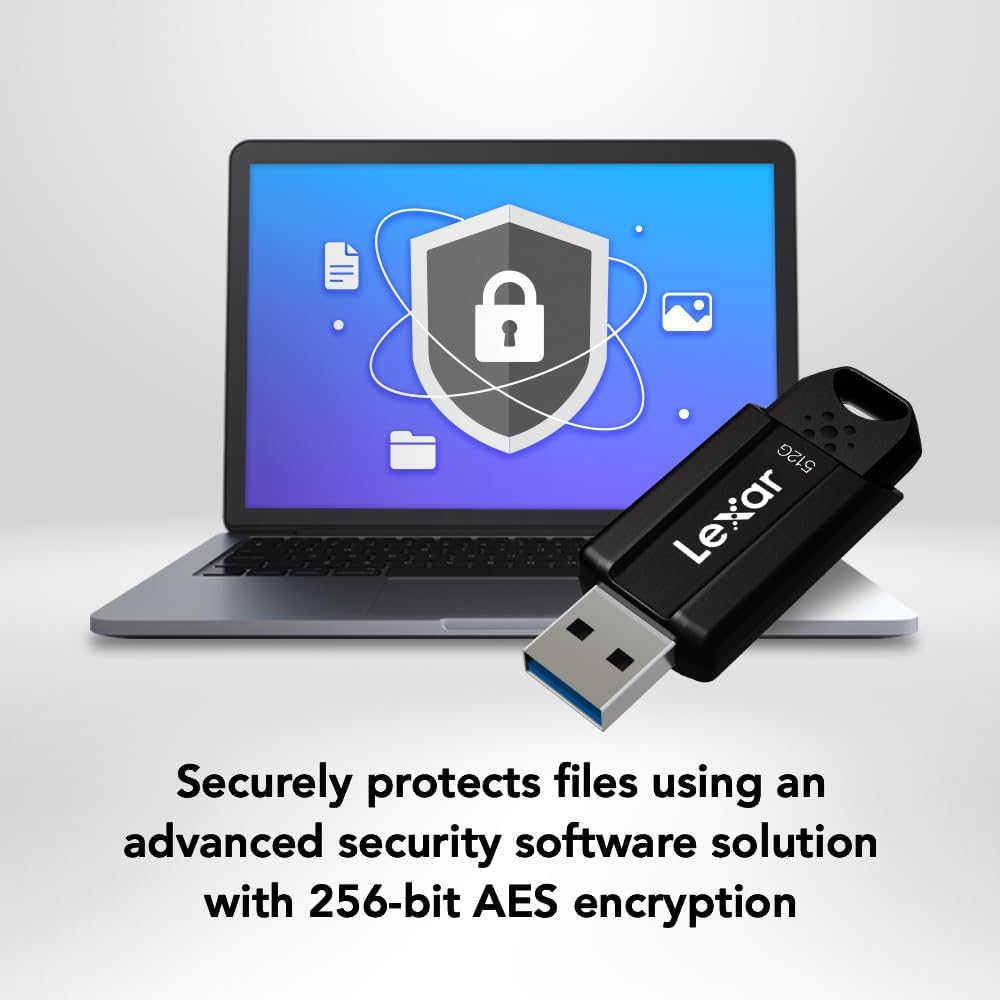
Image: The Lexar JumpDrive S80 connected to a laptop, highlighting its USB 3.2 Gen 1 performance for fast content transfer.
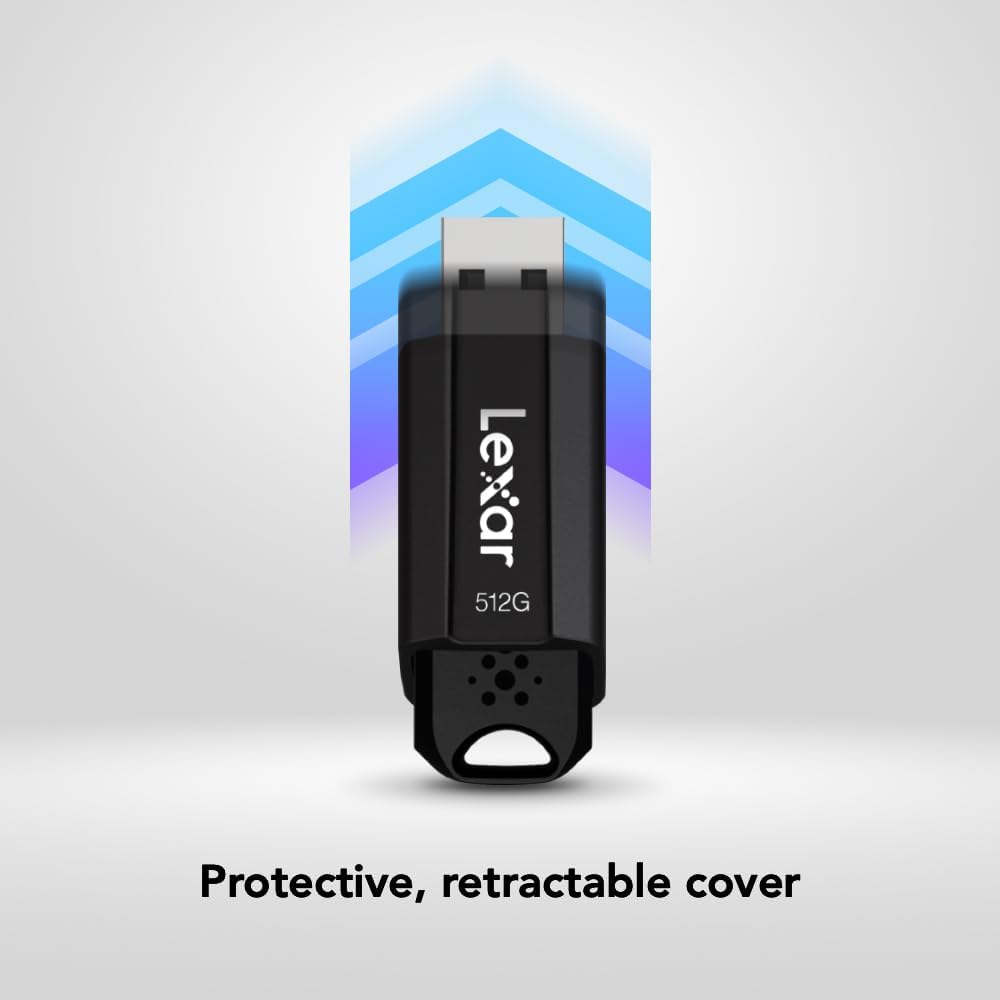
Image: The JumpDrive S80 with a laptop, emphasizing its advanced security software and 256-bit AES encryption.

Paveikslėlis: detalus view of the JumpDrive S80's protective retractable cover.

Image: A display of Lexar JumpDrive S80 models showcasing the wide range of available storage capacities.

Image: The JumpDrive S80, highlighting that Lexar products undergo rigorous testing in Lexar Quality Labs for performance and reliability.
3. Sąranka
- Išpakuokite diską: Carefully remove the Lexar JumpDrive S80 from its packaging.
- USB prievado identifikavimas: Locate an available USB port on your computer (PC or Mac). For optimal performance, use a USB 3.2 Gen 1 (or USB 3.0) compatible port, often identified by a blue insert. The drive is also compatible with USB 2.0 ports.
- Prijunkite diską: Extend the retractable USB connector by sliding the mechanism. Insert the flash drive firmly into the USB port. The drive should be automatically recognized by your operating system.
- Pradinis pripažinimas: Your computer may display a notification indicating that a new device has been detected and is ready for use. The drive will appear as a removable storage device in your file naršyklę („Windows“) arba „Finder“ („Mac“).
Vaizdo įrašas: Viršijimasview of the Lexar JumpDrive S80, demonstrating its connection to a laptop and highlighting key features like speed and security.
4. Naudojimo instrukcijos
4.1. Perkėlimas Files
- Access the Drive: Open "This PC" or "My Computer" (Windows) or "Finder" (Mac) and locate the Lexar JumpDrive S80. Double-click to open it.
- Kopijuoti Files: Vilkite ir numeskite files or folders from your computer to the JumpDrive S80, or copy and paste them into the drive's folder.
- Įklijuoti Files: Norėdami perkelti files from the JumpDrive S80 to your computer, drag and drop or copy and paste them from the drive's folder to your desired location on the computer.
- Stebėti pažangą: A progress bar will indicate the transfer status. For large files, transfer times will vary based on file size and the USB port speed.
4.2. Saugus disko išėmimas
To prevent data corruption, always safely remove the flash drive before physically disconnecting it from your computer.
- „Windows“: Click the "Safely Remove Hardware and Eject Media" icon in the system tray (bottom-right corner), then select the Lexar JumpDrive S80. Wait for the "Safe to Remove Hardware" message before unplugging.
- Mac: Drag the JumpDrive S80 icon from your desktop or Finder sidebar to the Trash icon, or right-click (Control-click) the drive icon and select "Eject." Wait for the icon to disappear before unplugging.
5. Apsaugos priemonės
The Lexar JumpDrive S80 includes advanced security software with 256-bit AES encryption to protect your confidential files. This software allows you to create a password-protected safe that automatically encrypts data. Files deleted from this safe are securely erased and cannot be recovered.
Refer to the pre-loaded security software documentation on the drive for detailed instructions on setting up and managing your encrypted safe.
6. Specifikacijos
| Funkcija | Detalė |
|---|---|
| Modelio pavadinimas | JumpDrive S80 USB 3.1 |
| Prekės modelio numeris | LJDS080512G-BNBNU |
| Atminties talpa | 512 GB |
| Techninės įrangos sąsaja | USB 3.2 Gen 1 |
| Skaitymo greitis | Iki 150 XNUMX MB/s |
| Rašymo greitis | Iki 60 XNUMX MB/s |
| Ryšio technologija | USB |
| Spalva | Juoda |
| Ypatinga funkcija | Protective, retractable cover |
| Prekės svoris | 0.288 uncijos |
| Gaminio matmenys | 5.5 x 0.54 x 4 colio |
| Gamintojas | Lexar International |
| UPC | 843367130870 |
7. Priežiūra
- Fizinė priežiūra: Keep the flash drive clean and free from dust and debris. Use a soft, dry cloth for cleaning. Avoid exposing the drive to extreme temperatures, moisture, or direct sunlight.
- Apsaugokite jungtį: Always retract the USB connector when the drive is not in use to prevent damage.
- Duomenų atsarginė kopija: Reguliariai kurkite svarbių duomenų, saugomų USB atmintinėje, atsargines kopijas kitoje laikmenoje, kad išvengtumėte duomenų praradimo.
- Programinės įrangos atnaujinimai: Periodically check the Lexar website for any available firmware or security software updates for your JumpDrive S80.
8. Problemų sprendimas
- Diskas neatpažintas:
- Įsitikinkite, kad diskas yra visiškai įdėtas į USB prievadą.
- Išbandykite kitą kompiuterio USB prievadą.
- Išbandykite diską kitame kompiuteryje, kad atmestumėte su kompiuteriu susijusią problemą.
- Check Device Manager (Windows) or System Information (Mac) to see if the drive is listed, even if not assigned a drive letter.
- Iš naujo paleiskite kompiuterį.
- Mažas perdavimo greitis:
- Ensure you are using a USB 3.2 Gen 1 (or USB 3.0) compatible port. USB 2.0 ports will result in significantly slower speeds.
- Venkite perkelti daug mažų filevienu metu; suspaudus juos į vieną archyvą, kartais galima padidinti greitį.
- Uždarykite kitas programas, kurios gali naudoti sistemos išteklius arba pasiekti diską.
- Įsitikinkite, kad jūsų kompiuterio USB tvarkyklės yra atnaujintos.
- Duomenų sugadinimas arba klaidos:
- Prieš išimdami diską, visada jį saugiai išimkite.
- Run a disk check utility (e.g., Error Checking in Windows, Disk Utility in Mac) on the drive.
- If issues persist, consider reformatting the drive (this will erase all data).
9. Garantija ir palaikymas
The Lexar JumpDrive S80 USB 3.2 Gen 1 Flash Drive comes with a trejų metų ribota garantijaŠi garantija taikoma medžiagų ir gamybos defektams, atsiradusiems įprasto naudojimo sąlygomis. Išsaugokite pirkimo įrodymą, jei galėtumėte pateikti pretenzijas dėl garantijos.
For detailed warranty terms, technical support, or to register your product, please visit the official Lexar websvetainė: www.lexar.com/support.