
FASTWD L361
FASTWD L361 Android 13 Tablet User Manual
Model: L361 | Brand: FASTWD
1. Įvadas
Welcome to the user manual for your new FASTWD L361 Android 13 Tablet. This guide provides essential information to help you set up, operate, and maintain your device. The FASTWD L361 features a vibrant 14-inch 2K Incell FHD display, powered by Android 13, with robust 5G WiFi connectivity, an 11580mAh battery, 19GB RAM, and 256GB of internal storage.
2. Pakuotės turinys
Pažymėkite langelį prie šių elementų:
- FASTWD L361 Android 13 Tablet
- Apsauginis dėklas
- USB įkrovimo laidas
- Maitinimo adapteris
- Vartotojo vadovas (šis dokumentas)
3. Įrenginys baigtasview
Susipažinkite su savo planšetinio kompiuterio fizinėmis sudedamosiomis dalimis.

3.1 paveikslas: Priekis ir galas view of the FASTWD L361 Tablet, showcasindėl savo elegantiško dizaino ir kameros išdėstymo.
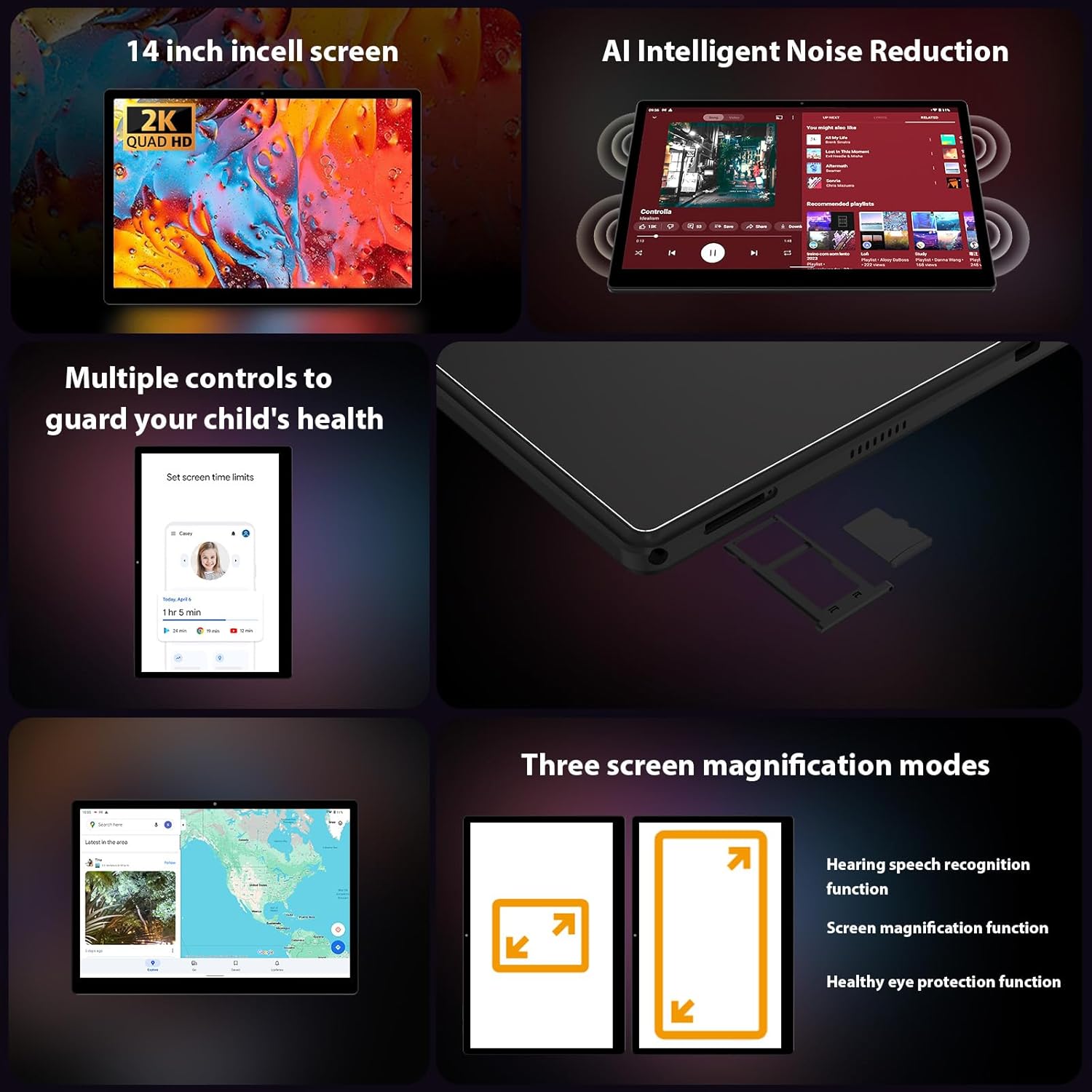
3.2 paveikslėlis: Šonas view of the FASTWD L361 Tablet, highlighting the USB port, power button, volume controls, and the SIM/MicroSD card slot.
Pagrindiniai komponentai:
- Maitinimo mygtukas: Press and hold to turn on/off or restart. Press briefly to wake/sleep the screen.
- Garsumo mygtukai: Sureguliuokite garso garsumą.
- USB prievadas: Įkrovimui ir duomenų perdavimui.
- Priekinė kamera: Vaizdo skambučiams ir asmenukėms (8MP).
- Galinė kamera: For photos and videos (13MP + 2MP Macro).
- MicroSD kortelės lizdas: Išplėskite saugyklą iki 1 TB.
- Garsiakalbiai: Dėl garso išvesties.
4. Pradinė sąranka
4.1 Planšetinio kompiuterio įkrovimas
Before first use, fully charge your tablet. Connect the USB charging cable to the tablet's USB port and the power adapter, then plug the adapter into a power outlet. The tablet supports 12W fast charging.

Image 4.1: Illustration of the FASTWD L361 Tablet being charged, highlighting its 11580mAh battery and 12W fast charging capability.
4.2 Įjungimas / išjungimas
- Norėdami įjungti: Paspauskite ir palaikykite maitinimo mygtuką, kol pasirodys FASTWD logotipas.
- Norėdami išjungti: Paspauskite ir palaikykite maitinimo mygtuką, tada ekrane rodomoje parinkčių sąraše pasirinkite „Išjungti“.
- Norėdami paleisti iš naujo: Paspauskite ir palaikykite maitinimo mygtuką, tada iš parinkčių pasirinkite „Paleisti iš naujo“.
4.3 Pradinė konfigūracija
Pirmą kartą įjungę planšetinį kompiuterį, vykdykite ekrane pateikiamus nurodymus, kad nustatytumėte jį:
- Pasirinkite norimą kalbą.
- Prisijunkite prie „Wi-Fi“ tinklo.
- Prisijunkite naudodami „Google“ paskyrą arba sukurkite naują.
- Review ir sutikite su sąlygomis ir nuostatomis.
- Nustatykite ekrano užraktą (PIN kodą, šabloną, slaptažodį arba „Face ID“).
4.4 „MicroSD“ kortelės įdėjimas
To expand storage, insert a MicroSD card (up to 1TB) into the designated slot on the side of the tablet. Ensure the tablet is powered off before inserting or removing the card.
5. Planšetinio kompiuterio valdymas
5.1 Display and Eye Protection
The FASTWD L361 features a 14-inch Incell FHD display with a resolution of 2000 x 1200 pixels. It is TÜV certified for eye protection, reducing eye strain during prolonged use.
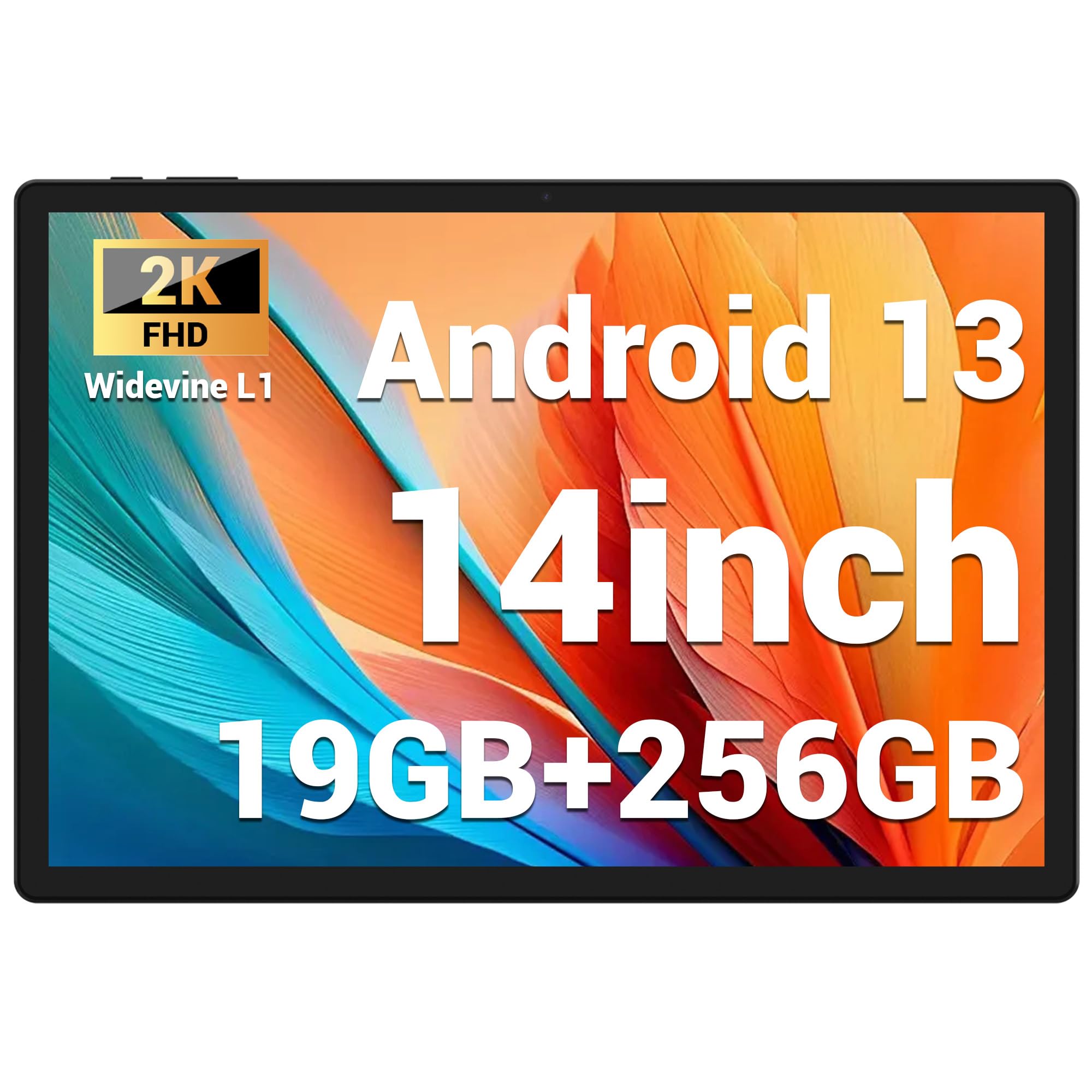
Image 5.1: Visual representation of the FASTWD L361 Tablet's 14-inch 2K Incell FHD display, highlighting its 2000x1200 resolution and TÜV eye protection certification.
5.2 Ryšys
Your tablet supports advanced wireless connectivity:
- 5G WiFi: Connect to high-speed wireless networks for fast internet access.
- "Bluetooth 5.0": Susiekite su belaidėmis ausinėmis, garsiakalbiais ir kitais „Bluetooth“ įrenginiais.

Image 5.2: Depiction of the FASTWD L361 Tablet's 5G WiFi capabilities, 19GB RAM, 256GB ROM, and support for 1TB MicroSD expansion.
5.3 fotoaparatai
The tablet is equipped with dual cameras:
- Priekinė kamera: 8 Megapixels, ideal for video calls and self-portraits.
- Galinė kamera: 13 Megapixels with a 2 Megapixel Macro lens, suitable for capturing detailed photos and videos.

Image 5.3: Visuals demonstrating the FASTWD L361 Tablet's 8MP front camera, 13MP rear camera, and the process for setting up Face ID for secure unlocking.
5.4 Veido ID
Unlock your tablet securely using Face ID. To set up:
- Eikite į Nustatymai > Sauga > Veido atrakinimas.
- Vykdykite ekrane pateikiamus nurodymus, kad užregistruotumėte savo veidą.
5.5 AI Intelligent Noise Reduction
The tablet integrates AI Intelligent Noise Reduction technology to filter out ambient sounds, enhancing audio clarity during calls and media playback.
5.6 Multitasking with Multi-Window
Utilize the multi-window feature to run two applications simultaneously, enhancing productivity and user experience.

Image 5.4: The FASTWD L361 Tablet displaying its multi-window and split-screen capabilities, allowing users to operate multiple applications simultaneously.
6. Priežiūra
6.1 Planšetinio kompiuterio valymas
Planšetinio kompiuterio ekraną ir korpusą valykite minkštu, nepūkuotu audiniu. Venkite naudoti stiprių cheminių medžiagų ar abrazyvinių medžiagų, kurios gali pažeisti paviršių.
6.2 Akumuliatoriaus priežiūra
The tablet is equipped with an 11580mAh battery. To prolong battery life:
- Venkite planšetinio kompiuterio laikymo ekstremaliose temperatūrose.
- Neleiskite akumuliatoriui visiškai išsikrauti prieš jį reguliariai įkraunant.
- Use the provided charger for optimal charging performance.
6.3 Programinės įrangos naujiniai
Ensure your tablet's software is up to date to benefit from the latest features and security enhancements. Go to Nustatymai > Sistema > Sistemos naujinimas kad patikrintumėte, ar yra atnaujinimų, ir juos įdiegtumėte.
7. Problemų sprendimas
Jei kyla problemų dėl planšetinio kompiuterio, žr. šiuos dažniausiai pasitaikančius sprendimus:
| Problema | Sprendimas |
|---|---|
| Planšetinis kompiuteris neįsijungia | Įsitikinkite, kad akumuliatorius įkrautas. Paspauskite ir palaikykite maitinimo mygtuką bent 10 sekundžių. |
| Wi-Fi ryšio problemos | Restart your Wi-Fi router and the tablet. Check Wi-Fi settings on the tablet to ensure it's connected to the correct network. |
| Planšetinis kompiuteris veikia lėtai arba nereaguoja | Close unnecessary apps running in the background. Clear cache from apps. Restart the tablet. If issues persist, consider a factory reset (back up data first). |
| Veido atpažinimas neveikia | Ensure your face is well-lit and not obstructed. Re-register your face in settings if necessary. |
7.1 Gamyklinių parametrų atkūrimas
If troubleshooting steps do not resolve the issue, you may need to perform a factory reset. This will erase all data on your tablet, so ensure you back up important files prieš tęsdami.
- Eikite į Nustatymai > Sistema > Atstatymo parinktys.
- Pasirinkite Ištrinti visus duomenis (atkurti gamyklinius).
- Patvirtinkite savo sprendimą.
8. Specifikacijos
| Funkcija | Detalė |
|---|---|
| Modelis | L361 |
| Operacinė sistema | Android 13 |
| Ekranas | 14-inch Incell FHD, 2000 x 1200 pixels, TÜV Certified |
| Procesoriaus greitis | 2 GHz |
| RAM | 19 GB (8GB + 11GB virtual) |
| Vidinė saugykla | 256 GB |
| Išplečiama saugykla | Up to 1 TB MicroSD |
| Baterijos talpa | 11580 mAh |
| Įkrovimas | 12W greitas įkrovimas |
| Priekinė kamera | 8 MP |
| Galinė kamera | 13 MP + 2 MP Macro |
| Ryšys | 5G belaidis internetas, „Bluetooth 5.0“ |
| Apsaugos funkcijos | Veido ID |
| Ypatingos savybės | AI Noise Reduction, GMS Certified |
| Matmenys | 41.79 x 25.1 x 3.7 cm |
| Svoris | 2.08 kilogramo |
9. Garantija ir palaikymas
Your FASTWD L361 Tablet comes with a standard manufacturer's warranty. For specific warranty terms and conditions, please refer to the warranty card included in your package or visit the official FASTWD websvetainę.
For technical support, product inquiries, or warranty claims, please contact FASTWD customer service through the contact information provided on the official websvetainėje arba pirkimo dokumentuose.
Ask a question about this manual
Ask about setup, troubleshooting, compatibility, parts, safety, or missing instructions. Manuals+ will review the question and use this page’s manual context to help answer it.