
Alienware AW920K
„Alienware AW920K“ trijų režimų belaidės žaidimų klaviatūros naudotojo vadovas
Model: AW920K
Įvadas
The Alienware AW920K Tri-Mode Wireless Gaming Keyboard is designed to elevate your gaming and productivity performance with versatile connectivity options, customizable controls, and vibrant AlienFX per-key RGB lighting. This manual provides essential information for setting up, operating, and maintaining your keyboard.

Figure 1: Alienware AW920K Tri-Mode Wireless Gaming Keyboard with USB dongle and cable.
Kas yra dėžutėje
- Alienware AW920K Tri-Mode Wireless Gaming Keyboard
- USB Cable (detachable paracord)
- Dokumentacija (šis naudotojo vadovas)
Sąranka
Ryšio parinktys
The Alienware AW920K keyboard offers three modes of connectivity:
2.4 GHz belaidis ryšys
For responsive wireless gaming performance on your PC, use the included 2.4GHz wireless USB-C dongle. For optimal reception, deploy the convenient dongle extender to position the receiver closer to the keyboard.
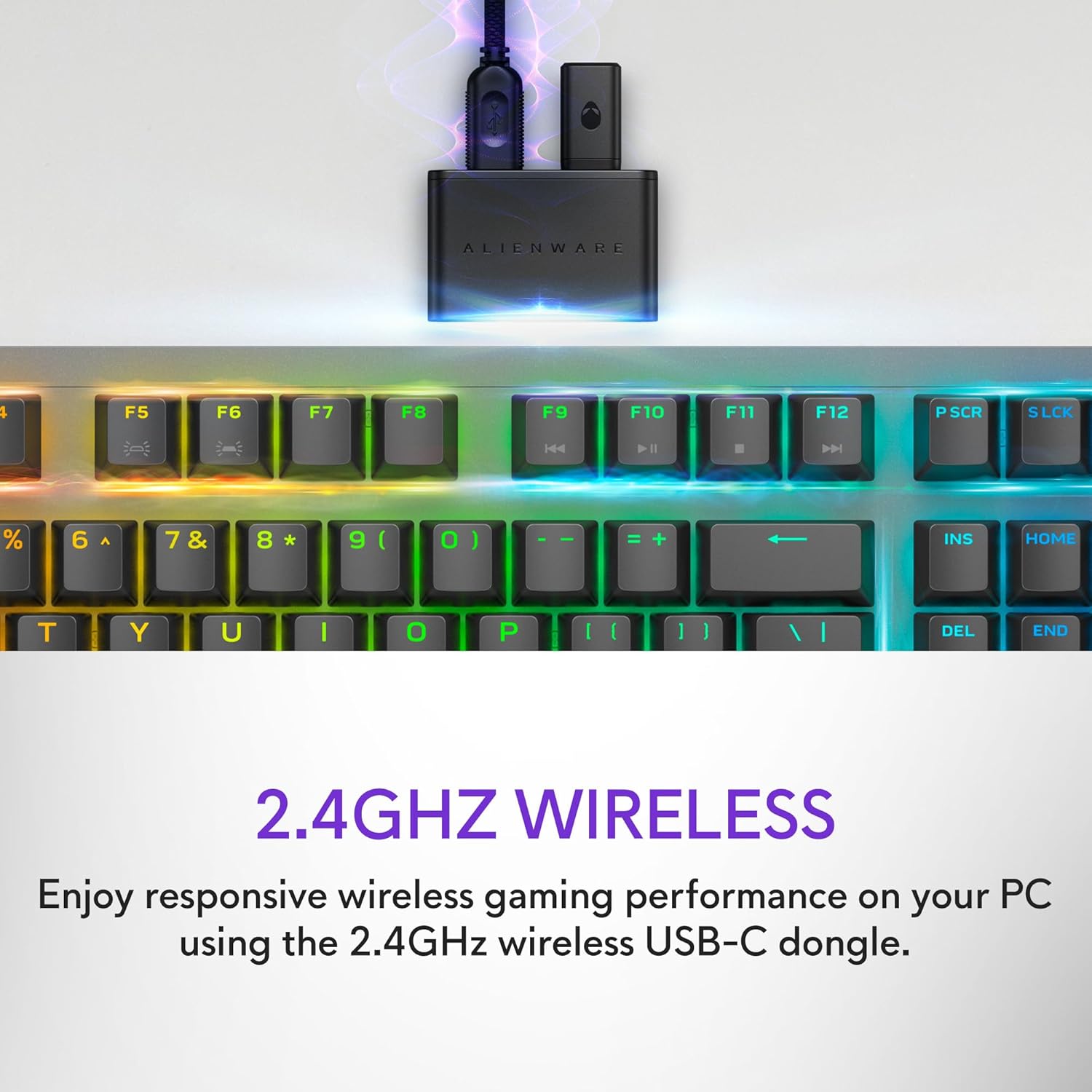
Figure 2: The 2.4GHz wireless USB-C dongle for PC connection.
Bluetooth 5.1 ryšys
Connect up to three different compatible devices via Bluetooth 5.1. Use the selection button located on the back of the keyboard to choose the active paired device or switch to the 2.4GHz connection.

Figure 3: Connectivity toggle switch on the back of the keyboard.
Laidinis USB jungtis
For a direct and reliable connection, plug in and play on your PC using the detachable USB paracord cable.

Figure 4: Connecting the keyboard via the detachable USB cable.
Įkrovimas
The keyboard features magnetic snap-on charging for convenience. Easily connect and disconnect the charging cable to keep your keyboard powered without interrupting your game or compromising performance.

Figure 5: Magnetic snap-on charging port.
The keyboard offers robust battery life: up to 42 hours with 50% RGB lighting brightness on 2.4GHz dongle connection, or up to 46 hours on Bluetooth connection with 50% RGB lighting brightness.
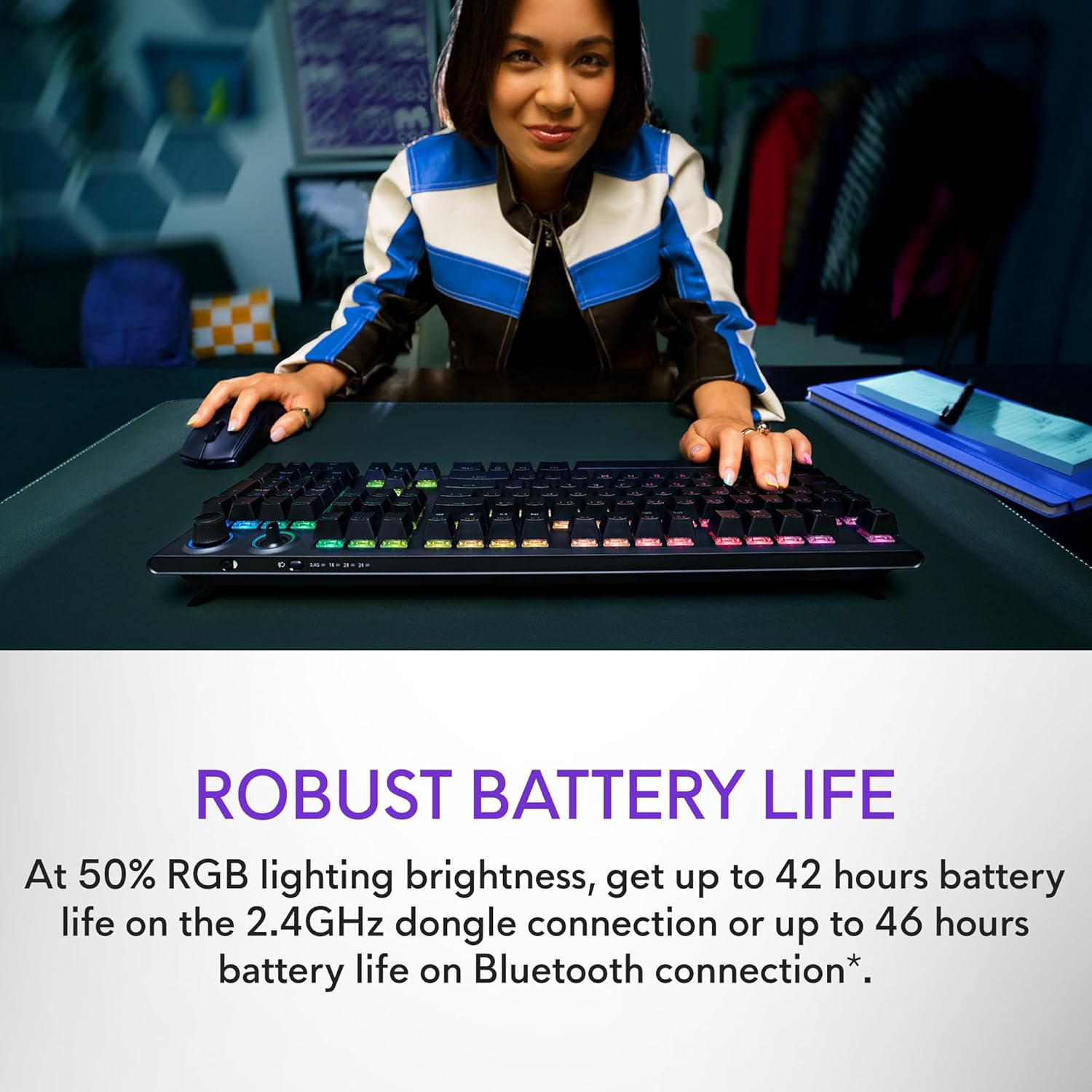
Figure 6: Illustration of the keyboard's extended battery life.
Naudojimo instrukcijos
Key Switches and Performance
The AW920K features CHERRY MX Red switches, known for their consistent high performance, 100 million actuation lifecycle, responsive feel, and smooth linear operation, making them ideal for gaming.

7 pav. Iš arti view of the CHERRY MX Red switches.
Double-shot PBT keycaps provide reliable durability and exceptional wear resistance. The key legends are molded into the cap, not painted, ensuring dependable fade resistance.
Pritaikomi valdikliai
The programmable rocker switch and dial allow you to customize your experience. Map compatible Windows productivity controls via Alienware Command Center on your PC. This includes media controls and system volume, accessible directly from your fingertips.

Figure 8: The programmable rocker switch and dial for custom functions.
AlienFX RGB Lighting
AlienFX per-key RGB lighting is configurable with Alienware Command Center, delivering an immersive gaming experience with up to 16.8 million colors. Utilize the Alienware Command Center on PC to create themes and customize the keyboard for a more personal gaming experience.

Figure 9: Keyboard displaying AlienFX RGB lighting effects.
Žaidimų ypatybės
The keyboard supports full anti-ghosting and N-key rollover, ensuring that all keystrokes register correctly and the keyboard remains responsive during intense gaming sessions and rapid typing.
Priežiūra
To ensure the longevity and optimal performance of your Alienware AW920K keyboard, follow these maintenance guidelines:
- Valymas: Šiek tiek naudokite minkštą, be pūkelių šluostę dampened with water or a mild cleaning solution to wipe down the keycaps and chassis. Avoid harsh chemicals or abrasive materials.
- Dulkių šalinimas: Norėdami pašalinti dulkes ir šiukšles iš tarpų tarp klavišų dangtelių, naudokite suslėgtą orą.
- Saugykla: Kai klaviatūra ilgesnį laiką nenaudojama, ją laikykite sausoje, vėsioje vietoje, toliau nuo tiesioginių saulės spindulių ir ekstremalių temperatūrų.
- Kabelio priežiūra: Handle the detachable USB cable with care. Avoid sharp bends or excessive pulling to prevent damage.
Trikčių šalinimas
If you encounter issues with your Alienware AW920K keyboard, refer to the following common troubleshooting steps:
| Problema | Galima priežastis / sprendimas |
|---|---|
| Klaviatūra nereaguoja (belaidė) |
|
| RGB apšvietimas neveikia |
|
| Raktai neregistruojami arba rodomi šešėliai |
|
| Programmable features not working |
|
Specifikacijos
| Funkcija | Detalė |
|---|---|
| Modelio numeris | AW920K |
| Ryšys | 2.4 GHz belaidis ryšys, „Bluetooth 5.1“, laidinis USB-C ryšys |
| Raktų jungikliai | CHERRY MX Red |
| Klaviatūros | Dvigubo šūvio PBT |
| Apšvietimas | AlienFX per-key RGB |
| Battery Life (2.4GHz, 50% RGB) | Iki 42 valandų |
| Battery Life (Bluetooth, 50% RGB) | Iki 46 valandų |
| Anti-Ghosting | Visiškas anti-ghosting |
| N klavišo perkėlimas | Palaikoma |
| Matmenys (IxPxH) | 17.76 x 5.82 x 2.28 colio (45.1 x 14.8 x 5.8 cm) |
| Svoris | 2.35 svaro (1.06 kg) |
| Suderinami įrenginiai | Nešiojamasis kompiuteris, asmeninis kompiuteris, išmanusis telefonas, planšetinis kompiuteris |

Figure 10: Keyboard dimensions (Length, Width, Height).
Garantija ir palaikymas
Alienware products are backed by a manufacturer's warranty. For detailed warranty information, technical support, or service inquiries, please visit the official Alienware support websvetainėje arba susisiekite su jų klientų aptarnavimo tarnyba. Išsaugokite pirkimo kvitą garantiniams reikalavimams.
For software updates and advanced customization, download the Alienware Command Center from the official Alienware support page.
You can visit the official Alienware store for more products and support: Alienware Store
Ask a question about this manual
Ask about setup, troubleshooting, compatibility, parts, safety, or missing instructions. Manuals+ will review the question and use this page’s manual context to help answer it.