1. Įvadas ir pabaigaview
This document provides essential instructions for the Generic replacement remote control designed for use with the iDEEBO S500 Window Cleaning Robot. This remote utilizes infrared (IR) technology to communicate with your device. Please ensure that your original remote control matches the appearance of this replacement remote for proper compatibility. This replacement remote may not offer all functions identical to your original remote.
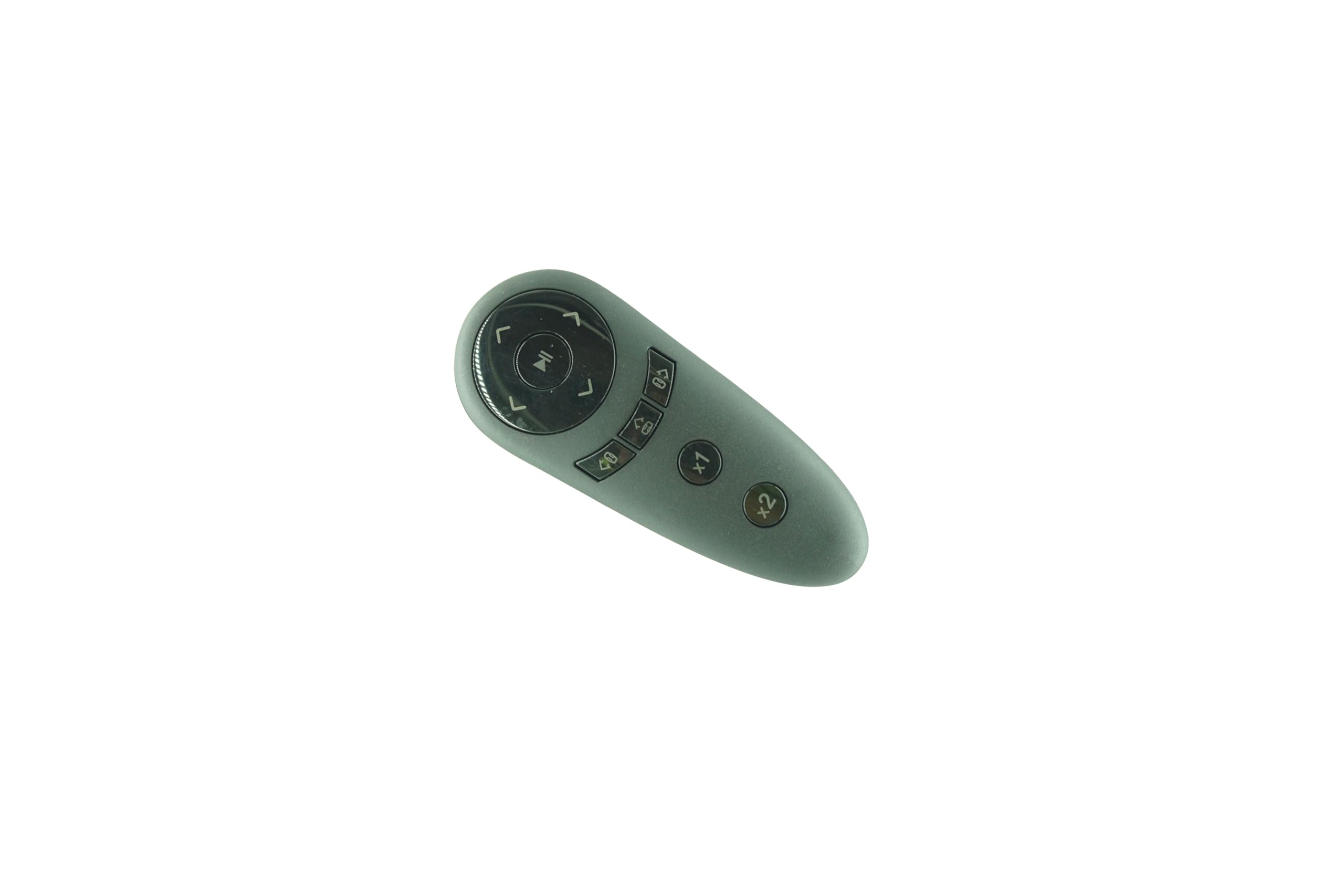
1 paveikslas: Generic Remote Control for iDEEBO S500 Window Cleaning Robot. This image displays the front view of the black remote control, featuring various control buttons for operation.
If your specific model number is not explicitly listed as compatible, or if you have any doubts regarding its suitability, it is recommended to contact the seller for verification before use.
2. Sąranka
2.1 Akumuliatoriaus įdėjimas
The remote control requires two (2) AAA batteries for operation. Follow these steps to install the batteries:
- Nuotolinio valdymo pulto gale raskite baterijų skyriaus dangtelį.
- Slide or press the latch to open the battery compartment cover.
- Įdėkite dvi AAA baterijas, užtikrindami, kad teigiamas (+) ir neigiamas (-) poliai teisingai sutaptų su žymėjimais skyriaus viduje.
- Tvirtai uždarykite baterijų skyriaus dangtelį, kol jis spragtelėdamas užsifiksuos vietoje.
Pastaba: Visada naudokite naujas baterijas ir keiskite abi baterijas vienu metu. Nemaišykite senų ir naujų baterijų arba skirtingų tipų baterijų.
3. Naudojimo instrukcijos
This remote control operates using infrared (IR) technology. For optimal performance, ensure a clear line of sight between the remote control and the iDEEBO S500 Window Cleaning Robot. The maximum effective range is approximately 8 meters (26 feet).
3.1 Pagrindinės operacijos
- Maitinimo įjungimas/išjungimas: Paspauskite Galia button to turn the window cleaning robot on or off.
- Krypties valdymas: Use the directional arrow buttons (Up, Down, Left, Right) to guide the robot's movement.
- Paleisti / pristabdyti: Paspauskite Pradėti / pristabdyti button to initiate or temporarily halt the cleaning cycle.
- Režimo pasirinkimas: If available, use dedicated mode buttons to switch between different cleaning patterns or functions. Refer to your iDEEBO S500 robot's manual for specific cleaning modes.
Point the remote control directly at the infrared receiver on the iDEEBO S500 robot when pressing buttons.
4. Priežiūra
4.1 Nuotolinio valdymo pulto valymas
Norėdami išlaikyti nuotolinio valdymo pulto išvaizdą ir funkcionalumą:
- Nuvalykite paviršių minkšta, sausa šluoste.
- Do not use abrasive cleaners, solvents, or alcohol, as these can damage the finish or internal components.
4.2 Akumuliatoriaus keitimas
Replace the batteries when the remote control's response becomes sluggish or stops working. Refer to Section 2.1 for battery installation instructions.
Svarbu: Jei nuotolinio valdymo pultas nebus naudojamas ilgesnį laiką, išimkite baterijas, kad išvengtumėte ištekėjimo ir galimos žalos.
5. Problemų sprendimas
If you experience issues with your remote control, please refer to the following troubleshooting steps:
| Problema | Galima priežastis | Sprendimas |
|---|---|---|
| Nuotolinio valdymo pultas nereaguoja. | Neišsikrovusios arba neteisingai įdėtos baterijos. | Pakeiskite baterijas naujomis AAA baterijomis, užtikrindami teisingą poliškumą. |
| Nuotolinio valdymo pulto veikimo nuotolis ribotas arba jis reaguoja su pertrūkiais. | Weak batteries; Obstruction between remote and robot; Remote is too far from the robot. | Replace batteries. Ensure a clear line of sight. Move closer to the robot (within 8 meters). |
| Kai kurios funkcijos neveikia. | Incompatibility with specific robot functions; Remote is a replacement and may not have all original features. | Verify compatibility with your iDEEBO S500 robot's original remote. Contact seller if critical functions are missing. |
6. Specifikacijos
| Prekės ženklas | Bendras |
| Suderinamas modelis | iDEEBO S500 Window Cleaning Robot |
| Ryšio technologija | Infraraudonųjų spindulių (IR) |
| Didžiausias diapazonas | 8 metrai |
| Maitinimo šaltinis | 2 x AAA baterijos (į komplektą neįeina) |
| Spalva | Juoda |
| Ypatinga funkcija | Ergonomic, Replacement |
7. Garantija ir palaikymas
7.1 Informacija apie garantiją
This product comes with a 90-day warranty, offering hassle-free returns. Please retain your proof of purchase for any warranty claims.
7.2 Pagalba klientams
For any questions, concerns, or technical assistance regarding this remote control, please contact the seller directly through the platform where the purchase was made. Provide your order details and a clear description of the issue for prompt support.


