
Įvadas
Thank you for choosing the Verilux Wireless Mouse M103. This manual provides detailed instructions for setting up, operating, and maintaining your new mouse. Please read this manual carefully before use to ensure optimal performance and longevity of your device.
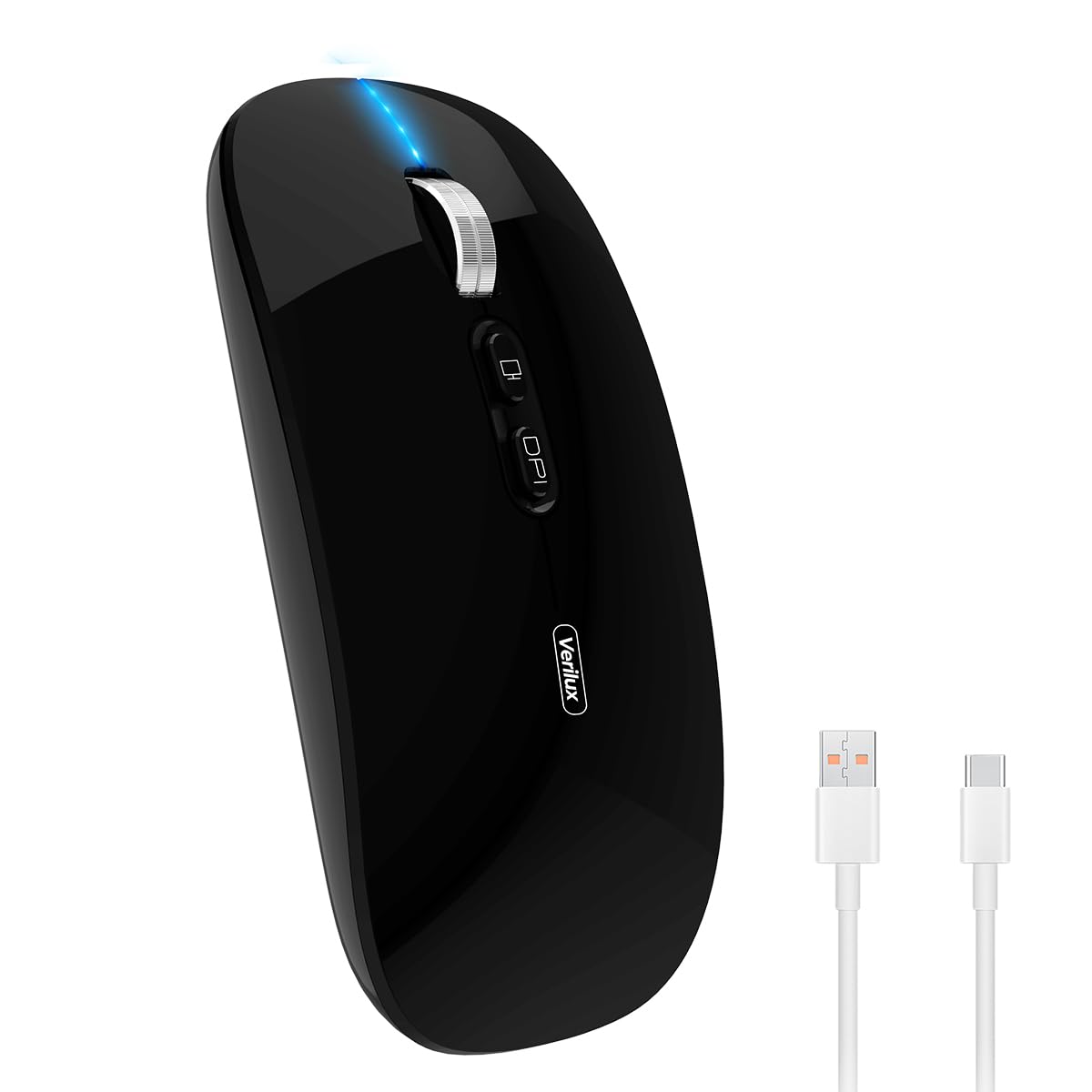
Image: Verilux Wireless Mouse M103 in black.
Produktas baigtasview
The Verilux M103 is a versatile wireless mouse offering dual-mode connectivity (2.4G USB and Bluetooth 5.1), a rechargeable battery, and an ergonomic, silent design. It is compatible with a wide range of devices and operating systems.

Image: The Verilux M103 mouse demonstrating its dual Bluetooth connectivity with a laptop and tablet.
Pagrindinės funkcijos:
- Dvigubo režimo ryšys: Seamlessly switch between 2.4G USB and Bluetooth 5.1.
- Įkraunama baterija: Built-in 500mAh battery with 4-level power indicator.
- Ergonomic & Silent Design: Comfortable grip with silent clicks for a quiet working environment.
- Visuotinis suderinamumas: Supports Android, Windows, MacOS, iOS 12 and above, PC, laptops, and tablets.
- Reguliuojamas DPI: Customize mouse sensitivity for precise control.
Sąranka
1. 2.4G Mode Setup:
- Locate the USB receiver stored in the mouse's bottom compartment.
- Plug the USB receiver into an available USB port on your device (laptop, PC).
- Įjunkite pelę naudodami įjungimo / išjungimo jungiklį, esantį apačioje.
- Pelė turėtų automatiškai prisijungti prie jūsų įrenginio.
Video: Demonstrates unboxing, identifying the USB receiver, and connecting the mouse via 2.4G USB to a laptop.
2. Bluetooth Mode Setup:
The mouse supports two Bluetooth channels: Bluetooth 3.0 and Bluetooth 5.1.
- Įjunkite pelę naudodami įjungimo / išjungimo jungiklį apačioje.
- Switch the mode selector on the bottom of the mouse to either BT3.0 (center blue light) or BT5.1 (right blue light).
- Activate Bluetooth on your device (laptop, PC, iPad, phone).
- Ieškokite available Bluetooth devices and select 'BT5.1 Mouse' to connect.
- If the indicator light blinks and the connection is unsuccessful, restart both your device and the mouse, then try again.
Naudojimo instrukcijos
Pelės mygtukai:
- Kairysis spustelėjimas: Standartinis pasirinkimas.
- Dešiniuoju pelės mygtuku spustelėkite: Kontekstinis meniu.
- Scroll Wheel (Middle Button/Roller): Scroll up/down, click for middle-click functions.
- DPI mygtukas: Reguliuoja pelės jautrumą (DPI).
- One-Click Desktop Button: Greitai sumažina visus atidarytus langus, kad būtų rodomas darbalaukis.

Image: Close-up of the Verilux M103 mouse, highlighting the scroll wheel, DPI button, and one-click desktop button.
DPI reguliavimas:
Press the DPI button (located behind the scroll wheel) to cycle through different sensitivity levels (e.g., 800, 1200, 1600 DPI). Choose the setting that best suits your preference and task.
Įkrovimas ir baterija
The Verilux M103 mouse features a built-in 500mAh rechargeable battery. It is equipped with 4-level power indicator lights to show the remaining battery life.
Įkrovimo instrukcijos:
- Connect the mouse to a power source using the provided USB-C charging cable. The charging port is located at the front of the mouse.
- A flashing light on the mouse indicates normal charging.
- Charge the mouse using a 5V 1A, 5V 2A, or an adapter with no more than 10W of power. It can also be charged by connecting it to a computer's USB port.
- The mouse can be used while charging.
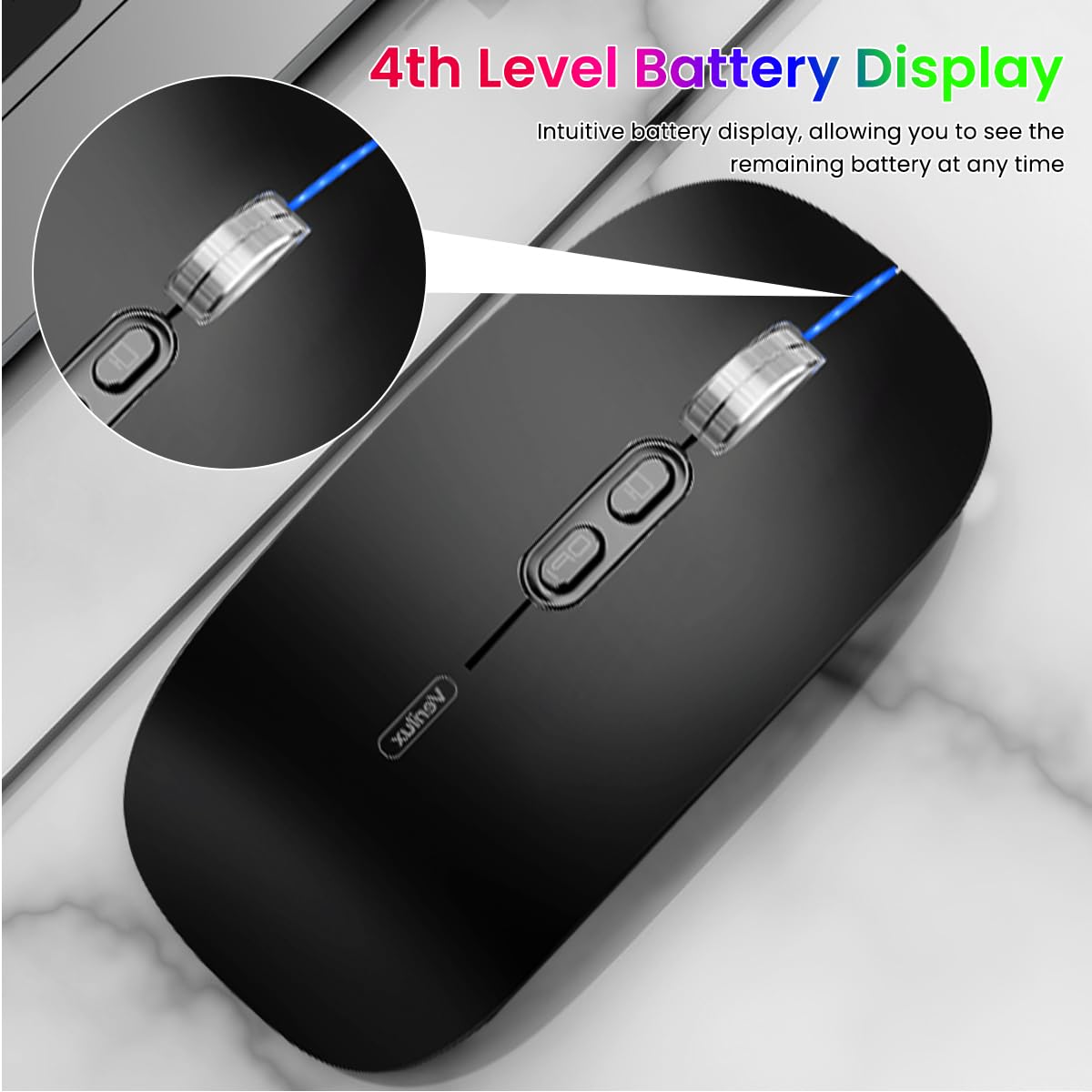
Image: The Verilux M103 mouse displaying its 4-level battery indicator lights.

Image: The Verilux M103 mouse connected to a laptop for charging via its USB-C port.
Suderinamumas
The Verilux M103 Wireless Mouse offers broad compatibility with various devices and operating systems:
- Operacinės sistemos: Android, Windows (7, XP, 8, 10), MacOS, iOS 12 and above, Linux.
- Įrenginiai: Laptops, Personal Computers, Tablets, iPads, MacBooks.

Image: The Verilux M103 mouse shown with a laptop, desktop monitor, iPad, and smartphone, illustrating its wide compatibility.
Priežiūra
To ensure the longevity and optimal performance of your Verilux Wireless Mouse M103, follow these maintenance guidelines:
- Valymas: Pelę valykite minkšta, sausa šluoste. Jei nešvarumai sunkiai įveikiami, šiek tiek nuvalykite.ampNuvalykite šluostę vandeniu arba švelniu valymo tirpalu. Venkite stiprių cheminių medžiagų ar abrazyvinių medžiagų.
- Saugykla: When not in use, especially during travel, store the USB receiver in its designated compartment at the bottom of the mouse to prevent loss.
- Akumuliatoriaus priežiūra: Avoid fully discharging the battery frequently. Charge the mouse when the power indicator shows low battery. Do not expose the mouse to extreme temperatures.
- Aplinkos sąlygos: Keep the mouse away from excessive dust, moisture, and direct sunlight.
Trikčių šalinimas
If you encounter issues with your Verilux Wireless Mouse M103, please refer to the following common solutions:
| Problema | Sprendimas |
|---|---|
| Mouse not connecting (2.4G Mode) |
|
| Mouse not connecting (Bluetooth Mode) |
|
| Mouse cursor lagging or erratic movement |
|
| Pelė neįkraunama |
|
Specifikacijos
| Funkcija | Detalė |
|---|---|
| Prekės ženklas | Verilux |
| Modelio numeris | M103 (AZEM4-0K5FZ5C) |
| Ryšio technologija | Bluetooth (3.0 & 5.1), 2.4G Wireless |
| Judesio aptikimo technologija | Optinis |
| DPI nustatymai | Iki 1600 DPI (reguliuojama) |
| Baterija | 500mAh įkraunama |
| Maitinimo šaltinis | Maitinamas baterija (įkraunamas per USB-C) |
| Mygtukai | 4 (Left, Right, Scroll Wheel/Middle, DPI, One-Click Desktop) |
| Rankų orientacija | Abipusis |
| Prekės svoris | 119 gramų |
| Prekės matmenys (I x P) | 12 ilgio x 7 pločio centimetrų |
| Spalva | Black (Standard Black variant) |
Garantija ir palaikymas
For warranty information and customer support, please refer to the documentation included with your product packaging or visit the official Verilux websvetainę. Taip pat galite susisiekti tiesiogiai su pardavėju dėl pagalbos.
Gamintojas: Verilux, Yiwu Kaiming Industrial Co., Ltd.
Importuotojas / Pakuotojas: Verilux
Daugiau informacijos galite rasti adresu Verilux Store on Amazon.