
CAPOXO CP-PBV-32G-New
CAPOXO CP-PBV-32G-New skaitmeninio balso įrašymo įrenginio naudotojo vadovas
Model: CP-PBV-32G-New | Brand: CAPOXO
1. Įvadas
This manual provides detailed instructions for the operation and maintenance of your CAPOXO CP-PBV-32G-New Digital Voice Recorder. Please read this manual thoroughly before using the device to ensure proper functionality and to maximize its lifespan.
The CAPOXO CP-PBV-32G-New is a 32GB digital voice recorder designed for capturing audio with clarity. It features a long-lasting battery, voice-activated recording, and MP3 playback capabilities. Its compact design allows for discreet use in various environments.
2. Pakuotės turinys
Patikrinkite, ar pakuotėje yra visi reikalingi daiktai:
- 1 x CAPOXO CP-PBV-32G-New Digital Voice Recorder
- 1x USB laidas
- 1x ausines
- 1 x Naudotojo vadovas (šis dokumentas)
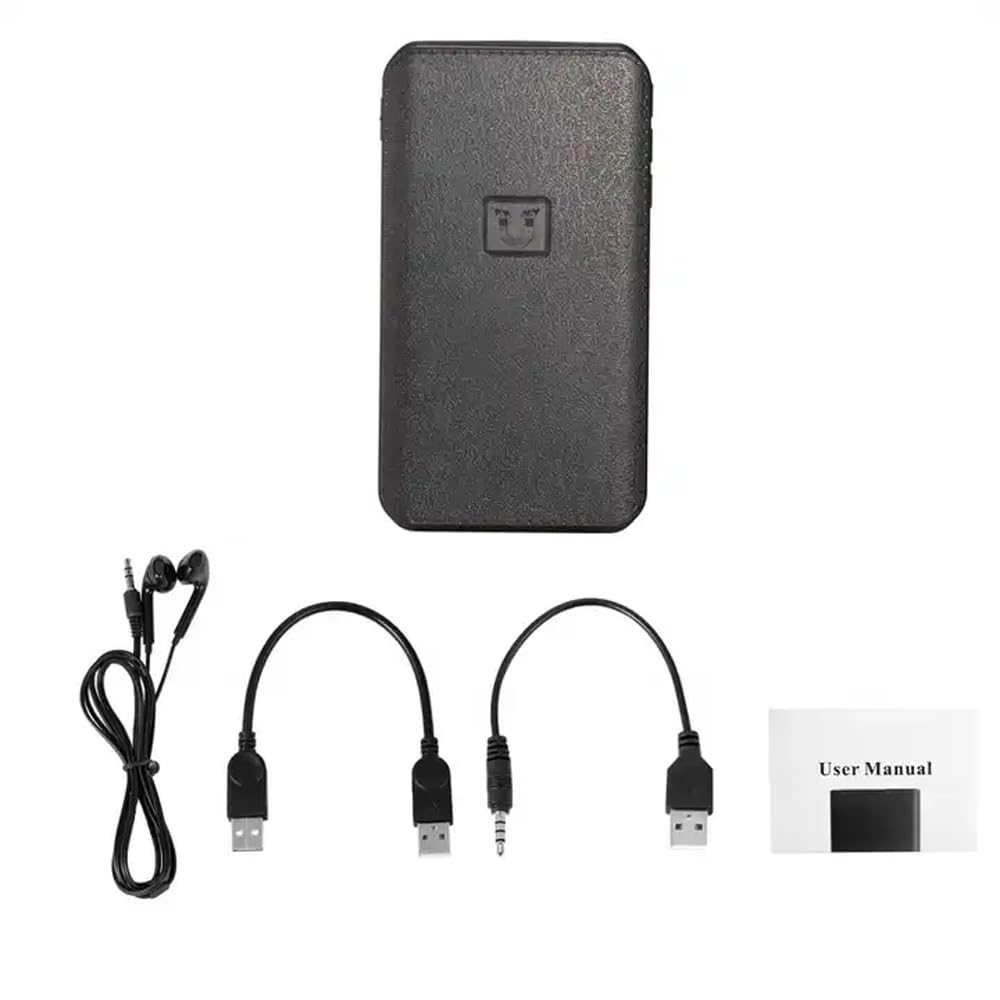
Image: Contents of the CAPOXO voice recorder package, including the recorder, USB cable, earphones, and user manual.
3. Produktas baigtasview
Susipažinkite su įrenginio komponentais ir valdikliais.

Image: Diagram showing the CAPOXO voice recorder with labels for the headphone plug, USB/Charge input, USB/Charge output, Volume plus, Volume reduction, Menu button, and recording switch.
- Recording Switch: Slide to initiate or save recordings.
- Headphone Plug: For connecting earphones for audio playback.
- USB/Charge Input: Skirta įrenginiui įkrauti ir prijungti prie kompiuterio.
- USB/Charge Output: (If applicable, for power bank function)
- Garsumo mygtukai: Sureguliuokite atkūrimo garsumą.
- Meniu mygtukas: Access device settings and navigation.
4. Sąranka
4.1 Įrenginio įkrovimas
Before first use, fully charge the voice recorder. Connect the device to a USB power adapter (not included) or a computer's USB port using the provided USB cable. The charging indicator will show the charging status.
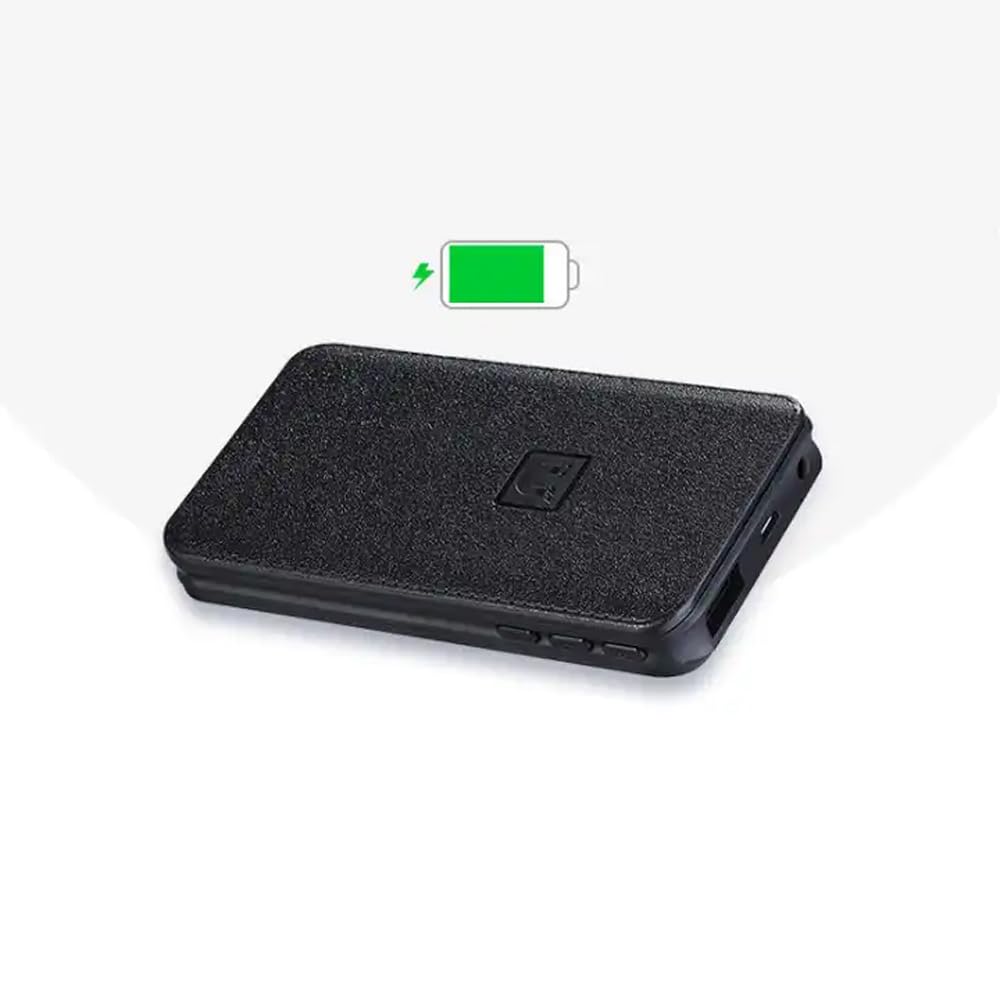
Image: The CAPOXO voice recorder with a green battery icon indicating a full or charging battery.
4.2 Prijungimas prie kompiuterio
Norėdami perkelti files or set the device's time, connect the recorder to your computer using the USB cable. The device will appear as a removable disk drive.
5. Naudojimo instrukcijos
5.1 Pagrindinis įrašymas
- To start recording, slide the recording switch to the "ON" position. The device will begin recording automatically.
- To save the recording and stop, slide the recording switch to the "OFF" position. The recording will be saved as an MP3 file.

Image: A hand interacting with the CAPOXO voice recorder, illustrating the "Push ON to start recording" and "Push OFF to save recording" actions. Icons for one-click recording, automatic save, segmented recording, magnetic adsorption, OTG, and AVR Mode are also visible.
5.2 Voice Activated Recording (AVR Mode)
The device supports Voice Activated Recording (AVR). Refer to the on-screen menu or specific instructions for activating and configuring this mode. In AVR mode, the recorder will automatically pause during silent periods to conserve storage space and battery life.
5.3 Atkūrimas
- Connect the provided earphones to the headphone jack.
- Use the menu button to navigate through saved recordings.
- Press the play button (if available, or use the menu) to start playback.
- Garsumą reguliuokite naudodami garsumo mygtukus.
5.4 File Valdymas
Įrašai išsaugomi MP3 formatu files. When connected to a computer, you can access, copy, move, or delete these files like any other data on a USB drive. Files are typically organized by date for easy identification.
5.5 Magnetinė adsorbcija
The recorder features strong magnetic adsorption, allowing it to be easily attached to any metallic surface. This provides versatile placement options for recording.
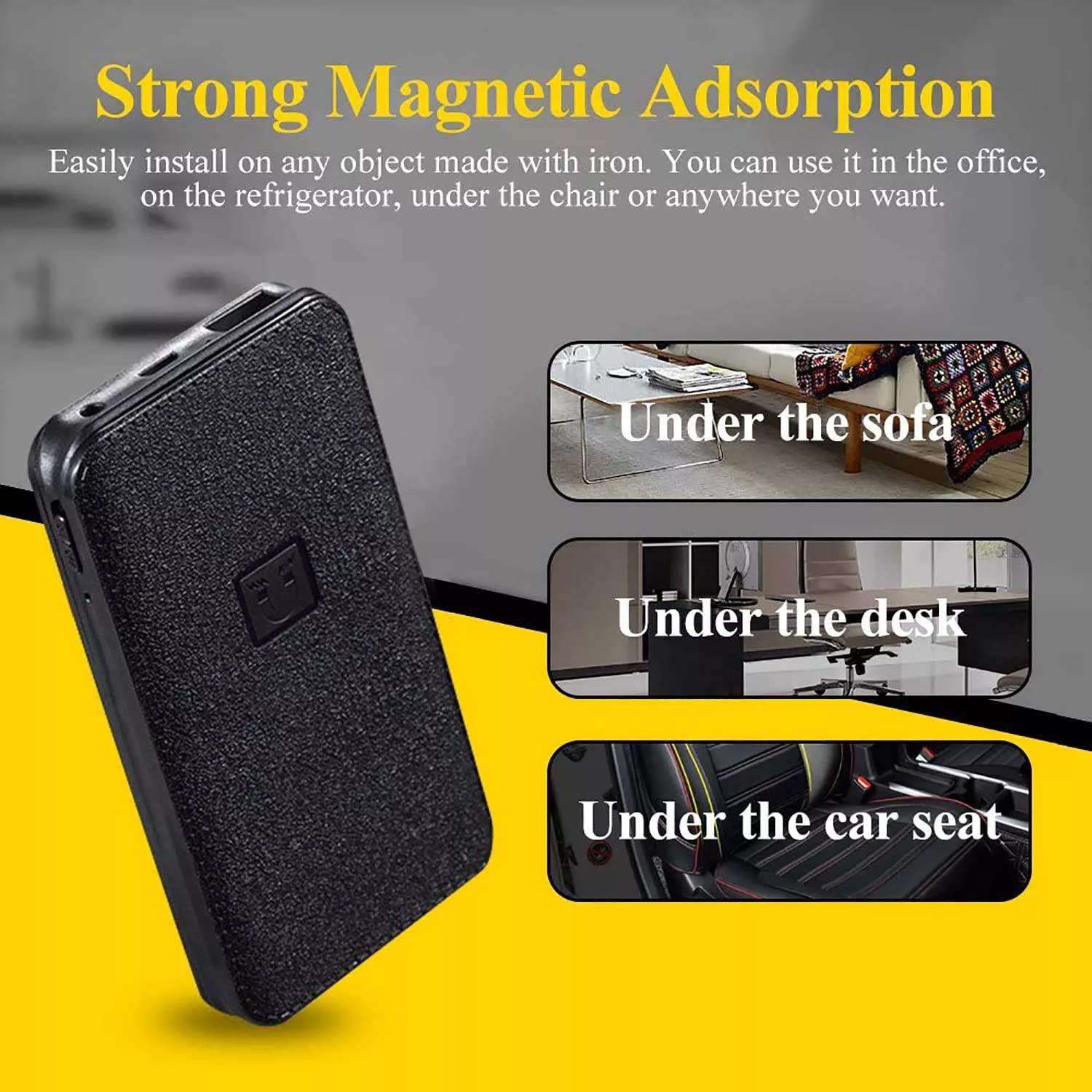
Image: The CAPOXO voice recorder shown with text indicating "Strong Magnetic Adsorption" and examples of placement such as "Under the sofa", "Under the desk", and "Under the car seat".
6. Priežiūra
- Laikykite prietaisą sausą ir atokiau nuo ekstremalių temperatūrų.
- Išorę valykite minkšta, sausa šluoste. Nenaudokite skystų valiklių.
- Saugokitės, kad prietaisas nenukristų ir nepatirtų stipraus smūgio.
- Regularly back up important recordings to a computer.
7. Problemų sprendimas
| Problema | Galima priežastis | Sprendimas |
|---|---|---|
| Įrenginys neįsijungia. | Senka baterija. | Visiškai įkraukite įrenginį. |
| Neįmanoma įrašyti. | Memory full; Recording switch not in "ON" position. | Ištrinti seną files to free up space; Ensure switch is in "ON" position. |
| Prasta garso kokybė. | Device too far from sound source; High background noise. | Place the device closer to the sound source; Record in a quieter environment. |
| Įrenginys neatpažįstamas kompiuterio. | Faulty USB cable; Driver issue; Incorrect connection. | Try a different USB cable or USB port; Restart computer; Ensure proper connection. |
8. Specifikacijos
| Prekės ženklas | CAPOXO |
| Modelis | CP-PBV-32G-New |
| Atminties talpa | 32 GB |
| Gaminio matmenys | 12 x 4.5 x 1.5 cm |
| Prekės svoris | 395 g |
| Baterijos tipas | Ličio polimeras |
| Vidutinis akumuliatoriaus veikimo laikas | Up to 15 Days (recording) |
| Palaikomi garso formatai | MP3 |
| Mikrofono formatas | Įmontuotas |
| Techninės įrangos sąsaja | B tipo USB 3.0 |
| Suderinami įrenginiai | MP3 grotuvas, asmeninis kompiuteris, išmanusis telefonas, planšetinis kompiuteris |

Image: The CAPOXO voice recorder placed next to a ruler, illustrating its physical dimensions of approximately 12 cm in length and 4.5 cm in width.
9. Garantija ir palaikymas
9.1 Informacija apie garantiją
This product is covered by a limited warranty against defects in materials and workmanship. Please refer to the warranty card included in your package or contact customer support for specific warranty terms and conditions. Keep your purchase receipt as proof of purchase.
9.2 Pagalba klientams
For technical assistance, troubleshooting, or warranty claims, please contact CAPOXO customer support. Contact details may be found on the product packaging or the official CAPOXO websvetainę.
Gamintojas: Capoxo
Importuotojas: CAPOXO
Kilmės šalis: Indija
Ask a question about this manual
Ask about setup, troubleshooting, compatibility, parts, safety, or missing instructions. Manuals+ will review the question and use this page’s manual context to help answer it.