
IMIKI SF1
IMIKI SF1 Smart Watch User Manual
Modelis: SF1
1. Įvadas
The IMIKI SF1 Smart Watch is a sophisticated wearable device designed to enhance your daily life with advanced health monitoring, smart connectivity, and a durable, stylish design. Featuring a vibrant AMOLED display and a comfortable magnetic strap, the SF1 offers a seamless user experience for tracking fitness, managing calls, and staying informed.
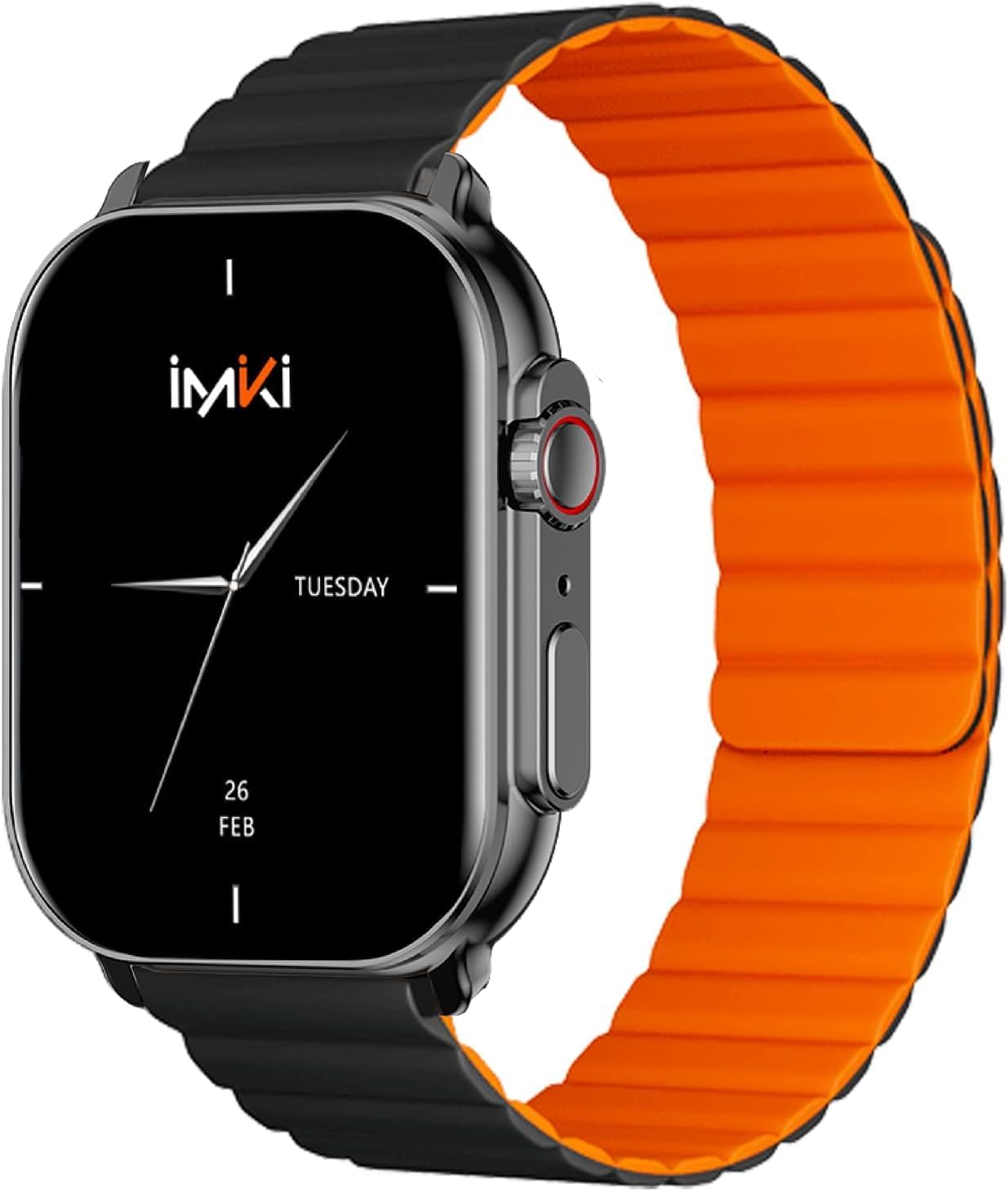
Image: The IMIKI SF1 Smart Watch, showcasing its sleek design and magnetic strap.
2. Kas yra dėžutėje
- IMIKI SF1 Smart Watch (with magnetic strap)
- Įkrovimo kabelis
- Vartotojo vadovas
3. Sąranka
3.1 Įrenginio įkrovimas
Before first use, fully charge your IMIKI SF1 Smart Watch. Connect the magnetic charging cable to the charging points on the back of the watch and plug the USB end into a compatible power adapter (5V/1A recommended). A full charge typically takes approximately 2 hours.
3.2 Papildomos programėlės atsisiuntimas
To unlock the full functionality of your IMIKI SF1, download the official companion app on your smartphone. Ieškokite "IMIKI" in the Apple App Store (for iOS devices) or Google Play Store (for Android devices).
3.3 Susiejimas su išmaniuoju telefonu
- Įsitikinkite, kad jūsų išmaniajame telefone įjungtas „Bluetooth“.
- Open the IMIKI companion app.
- Follow the on-screen instructions within the app to search for and connect to your SF1 Smart Watch. The watch will typically appear as "IMIKI SF1" in the list of available devices.
- Jei būsite paraginti, patvirtinkite susiejimo užklausą ir laikrodyje, ir išmaniajame telefone.
3.4 Adjusting the Magnetic Strap
The IMIKI SF1 features a convenient magnetic silicone strap. To adjust, simply wrap the strap around your wrist and allow the magnetic ends to secure themselves for a comfortable and snug fit. Ensure the watch is not too tight or too loose for accurate health monitoring.

Image: The magnetic strap of the IMIKI SF1 Smart Watch, illustrating its adjustable and secure design.
4. Naudojimo instrukcijos
4.1 Pagrindinė navigacija
- Jutiklinis ekranas: Braukite aukštyn, žemyn, kairėn arba dešinėn, kad naršytumėte meniu ir pranešimus. Palieskite, kad pasirinktumėte elementus.
- Mechanical Feedback Crown: Rotate the crown to scroll through lists, adjust volume, or change brightness. Press the crown to return to the home screen or confirm selections.

Vaizdas: Šoninė view of the IMIKI SF1 Smart Watch, highlighting the mechanical feedback crown for navigation.
4.2 Smartphone Connection and Calls
The IMIKI SF1 supports Bluetooth 5.3 for stable and efficient connection to your smartphone. You can manage calls directly from your watch, including answering, rejecting, and making calls, even with hands-free functionality. The adaptive noise cancellation feature helps ensure clear audio during calls.
4.3 Customizing Dials and Features
Utilize the companion app to customize your watch faces and access various functions. The app allows you to personalize the display to suit your style and preferences.
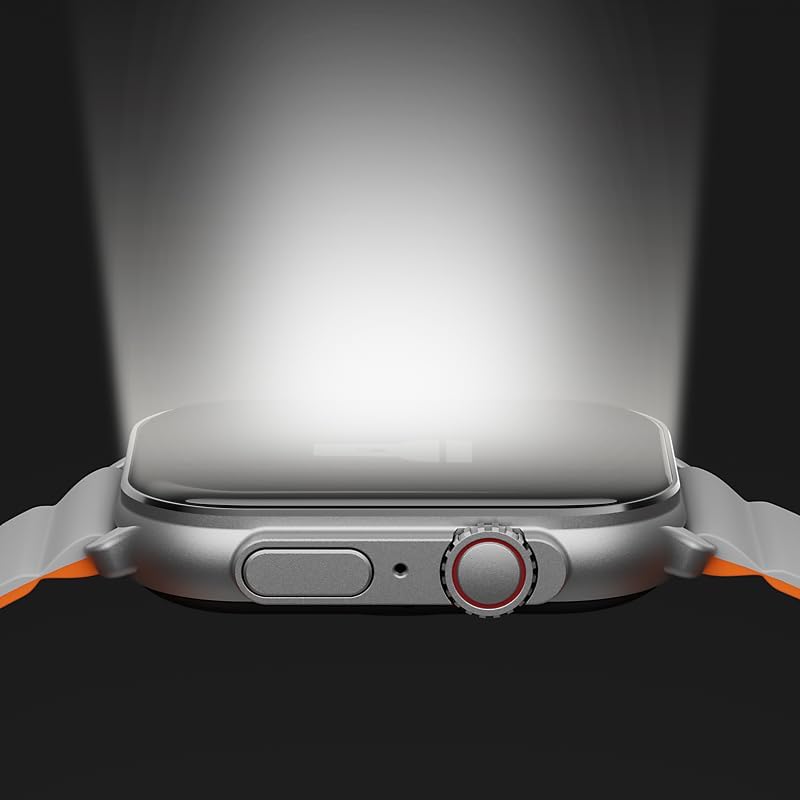
Image: The IMIKI SF1 Smart Watch display, illustrating various app icons and data screens for daily activities, heart rate, and stress monitoring.
5. Sveikatos ir fizinio pasirengimo stebėjimas
The IMIKI SF1 is equipped with an optical sensor for comprehensive health tracking. It supports 105 training modes to accurately record your exercise statistics. Key health features include:
- Širdies ritmo matavimas: Nuolat stebi jūsų širdies ritmą visą dieną.
- Kraujo deguonies įsotinimo (SpO2) nustatymas: Measures the oxygen levels in your blood.
- Veiklos stebėjimas: Įrašo žingsnius, atstumą, sudegintas kalorijas ir aktyvias minutes.
- Miego stebėjimas: Analyzes sleep patterns to help you understand your sleep quality.

Image: The back of the IMIKI SF1 Smart Watch, showing the optical sensors used for heart rate and blood oxygen measurement.
6. Atsparumas vandeniui
The IMIKI SF1 Smart Watch has an IP68 atsparumo vandeniui įvertinimas, meaning it is resistant to dust and can withstand immersion in water up to 1.5 meters for 30 minutes. This makes it suitable for daily use, including hand washing, rain, and shallow water activities. Avoid hot water, steam, or prolonged immersion in deep water.
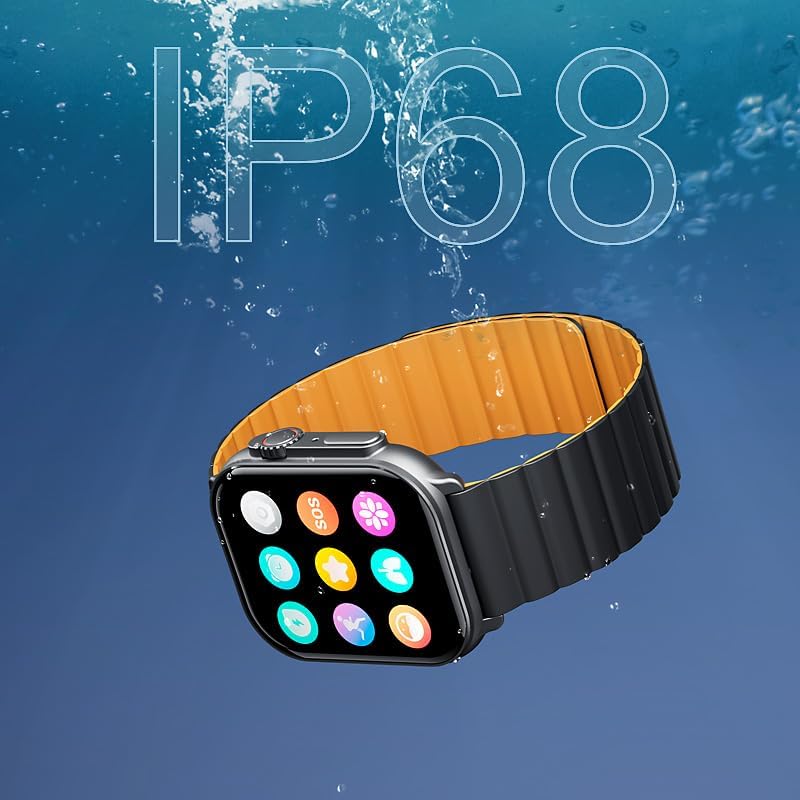
Image: The IMIKI SF1 Smart Watch submerged in water, illustrating its IP68 water resistance rating.
7. Baterijos veikimo laikas
The IMIKI SF1 is equipped with a 280mAh battery, offering impressive autonomy:
- Įprastas naudojimas: Baterijos veikimo laikas iki 15 dienų.
- Intensyvus naudojimas: Baterijos veikimo laikas iki 7 dienų.
The device fully charges in approximately 2 hours.
8. Priežiūra
- Valymas: Reguliariai valykite laikrodžio ekraną ir dirželį minkštu, sausu skudurėliu. Įsisenėjusius nešvarumus lengvai nuvalykite.amp galima naudoti audinį, po to išdžiovinti.
- Įkrovimo kontaktai: Kad įkrovimas būtų efektyvus, įsitikinkite, kad laikrodžio gale esantys įkrovimo kontaktai yra švarūs ir be šiukšlių.
- Saugykla: Kai laikrodis ilgesnį laiką nenaudojamas, laikykite jį vėsioje, sausoje vietoje.
- Venkite cheminių medžiagų: Laikrodžio valymui nenaudokite stiprių cheminių medžiagų, valymo tirpiklių ar ploviklių, nes jie gali pažeisti apdailą ar vidinius komponentus.
9. Problemų sprendimas
- Laikrodis neįsijungia: Ensure the watch is fully charged. If it still doesn't turn on, try pressing and holding the crown button for 10-15 seconds to force a restart.
- Nepavyksta susieti su išmaniuoju telefonu:
- Įsitikinkite, kad jūsų telefone ir laikrodyje įjungtas „Bluetooth“.
- Įsitikinkite, kad laikrodis yra jūsų telefono „Bluetooth“ diapazone.
- Iš naujo paleiskite ir laikrodį, ir telefoną.
- Išvalykite „Bluetooth“ talpyklą telefone (jei taikoma) ir bandykite dar kartą susieti.
- Netikslūs sveikatos rodmenys: Ensure the watch is worn snugly on your wrist, not too loose or too tight. Clean the optical sensor on the back of the watch.
- Trumpas baterijos veikimo laikas: Reduce screen brightness, disable unnecessary notifications, or limit continuous health monitoring features to extend battery life.
10. Specifikacijos
| Funkcija | Specifikacija |
|---|---|
| Modelis | SF1 |
| Ekranas | 2.01 Inch AMOLED Display |
| Ryšys | Bluetooth 5.3 |
| Baterijos talpa | 280 mAh ličio jonų |
| Įprastas baterijos veikimo laikas | Iki 15 dienų |
| Intensive Battery Life | Iki 7 dienų |
| Įkrovimo laikas | apytiksliai 2 valandas |
| Atsparumas vandeniui | IP68 |
| Matmenys | 45.8 x 37 x 10.2 mm |
| Svoris | 39.8 g |
| Palaikomos kalbos | Anglų, prancūzų, vokiečių, italų, ispanų |
11. Garantija ir palaikymas
The IMIKI SF1 Smart Watch comes with a standard manufacturer's warranty. For detailed warranty information, please refer to the warranty card included in your product packaging or visit the official IMIKI website. For technical support, troubleshooting assistance, or service inquiries, please contact IMIKI customer support through the contact information provided on the official websvetainėje arba papildomoje programėlėje.
Ask a question about this manual
Ask about setup, troubleshooting, compatibility, parts, safety, or missing instructions. Manuals+ will review the question and use this page’s manual context to help answer it.