
Įvadas
Thank you for choosing the ADE WS2322 Digital Indoor Thermometer and Hygrometer. This device is designed to provide accurate measurements of indoor temperature and humidity, along with timekeeping and alarm functions. Please read this manual carefully before use to ensure proper operation and to maximize the lifespan of your device.
Saugos informacija
- Laikykite įrenginį atokiau nuo ekstremalių temperatūrų, tiesioginių saulės spindulių ir didelės drėgmės.
- Nelaikykite prietaiso nuo vandens ar kitų skysčių.
- Nebandykite patys ardyti ar taisyti įrenginio. Kreipkitės į kvalifikuotus techninės priežiūros darbuotojus.
- Baterijas laikykite vaikams nepasiekiamoje vietoje. Panaudotas baterijas tinkamai išmeskite laikydamiesi vietinių taisyklių.
- Prietaisą valykite minkštu, sausu skudurėliu. Nenaudokite abrazyvinių valiklių ar tirpiklių.
Pakuotės turinys
Patikrinkite pakuotės turinį, kad įsitikintumėte, jog yra visi reikalingi daiktai:
- 1 x ADE WS2322 Digital Indoor Thermometer and Hygrometer
- 1 x AAA baterija
- 1 x naudojimo instrukcija
Produktas baigtasview
The ADE WS2322 features a clear LCD display showing temperature, humidity, and time. It includes buttons for mode selection, setting adjustments, and switching between Celsius/Fahrenheit.
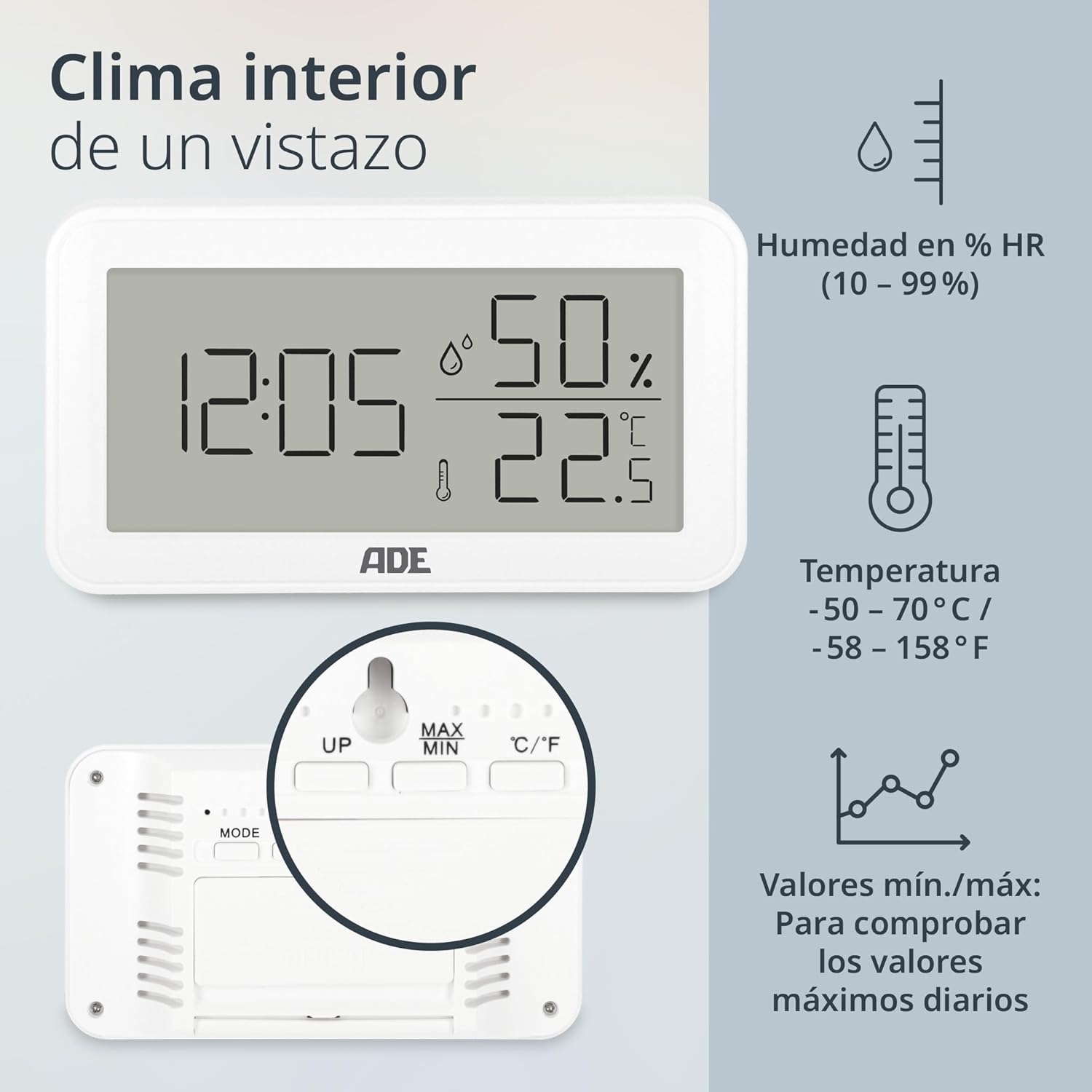
Vaizdas: Priekyje view of the ADE WS2322 display, illustrating current time, humidity percentage, and temperature in Celsius. The display also shows icons indicating humidity, temperature, and the min/max value tracking feature. This image highlights the primary information presented on the device's screen.
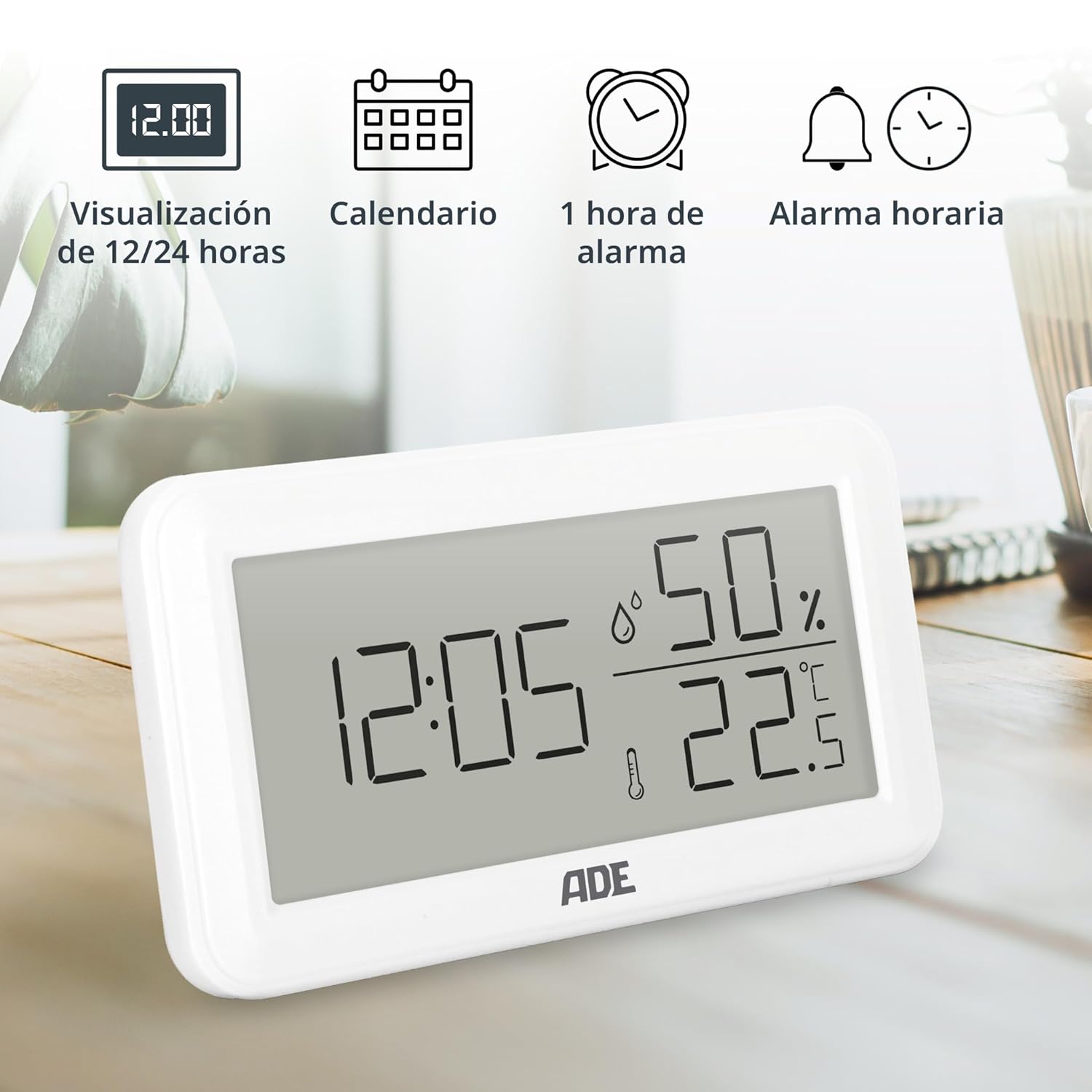
Vaizdas: The ADE WS2322 display, showcasing its various time-related functions. This includes the ability to switch between 12 and 24-hour time formats, a calendar display, a 1-hour alarm, and an hourly chime function. The image emphasizes the device's versatility beyond just temperature and humidity monitoring.
Sąranka
1. Akumuliatoriaus įdėjimas
- Suraskite akumuliatoriaus skyrių įrenginio gale.
- Atidarykite akumuliatoriaus skyriaus dangtelį.
- Įdėkite vieną AAA bateriją, užtikrindami teisingą poliškumą (+/-).
- Saugiai uždarykite akumuliatoriaus skyriaus dangtelį.
2. Pradinis paskirstymas
The device can be placed on a flat surface using its integrated stand or mounted on a wall using the hanging loop.

Vaizdas: Galinis view of the ADE WS2322, highlighting its design for flexible placement. The image shows both the integrated stand for tabletop use and the hanging loop for wall mounting, demonstrating how the device can be adapted to various environments.
Naudojimo instrukcijos
1. Maitinimo įjungimas/išjungimas
The device powers on automatically once batteries are inserted. There is no manual power off button; remove batteries to power off.
2. Laiko ir datos nustatymas
- Paspauskite ir palaikykite REŽIMAS Norėdami įjungti laiko nustatymo režimą, 3 sekundes palaikykite nuspaudę mygtuką . Pradės mirksėti valandų skaitmenys.
- Naudokite UP or MAX/MIN mygtukai valandoms reguliuoti.
- Paspauskite REŽIMAS again to move to minute setting, then year, month, and day. Adjust each with UP or MAX/MIN.
- Paspauskite REŽIMAS paskutinį kartą, kad išeitumėte iš nustatymų režimo.
3. 12/24 valandų formato pasirinkimas
Įprastu rodymo režimu paspauskite UP mygtuką, kad perjungtumėte 12 valandų ir 24 valandų laiko formatus.
4. Temperatūros vieneto pasirinkimas (°C/°F)
Įprastu rodymo režimu paspauskite ° C / ° F mygtuką, kad perjungtumėte Celsijaus ir Farenheito temperatūros vienetus.
5. Signalizacijos nustatymai
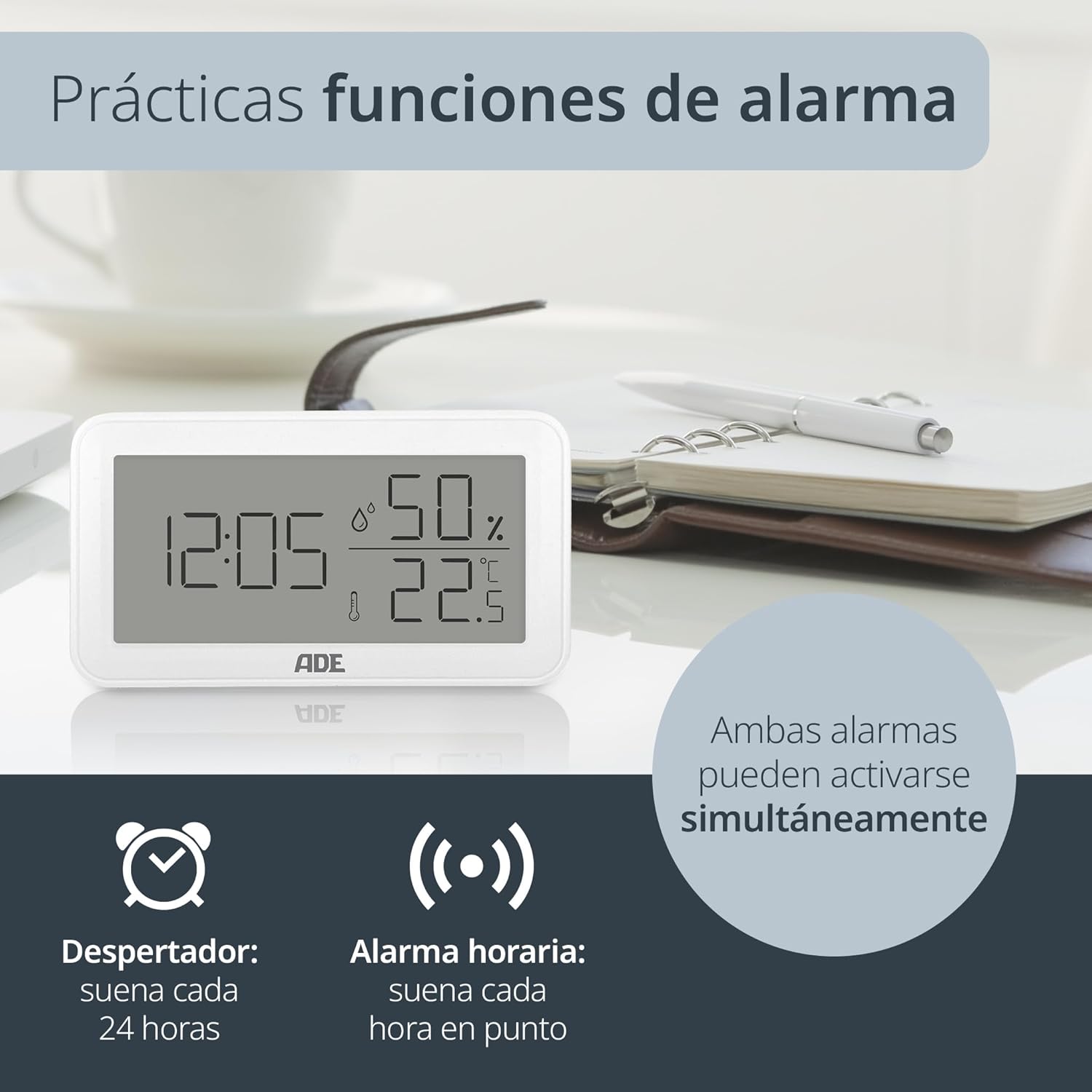
Vaizdas: The ADE WS2322 display, illustrating its practical alarm functions. It shows icons for both a daily alarm clock and an hourly chime, emphasizing that these two features can be activated concurrently to suit user preferences.
- Setting the Daily Alarm:
- Paspauskite REŽIMAS button once to enter alarm display mode (AL).
- Paspauskite ir palaikykite REŽIMAS for 3 seconds. The alarm hour digits will flash.
- Naudokite UP or MAX/MIN , kad sureguliuotumėte žadintuvo valandą.
- Paspauskite REŽIMAS again to set the alarm minute. Adjust with UP or MAX/MIN.
- Paspauskite REŽIMAS patvirtinti ir išeiti.
- Activating/Deactivating Daily Alarm: In alarm display mode (AL), press the UP mygtuką, kad įjungtumėte / išjungtumėte žadintuvą. Ekrane pasirodys / išnyks žadintuvo piktograma.
- Ho įjungimas / išjungimasurly varpelis: Įprastu rodymo režimu paspauskite MAX/MIN mygtuką, kad perjungtumėte hourly chime ON/OFF. A chime icon will appear/disappear.
6. Min/Max Temperature and Humidity Display
The device records the minimum and maximum temperature and humidity values over a period. To view these values:
- Paspauskite MAX/MIN vieną kartą, kad būtų rodoma maksimali užregistruota temperatūra ir drėgmė.
- Paspauskite MAX/MIN again to display the minimum recorded temperature and humidity.
- Paspauskite MAX/MIN a third time to return to the current temperature and humidity display.
- To reset the Min/Max values, press and hold the MAX/MIN mygtuką 3 sekundes viewing the Min/Max values.
Priežiūra
Valymas
Wipe the device with a soft, dry cloth. Do not use liquid cleaners, aerosols, or abrasive materials, as these may damage the device.
Baterijos keitimas
When the display becomes dim or the device stops functioning, replace the AAA battery. Follow the battery installation steps in the Setup section.
Trikčių šalinimas
| Problema | Galima priežastis | Sprendimas |
|---|---|---|
| Nėra ekrano arba ekranas yra pritemdytas | Low or dead battery; incorrect battery polarity. | Pakeiskite AAA bateriją; užtikrinkite teisingą poliškumą. |
| Neteisingi temperatūros / drėgmės rodmenys | Įrenginys pastatytas šalia šilumos / šalčio šaltinių arba tiesioginiuose saulės spinduliuose; jutiklis užstoja. | Relocate the device to a stable environment; ensure sensors are clear. |
| Signalizacija neskamba | Signalizacija neįjungta. | Ensure the alarm icon is displayed (refer to "Activating/Deactivating Daily Alarm"). |
| Nepavyksta nustatyti laiko / datos | Not in setting mode; buttons not pressed correctly. | Paspauskite ir palaikykite REŽIMAS mygtuką 3 sekundes, kad įjungtumėte nustatymo režimą. |
Specifikacijos

Vaizdas: The ADE WS2322 device, illustrating its compact dimensions. The image clearly labels the length (12 cm), height (6.8 cm), and depth (2.5 cm), emphasizing its suitability for various spaces due to its small footprint and clear, large-digit display.
- Modelis: WS2322
- Matmenys: 12 x 6.8 x 2.5 cm (Length x Height x Depth)
- Svoris: 110 g
- Temperatūros diapazonas: -50°C iki 70°C (nuo -58°F iki 158°F)
- Temperatūros tikslumas: ±1°C
- Drėgmės diapazonas: 10% iki 99% santykinis drėgnis
- Maitinimo šaltinis: 1 x AAA baterijos (yra komplekte)
- Funkcijos: Thermometer, Hygrometer, Digital Clock (12/24h), Daily Alarm, Hourly Chime, Min/Max Value Display
- Montavimo tipas: Wall mount or tabletop stand
- Kilmės šalis: Kinija
Garantija ir palaikymas
For warranty information or technical support, please refer to the official ADE website or contact your retailer. You can also find additional language manuals and support resources by scanning the QR code in the printed instructions or visiting the product page on Amazon.
Dėl papildomos pagalbos apsilankykite ADE Brand Store.