
1. Įvadas
This manual provides instructions for the safe and effective use of your Coby Kids' Wireless Bluetooth Earbuds, Model CETW582 (Umi The Unicorn). Please read this manual thoroughly before using the product and retain it for future reference.
These earbuds are designed for children, featuring an ergonomic design with soft gel tips for a comfortable and secure fit. They offer wireless audio connectivity via Bluetooth 5.1 and are rated IPX4 for water resistance.
2. Kas yra dėžutėje
Išpakuodami patikrinkite, ar yra visi komponentai:
- Coby Wireless Bluetooth Earbuds (Left and Right)
- Umi The Unicorn Charging Case
- Mikro USB įkrovimo laidas
- Vartotojo vadovas
3. Produktas baigtasview
Familiarize yourself with the components of your Coby Kids' Wireless Earbuds.

3.1 paveikslas: The Coby Kids' Wireless Earbuds shown within their Umi The Unicorn charging case, alongside a closed view of the case. The earbuds are white with soft gel tips, and the case features a unicorn design with a horn and ears.

3.2 paveikslas: Iš arti view of the Umi The Unicorn charging case, highlighting its design elements including the unicorn's face, horn, and ears.
Ausinių savybės:
- Lietimo valdymo sritis: Skirta valdyti atkūrimą, skambučius ir balso asistentą.
- LED indikatorius: Rodo susiejimo būseną ir akumuliatoriaus lygį.
- Mikrofonas: Skambučiams be rankų.
- Gel Tips: Soft, interchangeable tips for comfortable fit.
Įkrovimo dėklo savybės:
- Įkrovimo prievadas: Micro USB port for charging the case.
- Ausinių įkrovimo lizdai: Saugiai laiko ir įkrauna ausines.
- Įkrovimo indikatorius: Shows the charging status of the case and earbuds.
4. Sąranka
4.1 Pradinis įkrovimas
- Prieš pirmą kartą naudodami, visiškai įkraukite įkrovimo dėklą ir ausines.
- Įdėkite abi ausines į įkrovimo dėklą.
- Connect the Micro USB charging cable to the charging port on the case and the other end to a USB power source (e.g., computer, wall adapter).
- The charging indicator on the case will illuminate to show charging is in progress. A full charge takes approximately 1.5 hours.
- Visiškai įkrovę atjunkite įkrovimo kabelį.
4.2 Susiejimas su „Bluetooth“ įrenginiu
The earbuds use Bluetooth 5.1 for a stable wireless connection.
- Įsitikinkite, kad ausinės yra įkrautos ir įdėtos į įkrovimo dėklą.
- Open the charging case. The earbuds will automatically power on and enter pairing mode. The LED indicator on the earbuds will flash, indicating they are ready to pair.
- On your device (e.g., smartphone, tablet, laptop), enable Bluetooth.
- Ieškokite available Bluetooth devices. Select "COBY-CETW582" from the list.
- Once connected, the earbud LED indicators will stop flashing or show a solid light (refer to specific LED behavior in the full manual if available). A voice prompt may confirm successful pairing.
- Ausinės automatiškai vėl prisijungs prie paskutinio suporuoto įrenginio, kai bus išimtos iš dėklo, jei įrenginyje įjungtas „Bluetooth“.

4.1 paveikslas: A child wearing the Coby Kids' Wireless Earbuds, demonstrating their comfortable and secure fit with soft gel tips.
5. Operacija
5.1 Maitinimo įjungimas/išjungimas
- Maitinimas: Atidarykite įkrovimo dėklą arba paspauskite ir 3 sekundes palaikykite abiejų ausinių jutiklinio valdymo sritį.
- Išjungti: Įdėkite ausines atgal į įkrovimo dėklą ir uždarykite dangtelį arba paspauskite ir 5 sekundes palaikykite abiejų ausinių jutiklinį valdymo laukelį.
5.2 Muzikos atkūrimas
- Leisti / pristabdyti: Vieną kartą palieskite bet kurios ausinės jutiklinio valdymo sritį.
- Kitas takelis: Dukart palieskite jutiklinio valdymo sritį ant dešiniojo ausinio.
- Ankstesnis takelis: Dukart palieskite jutiklinio valdymo sritį kairiojoje ausinėje.
- Garsumo valdymas: Adjust volume directly on your connected device.
5.3 Telefoniniai skambučiai
- Atsiliepti / Baigti skambutį: Vieną kartą palieskite bet kurios ausinės jutiklinio valdymo sritį.
- Atmesti skambutį: 2 sekundes palaikykite nuspaudę bet kurios ausinės jutiklinio valdymo sritį.
5.4 Balso padėjėjas
- Suaktyvinti „Voice Assistant“: Tris kartus palieskite bet kurios ausinės jutiklinio valdymo sritį.
5.1 paveikslas: A child focused on studying while wearing the Coby Kids' Wireless Earbuds, illustrating their use for educational or quiet activities.
6. Priežiūra
6.1 Valymas
- Ausinėms ir įkrovimo dėklui valyti naudokite minkštą, sausą, nepūkuotą šluostę.
- Nenaudokite abrazyvinių valiklių, tirpiklių ar aerozolinių purškalų.
- Švelniai nuvalykite ausų sierą ar nešvarumus nuo ausinių antgalių ir garsiakalbio tinklelio, naudodami mažą, minkštą šepetėlį arba vatos tamponėlį.
6.2 Saugykla
- Kai nenaudojate, laikykite ausines įkrovimo dėkle, kad jos būtų apsaugotos ir įkrautos.
- Laikykite gaminį vėsioje, sausoje vietoje, toliau nuo ekstremalių temperatūrų ir tiesioginių saulės spindulių.
6.3 Atsparumas vandeniui (IPX4)
The earbuds are IPX4 water-resistant, meaning they are protected from splashing water from any direction. They are not designed for submersion in water. Avoid exposing them to heavy rain, showering, or swimming.
7. Problemų sprendimas
| Problema | Galima priežastis | Sprendimas |
|---|---|---|
| Ausinės neįsijungia. | Senka baterija. | Visiškai įkraukite ausines ir įkrovimo dėklą. |
| Nepavyksta susieti su įrenginiu. | Bluetooth is off on device; earbuds not in pairing mode; too far from device. | Ensure Bluetooth is enabled on your device. Place earbuds in case, close, then open to re-enter pairing mode. Move device closer to earbuds (within 33 feet). |
| Nėra garso arba garsas girdimas pertraukiamai. | Earbuds not properly connected; low battery; interference. | Check Bluetooth connection. Recharge earbuds. Move away from other wireless devices. |
| Viena ausinė neskleidžia garso. | Earbuds not properly synced. | Place both earbuds back into the charging case, close the lid, then open again to re-sync. |
| Earbuds slip out of ears. | Incorrect gel tip size or improper insertion. | Ensure gel tips are correctly sized for the user's ears. Adjust the angle of insertion for a secure fit. |
8. Specifikacijos
| Funkcija | Detalė |
|---|---|
| Modelio pavadinimas | COBY-CETW582 |
| Ryšio technologija | „Bluetooth“, belaidis |
| Belaidžio ryšio technologija | Bluetooth 5.1 |
| Įtraukti komponentai | Coby Wireless Bluetooth Earbuds for Kids |
| Įkrovimo laikas | 1.5 valandų |
| Suderinami įrenginiai | Mobilieji telefonai, nešiojamieji kompiuteriai, planšetiniai kompiuteriai |
| Valdymo tipas | Medijos valdymas, lietimas |
| Prekės svoris | 1.6 uncijos |
| Atsparumo vandeniui lygis | IPX4 Atsparus vandeniui |
| Dažnių diapazonas | nuo 20 Hz iki 20,000 Hz |
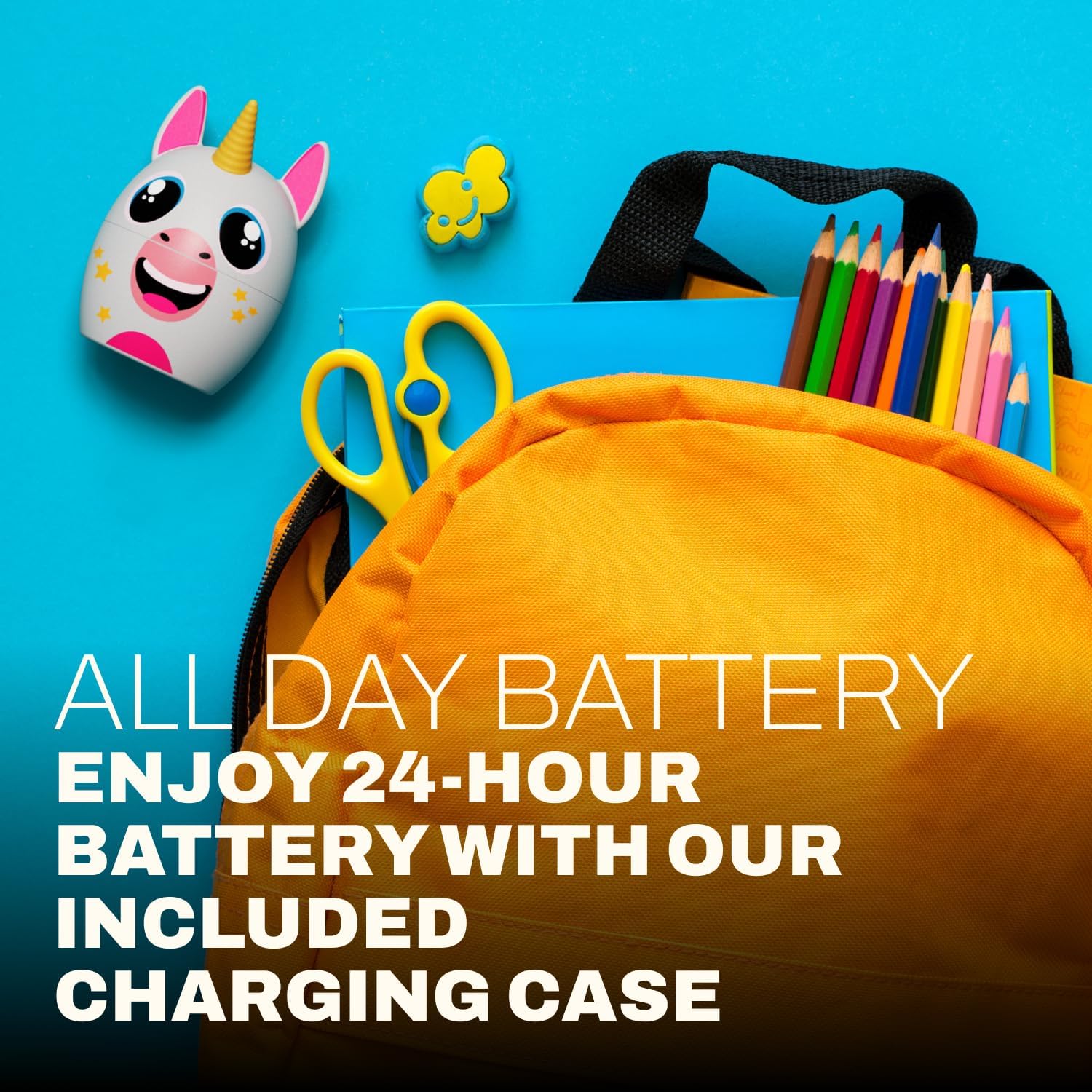
| Baterijos veikimo laikas | Iki 24 valandų (su įkrovimo dėklu) |
| Bluetooth diapazonas | Iki 33 pėdų |
| Gaminio matmenys | 3 x 2.5 x 2.5 colio |
9. Parama
For further assistance, product information, or warranty inquiries, please visit the official Coby website or contact Coby customer support.
- Coby Official Websvetainė: www.cobyusa.com (Pvzampnuoroda, patikrinkite, ar tikrai palaikoma URL)
- Klientų aptarnavimas: Refer to the Coby websvetainė kontaktinei informacijai.