
COCOCAM PK323
COCOCAM 5MP Indoor Security Camera User Manual
Modelis: PK323
1. Įvadas
Thank you for choosing the COCOCAM 5MP Indoor Security Camera. This device is designed to provide reliable surveillance for your indoor spaces, offering high-resolution video, advanced motion detection, two-way audio communication, and flexible storage options. This manual will guide you through the installation, operation, and maintenance of your new security camera to ensure optimal performance and peace of mind.
2. Pakuotės turinys
Patikrinkite pakuotę, ar joje yra šie daiktai:
- COCOCAM 5MP Indoor Security Camera (Model: PK323)
- Maitinimo adapteris
- USB kabelis
- Tvirtinimo priedai (varžtai, sieniniai kištukai)
- Vartotojo vadovas (šis dokumentas)

Vaizdas: priekis view of the COCOCAM Security Camera retail box.
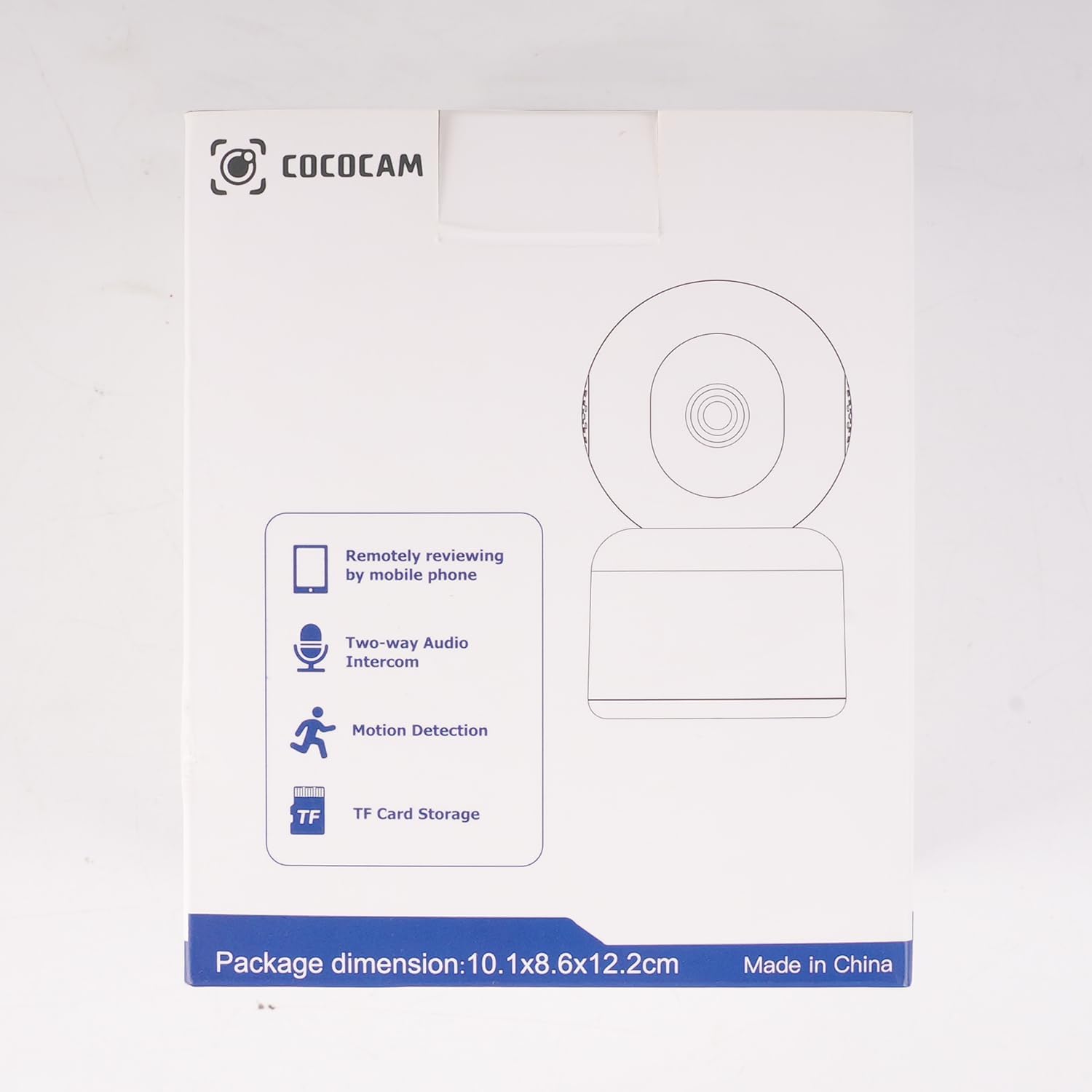
Vaizdas: Šoninė view of the COCOCAM Security Camera retail box highlighting features like remote viewing, two-way audio, motion detection, and TF card storage.
3. Produktas baigtasview
The COCOCAM PK323 is a versatile indoor security camera designed for comprehensive monitoring. It features a compact design and robust capabilities.
Pagrindinės funkcijos:
- 5MP raiška: Užfiksuoja aiškų ir detalų maistątage.
- „Pan & Tilt“: 355° horizontal pan and 80° vertical tilt for wide coverage.
- Dviejų juostų „Wi-Fi“: Supports both 2.4GHz and 5GHz Wi-Fi networks for stable connection.
- Dvipusis garsas: Integruotas mikrofonas ir garsiakalbis bendravimui realiuoju laiku.
- AI Motion Detection & Auto Tracking: Intelligently detects human and pet movement and tracks the subject.
- HD IR Night Vision: Provides clear video monitoring even in low-light conditions, visible up to 15 meters (50 ft).
- Lankstus saugojimas: Supports local TF card storage (up to 128GB) and cloud storage options.
- Alexa integracija: Works with Amazon Alexa for voice control and live view suderinamuose įrenginiuose.
Fiziniai komponentai:
- Kameros objektyvas: Main video capture component.
- IR šviesos diodai: Infraraudonųjų spindulių lempos naktiniam matymui.
- Mikrofonas: Dėl garso įvesties.
- Pranešėjas: Garso išvesčiai (dvipusis garsas).
- Maitinimo prievadas: Maitinimo adapterio prijungimui.
- Atkūrimo mygtukas: Used for resetting the camera to factory settings.
- TF kortelės lizdas: For inserting a microSD card for local storage.

Image: The COCOCAM 5MP Indoor Camera alongside a smartphone displaying its live video feed, highlighting its 5MP and dual-band Wi-Fi capabilities.
4. Sąrankos vadovas
Follow these steps to set up your COCOCAM security camera:
4.1 Atsisiųskite programą
- Ieškokite į „CloudEdge“ app in your smartphone's app store (App Store for iOS or Google Play Store for Android).
- Atsisiųskite ir įdiekite programą.
- Registruokitės naujai paskyrai arba prisijunkite, jei jau turite.
4.2 Įjunkite fotoaparatą
- Connect the provided USB cable to the camera's power port and the power adapter.
- Įkiškite maitinimo adapterį į sieninį lizdą.
- Wait for the camera to power on. You will hear a prompt indicating it's ready for setup.
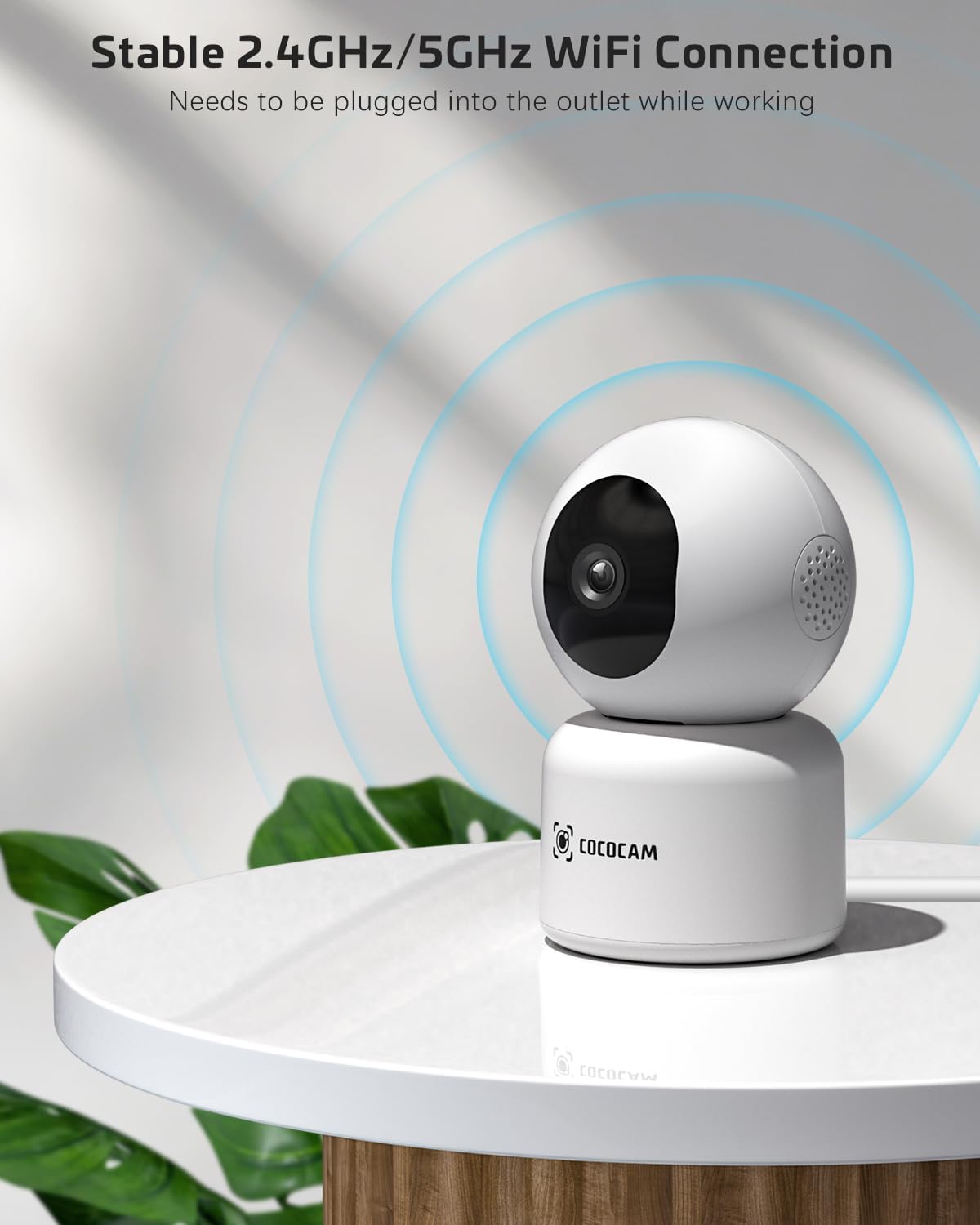
Image: The COCOCAM camera plugged into an outlet, illustrating its stable 2.4GHz/5GHz Wi-Fi connection capability.
4.3 Prisijunkite prie „Wi-Fi“.
- Open the CloudEdge app.
- Tap the "+" icon or "Add Device" to add a new camera.
- Select your camera model from the list (e.g., Smart Camera or PTZ Camera).
- Follow the on-screen instructions to connect the camera to your Wi-Fi network. Ensure your phone is connected to the same Wi-Fi network (2.4GHz or 5GHz).
- The app will display a QR code. Hold your phone's screen in front of the camera lens (approx. 15-20 cm or 6-8 inches away) until you hear a confirmation sound from the camera.
- Once connected, the camera's indicator light will turn solid blue, and you will receive a "Connection successful" message in the app.

Image: A sequence of screenshots from the CloudEdge app demonstrating the step-by-step process for setting up and connecting the camera to a Wi-Fi network.
4.4 Install TF Card (Optional)
If you wish to use local storage, insert a TF (microSD) card (up to 128GB) into the camera's TF card slot. Ensure the camera is powered off before inserting or removing the card. Format the card through the app settings after insertion for proper functionality.
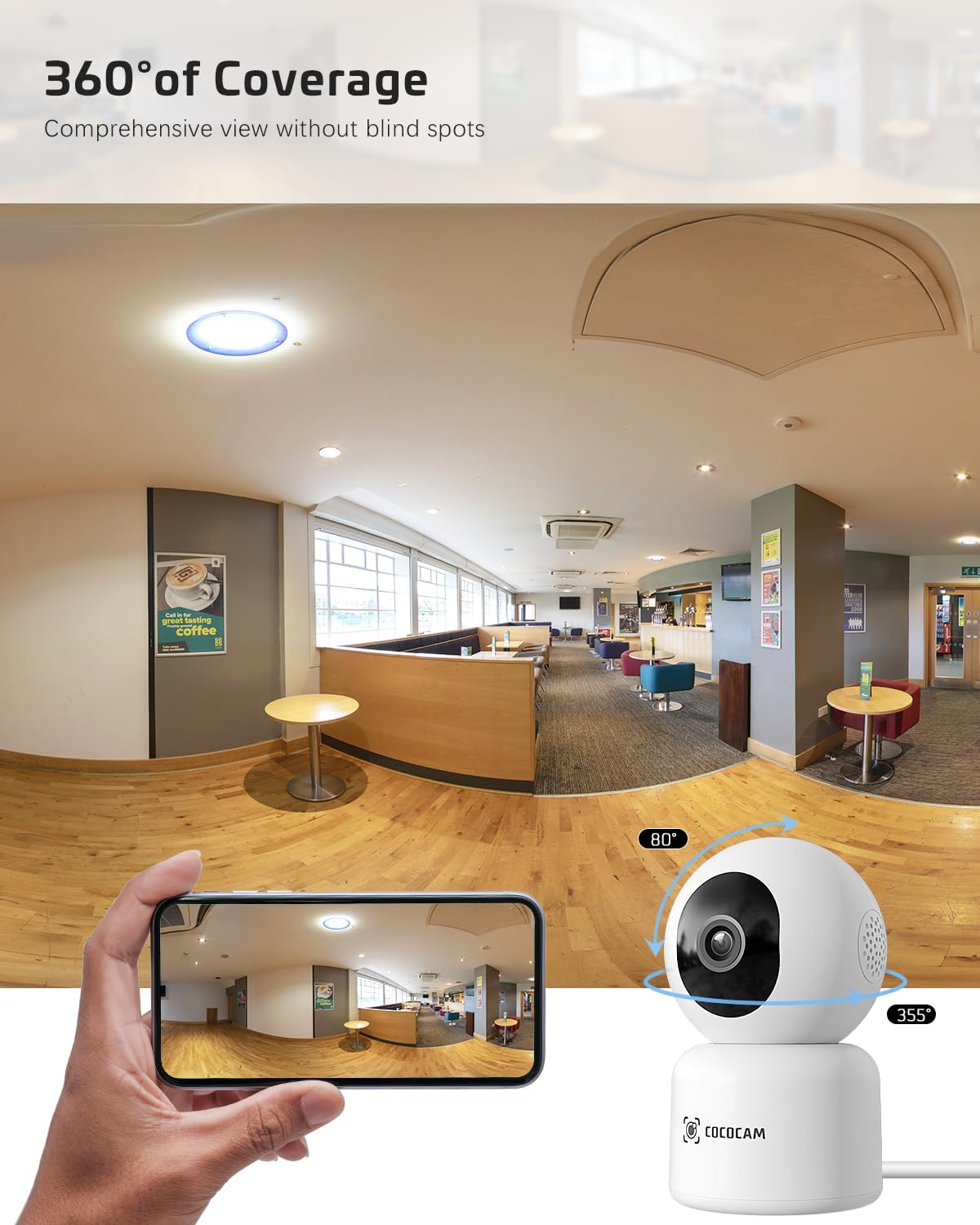
Image: The COCOCAM camera with icons representing cloud storage and TF card storage, emphasizing its safe and stable storage options.
5. Naudojimo instrukcijos
Once set up, you can utilize the camera's features via the CloudEdge app.
5.1 Tiesiogiai View & Įrašymas
- Atidarykite „CloudEdge“ programėlę ir įrenginių sąraše pasirinkite savo kamerą, kad pasiektumėte tiesioginį vaizdą. view.
- Galite rankiniu būdu įrašyti vaizdo įrašą arba tiesiogiai iš tiesioginio vaizdo įrašo padaryti ekrano kopijas. view sąsaja.
- The camera supports 24/7 continuous recording to a TF card or cloud storage (subscription may apply for extended cloud features).

Image: The COCOCAM camera app interface displaying a live view of a baby and dog, with options for screenshot, hold to talk, record, and motion detection, alongside images of family members sharing access.
5.2 Dvipusis garsas
- Iš tiesioginio view, palieskite mikrofono piktogramą, kad įjungtumėte dvipusį garsą.
- Press and hold the talk button to speak through the camera's speaker. Release to listen.
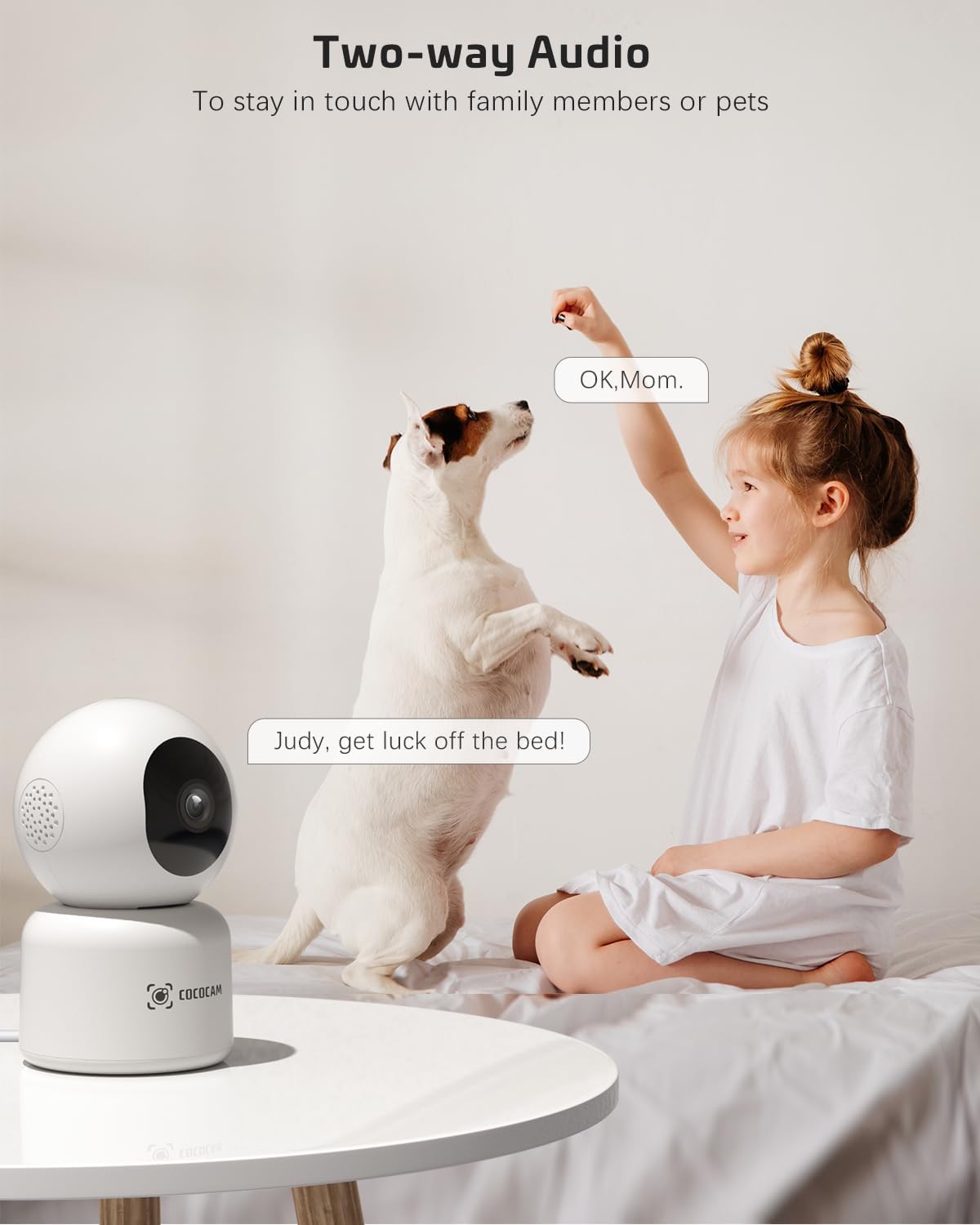
Image: A child and a dog interacting, illustrating the two-way audio feature of the COCOCAM camera, allowing communication with family members or pets.
5.3 Pasukimas, pakreipimas ir priartinimas (PTZ)
- Tiesioginiame eteryje view screen, use the directional controls to pan the camera horizontally (355°) and tilt it vertically (80°).
- Pinch to zoom in or out on the video feed.
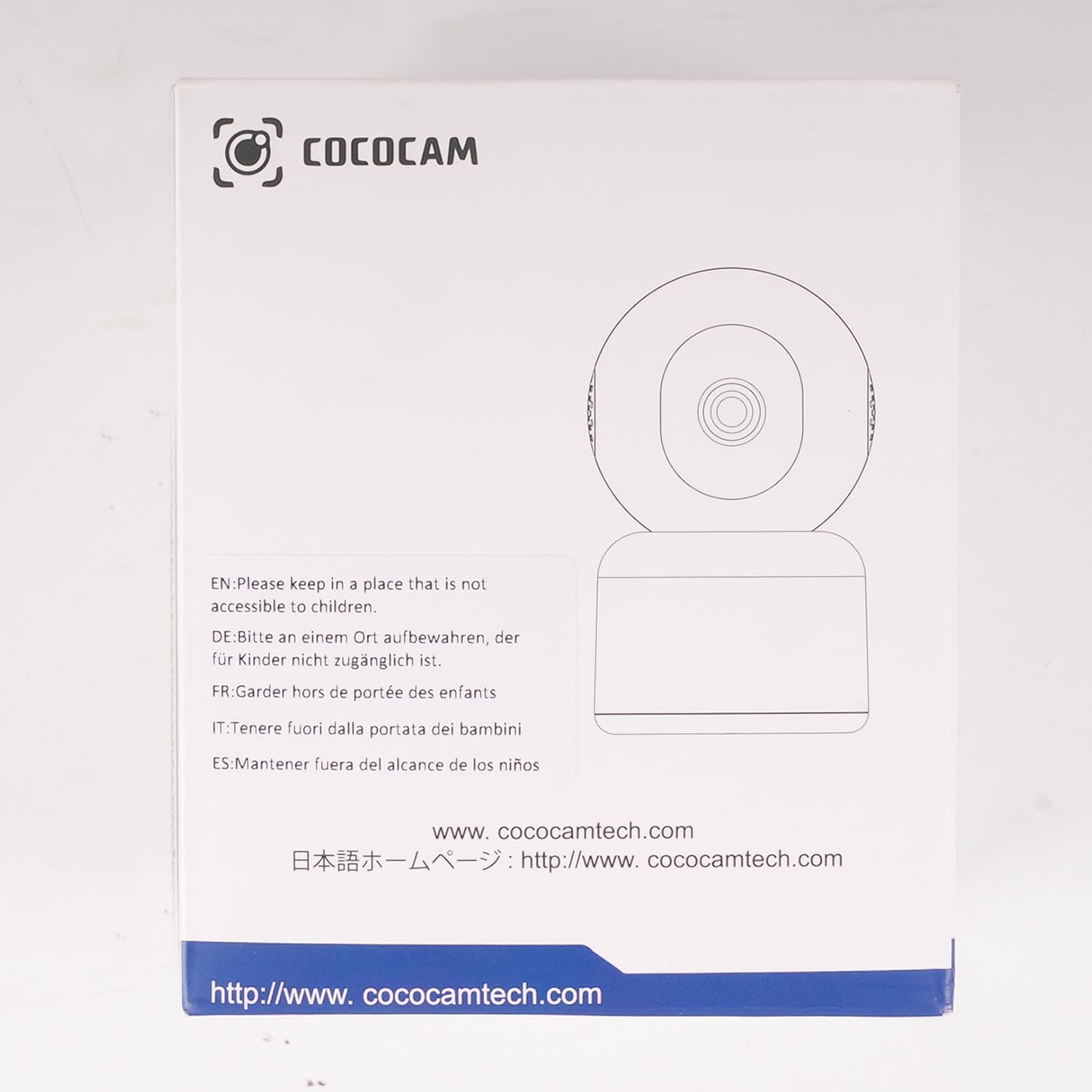
Image: The COCOCAM camera demonstrating its 360° coverage capability, providing a comprehensive view without blind spots, with a smartphone displaying the panoramic view.
5.4 AI Motion Detection & Auto Tracking
- Enable motion detection in the app settings. You can adjust sensitivity (Low, Medium, High) and set specific detection zones.
- The camera will send real-time alerts to your phone when motion is detected.
- With auto-tracking enabled, the camera will automatically follow detected movement within its field of view.
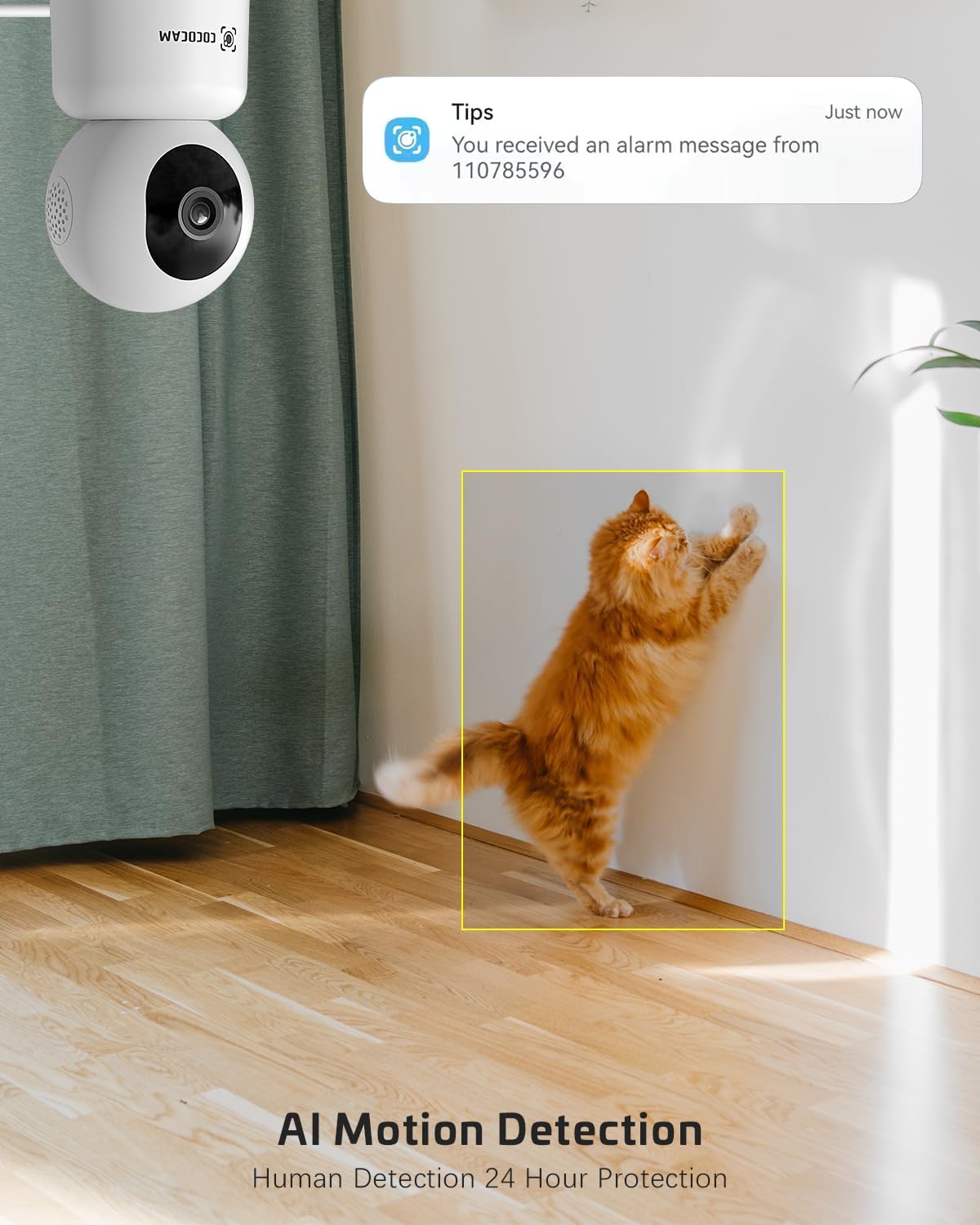
Image: The COCOCAM security camera detecting motion, with a notification pop-up on a phone screen, demonstrating its AI motion detection capabilities for human and pet activity.

Image: A screenshot of the CloudEdge app's motion detection settings, showing options to enable/disable motion detection, adjust sensitivity, set recording time, alarm interval, alert plan, and alarm area.
5.5 HD IR Night Vision
- Fotoaparatas automatiškai persijungia į naktinio matymo režimą prasto apšvietimo sąlygomis.
- Infrared LEDs provide clear black-and-white video up to 15 meters (50 ft) in complete darkness.
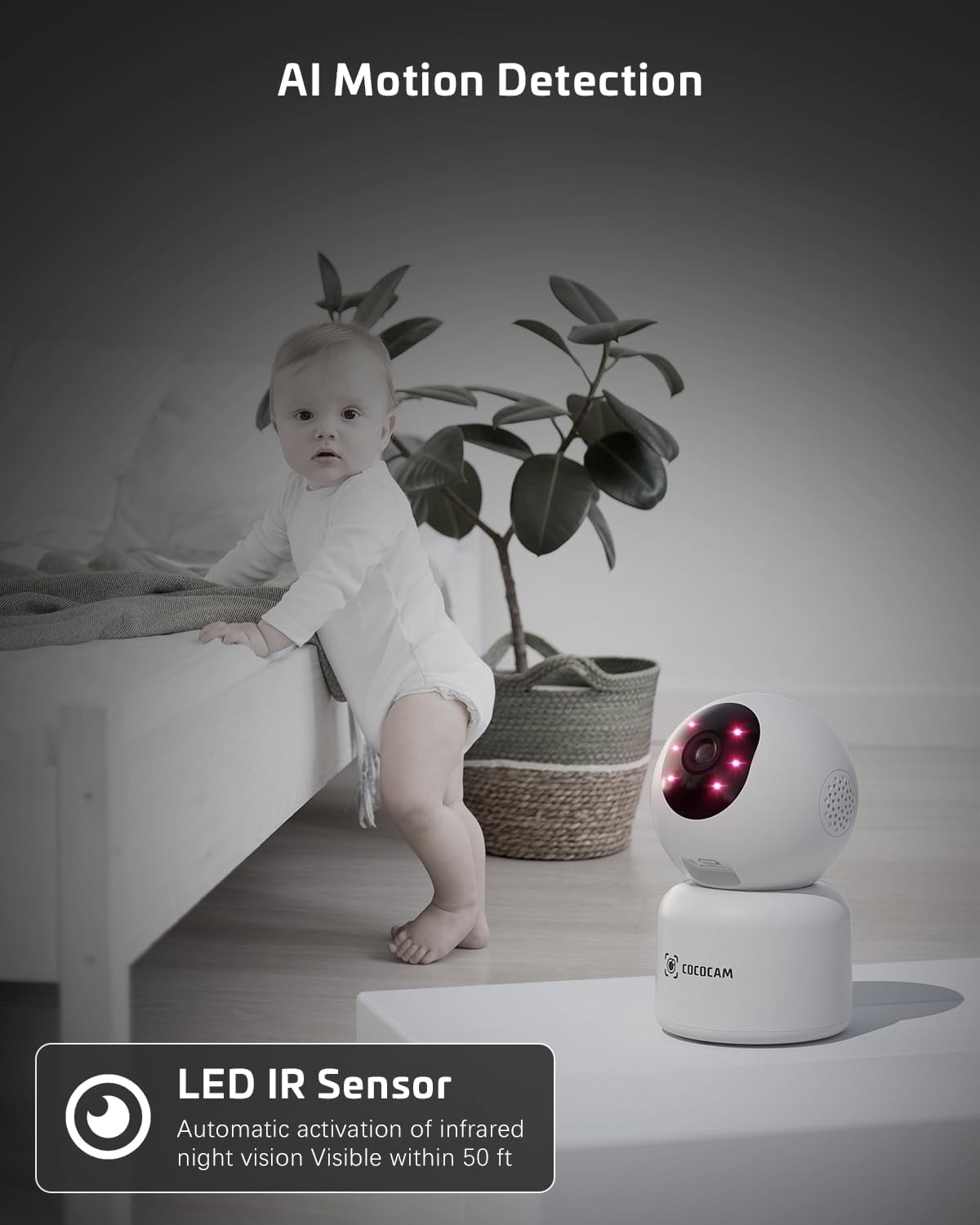
Image: The COCOCAM camera with its infrared LEDs active, providing clear night vision in a dimly lit room, suitable for monitoring a baby.
5.6 Camera Sharing
- You can share access to your camera's live feed with family members or trusted individuals through the CloudEdge app.
- Go to the camera settings and find the "Share Device" option to invite others.

Image: Multiple family members viewing the camera feed on various devices (smartphone, tablet, laptop), illustrating the multi-user sharing feature.
5.7 Works with Alexa
- Integrate your COCOCAM camera with Amazon Alexa for convenient voice control.
- Enable the CloudEdge skill in the Alexa app and link your accounts.
- You can then use voice commands like "Alexa, show me the front door" (if named accordingly) to view the live feed on compatible Echo Show devices.

Image: An Amazon Echo Show device displaying the live feed from the COCOCAM camera, demonstrating its compatibility with Alexa for voice-controlled viewing.
6. Priežiūra
To ensure the longevity and optimal performance of your COCOCAM camera, follow these maintenance tips:
- Valymas: Švelniai nuvalykite fotoaparato objektyvą ir korpusą minkštu, sausu skudurėliu. Venkite naudoti stiprias chemines medžiagas ar abrazyvinius valiklius.
- Vieta: Įsitikinkite, kad kamera pastatyta stabilioje vietoje, atokiau nuo tiesioginių saulės spindulių, ekstremalių temperatūrų ir didelės drėgmės.
- Firmware atnaujinimai: Regularly check the CloudEdge app for available firmware updates to ensure your camera has the latest features and security enhancements.
- Maitinimas: Naudokite tik originalų maitinimo adapterį, pateiktą kartu su fotoaparatu.
7. Problemų sprendimas
If you encounter issues with your COCOCAM camera, refer to the following common problems and solutions:
| Problema | Galima priežastis | Sprendimas |
|---|---|---|
| Fotoaparatas neprisijungęs | Nėra elektros, „Wi-Fi“ atjungtas, silpnas „Wi-Fi“ signalas. | Check power connection. Restart camera and router. Ensure camera is within Wi-Fi range. Reconnect camera in app. |
| Nepavyksta prisijungti prie „Wi-Fi“. | Incorrect Wi-Fi password, wrong Wi-Fi band (only 2.4GHz/5GHz supported), too far from router. | Verify Wi-Fi password. Ensure you are connecting to a 2.4GHz or 5GHz network. Move camera closer to router. Reset camera and try again. |
| Prasta vaizdo kokybė | Nešvarus objektyvas, nepakankamas apšvietimas, tinklo pralaidumo problemos. | Clean the camera lens. Ensure adequate lighting or check night vision settings. Check your internet speed. |
| Judesio įspėjimai negaunami | Judesio aptikimas išjungtas, programėlės pranešimai išjungti, neteisingi jautrumo nustatymai. | Enable motion detection in app. Check phone notification settings for CloudEdge app. Adjust motion detection sensitivity. |
| TF kortelė neįrašo | Card full, card not formatted, faulty card. | Format the TF card in the app. Replace with a new TF card if necessary. Ensure continuous recording is enabled. |
8. Specifikacijos
| Funkcija | Specifikacija |
|---|---|
| Modelis | PK323 |
| Vaizdo įrašymo raiška | 5 MP (1440p) |
| Panardinimo / pakreipimo diapazonas | 355° Pan, 80° pakreipimas |
| Belaidis ryšys | Bluetooth, Wi-Fi (2.4GHz/5GHz) |
| Naktinio matymo diapazonas | 15 metrai (50 pėdų) |
| Saugojimo parinktys | TF kortelė (iki 128 GB), debesies saugykla |
| Maitinimo šaltinis | Laidinis elektrinis (5 voltų, 3 vatų) |
| Medžiaga | Akrilnitrilo butadieno stirenas (ABS) |
| Prekės matmenys (I x P x A) | 7.8 x 7.8 x 11.5 cm |
| Svoris | 300 g |
| Suderinama OS | iOS, Android |
| Rekomenduojamas naudojimas | Patalpų apsauga |
9. Garantija ir palaikymas
COCOCAM is committed to providing high-quality products and excellent customer service.
9.1 Visą gyvenimą galiojanti garantija
Your COCOCAM camera comes with a lifetime warranty, ensuring long-term peace of mind. Please retain your proof of purchase for warranty claims.
9.2 Pagalba klientams
For any technical assistance, questions, or concerns, please contact COCOCAM customer support. We offer 24/7 professional technical support to address your needs promptly.
- El. paštas: service@cococamtech.com
- Oficialus Websvetainė: www.cococamtech.com
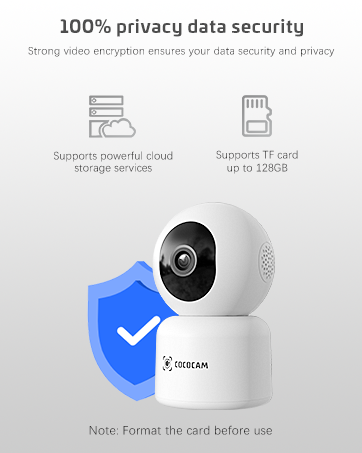
Image: A smiling customer service representative wearing a headset, symbolizing COCOCAM's commitment to customer support.

Image: An illustration emphasizing 100% privacy data security with strong video encryption, supported by powerful cloud storage services and TF card storage up to 128GB.