
PEMP PP-5663
PEMP Ultra-Thin 12.3" Android Screen User Manual
Model: PP-5663 | Brand: PEMP
1. Įvadas
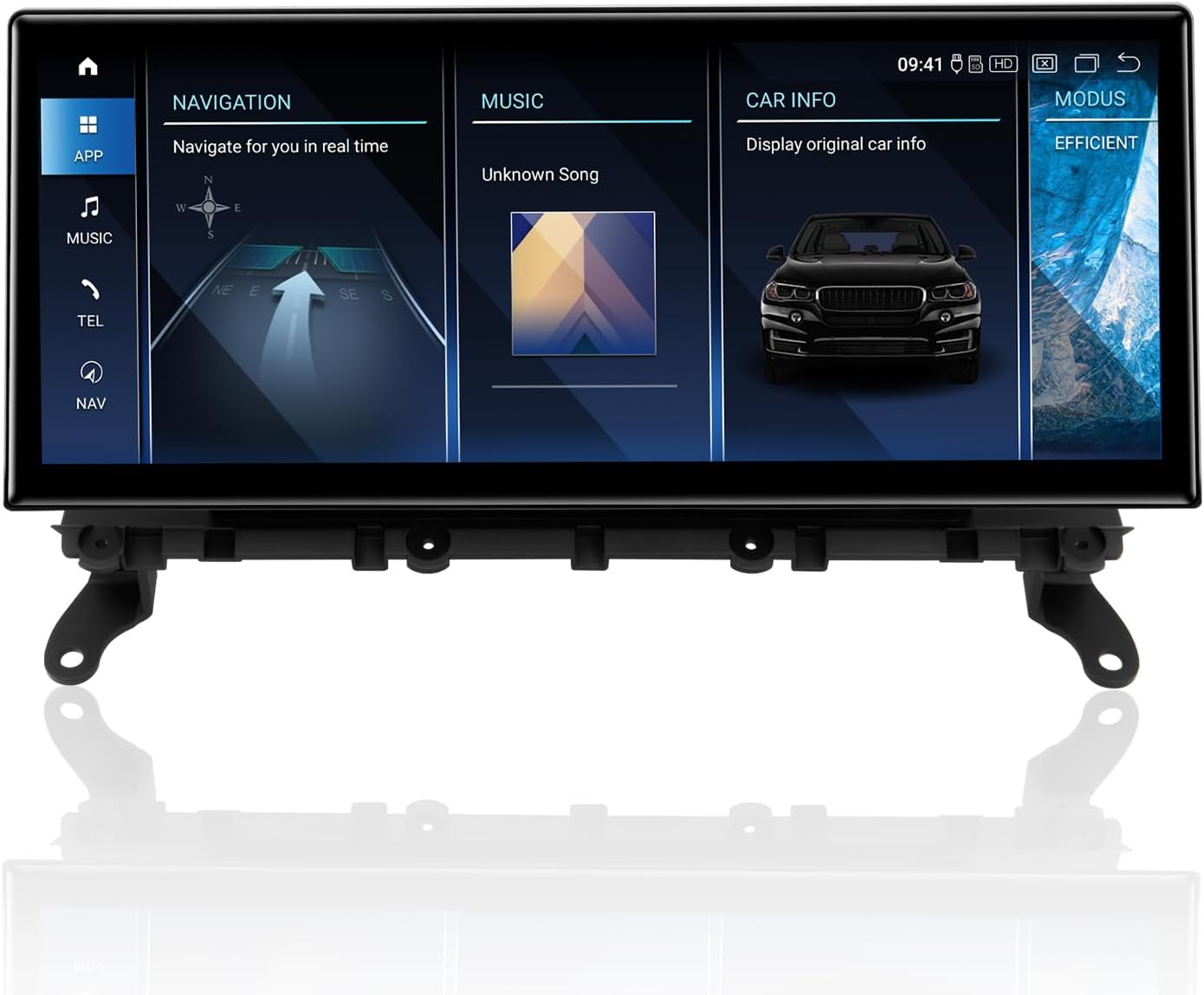
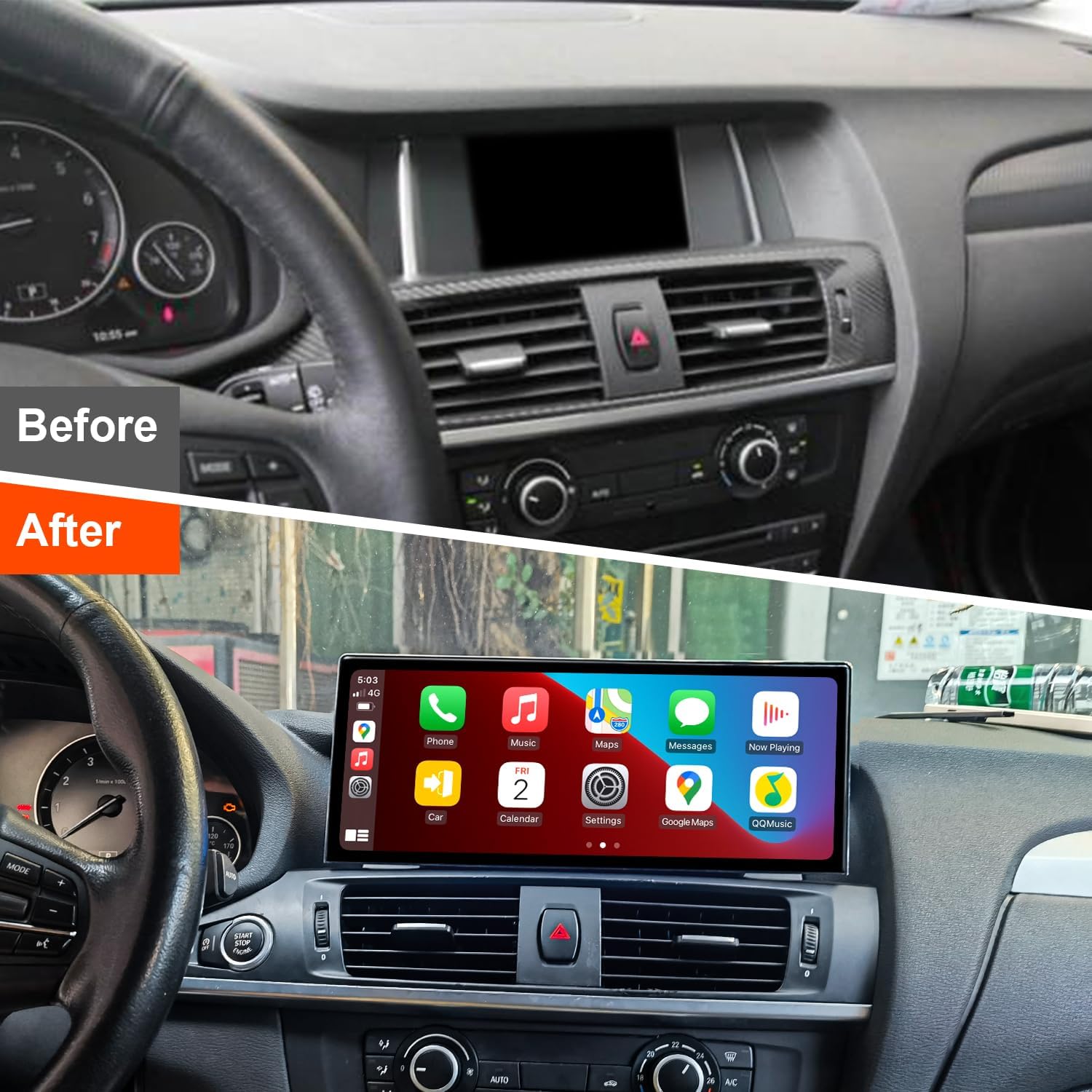
This user manual provides comprehensive instructions for the installation, operation, and maintenance of your PEMP Ultra-Thin 12.3" Android Screen. Designed for BMW X3 F25 NBT systems, this advanced display enhances your in-car experience with modern features like wireless CarPlay and Android Auto, powered by a Qualcomm Snapdragon 680 processor.
2. Produkto ypatybės
- Itin plonas dizainas: Features an 82.3% screen-to-body ratio and a 12.3" large Android display with a metal material shell and Non-Airgap process for realistic picture quality.
- Sklandus išmaniojo telefono integravimas: Supports wireless and wired CarPlay and Android Auto. Utilizes the original car microphone for clear calls without echo.
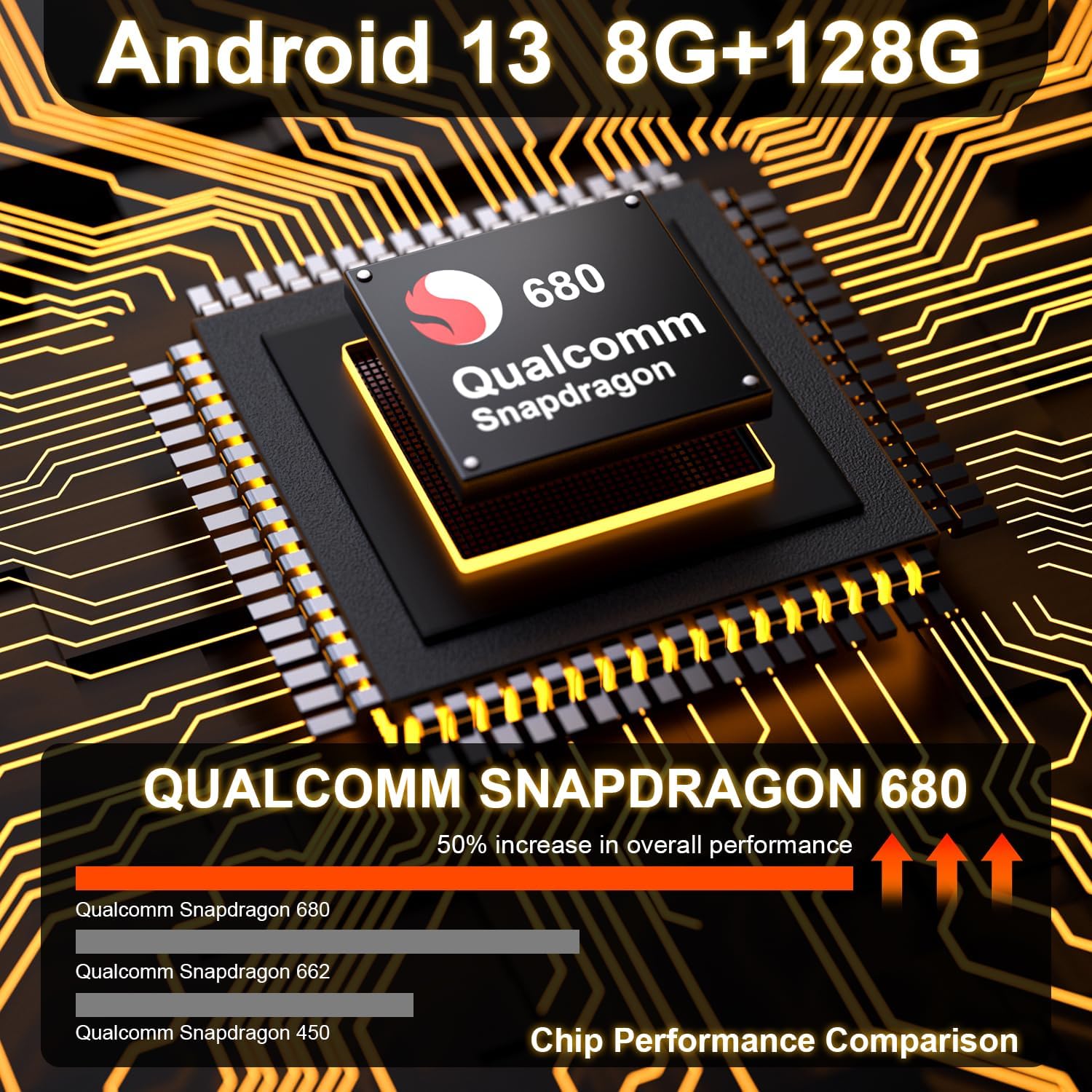
- Didelis našumas: Powered by a Qualcomm Snapdragon 680 chip (6nm process, 8-core processor) running Android 13. Equipped with 8GB RAM and 128GB ROM (DDR4 Emmc UFS 2.2) for fast multitasking.
- Fotoaparato palaikymas: Compatible with the OEM camera and PEMP AHD Reversing Camera (Asin: B08YWL8CND) & front camera, providing clear reversing images.
- Išplėstinis ryšys: Features a mobile phone-style SIM card holder for immediate 4G high-speed network access, along with 2.4G and 5.0G dual-band WiFi.



3. Pakuotės turinys
Patikrinkite, ar pakuotėje yra visi toliau išvardyti daiktai:
- PEMP Ultra-Thin 12.3" Android Screen Device
- Maitinimo kabelis
- Vartotojo vadovas
- OEM Camera (compatible)
- PEMP AHD Reversing Camera (compatible)
- ISO laidų laidai
- LVDS Adapter Cable
- RCA kabelis
- „4G“ antena
- GPS antena
- USB kabelis
- Garso kabelis
- Montavimo vadovas

4. Sąrankos ir diegimo vadovas
Professional installation is recommended. Ensure the vehicle's power is off before beginning installation. Refer to the included Installation Manual for detailed, step-by-step instructions specific to your BMW X3 F25 NBT model.
4.1. Mikrofono sąranka
To ensure high-quality calls using the OEM microphone with CarPlay and Android Auto, follow these steps:
- Connect the MIC-IN male connector on the ISO harness to the MIC-IN female connector on the USB harness.
- Go to "Settings" > "Factory Settings" and enter the password "070305".
- Select "Vehicle" > "Switching between external and internal microphones" > "External microphone".


4.2. Optical Fiber Cable Connection
When connecting to the original car's main unit, take out the 2Pin green optical fiber cable from the original CD wire and connect it to the Android harness.

4.3. AUX Audio Connection
For some models where the AUX directly enters the audio amplifier, you must plug the audio cable (included in the package) into the AUX interface in the armrest box to get the Android sound.

4.4. Gear Selection Setting
After installation, navigate to "Settings" > "Factory Settings" > "Vehicle" > "Gear Selection" and select the appropriate gear type for your vehicle.

4.5. Product Process Characteristics Video
5. Naudojimo instrukcijos
Once installed, your PEMP Android Screen operates similarly to a standard Android tablet, with added automotive functionalities.
5.1. Pagrindinė navigacija
The touchscreen interface allows for intuitive navigation. Swipe left or right to access different home screens, and tap on app icons to launch them. The system supports various navigation apps available on the Google Play Store.
5.2. „CarPlay“ ir „Android Auto“
Connect your iPhone or Android phone via Bluetooth for wireless CarPlay or Android Auto. Alternatively, use a USB cable for a wired connection. Once connected, your phone's compatible apps will appear on the screen, allowing for navigation, music, calls, and messages.
5.3. 4G and WiFi Connectivity
Insert a SIM card into the dedicated slot for 4G mobile data access. Connect to available WiFi networks through the system settings for internet access and app updates.
5.4. Medijos atkūrimas
Play music and videos from various sources, including internal storage, USB drives, or streaming services via internet connection. The system supports multiple audio and video formats.
6. Priežiūra ir priežiūra
To ensure the longevity and optimal performance of your PEMP Android Screen, follow these maintenance guidelines:
- Valymas: Ekranui valyti naudokite minkštą, nepūkuotą šluostę. Įsisenėjusias dėmes šiek tiek nuvalykite.ampNuvalykite šluostę vandeniu arba ekranui saugiu valikliu. Venkite abrazyvinių medžiagų ar stiprių cheminių medžiagų.
- Temperatūra: Venkite ilgą laiką laikyti prietaisą itin aukštoje ar žemoje temperatūroje.
- Galia: Always turn off the vehicle's ignition before disconnecting any cables or performing maintenance.
- Programinės įrangos atnaujinimai: Reguliariai tikrinkite, ar yra programinės įrangos atnaujinimų, ir įdiekite juos, kad sistema veiktų efektyviai ir saugiai.
7. Įprastų problemų šalinimas
Jei kyla problemų dėl įrenginio, vadovaukitės toliau pateiktais įprastais trikčių šalinimo veiksmais.
| Problema | Galima priežastis | Sprendimas |
|---|---|---|
| No power/Screen blank | Loose power connection, blown fuse, vehicle power issue. | Check all power cable connections. Verify vehicle's fuse box. Consult a professional installer. |
| No sound from Android system | Incorrect AUX connection, volume too low, system audio settings. | Ensure AUX cable is correctly plugged into the armrest box (if applicable). Check system volume and audio output settings. |
| „CarPlay“ / „Android Auto“ neprisijungia | Bluetooth/USB connection issue, phone settings, app compatibility. | Ensure Bluetooth is on and paired. Try a different USB cable. Restart phone and device. Check phone's CarPlay/Android Auto settings. |
| Prasta mikrofono kokybė | Incorrect microphone setting, loose connection. | Verify microphone settings in Factory Settings (Section 4.1). Check MIC-IN cable connection. |
| GPS signalas silpnas / prarastas | GPS antenos išdėstymas, aplinkos trukdžiai. | Ensure GPS antenna is placed in an unobstructed location. Try moving the vehicle to an open area. |
Jei problema išlieka ir išbandžius šiuos sprendimus, kreipkitės į klientų aptarnavimo tarnybą.
8. Techninės specifikacijos
| Specifikacija | Detalė |
|---|---|
| Modelio numeris | PP-5663 |
| Ekrano dydis | 12.3 colių |
| Operacinė sistema | Android 13 |
| Procesorius | Qualcomm Snapdragon 680 (8-core, 6nm process) |
| RAM | 8 GB |
| ROM | 128GB (DDR4 Emmc UFS 2.2) |
| Ryšys | 4G, 2.4G/5.0G WiFi, Bluetooth |
| Ypatingos savybės | Touchscreen, Android Auto, Bluetooth, CarPlay |
| Suderinami įrenginiai | Išmanusis telefonas |
| Kontrolės metodas | Palieskite |
| Gaminio matmenys | 12.2 x 2 x 5.1 colio |
| Prekės svoris | 5.98 svaro |
| Kilmės šalis | Kinija |
9. Garantija ir klientų aptarnavimas
Your PEMP Ultra-Thin 12.3" Android Screen comes with a manufacturer's warranty. Please refer to the warranty card included in your package for specific terms and conditions, including warranty duration and coverage details.
For technical support, troubleshooting assistance, or warranty claims, please contact PEMP customer service through the contact information provided on the product packaging or the official PEMP website. When contacting support, please have your product model number (PP-5663) and purchase details ready.
Ask a question about this manual
Ask about setup, troubleshooting, compatibility, parts, safety, or missing instructions. Manuals+ will review the question and use this page’s manual context to help answer it.