
Anker Soundcore K20i
„Anker Soundcore K20i True Wireless“ ausinių naudotojo vadovas
Model: K20i | Brand: Anker Soundcore
1. Įvadas
The Anker Soundcore K20i are true wireless earbuds designed for comfortable, extended listening. They feature Bluetooth 5.3 connectivity, IPX5 water resistance, and up to 36 hours of total playback with the charging case. Enjoy powerful bass and clear calls with AI noise reduction.

Image: Anker Soundcore K20i earbuds and charging case in black, white, purple, and blue.
2. Pakuotės turinys
Įsitikinkite, kad jūsų prekės pakuotėje yra visi šie daiktai:
- Soundcore K20i True Wireless Earbuds
- Įkrovimo dėklas
- USB-C & USB-A Charging Cable
- Safety Manual & Quick Start Guide

Image: The Anker Soundcore K20i earbuds, their charging case, and the included USB-C charging cable.
3. Sąranka
3.1. Įkrovimas
Prieš pirmą kartą naudodami, visiškai įkraukite ir ausines, ir įkrovimo dėklą.
- Place the earbuds into the charging case. Close the case to begin charging the earbuds.
- Prijunkite įkrovimo dėklą prie maitinimo šaltinio naudodami pateiktą USB-C laidą.
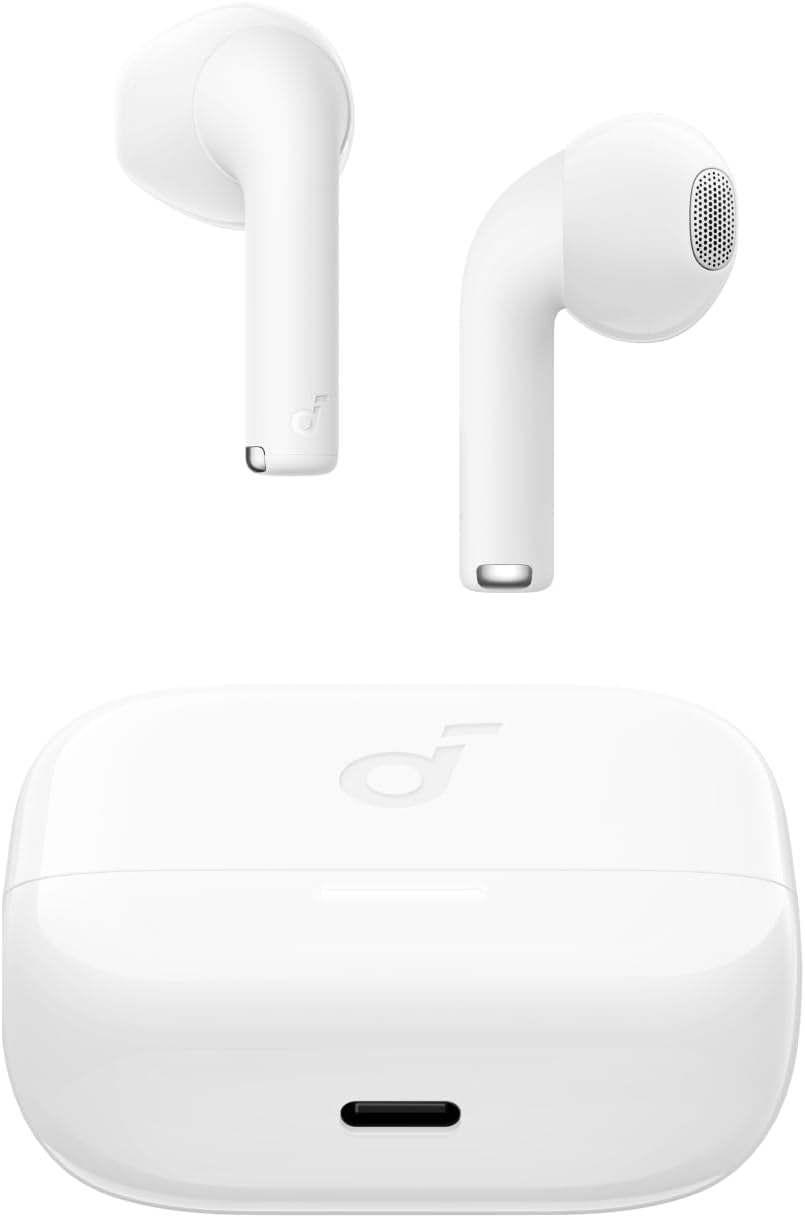
Image: The Anker Soundcore K20i earbuds resting in their open charging case, with the USB-C charging port visible at the front of the case.
3.2. Poravimas
Norėdami susieti ausines su „Bluetooth“ įrenginiu, atlikite šiuos veiksmus:
- Atidarykite įkrovimo dėklą. Ausinės automatiškai įsijungs „Bluetooth“ susiejimo režimu.
- On your device (smartphone, PC), enable Bluetooth and search for 'Soundcore K20i'.
- Select 'Soundcore K20i' to connect.
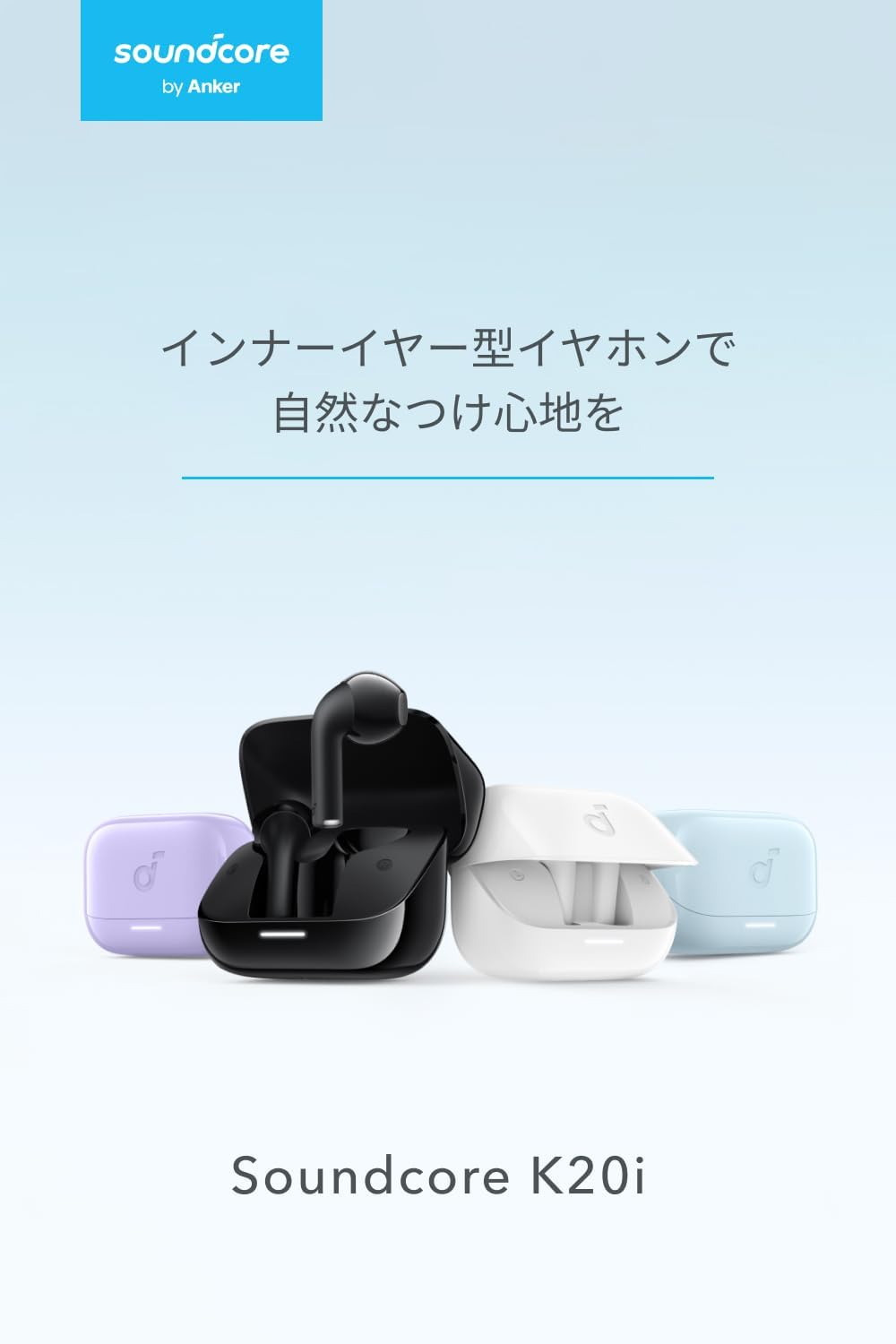
Image: The Anker Soundcore K20i earbuds removed from their charging case, indicating they are ready for Bluetooth pairing.
4. Naudojimo instrukcijos
4.1. Ausinių dėvėjimas
Norėdami užtikrinti optimalų komfortą ir garso kokybę, įsitikinkite, kad ausinės tinkamai įstatytos į ausis.
- Įkiškite ausinių antgalius į ausis ir švelniai sukite juos, kol jie tvirtai ir patogiai priglus.
- Each earbud weighs approximately 3.3g, designed for extended comfortable wear without ear tips.

Image: A diagram illustrating the correct way to position the Anker Soundcore K20i earbud in the ear canal for a secure and comfortable fit.
4.2. Pagrindiniai valdikliai
The Soundcore K20i earbuds feature touch controls for various functions. Specific actions for single, double, or triple taps can often be customized via the Soundcore app.
4.3. „Soundcore“ programa
Enhance your listening experience by downloading the Soundcore app. The app allows you to:
- Customize sound settings and adjust the equalizer.
- Suraskite pamestas ausines.
- Atnaujinkite ausinių programinę įrangą.

Image: A user interacting with the Soundcore application on a smartphone, displaying various sound customization options for the earbuds.
5. Priežiūra
5.1. Valymas
Reguliarus valymas padeda palaikyti optimalų našumą ir higieną:
- Reguliariai valykite ausines ir įkrovimo dėklą sausa, minkšta, nepūkuota šluoste.
- Venkite naudoti stiprių cheminių medžiagų ar abrazyvinių medžiagų.
5.2. Atsparumas vandeniui (IPX5)
The earbuds are IPX5 water-resistant, meaning they can withstand splashes and sweat. This makes them suitable for workouts and light rain. Nenardinkite jų į vandenį.

Image: Two Anker Soundcore K20i earbuds covered in water droplets, illustrating their IPX5 water-resistant design.
5.3. Sandėliavimas
Store the earbuds in their charging case when not in use to protect them from damage and ensure they remain charged.
6. Problemų sprendimas
If you encounter issues with your Soundcore K20i earbuds, try the following solutions:
- Ausinės nesusijungia: Ensure both earbuds are charged and within range of your device. Turn off and on your device's Bluetooth.
- Garsą groja tik viena ausinė: Try placing both earbuds back into the charging case, closing it for a few seconds, then reopening. Refer to the quick start guide for specific earbud reset instructions.
- Prasta garso kokybė: Ensure the earbuds are properly seated in your ears. Try adjusting equalizer settings in the Soundcore app.
- Įkrovimo problemos: Patikrinkite, ar įkrovimo laidas tvirtai prijungtas prie dėklo ir maitinimo šaltinio. Įsitikinkite, kad ausinių ir dėklo įkrovimo kontaktai yra švarūs.
7. Specifikacijos
| Funkcija | Specifikacija |
|---|---|
| Modelio pavadinimas | Soundcore K20i |
| Ryšio technologija | Belaidis ryšys („Bluetooth 5.3“) |
| Ausų išdėstymas | Į ausis |
| Ausinių stilius | Į ausis |
| Varža | 16 omai |
| Triukšmo valdymas | None (AI Noise Reduction for calls) |
| Atkūrimo laikas (ausinės) | Iki 6 valandų |
| Bendras atkūrimo laikas (su dėklu) | Iki 36 valandų |
| Greitas įkrovimas | 10 minutes charge for approx. 2 hours playback |
| Earbud Weight (per earbud) | apytiksliai 3.3 g |
| Produkto svoris | 42.6g |
| Atsparumas vandeniui | IPX5 |
| Gamintojo modelio numeris | A3994 |
| Suderinami įrenginiai | Smartphones, PCs, and other Bluetooth-compatible devices |
8. Garantija ir palaikymas
Anker Soundcore K20i comes with an 18 mėnesių produkto garantija from the date of purchase. For registered members, an additional 6-month extended warranty is provided, totaling 24 months of coverage.
For product or delivery-related inquiries, please contact customer support. Anker provides dedicated Japanese customer support.

Image: Details on Anker's 18-month product warranty, an additional 6-month extended warranty for members, and information for contacting Japanese customer support.
Ask a question about this manual
Ask about setup, troubleshooting, compatibility, parts, safety, or missing instructions. Manuals+ will review the question and use this page’s manual context to help answer it.