
Įvadas
This manual provides comprehensive instructions for the setup, operation, and maintenance of your Diyeeni WH TA11PE Air Conditioner Remote Controller. Please read this manual carefully before using the remote control to ensure proper functionality and longevity.
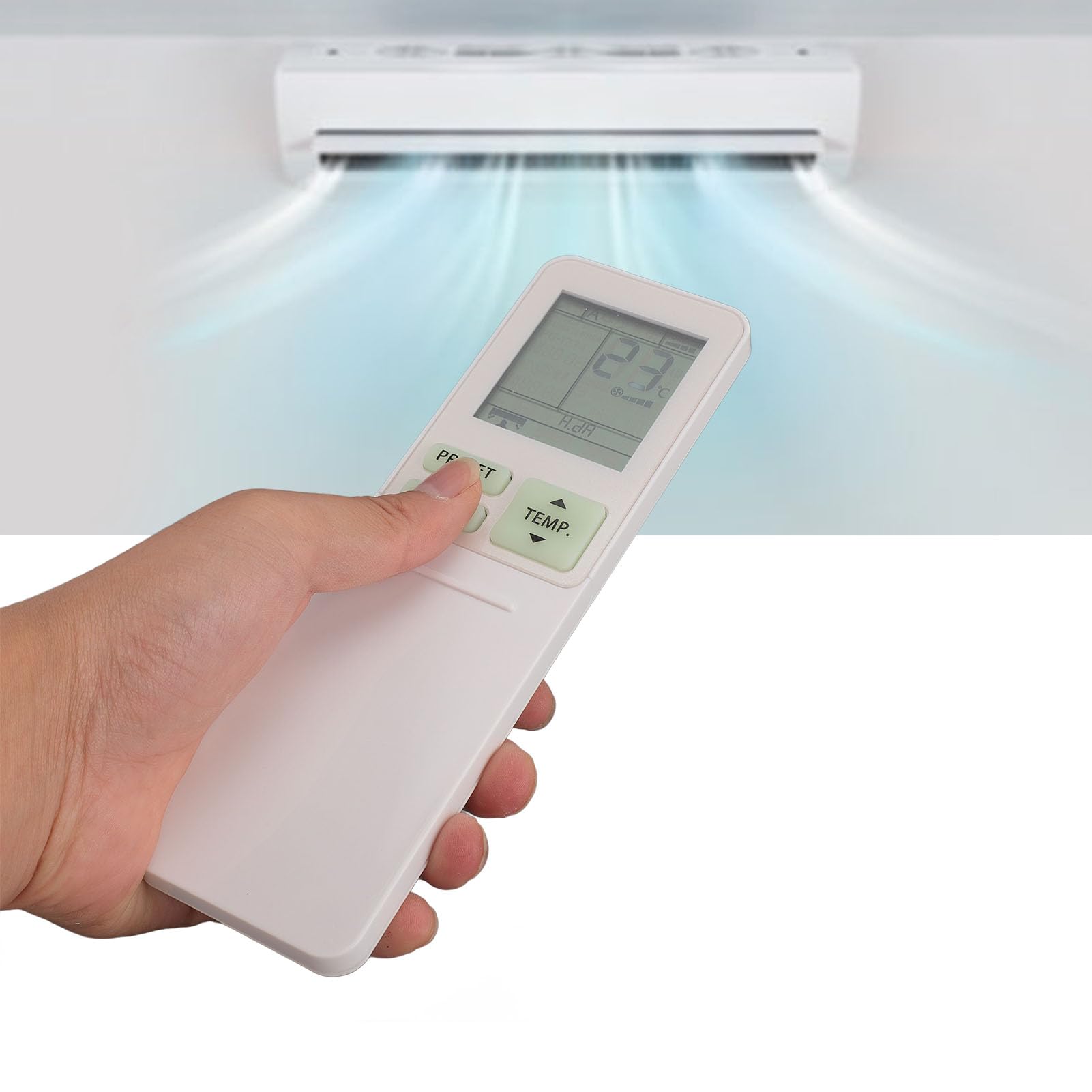
Image: The Diyeeni WH TA11PE remote control in use, with an air conditioner in the background.
Suderinami modeliai
The Diyeeni WH TA11PE remote controller is designed as a replacement for the following Toshiba Air Conditioner series:
- RAS-10G2KVP Series
- RAS-13G2KVP Series
- RAS-16G2KVP Series
- RAS-18E2KVSG A Series
- RAS-22E2KVSG A Series
- RAS-24E2KVSG A Series
This remote control offers full functionality for these specified models, replicating the original remote's features.
Sąranka: Baterijos įdėjimas
To begin using your remote control, you must first install the batteries.
- Atidarykite akumuliatoriaus skyrių: Locate the battery compartment cover on the back of the remote control. Gently slide or press the latch to open the cover.
- Įdėkite baterijas: Insert two (2) AAA batteries (not included) into the compartment. Ensure the positive (+) and negative (-) terminals of the batteries match the indicators inside the compartment.
- Uždarykite akumuliatoriaus skyrių: Uždėkite baterijų skyriaus dangtelį, stumdami jį atgal į vietą, kol jis tvirtai užsifiksuos.

Image: Remote control with the battery compartment open, illustrating correct battery placement.

Vaizdas: Išsamus view of the battery compartment, highlighting the terminals.
Once batteries are installed, the remote control is ready for use. No programming is required for compatible Toshiba air conditioner models.
Naudojimo instrukcijos
The Diyeeni WH TA11PE remote control provides access to all standard functions of your Toshiba air conditioner. Point the remote control directly at the air conditioner's receiver when operating.

Vaizdas: priekis view nuotolinio valdymo pulto, kuriame rodomi visi mygtukai.
Pagrindinės funkcijos:
- Įjungimo mygtukas (⏻): ĮJUNGIA arba IŠJUNGIA oro kondicionierių.
- TEMP. Buttons (▲/▼): Reguliuoja temperatūros nustatymą aukštyn arba žemyn.
- PRESET mygtukas: Activates a pre-set operating mode or setting.
- MODE mygtukas: Perjungia veikimo režimus (pvz., vėsinimas, šildymas, ventiliatorius, džiovinimas, automatinis).
- SWING mygtukas: Valdo oro deflektoriaus vertikalų svyravimą.
- FAN mygtukas: Reguliuoja ventiliatoriaus greitį (pvz., mažas, vidutinis, didelis, automatinis).
- AIR FLOW Button: Controls horizontal airflow direction.
- 8°C Button: Activates an 8°C heating mode for frost protection (if supported by AC).
- ECO mygtukas: Įjungia energijos taupymo režimą.
- Hi POWER Button: Activates maximum power operation for rapid cooling/heating.
- PURE Button: Activates air purification function (if supported by AC).
- COMFORT SLEEP Button: Sets the air conditioner to a comfortable sleep mode.
- P-SEL (Program Select) Button: Selects programmed settings.
- WEEKLY ON/OFF, DAY/EDIT, PROGRAM P1-P4 Buttons: Used for setting and managing weekly timers and programs.
- TIMER ON/OFF, SET, CLR Buttons: Used for setting and clearing basic timers.
- CLOCK, CHECK, FILTER, RESET Buttons: For setting the clock, checking status, filter reset, and general reset functions.

Image: Close-up of the remote's display and primary control buttons.
Refer to your Toshiba air conditioner's original manual for specific details on how each function interacts with your unit.
Priežiūra
- Valymas: Nuotolinio valdymo pultą valykite minkštu, sausu skudurėliu. Nenaudokite skystų valiklių, purškiklių ar abrazyvinių medžiagų, nes jos gali pažeisti paviršių ar vidinius komponentus.
- Baterijos keitimas: Replace batteries when the remote's range decreases or the display becomes dim. Always replace both batteries at the same time with new ones of the same type (AAA).
- Saugykla: Jei nuotolinio valdymo pultas nebus naudojamas ilgesnį laiką, išimkite baterijas, kad išvengtumėte ištekėjimo ir galimos žalos. Laikykite vėsioje, sausoje vietoje.
- Vengti kontakto: Saugokite nuotolinio valdymo pultą nuo tiesioginių saulės spindulių, aukštos temperatūros ar didelės drėgmės.
Trikčių šalinimas
| Problema | Galima priežastis | Sprendimas |
|---|---|---|
| Nuotolinio valdymo pultas nevaldo oro kondicionieriaus. |
|
|
| Ekranas blankus arba tuščias. |
|
|
| Kai kurios funkcijos neveikia. |
|
|
Specifikacijos
- Modelis: WH TA11PE
- Medžiaga: ABS
- Baterijos tipas: 2 x AAA baterijos (į komplektą neįeina)
- Suderinamumas: Toshiba RAS-10G2KVP, RAS-13G2KVP, RAS-16G2KVP Series, RAS-18E2KVSG A, RAS-22E2KVSG A, RAS-24E2KVSG A
- Svoris: Maždaug 110 gramai

Image: Back of the remote control, displaying the model identifier.