
Įvadas
Thank you for choosing the Alecto DVM-64 Video Baby Monitor. This manual provides essential information for the safe and effective operation of your device. The DVM-64 offers a secure, interference-free connection, a large display, night vision, two-way talk, and an extended range to help you monitor your baby with peace of mind.
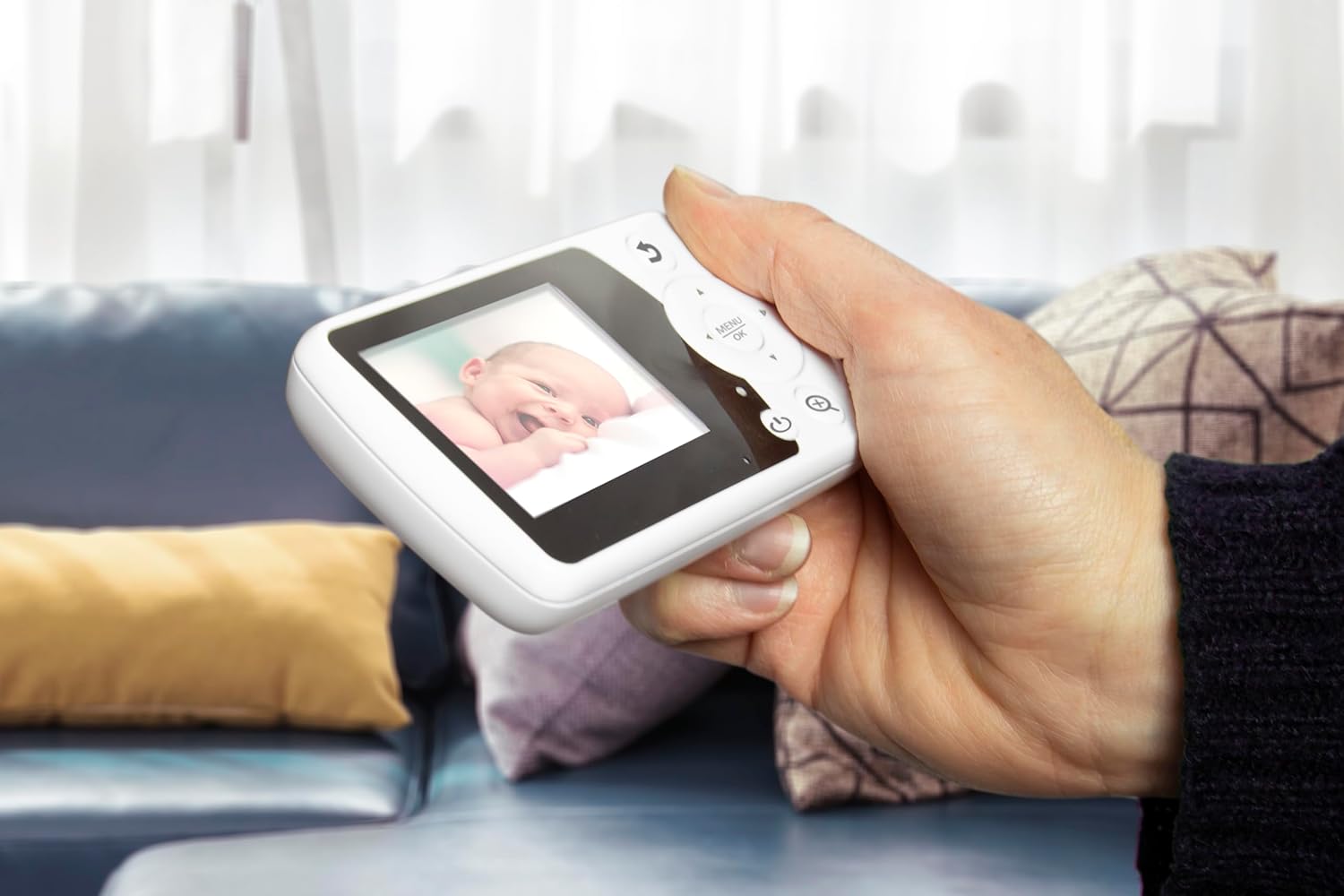
The Alecto DVM-64 parent unit in use, showing a clear image of a baby.
Kas yra dėžutėje
Patikrinkite pakuotės turinį, kad įsitikintumėte, jog yra visi reikalingi daiktai:
- Kūdikių vienetas (fotoaparatas)
- Tėvų vienetas (monitorius)
- 2x maitinimo adapteriai
- Montavimo įranga
- Instruction Manual (Multi-language)
- Quick Start Guide with illustrations
- Bendrosios saugos taisyklės
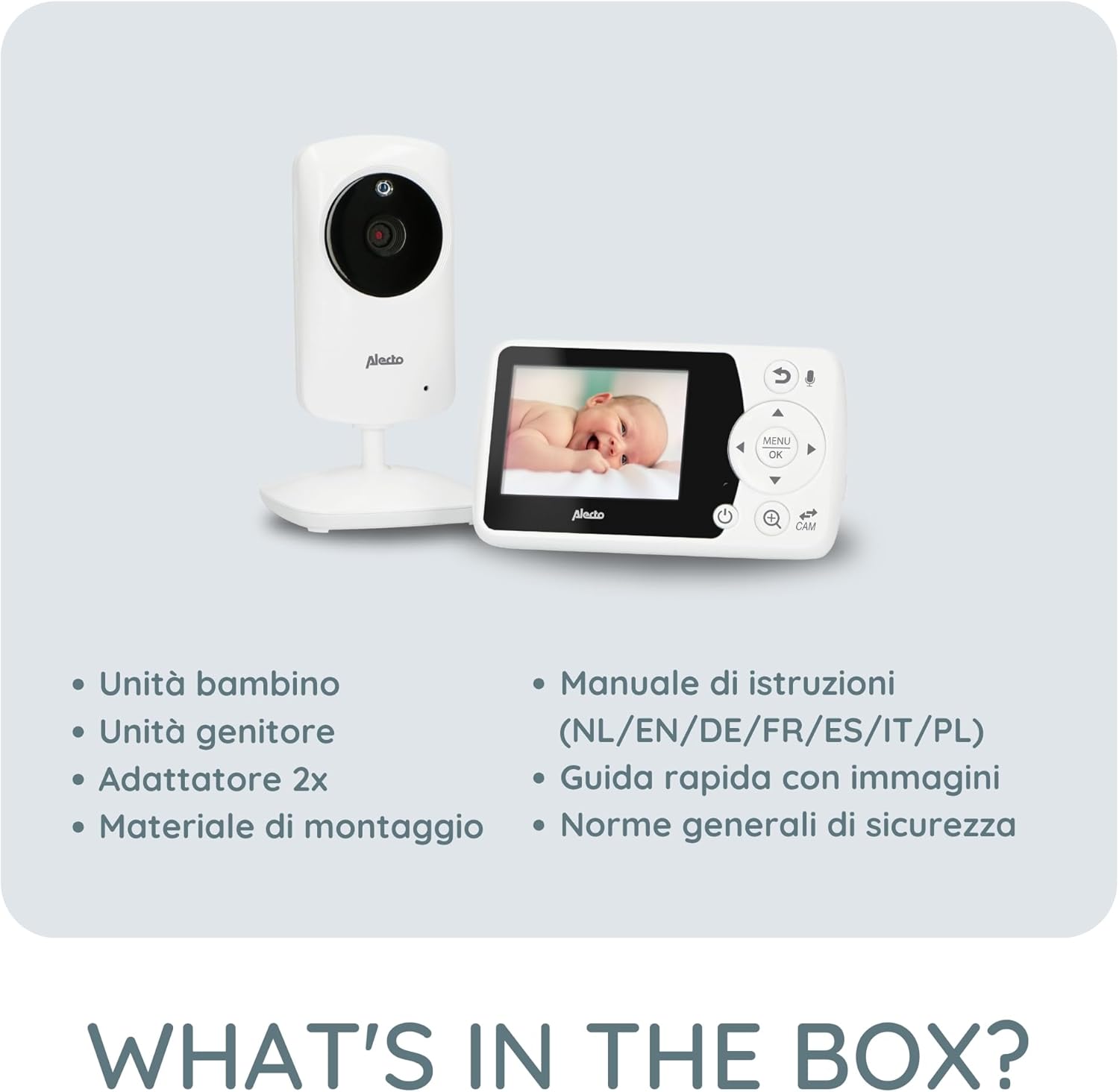
Illustration of all items included in the Alecto DVM-64 package.
Pagrindinės savybės
- Didelis ekranas: The parent unit features an 11-centimeter (2.4-inch) diagonal screen for clear viewing and easy control.
- Naktinis matymas: Automatic night vision mode provides a clear image in low-light conditions or complete darkness.
- Two-Way Talk (Intercom): Communicate with your baby remotely through the parent unit.
- Secure & Interference-Free Connection: Ensures privacy and reliable monitoring.
- Išplėstas diapazonas: Up to 50 meters indoors and 300 meters outdoors. An out-of-range warning alerts you if the connection is lost.
- VOX funkcija: Image and sound activate automatically when noise is detected, conserving power. Adjustable sensitivity.
- Temperatūros rodymas: Monitor the room temperature with an alarm function for optimal comfort.
- Lopšinės: 8 integrated lullabies to soothe your baby.
- Išplečiama: Supports connection of up to 4 cameras (DVM-64C, sold separately) for monitoring multiple rooms.
- Rechargeable Parent Unit: Offers up to 10 hours of standby time.
- Lengvas montavimas prie sienos: The baby unit can be easily mounted on a wall.

Visual representation of key features including out-of-range alert and night vision.

Details on the monitor's wide range and the camera's wall-mounting option.
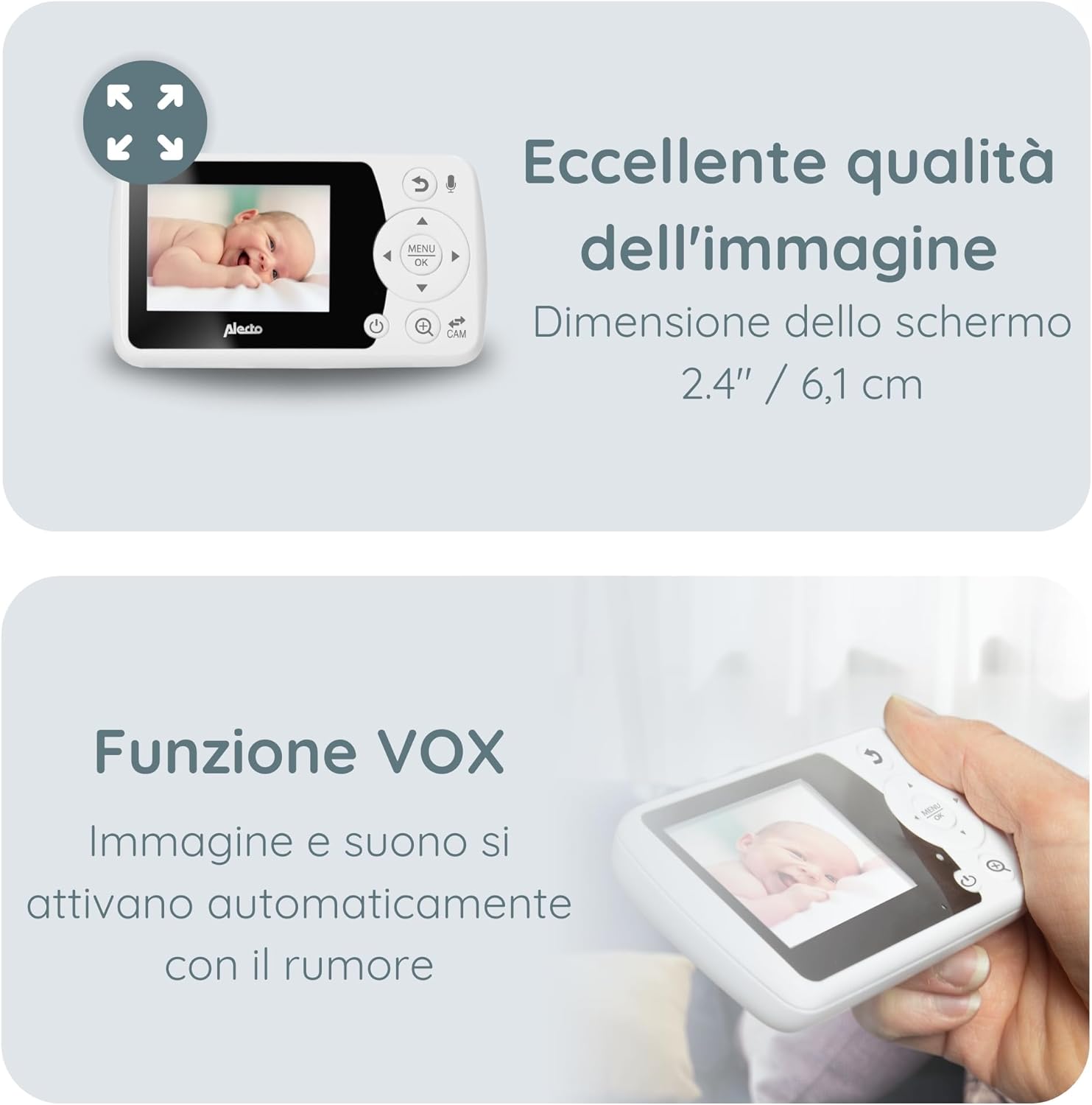
Information on the monitor's image quality, screen dimensions, and VOX feature.

Details on temperature monitoring and the option to add up to four cameras.
Sąranka
1. Tėvų įrenginio įkrovimas
Before first use, fully charge the parent unit for approximately 8 hours. Connect one of the provided power adapters to the parent unit and a power outlet. The battery indicator on the screen will show charging status.
2. Kūdikio įrenginio (kameros) maitinimas
Connect the second power adapter to the baby unit and a power outlet. The baby unit does not have a battery and must remain connected to power during operation.
3. Kūdikio įrenginio pastatymas
Padėkite kūdikio įrenginį tokioje vietoje, kurioje būtų užtikrintas aiškus view of your baby's crib or play area. Ensure it is out of reach of children (at least 1 meter away from the crib) and that the power cable is not a strangulation hazard. The camera can be manually rotated and tilted to adjust the viewing angle. For optimal night vision, avoid placing the camera directly facing a light source.
4. Įjungimas
Once both units are connected to power, press and hold the power button on the parent unit to turn it on. The units should automatically connect. If they do not connect, refer to the troubleshooting section for pairing instructions.
Naudojimo instrukcijos
Tėvų įrenginio valdikliai
The parent unit features a screen and several buttons for navigation and control:
- Maitinimo mygtukas: Įjungia/išjungia įrenginį.
- Meniu / Gerai mygtukas: Įeina į meniu ir patvirtina pasirinkimus.
- Naršymo mygtukai (aukštyn / žemyn / kairėn / dešinėn): Naršykite meniu parinktis ir koreguokite nustatymus.
- Pokalbio mygtukas: Activates the two-way talk function.
- Kameros jungiklio mygtukas: Switches between connected cameras (if multiple are paired).
- Garsumo mygtukai: Reguliuoja garso stiprumą.
Naktinis matymas
The baby unit automatically switches to night vision mode in low-light conditions. The image will appear in black and white, providing a clear view jūsų kūdikio.
Dvipusio pokalbio funkcija
Press and hold the Talk button on the parent unit to speak to your baby through the baby unit's speaker. Release the button to hear your baby again.
Lopšinės
Access the menu on the parent unit to select and play one of the 8 integrated lullabies. You can also adjust the volume of the lullabies.
VOX funkcija (balsu valdomas pokalbių keitimas)
The VOX function allows the monitor to enter a power-saving standby mode when no sound is detected. When your baby makes a sound, the monitor will automatically activate the screen and sound. You can adjust the VOX sensitivity in the menu to suit your environment.
Temperatūros stebėjimas
The baby unit continuously monitors the room temperature and displays it on the parent unit's screen. You can set temperature alarms in the menu to be notified if the room becomes too hot or too cold.
Adding Additional Cameras (DVM-64C)
The Alecto DVM-64 system can be expanded with up to 4 cameras (model DVM-64C, sold separately). To add a new camera, navigate to the camera pairing option in the parent unit's menu and follow the on-screen instructions.
Priežiūra
Valymas
Wipe the units with a soft, dry cloth. Do not use abrasive cleaners or solvents. Ensure no liquid enters the units.
Baterijos priežiūra (tėvų įrenginys)
To prolong battery life, avoid fully discharging the parent unit frequently. If the unit will not be used for an extended period, charge it fully and then store it in a cool, dry place. Recharge it every few months to prevent deep discharge.
Trikčių šalinimas
| Problema | Galimas sprendimas |
|---|---|
| Tėvų įrenginyje nėra vaizdo / garso |
|
| Prasta vaizdo kokybė |
|
| Statiškumas arba trukdžiai |
|
| Įspėjimas už diapazono ribų |
|
Specifikacijos
- Prekinis ženklas: Alecto
- Modelio pavadinimas: DVM-64
- Ryšio technologija: Bevielis
- Ekrano dydis: 2.4 coliai / 6.1 cm (įstrižainė)
- Vidinis diapazonas: Iki 50 metrų
- Lauko diapazonas: Iki 300 metrų
- Parent Unit Battery Life (Standby): Iki 10 valandų
- Išplečiamumas: Up to 4 cameras (DVM-64C)
- Ypatingos savybės: Night Vision, Two-Way Talk, VOX Function, Temperature Display with Alarm, Lullabies, Out-of-Range Warning.

Physical dimensions of the Alecto DVM-64 parent and baby units.
Garantija ir palaikymas
For warranty information and customer support, please refer to the general safety regulations document included in your package or visit the official Alecto websvetainėje. Išsaugokite pirkimo įrodymą garantiniams reikalavimams.