
BOTSLAB HK30
BOTSLAB HK30 Car Dash Cam User Manual
4K+1080P+1080P Car Dash Cam with Angle Front Camera and Color Night Vision
1. Įvadas
Thank you for choosing the BOTSLAB HK30 Car Dash Cam. This manual provides detailed instructions for the installation, operation, and maintenance of your new dash camera system. Please read this manual thoroughly before using the product to ensure proper function and safety. Keep this manual for future reference.
2. Saugos informacija
- Do not operate the dash cam or access its settings while driving. Always pull over safely before making any adjustments.
- Įsitikinkite, kad vaizdo registratorius yra tvirtai pritvirtintas ir neužstoja vairuotojo view arba trukdyti oro pagalvių išsiskleidimui.
- Use only the original power adapter and cables provided with the device. Using unauthorized accessories may damage the product and void the warranty.
- Venkite vaizdo registratoriaus laikymo itin aukštoje temperatūroje, tiesioginiuose saulės spinduliuose ilgą laiką arba per didelėje drėgmėje.
- Nebandykite patys išardyti ar taisyti įrenginio. Kreipkitės pagalbos į klientų aptarnavimo tarnybą.
- Regularly format the memory card to ensure optimal recording performance.
3. Pakuotės turinys
Patikrinkite pakuotę, ar joje yra šie daiktai:
- BOTSLAB HK30 Dash Cam Unit
- Automobilinis įkroviklis (maitinimo laidas)
- Mounting Bracket (with adhesive pad)
- Vartotojo vadovas
- Optional: Rear Camera (if purchased as a bundle)
- Optional: GPS Module
4. Produktas baigtasview
The BOTSLAB HK30 is a multi-channel dash cam designed to provide comprehensive coverage of your driving environment. It features a main front camera with 4K resolution, and supports additional cameras for rear and interior views (sold separately or as part of a bundle).

Image: The main BOTSLAB HK30 dash cam unit, showing the front lens and the Botslab branding.
Pagrindinės funkcijos:
- 4K priekinė kamera: Captures high-resolution video of the road ahead.
- 140° pločio Viewpakreipimo kampas: Provides extensive coverage, minimizing blind spots.
- Spalvotas naktinis matymas: Enhances visibility and clarity in low-light conditions.
- Integruotas GPS: Records speed and location data for your journeys.
- G jutiklis: Automatically locks video filesmūgio metu, kad būtų išvengta perrašymo.
- Ciklo įrašymas: Nuolat įrašinėja perrašydamas seniausius files kai atminties kortelė pilna.
- Parkavimo stebėjimas: Offers 24-hour surveillance with time-lapse recording and collision-triggered normal recording (requires buck line kit, sold separately).
- Programos valdymas: Connects to your smartphone for easy settings adjustment, live view, and video download.

Paveikslėlis: iliustracija, demonstruojanti 140 laipsnių pločio viewing angle of the dash cam, showing its ability to capture a broad perspective of the road.
5. Sąranka ir diegimas
5.1 Atminties kortelės įdėjimas
Before first use, insert a high-speed (Class 10 or higher) microSD card (up to 256GB recommended) into the dash cam's memory card slot. Ensure the card is inserted correctly until it clicks into place. Format the card via the dash cam's settings menu or the mobile app before initial recording.
5.2 Vaizdo registratoriaus montavimas
- Nuvalykite priekinio stiklo vietą, kurioje ketinate montuoti vaizdo registratorių. Įsitikinkite, kad ji be dulkių ir riebalų.
- Attach the adhesive pad to the mounting bracket, then firmly press the bracket onto the chosen spot on your windshield, ideally behind the rearview veidrodis optimaliam view ir minimalios kliūtys.
- Slide the dash cam unit onto the mounted bracket until it locks securely.
- Adjust the camera lens angle to ensure it captures the road ahead clearly, with approximately 60% road and 40% sky visible.
5.3 Maitinimo jungtis
- Connect the provided car charger cable to the dash cam's power input port.
- Kitą automobilinio įkroviklio galą prijunkite prie automobilio 12 V maitinimo lizdo (cigarečių degiklio lizdo).
- Route the power cable neatly along the edge of the windshield and dashboard to conceal it and prevent interference with driving.
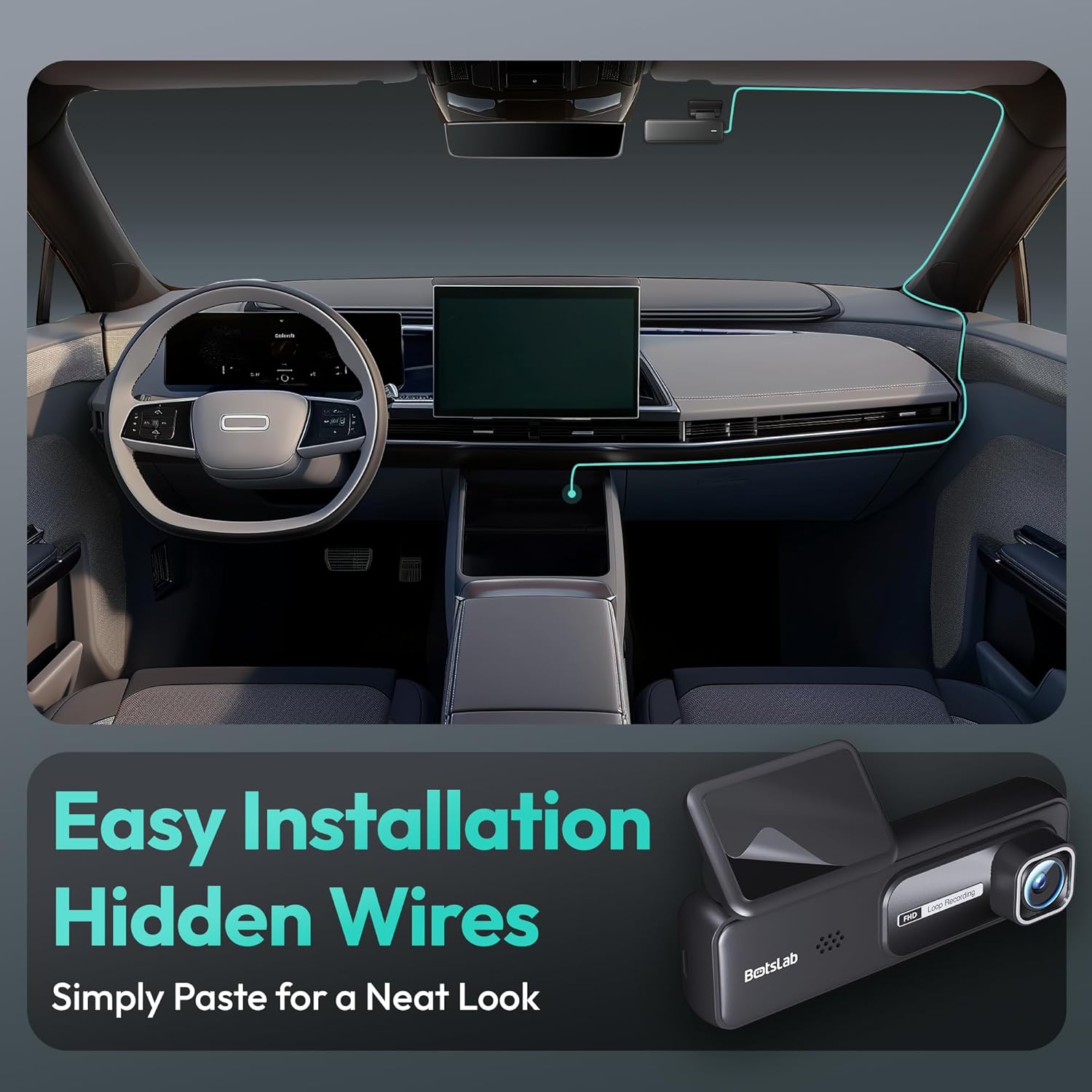
Image: A visual guide illustrating the process of easy dash cam installation with hidden wires, showing how to route the cable neatly along the car's interior for a clean look.
5.4 GPS Module Connection (if applicable)
If your package includes a separate GPS module, connect it to the designated port on the dash cam. Ensure the GPS module is placed in an area with a clear view dangaus optimaliam signalo priėmimui.
6. Naudojimo instrukcijos
6.1 Automatinis įrašymas
Once powered on and connected to your vehicle's ignition, the dash cam will automatically start recording when the engine is started. It will stop recording and power off shortly after the engine is turned off.
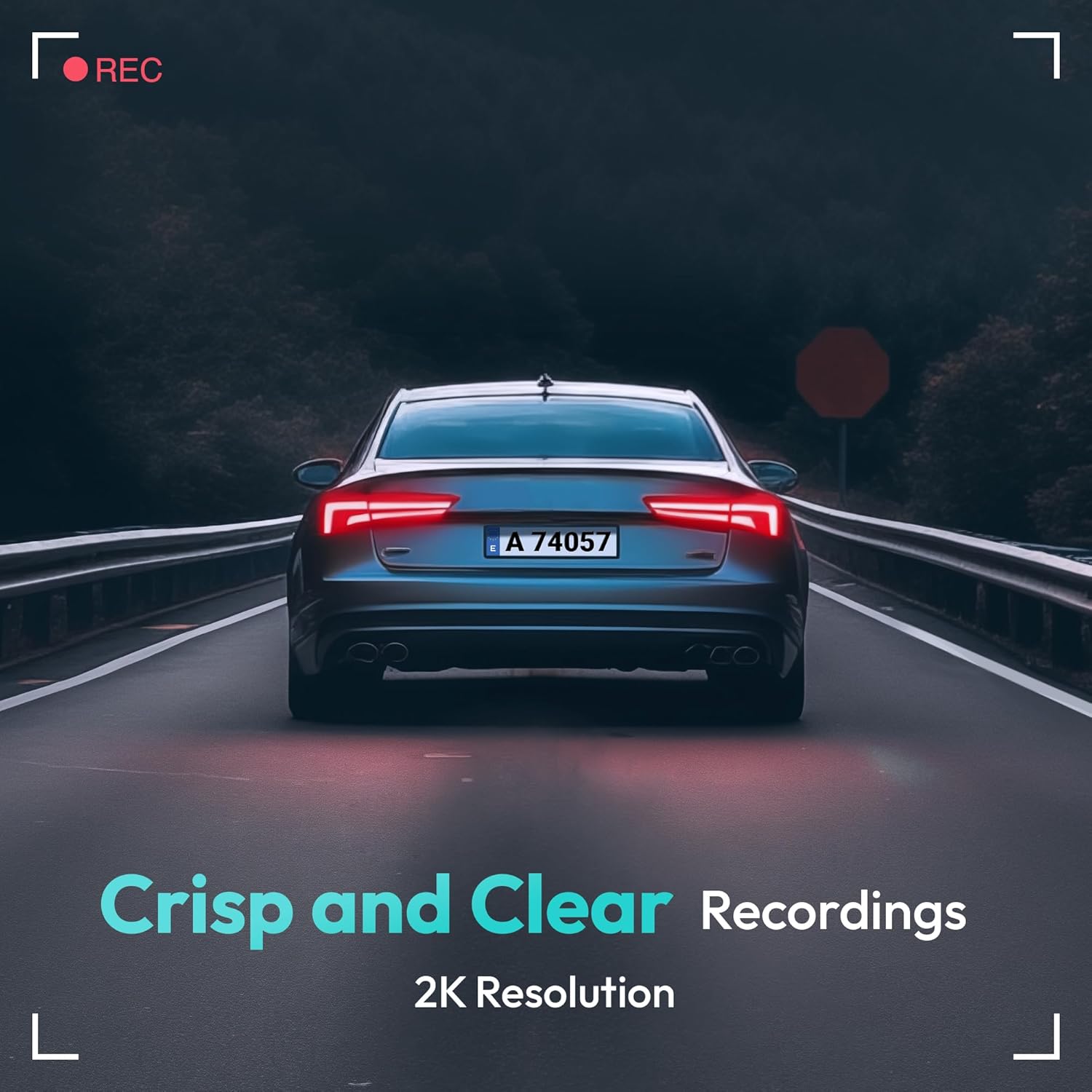
Image: A visual representation highlighting the crisp and clear recording capabilities of the dash cam, indicating 2K resolution for detailed footage.
6.2 Ciklo įrašymas
Vaizdo registratorius įrašo vaizdo įrašą nepertraukiamai (pvz., 1, 3 arba 5 minučių segmentais). Kai atminties kortelė pilna, seniausias atrakintas vaizdas... filebus automatiškai perrašyti naujais įrašais. Tai užtikrina nepertraukiamą įrašymą be rankinio įsikišimo.
6.3 G jutiklis (avarinis įrašymas)
The built-in G-Sensor detects sudden impacts or collisions. When an impact is detected, the current video segment will be automatically locked and saved to a protected folder on the memory card, preventing it from being overwritten by loop recording. These files are crucial for accident evidence.
6.4 Parkavimo stebėjimas
For 24-hour parking surveillance, a hardwire kit (buck line) is required (sold separately). Once installed, the dash cam can utilize:
- „Time-lapse“ įrašymas: Records continuously at a low frame rate to save storage space while providing a full overview of parking events.
- Collision-Triggered Recording: If an impact is detected while parked, the dash cam will wake up and record a short video segment, which will be locked.

Image: An illustration depicting the 24/7 parking monitoring feature, highlighting time-lapse recording and collision-triggered normal recording capabilities, with a shield icon indicating protection.
6.5 App Control and Connectivity
Download the official BOTSLAB app from your smartphone's app store. Connect your phone to the dash cam's Wi-Fi network (SSID and password usually found on the device or in the manual). Through the app, you can:
- View tiesioginis vaizdo transliacijos kanalas.
- Adjust dash cam settings (resolution, G-sensor sensitivity, loop recording duration, etc.).
- Atkurti įrašytus vaizdo įrašus.
- Atsisiųsti vaizdo įrašą filetiesiai į jūsų telefoną.
- Atnaujinkite programinę-aparatinę įrangą.
6.6 GPS Tracking and Playback
With the GPS module connected, the dash cam records your vehicle's speed and location data. This information can be viewed during video playback using the dedicated PC viewer software (available for download from the BOTSLAB website) or within the mobile app, often overlaid on a map (e.g., Google Maps).
7. Priežiūra
7.1 Prietaiso valymas
Use a soft, dry cloth to clean the dash cam's lens and body. Do not use liquid cleaners or abrasive materials, as they may damage the device.
7.2 Atminties kortelių valdymas
It is recommended to format the microSD card once a month to maintain optimal performance and prevent data corruption. Back up any important files prieš formatavimą.
7.3 Firmware atnaujinimai
Periodically check the BOTSLAB official website or the mobile app for available firmware updates. Firmware updates can improve performance, add new features, or fix bugs. Follow the instructions provided with the firmware update carefully.
8. Problemų sprendimas
| Problema | Galima priežastis | Sprendimas |
|---|---|---|
| Vaizdo registratorius neįsijungia. | Nėra maitinimo šaltinio; sugedęs laidas; automobilio maitinimo lizdo problema. | Check power cable connection; try another power outlet; ensure vehicle ignition is on. |
| Įrašymas sustoja arba užstringa. | Atminties kortelė pilna arba sugadinta; lėta atminties kortelė; programinės įrangos problema. | Format memory card; use a high-speed (Class 10+) card; update firmware. |
| Vaizdo įrašo kokybė prasta. | Nešvarus objektyvas; apsauginė plėvelė vis dar ant objektyvo; neteisingi raiškos nustatymai. | Clean the lens; remove protective film; set recording resolution to highest available. |
| GPS signalas nerastas. | GPS module not connected; poor satellite reception. | Ensure GPS module is connected; move vehicle to an open area with clear sky view. |
| Nepavyksta prisijungti prie „Wi-Fi“ / programėlės. | Incorrect Wi-Fi password; phone too far from device; app not updated. | Verify Wi-Fi password; ensure phone is close to dash cam; update app. |
9. Specifikacijos
| Funkcija | Detalė |
|---|---|
| Modelio pavadinimas | HK30 |
| Vaizdo įrašymo raiška | Front: 4K (1944p), Rear/Interior: 1080P (if applicable) |
| Viewing kampas | 140° (priekis) |
| Ryšio technologija | USB, belaidis („Wi-Fi“) |
| Ypatingos savybės | App Control, G-Sensor, Loop Recording, Parking Monitor, Color Night Vision |
| Sandėliavimas | MicroSD Card (up to 256GB, Class 10 or higher) |
| Montavimo tipas | Priekinio stiklo kalnas |
| Maitinimo šaltinis | Automobilinis įkroviklis (12 V) |
| Gaminio matmenys | 2 x 5.5 x 5.5 colio |
| Prekės svoris | 9.6 uncijos |
10. Garantija ir palaikymas
BOTSLAB products come with a limited warranty. Please refer to the warranty card included in your package or visit the official BOTSLAB website for detailed warranty terms and conditions. For technical support, troubleshooting assistance, or any inquiries, please contact BOTSLAB customer service through the contact information provided on their official websvetainėje arba mobiliojoje programėlėje.
Websvetainė: www.botslab.com (Pvzampteisingą informaciją rasite faktinėje produkto dokumentacijoje. URL)
Ask a question about this manual
Ask about setup, troubleshooting, compatibility, parts, safety, or missing instructions. Manuals+ will review the question and use this page’s manual context to help answer it.