
1. Įvadas
This manual provides essential information for the safe and effective operation of your HAVIT Smart Life Series PJ211 PRO projector. Please read this manual thoroughly before using the device and retain it for future reference.
The HAVIT PJ211 PRO is a compact smart projector designed for home entertainment, gaming, and presentations. It features a native HD resolution of 1280x720, supporting up to 4K input, and integrates Android TV 9.0 for direct access to streaming services.
2. Pakuotės turinys
Išpakuodami įsitikinkite, kad visi daiktai yra pakuotėje ir yra geros būklės:
- HAVIT Smart Life Series PJ211 PRO Projector
- Maitinimo kabelis
- Nuotolinio valdymo pultas
- Vartotojo vadovas (šis dokumentas)
3. Produktas baigtasview
Familiarize yourself with the projector's physical components and connection ports.
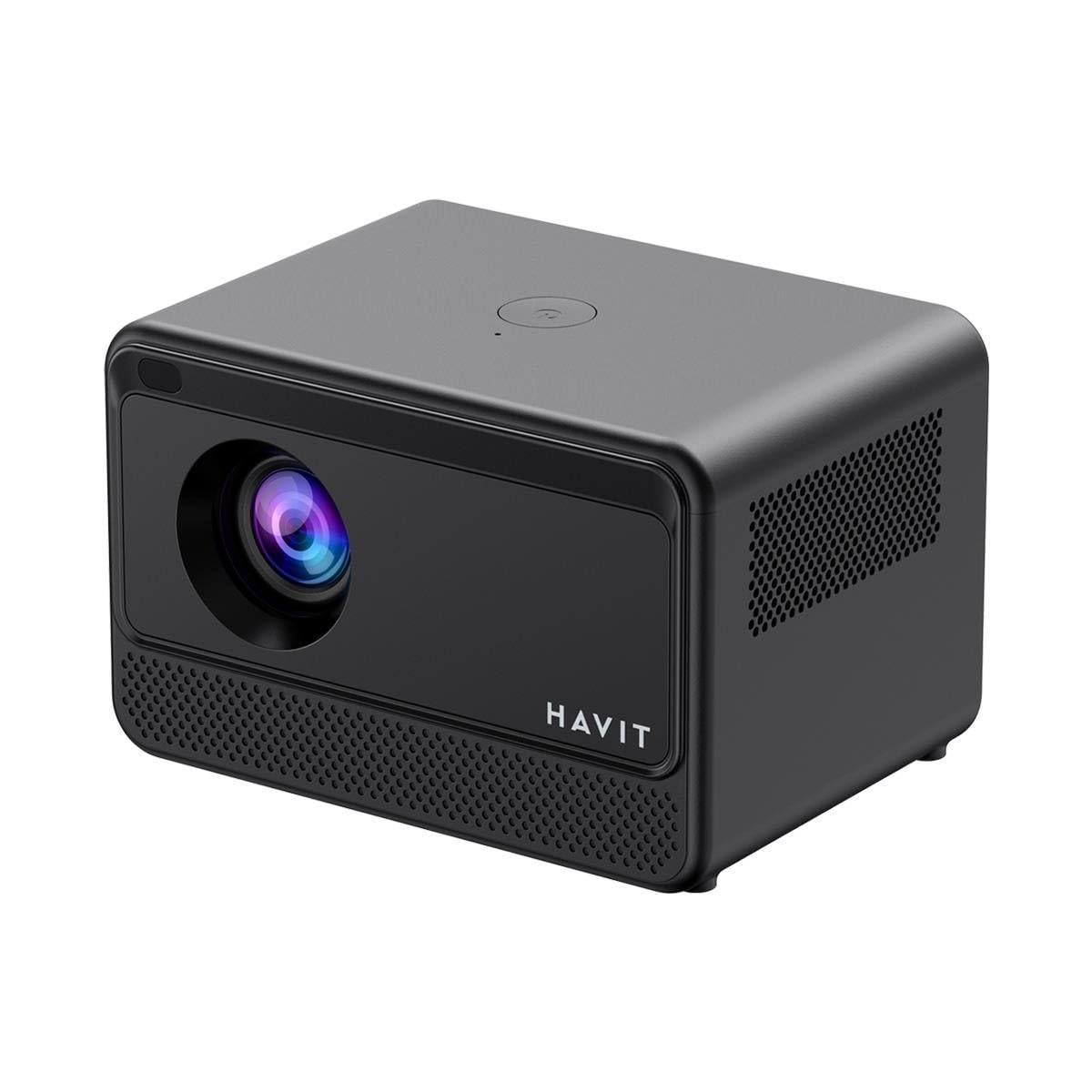
Vaizdas: Galas ir šonas view of the HAVIT PJ211 PRO projector, highlighting the power input, HDMI, USB, and audio ports.

Vaizdas: priekis view of the HAVIT PJ211 PRO projector, showing the projection lens and front grille.
Uostai ir valdikliai:
- Maitinimo įvestis: Jungiamas prie maitinimo adapterio.
- HDMI prievadas: Skirta išoriniams vaizdo šaltiniams, pvz., nešiojamiesiems kompiuteriams, žaidimų konsolėms ar „Blu-ray“ grotuvams, prijungti.
- USB prievadai: Skirta USB atmintinėms prijungti ir medijos atkūrimui files or connect peripherals.
- AV įvestis: Skirta senesniems įrenginiams prijungti naudojant AV kabelį.
- 3.5 mm garso lizdas: Skirta išoriniams garsiakalbiams arba ausinėms prijungti.
- Maitinimo mygtukas: Located on the top panel for turning the projector on/off.
4. Sąranka
4.1 Įdėjimas
Position the projector on a stable, flat surface. Ensure there is adequate ventilation around the device. The optimal projection distance ranges from 1 to 4 meters, yielding a screen size between 32 and 150 inches.
4.2 Maitinimo jungtis
- Prijunkite maitinimo laidą prie projektoriaus maitinimo įvesties prievado.
- Kitą maitinimo laido galą prijunkite prie tinkamo elektros lizdo.
4.3 Pradinis įjungimas
Paspauskite projektoriaus arba nuotolinio valdymo pulto maitinimo mygtuką, kad įjungtumėte įrenginį. Projektorius įsijungs ir parodys „Android TV“ sąsają.
4.4 Fokusavimas ir trapecijos korekcija
The PJ211 PRO features semi-auto focus and semi-auto keystone correction. The projector will attempt to adjust these settings automatically upon startup or movement. Fine-tuning can be done via the on-screen menu if needed.
4.5 Tinklo jungtis
To access online content, connect the projector to a Wi-Fi network.

Image: Illustration showing the projector's support for both 2.4G and 5G dual-band Wi-Fi connections, indicating improved transmission rates and smoother online viewing with 5G.
- Navigate to the 'Settings' menu on the Android TV interface.
- Pasirinkite „Tinklas ir internetas“.
- Iš sąrašo pasirinkite norimą „Wi-Fi“ tinklą.
- Enter the password if prompted and confirm the connection. The projector supports 2.4G and 5G dual-band Wi-Fi for stable connectivity.
5. Naudojimo instrukcijos
5.1 „Android TV 9.0“ sąsaja
The projector runs on Android TV 9.0, providing access to various applications and streaming services. Use the remote control to navigate the interface, select apps, and adjust settings.
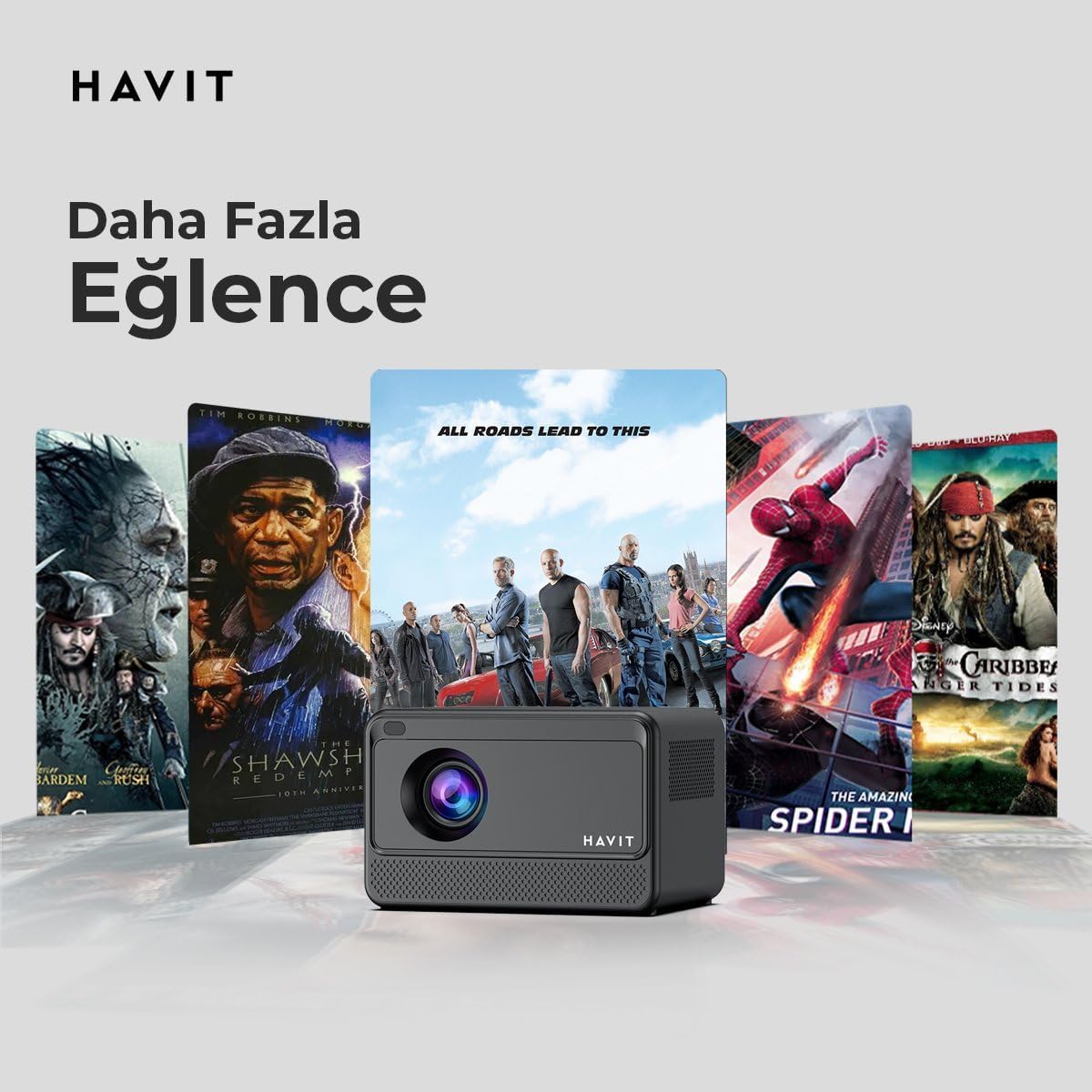
Image: The HAVIT PJ211 PRO projector displaying a selection of popular streaming service icons, illustrating its 'More Entertainment' capability through Android TV.
5.2 Išorinių įrenginių prijungimas
You can connect various external devices to the projector:
- HDMI: Connect a device (e.g., laptop, game console) using an HDMI cable. Select the HDMI input source from the projector's input menu.
- USB: Insert a USB drive into a USB port. The projector's media player will typically detect the drive, allowing you to browse and play supported media files.
- APIE: Use an AV cable to connect compatible devices. Select the AV input source.
- Garso išvestis (3.5 mm lizdas): Connect external speakers or headphones for enhanced audio. The projector has a built-in 3W speaker for standard audio output.
6. Priežiūra
6.1 Valymas
- Objektyvas: Naudokite minkštą, nepūkuotą šluostę, specialiai skirtą optiniams lęšiams. Nenaudokite abrazyvinių valiklių ar šluosčių.
- Išorė: Wipe the projector's exterior with a soft, dry cloth. Avoid using liquid cleaners directly on the device.
- Vėdinimas: Įsitikinkite, kad ventiliacijos angos nėra dulkės ir neužsikimšusios, kad išvengtumėte perkaitimo.
6.2 Lamp Gyvenimas
LED lemputė lamp in your PJ211 PRO projector has an estimated life of 30,000 hours, providing long-term reliability under normal usage conditions.
7. Problemų sprendimas
Jei kyla problemų dėl projektoriaus, žr. šias dažniausiai pasitaikančias problemas ir sprendimus:
| Problema | Galima priežastis | Sprendimas |
|---|---|---|
| Vaizdas nerodomas | Power cable disconnected, incorrect input source, lens cap on. | Check power connection, select correct input source (HDMI, USB, AV), remove lens cap. |
| Vaizdas neryškus | Out of focus, incorrect projection distance. | Adjust focus manually via settings, ensure projector is within 1-4 meters of screen. |
| Nėra garso | Volume too low, external speakers not connected properly, audio settings. | Increase volume, check external speaker connection, verify audio output settings. |
| Wi-Fi ryšio problemos | Incorrect password, router issues, signal interference. | Re-enter Wi-Fi password, restart router, ensure projector is within Wi-Fi range. |
8. Specifikacijos
Detailed technical specifications for the HAVIT Smart Life Series PJ211 PRO projector:

Image: A visual representation of the HAVIT PJ211 PRO projector's specifications, including system, resolution, projection distance, brightness, and connectivity.
- Ekrano technologija: LCD
- Vietinė skiriamoji geba: 1280 x 720 (HD)
- Palaikoma skiriamoji geba: Iki 3840 x 2160 (4 tūkst.)
- Ryškumas: Over 5000 lumens (180+ ANSI lumens)
- Kontrasto santykis: 1500:1
- Kraštinių santykis: 16:9 / 4:3
- Projekcijos atstumas: 1 – 4 metrai
- Ekrano dydžio diapazonas: 32-150 colių
- Fokuso reguliavimas: Semi-Auto Focus
- Keystone korekcija: Semi-Auto Keystone
- Integruotas garsiakalbis: 3W
- Operacinė sistema: Android TV 9.0
- Belaidis ryšys: Wi-Fi (2.4G/5G Dual-Band)
- Įvesties prievadai: HDMI, USB, AV, 3.5mm audio jack
- Lamp Tipas: LED
- Lamp Gyvenimas: 30,000 valandos
- Energijos suvartojimas: 65W
- Prekės svoris: 2.3 kilogramo
- Spalva: Juoda
9. Garantija ir palaikymas
9.1 Informacija apie garantiją
The HAVIT Smart Life Series PJ211 PRO projector comes with a 1 metų garantija nuo įsigijimo datos. Ši garantija taikoma gamybos defektams ir gedimams įprasto naudojimo metu. Išsaugokite pirkimo įrodymą, jei galėtumėte pateikti pretenzijas dėl garantijos.
9.2 Pagalba klientams
For technical assistance, troubleshooting beyond this manual, or warranty inquiries, please contact HAVIT customer support through their official website or the retailer where the product was purchased. Please have your model number (PJ211 PRO) and purchase details ready when contacting support.


