
ZWP BWA17AA005
User Manual for ZWP R7115S Replacement Remote Control
Compatible with Blackweb BWA17AA005 CD Player Stereo Audio System
1. Įvadas
Thank you for choosing the ZWP R7115S Replacement Remote Control. This remote is designed to be fully compatible with the Blackweb BWA17AA005 CD Player Stereo Audio System, providing seamless control over your audio experience. It is made of high-quality, wear-resisting ABS material for comfortable handling and durability. This manual provides essential information for setting up, operating, maintaining, and troubleshooting your new remote control.

Image 1: ZWP R7115S Replacement Remote Control. This image shows the front view of the dark-colored remote control with all its buttons clearly visible, including power, volume, playback controls, and preset EQ.
2. Sąranka
2.1 Akumuliatoriaus įdėjimas
The ZWP R7115S remote control requires button batteries (not included). Follow these steps to install them:
- Nuotolinio valdymo pulto gale raskite baterijų skyrių.
- Gently slide the battery cover open in the direction indicated by the arrow or 'OPEN' label.
- Insert the button batteries, ensuring the positive (+) and negative (-) terminals align correctly with the markings inside the compartment.
- Tvirtai uždarykite akumuliatoriaus dangtelį, kol jis spragtelėdamas užsifiksuos.

Image 2: Battery Installation. This image displays the back of the remote control with the battery compartment open, next to a 3V lithium button battery, illustrating where the battery should be placed.
2.2 Pradinis naudojimas
This replacement remote control requires no programming or pairing. Once the batteries are correctly installed, it is ready to operate your Blackweb BWA17AA005 CD Player Stereo Audio System immediately.
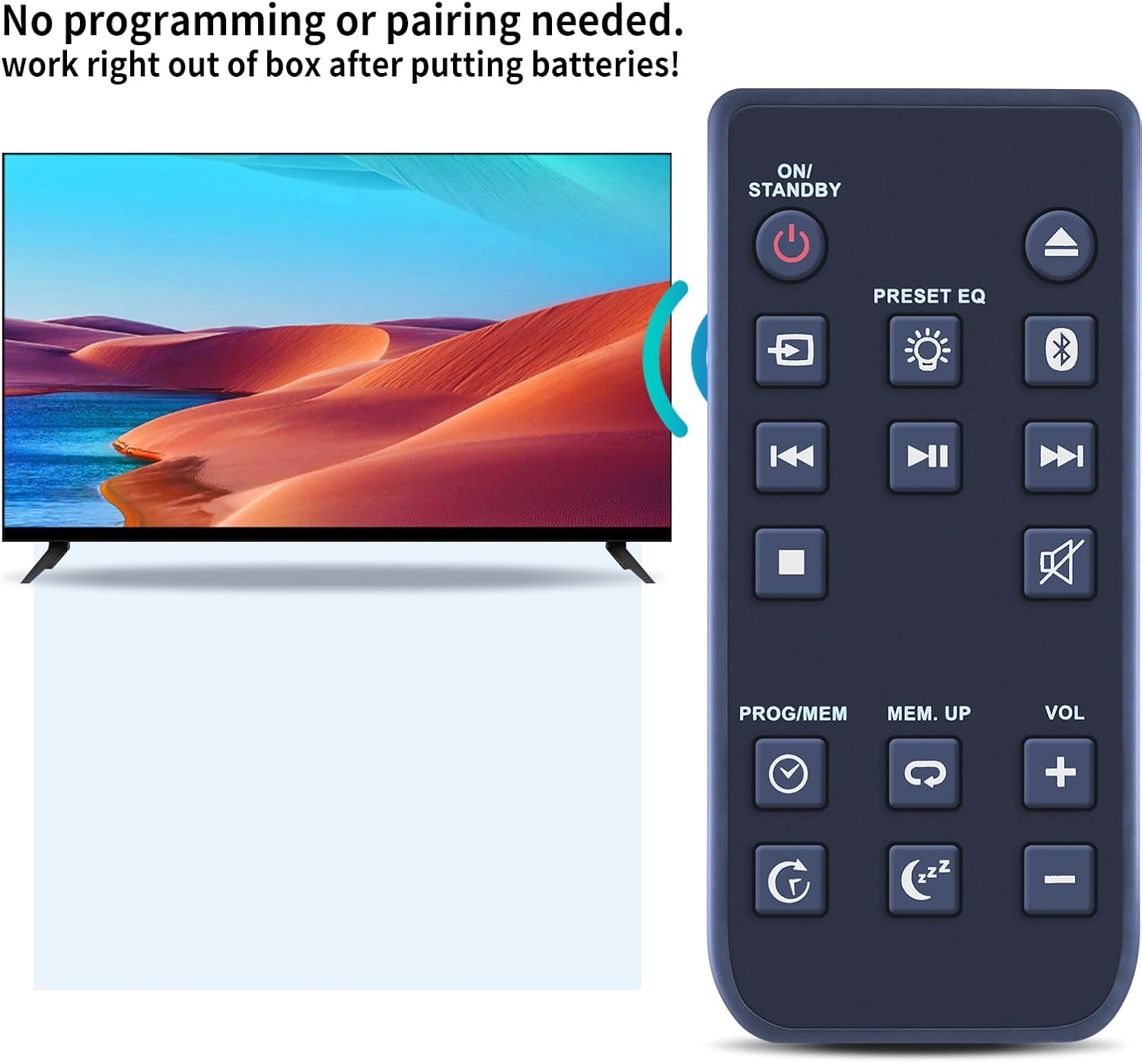
Image 3: No Programming Needed. This image shows the remote control positioned next to a television screen, with text indicating that no programming or pairing is required for operation.
3. Naudojimo instrukcijos
To operate your Blackweb BWA17AA005 CD Player Stereo Audio System, point the remote control directly at the system's infrared receiver. Ensure there are no obstructions between the remote and the audio system.
3.1 Mygtukų funkcijos
The remote control features standard buttons for common audio system functions:
- ĮJUNGTAS / BUDĖJIMO REŽIMAS: Powers the system on or puts it into standby mode.
- PRESET EQ: Cycles through various equalizer presets (e.g., Rock, Pop, Jazz, Classic).
- VOL + / -: Padidina arba sumažina garsumo lygį.
- Nutildyti: Nutildo garso išvestį.
- Playback Controls (Play/Pause, Stop, Skip Forward/Backward): Controls CD playback.
- PROGRAMA/MEM: Used for programming tracks or storing radio station presets.
- MEM. UP: Navigates through stored memory presets.
- Bluetooth mygtukas: Activates or switches to Bluetooth mode.
- Šaltinio / įvesties mygtukas: Changes the audio input source (e.g., CD, FM, Bluetooth, AUX).
- Išsijungimo laikmačio mygtukas: Sets a timer for the system to automatically turn off.
- Pakartojimo mygtukas: Kartoja dabartinį takelį arba albumą.
3.2 Optimal Range
The remote control utilizes infrared technology for precise control. It can effectively operate the audio system from a distance of up to 10 meters (approximately 33 feet), provided there is a clear line of sight.
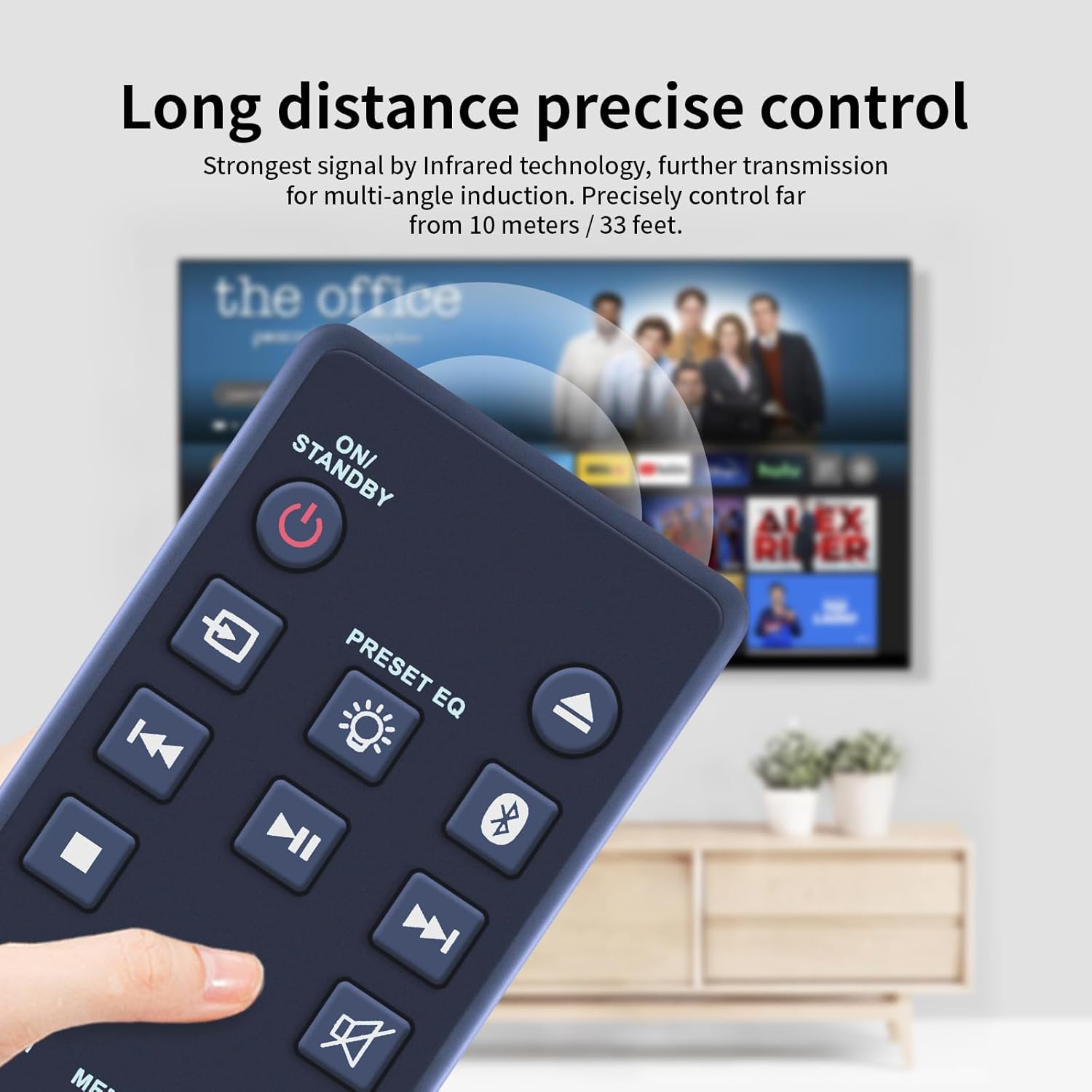
Image 4: Long Distance Control. This image illustrates the remote control being used to operate a device from a distance, highlighting its effective range of up to 33 feet.
4. Priežiūra
4.1 Valymas
Nuotolinio valdymo pultą valykite minkšta, sausa šluoste. Jei nešvarumai sunkiai įveikiami, šiek tiek nuvalykite.ampen the cloth with water or a mild, non-abrasive cleaner. Do not use harsh chemicals or abrasive materials, as they may damage the remote's surface or buttons.
4.2 Akumuliatoriaus keitimas
Replace the batteries when the remote control's response becomes sluggish or it stops functioning. Refer to Section 2.1 for battery installation instructions. Always dispose of used batteries responsibly according to local regulations.
5. Problemų sprendimas
Jei kyla problemų dėl nuotolinio valdymo pulto, žr. toliau pateiktas dažniausiai pasitaikančias problemas ir sprendimus:
| Problema | Galima priežastis | Sprendimas |
|---|---|---|
| Nuotolinio valdymo pultas neveikia. | Neišsikrovusios arba neteisingai įdėtos baterijos. | Patikrinkite baterijų orientaciją arba pakeiskite jas naujomis. |
| Nuotolinio valdymo pulto veikimo nuotolis ribotas arba jis reaguoja su pertrūkiais. | Obstruction between remote and audio system; weak batteries. | Ensure clear line of sight. Replace batteries if they are old. |
| Nereaguoja tam tikri mygtukai. | Nešvarumai ar šiukšlės po mygtuku; vidinis gedimas. | Clean the remote surface. If problem persists, contact support. |
6. Specifikacijos
Below are the technical specifications for the ZWP R7115S Replacement Remote Control:
| Funkcija | Detalė |
|---|---|
| Modelio numeris | R7115S (Compatible with BWA17AA005) |
| Prekės ženklas | ZWP |
| Suderinami įrenginiai | Juodaweb BWA17AA005 CD Player Stereo Audio System |
| Spalva | Juoda |
| Medžiaga | Aukštos kokybės ABS |
| Prekės svoris | 2.4 uncijos |
| Pakuotės matmenys | 10 x 3 x 1 colio |
| Maitinimo šaltinis | Button Batteries (not included) |
| Ypatinga funkcija | Ergonomiškas dizainas |

Image 5: Remote Control Dimensions. This image provides a detailed view of the remote control, showing its length (3.54 inches), width (1.57 inches), and thickness (0.39 inches).
7. Garantija ir palaikymas
For any questions, concerns, or issues regarding your ZWP R7115S Replacement Remote Control, please do not hesitate to contact the seller directly. We are committed to helping you resolve any problems you may encounter.
Please refer to your purchase documentation or the seller's information on the platform where you purchased the product for specific warranty details and contact methods.
Ask a question about this manual
Ask about setup, troubleshooting, compatibility, parts, safety, or missing instructions. Manuals+ will review the question and use this page’s manual context to help answer it.