
1. Įvadas
The Optex ORT8915-UHD is a state-of-the-art 4K DVB-T2 terrestrial digital television receiver. This device allows you to receive terrestrial digital television programs in stunning 4K quality, providing a high-quality visual and audio experience. It supports HEVC encoding for efficient broadcasting and offers various features to enhance your viewpatirtį.
2. Pakuotės turinys
Prieš tęsdami montavimą, patikrinkite, ar pakuotėje yra visi reikalingi elementai:
- Optex ORT8915-UHD 4K DVB-T2 Receiver x1
- Maitinimo adapteris x1
- 1.5V Batteries x2
- Vartotojo vadovas x1
- Nuotolinio valdymo pultas x1
- HDMI kabelis x1

Image 2.1: The Optex ORT8915-UHD receiver along with its included accessories: power adapter, batteries, user manual, remote control, and HDMI cable.
3. Produktas baigtasview
3.1 Priekinis skydelis
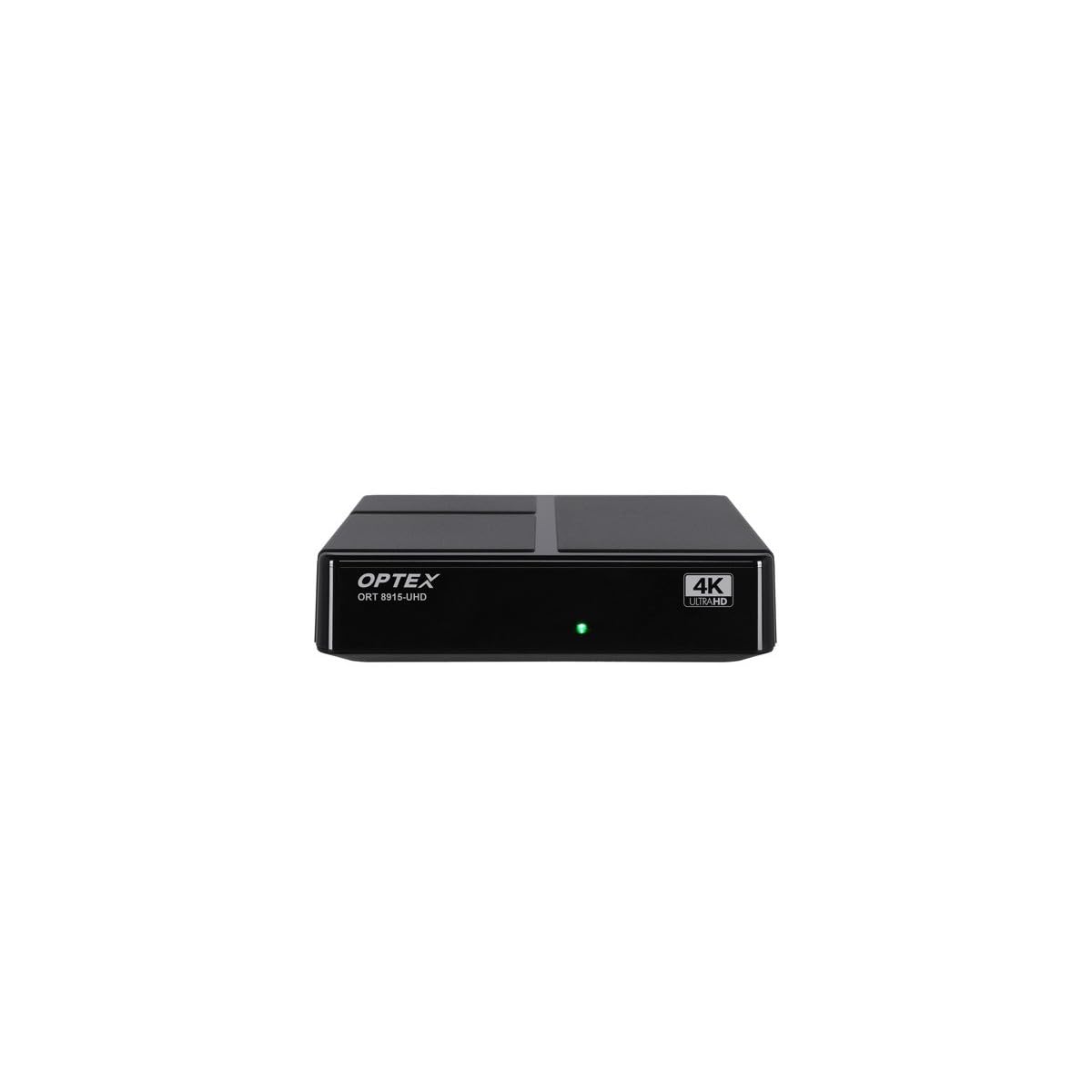
3.1 vaizdas: priekis view of the Optex ORT8915-UHD receiver, showing the USB port and control buttons.
The front panel features a USB port for connecting external storage devices, along with basic control buttons for power, menu navigation, channel selection (CH+/CH-), and volume adjustment (V+/V-).
3.2 Galinis skydelis

3.2 vaizdas: galinis view of the Optex ORT8915-UHD receiver, displaying various input/output ports.
Galiniame skydelyje yra šios jungtys:
- ANT IN: Skirta antžeminės antenos prijungimui.
- OPTIC: Optinė skaitmeninė garso išvestis.
- APIE: Analog video/audio output.
- HDMI: High-Definition Multimedia Interface output for connecting to a TV.
- DC in: Power input for the adapter.
3.3 Nuotolinis valdymas

Image 3.3: The remote control for the Optex ORT8915-UHD receiver, featuring various function buttons.
The remote control provides full functionality for navigating menus, changing channels, adjusting volume, accessing program guides, and utilizing special features like Timeshift and USB recording.
4. Sąranka
- Prijunkite anteną: Connect your terrestrial antenna cable to the "ANT IN" port on the rear panel of the receiver.
- Prijungimas prie televizoriaus:
- For High-Definition (HD) connection: Use the provided HDMI cable to connect the "HDMI" port on the receiver to an HDMI input on your television.
- For Standard-Definition (SD) connection: Use an AV cable (not included) to connect the "AV" ports on the receiver to the corresponding AV inputs on your television.
- Prijunkite maitinimą: Plug the power adapter into the "DC IN" port on the receiver, then plug the adapter into a power outlet.
- Įdėkite baterijas į nuotolinio valdymo pultą: Open the battery compartment on the back of the remote control and insert the two 1.5V batteries, ensuring correct polarity.
- Maitinimas: Press the power button on the receiver or the remote control to turn on the device.
- Pasirinkite televizoriaus įvestį: On your television, select the correct HDMI or AV input source that corresponds to the connection you made in step 2.
5. Naudojimo instrukcijos
5.1 Pradinis kanalų nuskaitymas
Upon first use or after a factory reset, the receiver will guide you through an initial setup process, including a channel scan. Follow the on-screen prompts to automatically search for available DVB-T2 channels in your region. Ensure your antenna is properly connected for optimal results.
5.2 Pagrindinės funkcijos
- Kanalo naršymas: Naudokite CH+ ir CH- buttons on the remote or front panel to change channels.
- Garsumo valdymas: Naudokite V+ ir V- mygtukai garsumui reguliuoti.
- Prieiga prie meniu: Paspauskite MENIU mygtuką, kad pasiektumėte pagrindinį meniu, kuriame yra nustatymų ir funkcijų.
- Programos vadovas (EPG): Paspauskite EPG mygtuką prie view the Electronic Program Guide, which displays broadcast schedules.
- Teletekstas: Access teletext services by pressing the TTX mygtuką.
5.3 Išplėstinės funkcijos
- Timeshift (Live Control): Connect a USB storage device to the receiver. Press the Laiko poslinkis button (often a pause/play icon) to pause live TV, allowing you to resume viewvėliau.
- USB įrašymas (PVR): With a USB storage device connected, you can record live TV programs. Use the REC mygtuką nuotolinio valdymo pulte, kad pradėtumėte įrašymą.
- Multimedijos atkūrimas: The USB port also supports playback of various multimedia files (audio, video, images) from a connected USB storage device. Navigate to the multimedia section in the main menu to access this feature.
- Tėvų kontrolė: Set up parental control features through the menu to restrict access to certain channels or programs based on age ratings.
- Mėgstamiausių sąrašai: Create customized lists of your favorite channels for quick access.
6. Priežiūra
- Valymas: Imtuvo išorę valykite minkštu, sausu skudurėliu. Nenaudokite skystų valiklių ar abrazyvinių medžiagų.
- Vėdinimas: Ensure the receiver is placed in a well-ventilated area to prevent overheating. Do not block the ventilation holes.
- Programinės įrangos atnaujinimai: Periodically check for software updates via USB to ensure optimal performance and access to new features. Refer to the main menu settings for update options.
7. Problemų sprendimas
| Problema | Galima priežastis | Sprendimas |
|---|---|---|
| Nėra vaizdo ar garso | Incorrect TV input selected, loose cable connections, power issue. |
|
| Nerasta jokių kanalų | Antenna not connected or positioned correctly, no channel scan performed. |
|
| Nuotolinio valdymo pultas neveikia | Dead batteries, obstructed signal, remote not paired (if applicable). |
|
| Prasta vaizdo kokybė | Weak antenna signal, incorrect resolution settings. |
|
8. Specifikacijos
| Funkcija | Detalė |
|---|---|
| Modelis | ORT8915-UHD |
| Prekės ženklas | Optex |
| Produkto tipas | 4K DVB-T2 Terrestrial Receiver |
| Vaizdo įrašų kodavimas | HEVC |
| Suderinami įrenginiai | Television, Game Console, Tablet, Personal Computer, Amplifier, garsiakalbis, išmanusis telefonas |
| Ryšio technologija | USB |
| Garso išvesties režimas | Stereo |
| Garso išvesties tipas | HDMI, optinis |
| Erdvinio garso kanalo konfigūracija | 5.1, 7.1, 9.2 |
| Ypatinga funkcija | Judesio detektorius |
| Iš viso HDMI prievadų | 1 |
| Energijos suvartojimas (budėjimo režimu) | <0.5 W |
| Matmenys (ilgis x plotis) | 126.0 mm x 125.0 mm |
| Produkto svoris | 470 g |
9. Garantija ir palaikymas
For warranty information and technical support, please refer to the official Optex websvetainėje arba susisiekite su vietiniu pardavėju. Išsaugokite pirkimo kvitą kaip pirkimo įrodymą bet kokiems garantiniams reikalavimams.
Software updates are guaranteed until an unknown date, as per product information. For the latest information, please visit the manufacturer's support page.