
1. Įvadas
The viqee S24 Ultra is a 5G unlocked smartphone designed for high performance and versatility. Running on Android 14.0, it offers a seamless user experience with its powerful features, including a high-resolution camera system, a large display, and an integrated tool pen. This manual provides essential information to help you get started and make the most of your device.
2. Sąranka
2.1. SIM kortelės (-ių) ir „MicroSD“ kortelės įdėjimas
- Suraskite SIM kortelės dėklą savo įrenginio šone.
- Įkiškite pateiktą SIM kortelės išstūmimo įrankį į mažą skylutę šalia dėklo ir švelniai stumkite, kol dėklas iššoks.
- Place your 5G Nano-SIM card(s) into the designated slots. The viqee S24 Ultra supports Dual SIM Dual Standby.
- If you wish to expand storage, insert a MicroSD card into the dedicated MicroSD card slot.
- Atsargiai įstatykite dėklą atgal į telefoną, kol jis spragtelėdamas užsifiksuos.
2.2. Įjungimas ir pradinė sąranka
- Press and hold the Power button (located on the right side of the device) until the viqee logo appears.
- Vykdykite ekrane pateikiamus nurodymus, kad pasirinktumėte kalbą, prisijunkite prie „Wi-Fi“ tinklo ir sutiktumėte su sąlygomis.
- Sign in with your Google account to access apps and services.
- Complete any remaining setup steps, such as setting up a screen lock or transferring data from a previous device.
3. Naudojimo instrukcijos
3.1. Pagrindinė navigacija
- Jutiklinio ekrano gestai: Swipe up, down, left, or right to navigate through menus and home screens. Tap to select items.
- Pagrindinis ekranas: Access your favorite apps and widgets.
- Programėlių stalčius: Braukite aukštyn iš pagrindinio ekrano į view visos įdiegtos programos.
- Pranešimų skydelis: Braukite žemyn nuo ekrano viršaus iki view pranešimai ir greitieji nustatymai.
3.2. Using the Built-in Pen
The viqee S24 Ultra features a built-in pen for enhanced interaction. To use the pen:
- Gently press the top of the pen to release it from its slot at the bottom of the phone.
- Use the pen to navigate, write notes, sketch, or interact with applications that support pen input. The pen tip is designed for accurate and natural screen interaction.
- When finished, reinsert the pen into its slot until it clicks securely.

A hand using the built-in E Pen on the viqee S24 Ultra screen for drawing, demonstrating its precise input capabilities. The pen is designed for a smooth and natural writing experience.
4. Savybės
4.1. Ekranas
- Dydis: 6.8 colių
- Rezoliucija: 2340 x 1080
- Kitos ekrano funkcijos: Bevielis
4.2. Kamerų sistema
- Galinė kamera: 108MP with 200MP Sensor, featuring Upgradable Adaptive Pixel Technology for optimized imaging in various light conditions.
- Priekinė kamera: 50 MP
- Savybės: WIFI+BT+FM+GPS.

Rear camera module of the viqee S24 Ultra, highlighting the 108MP main sensor and additional lenses. The phone uses dual-core sensor technology and AI for optimized imaging.
4.3. Spektaklis
- Operacinė sistema: Android 14
- RAM: 6 GB
- Vidinė saugykla: 256 GB (išplečiama)

Image showing a Snapdragon 8 Gen 3 chip, indicating high-performance processing for the viqee S24 Ultra. This processor is designed to reduce stagnation and crashes, improving network speed, frame rate, and picture smoothness for demanding applications and gaming.
4.4. Baterija
- Talpa: 6800 mAh
- Budėjimo laikas: Iki 6 dienų
- Įkrovimas: Fast Charging supported.
4.5. Ryšys
- Korinio ryšio technologija: 5G (Global Band, Dual SIM Dual Standby)
- Kitas ryšys: Wi-Fi, Bluetooth, FM, GPS.
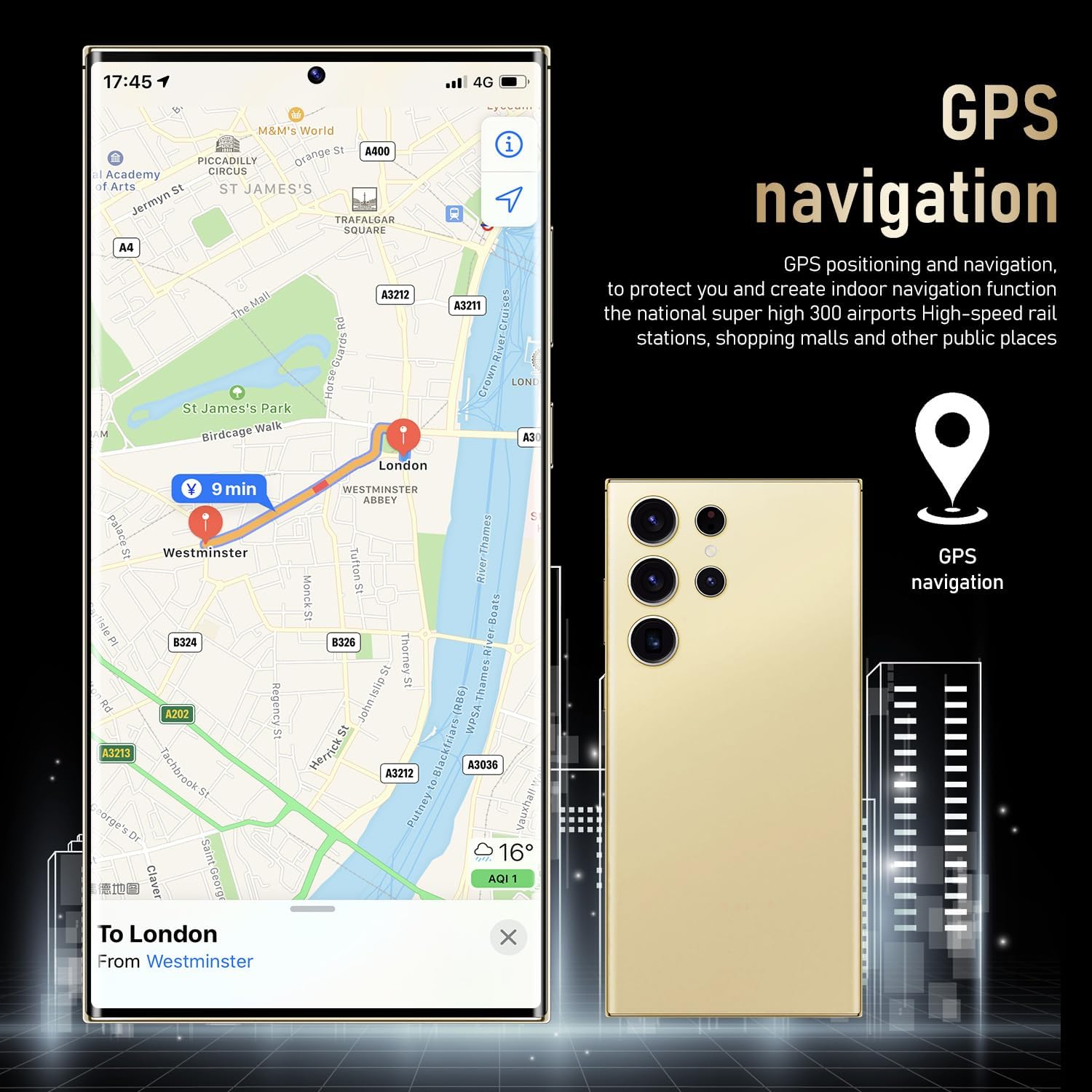
The viqee S24 Ultra displaying a GPS navigation map, illustrating its high positioning accuracy and indoor navigation function for various locations.

The viqee S24 Ultra showing its dual SIM and dedicated micro SD card slot, allowing for simultaneous use of two SIM cards and expandable data storage.
4.6. Saugumas
- Veido atpažinimas: Zero-light face recognition with hidden infrared light for secure unlocking in various conditions.

A user unlocking the viqee S24 Ultra using zero-light face recognition, which accurately recognizes the user even in dark environments with hidden infrared light.
5. Priežiūra
- Valymas: Telefono ekraną ir korpusą valykite minkštu, nepūkuotu audiniu. Venkite stiprių cheminių medžiagų.
- Programinės įrangos atnaujinimai: Regularly check for and install software updates to ensure optimal performance and security. Go to Settings > Software Update.
- Akumuliatoriaus priežiūra: Norėdami pailginti akumuliatoriaus veikimo laiką, venkite ekstremalių temperatūrų ir dažnai jį visiškai iškraukite.
- Saugyklos valdymas: Periodiškai valykite nereikalingus fileir programėles, kad būtų palaikomas įrenginio greitis ir atlaisvinama vietos saugykloje.
6. Problemų sprendimas
6.1. Dažnos problemos ir sprendimai
- Įrenginys nereaguoja: If your phone is unresponsive, press and hold the Power button for about 10 seconds to force a restart.
- Greitai išsikrauna baterija: Check background app usage, reduce screen brightness, and disable unnecessary features like GPS or Wi-Fi when not in use. Ensure you are using the recommended charger.
- Programėlių strigimas / užstrigimas: Clear the cache and data for the problematic app (Settings > Apps > [App Name] > Storage > Clear Cache/Clear Data). If the issue persists, uninstall and reinstall the app.
- Ryšio problemos („Wi-Fi“ / 5G): Try toggling Wi-Fi or mobile data off and on. Restart your phone. If Wi-Fi issues persist, restart your router.
- Phone Heating: Excessive heating can occur during intensive tasks like gaming or prolonged video recording. Close background apps and reduce screen brightness. If heating is persistent and severe, contact support.
7. Specifikacijos
| Funkcija | Specifikacija |
|---|---|
| Modelio pavadinimas | S24U |
| Operacinė sistema | Android 14 |
| Ekrano dydis | 6.8 colių |
| Rezoliucija | 2340 x 1080 |
| RAM | 6 GB |
| Atminties talpa | 256 GB |
| Galinė kamera | 108MP (with 200MP Sensor) |
| Priekinė kamera | 50 MP |
| Baterijos talpa | 6800 mAh |
| Ryšio technologija | 5G |
| Prekės svoris | 4.8 uncijos |
| Pakuotės matmenys | 0.5 x 0.4 x 0.35 colio |
8. Kas yra dėžutėje
The viqee S24 Ultra package includes the following items:
- viqee S24 Ultra Smartphone
- USB OTG adapteris
- Mobiliųjų telefonų dėklai
- Duomenų linija
- Charger (Choose one of four types: US, UK, AU, EU)
- Ekrano apsauga
- Mobilus vadovas
- Ausinės
- SIM Ejector Tool (Needle)

An image detailing the contents of the viqee S24 Ultra retail box, including the phone, mobile phone cases, data line, charger (choice of four types), screen protector, mobile manual, headset, and SIM ejector tool.
9. Garantija ir palaikymas
For warranty information and customer support, please refer to the documentation included in your product packaging or visit the official viqee websvetainėje. Išsaugokite pirkimo įrodymą, jei prireiktų pateikti garantinį ieškinį.