
1. Produktas baigtasview
The Spigen S573 Selfie Stick Tripod is a versatile accessory designed for capturing photos and videos with your smartphone. It features a durable aluminum construction, MagSafe compatibility, and a detachable Bluetooth remote control. This manual provides detailed instructions for its proper use and maintenance.
Pagrindinės funkcijos:
- Aukščiausios kokybės konstrukcija: Crafted from aluminum for durability, with a rubber coating to minimize friction and ensure stable mounting.
- Nešiojamas dizainas: Extendable, lightweight, and easy to carry, offering versatility for various shooting scenarios.
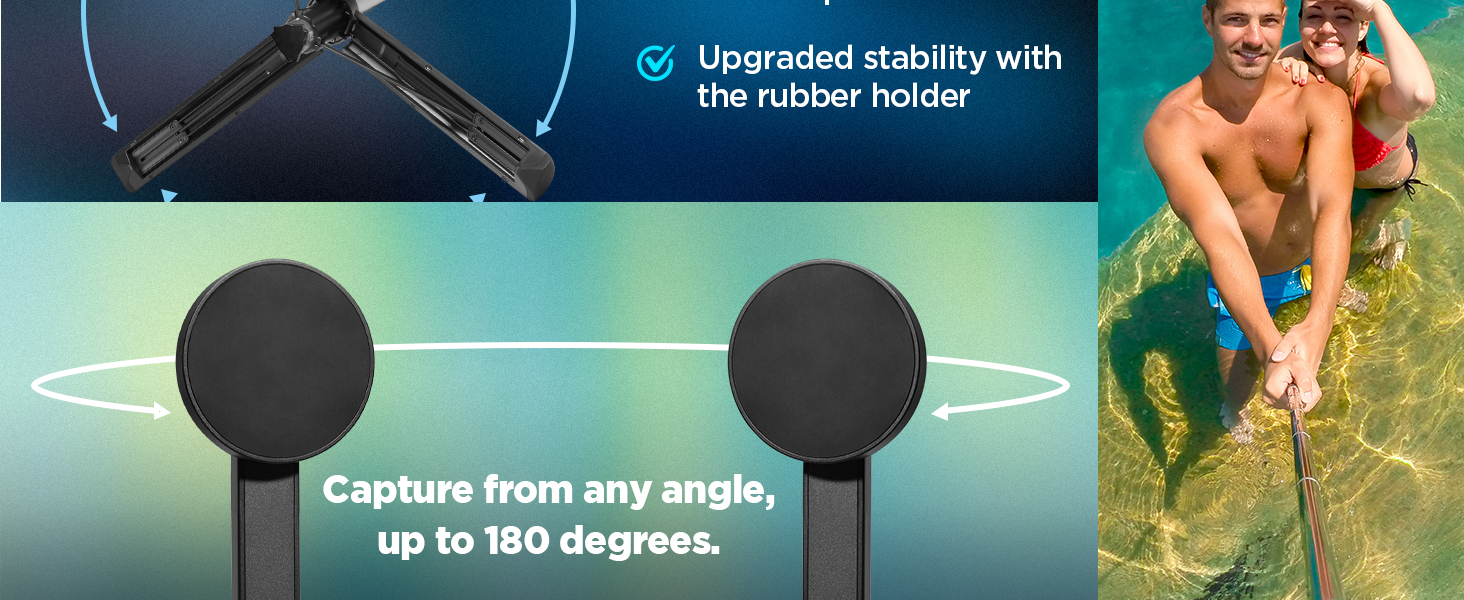
- Flexible Angle Control: Features a 360-degree rotating mount for both horizontal and vertical phone positioning.
- Bluetooth nuotolinio valdymo pultas: Includes a wireless Bluetooth remote control for convenient shooting from a distance.
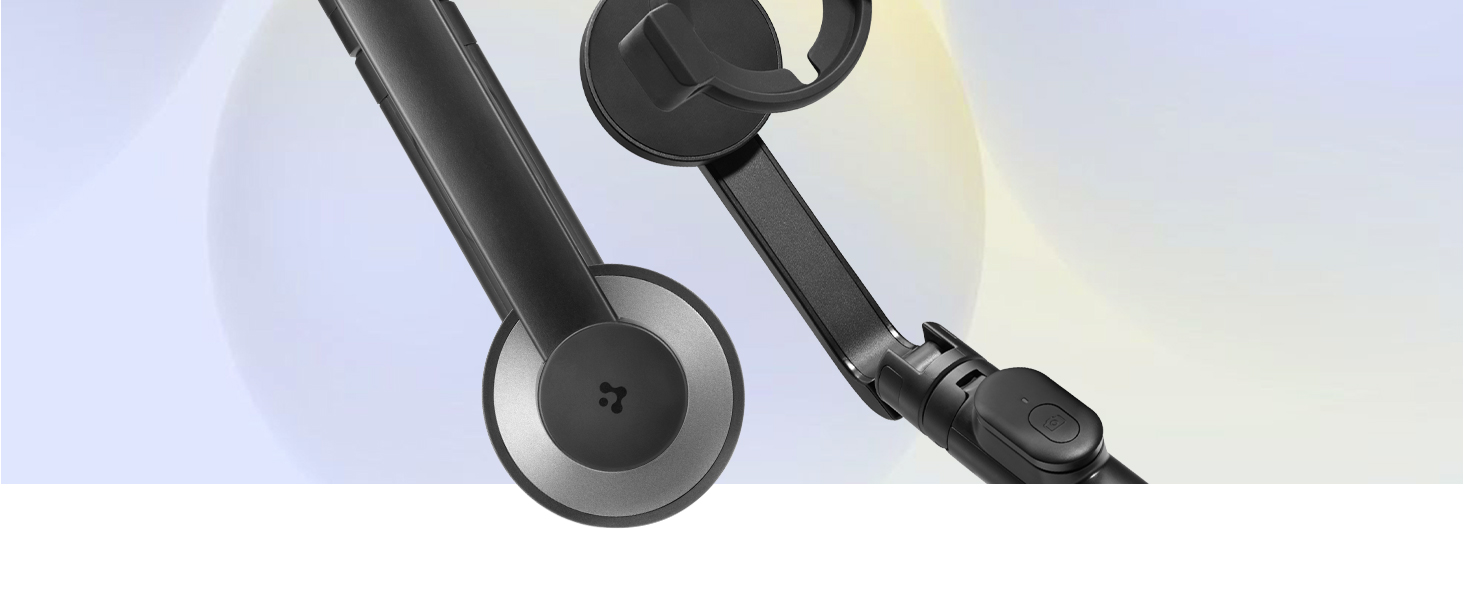
- „MagSafe“ suderinamumas: Designed for secure attachment with MagSafe-enabled devices (iPhone 12 series and newer) or MagSafe cases.
- Visuotinis suderinamumas: Comes with a rubber holder to accommodate non-MagSafe mobile devices ranging from 5.5 to 6.7 inches.
- Maitinimas: Supplied with two CR1632 batteries; one pre-installed in the remote and one extra. No charging required for the stick itself.
2. Sąrankos vadovas
2.1. Išpakavimas ir komponentai
Carefully remove all items from the packaging. Ensure all components are present before proceeding with setup.
1 paveikslas: Included Components. The package contains the selfie stick/tripod, a Bluetooth remote control with a battery, an additional coin battery, and this user manual.
2.2. Nuotolinio valdymo pulto baterija
The Bluetooth remote control comes with one CR1632 battery pre-installed. An additional CR1632 battery is provided as a spare.
- To access the battery compartment, gently lift the bottom cover of the remote control.
- Replace the battery by inserting a new CR1632 battery with the positive (+) side facing up.
- Saugiai uždarykite dangtelį.

2 paveikslas: Bluetooth Remote Control. The remote is magnetic and can be detached from the stick. It uses a replaceable CR1632 battery, offering up to 50,000 shots and a 6-month standby time.
2.3. „Bluetooth“ poravimas
Follow these steps to pair the remote control with your smartphone:
- Įsitikinkite, kad nuotolinio valdymo pulte yra veikianti baterija.
- Išmaniajame telefone įjunkite „Bluetooth“.
- Press and hold the button on the remote control until the indicator light starts blinking, indicating it is in pairing mode.
- Išmaniajame telefone ieškokite galimų „Bluetooth“ įrenginių.
- Select the device named "Spigen S573" or similar from the list to connect.
- Kai susiejimas bus atliktas, nuotolinio valdymo pulto indikatoriaus lemputė nustos mirksėti ir liks šviesti nuolat arba užges.
3. Naudojimo instrukcijos
3.1. Išmaniojo telefono prijungimas
The Spigen S573 offers two methods for attaching your smartphone:
3.1.1. MagSafe Devices
For iPhones (12 series and newer) or other devices with MagSafe compatibility, simply align your phone with the magnetic mount on the selfie stick. The strong magnetic force will securely hold your device.
3 paveikslas: MagSafe Compatibility. The product is compatible with MagSafe built-in devices and MagSafe cases, providing a strong magnetic attachment.
3.1.2. Non-MagSafe Devices (with Rubber Holder)
For smartphones without MagSafe functionality, use the included rubber holder. Attach the rubber holder to the magnetic mount, then carefully place your phone into the holder. Ensure your device dimensions are between 5.5 and 6.7 inches for optimal fit and stability.
Note: To prevent marks from prolonged heat exposure or frequent mounting/detachment, it is recommended to use a MagSafe case when using this product with MagSafe devices.
4 paveikslas: Universal Compatibility. The rubber holder allows secure attachment of non-MagSafe devices, enhancing stability for phones between 5.5 and 6.7 inches.
3.2. Asmenukių lazdelės ištiesimas
To extend the selfie stick, grasp the handle and gently pull the upper section upwards. The stick will extend in segments. Extend it to your desired length, up to a maximum of 24.4 inches. To retract, push the sections back down until fully collapsed.
5 paveikslas: Compact and Portable Design. The selfie stick is lightweight (163g bare, 198g with rubber holder) and compact, making it easy to carry.
3.3. Naudojimas kaip trikojis
To convert the selfie stick into a tripod:
- Ensure the stick is fully retracted or extended to a stable height.
- Locate the tripod legs at the base of the handle.
- Gently pull the legs outwards until they fully deploy and lock into position, forming a stable base.
- Padėkite trikojį ant lygaus, stabilaus paviršiaus.
- To collapse, push the legs back inwards until they are flush with the handle.

6 paveikslas: Sturdy and Stable Tripod. The dual-braced tripod structure provides enhanced stability for hands-free shooting.
3.4. Kampų reguliavimas
The phone mount allows for flexible angle adjustments. You can rotate your smartphone 360 degrees for both horizontal (landscape) and vertical (portrait) orientations. The mount also allows for tilting to achieve the perfect shooting angle.
3.5. Using the Bluetooth Remote
Once paired with your smartphone, the Bluetooth remote control can be used to trigger your phone's camera shutter from up to 10 meters away. Simply open your phone's camera app and press the button on the remote to take a photo or start/stop video recording (functionality may vary based on phone model and camera app).
4. Priežiūra
4.1. Valymas
- Wipe the selfie stick and remote control with a soft, dry cloth.
- Avoid using harsh chemicals, abrasive cleaners, or solvents, as these can damage the finish or internal components.
- Ensure no moisture enters the remote control or any openings.
4.2. Akumuliatoriaus priežiūra
- The remote control uses a CR1632 lithium coin battery. Replace it when the remote's performance diminishes.
- Visada panaudotas baterijas utilizuokite atsakingai, laikydamiesi vietinių taisyklių.
- If storing the product for an extended period, consider removing the battery from the remote control to prevent potential leakage.
4.3. Sandėliavimas
- Asmenukių lazdelę laikykite vėsioje, sausoje vietoje, toliau nuo tiesioginių saulės spindulių ir ekstremalių temperatūrų.
- Keep it retracted and the tripod legs folded for compact storage.
- Avoid placing heavy objects on top of the product during storage.
5. Problemų sprendimas
5.1. Remote Control Not Connecting
- Patikrinkite akumuliatorių: Ensure the CR1632 battery in the remote is not depleted. Replace if necessary.
- „Bluetooth“ įjungtas: Patikrinkite, ar jūsų išmaniajame telefone įjungtas „Bluetooth“ ryšys.
- Susiejimo režimas: Make sure the remote is in pairing mode (blinking indicator light). If not, press and hold the button to re-enter pairing mode.
- Pamiršti įrenginį: On your phone, go to Bluetooth settings, forget the "Spigen S573" device, and attempt to pair again.
- Artumas: Ensure the remote is within 10 meters of your smartphone.
5.2. Phone Not Attaching Securely
- „MagSafe“ lygiavimas: For MagSafe devices, ensure proper alignment with the magnetic mount.
- MagSafe Case: If using a case, ensure it is a MagSafe-compatible case for optimal magnetic strength.
- Rubber Holder Fit: If using the rubber holder, confirm your phone's dimensions are within the 5.5 to 6.7 inch range and that it is seated correctly.
- Kliūtys: Check for any debris or foreign objects on the magnetic surface or within the rubber holder that might prevent a secure attachment.
5.3. Stability Concerns (Tripod Mode)
- Plokščias paviršius: Always place the tripod on a flat, stable, and level surface.
- Legs Fully Extended: Ensure all tripod legs are fully deployed and locked into position.
- Svorio pasiskirstymas: Balance your phone's weight as centrally as possible on the mount.
- Vėjo sąlygos: In windy conditions, the tripod's stability may be reduced. Exercise caution or use in a sheltered area.
6. Specifikacijos
| Prekės ženklas | Spigenas |
| Modelis | S573 |
| Gaminio matmenys | 6.1 x 2.8 x 16.6 cm (sulankstytas) |
| Prekės svoris | 198 g |
| Medžiaga | Legiruotasis plienas |
| Suderinami įrenginiai | Smartphones (MagSafe devices/cases, or 5.5-6.7 inch non-MagSafe with rubber holder) |
| Ypatingos savybės | Lightweight, Remote Control, Extendable, Tripod Function |
| Nuotolinio valdymo pulto baterija | CR1632 Lithium (1 included, 1 extra) |
| Bluetooth versija | 4.2 (for remote control) |
| Kilmės šalis | Kinija |
7. Garantija ir palaikymas
Spigen products are manufactured with quality and care. For information regarding warranty coverage, terms, and conditions, please refer to the warranty card included with your purchase or visit the official Spigen websvetainę.
If you encounter any issues or have questions about your Spigen S573 Selfie Stick Tripod, please contact Spigen customer support through their official channels. Provide your product model (S573) and purchase details for efficient assistance.
- Palaikymas internetu: Visit the Spigen official webDUK, pagalbos straipsnių ir kontaktinių formų svetainė.
- Pagalba el. paštu: Refer to your product documentation or the Spigen websvetainėje, kurioje nurodytas atitinkamas klientų aptarnavimo el. pašto adresas.