
Įvadas
The Jabra Engage 65 SE is a professional wireless headset designed for enhanced communication in office and call center environments. It offers industry-leading wireless performance, advanced noise-cancelling microphone technology, and extended battery life to support all-day use. This manual provides detailed instructions for setting up, operating, maintaining, and troubleshooting your headset.
Kas yra dėžutėje
Įsitikinkite, kad pakuotėje yra visi komponentai:
- Jabra Engage 65 SE Headset (Dual-Ear)
- Bazinis blokas
- USB-C to USB-A Cable (for PC connection)
- RJ-9 to RJ-9 Cable (for desk phone connection)
- Power Supply (US plug)
- Vartotojo vadovas (šis dokumentas)
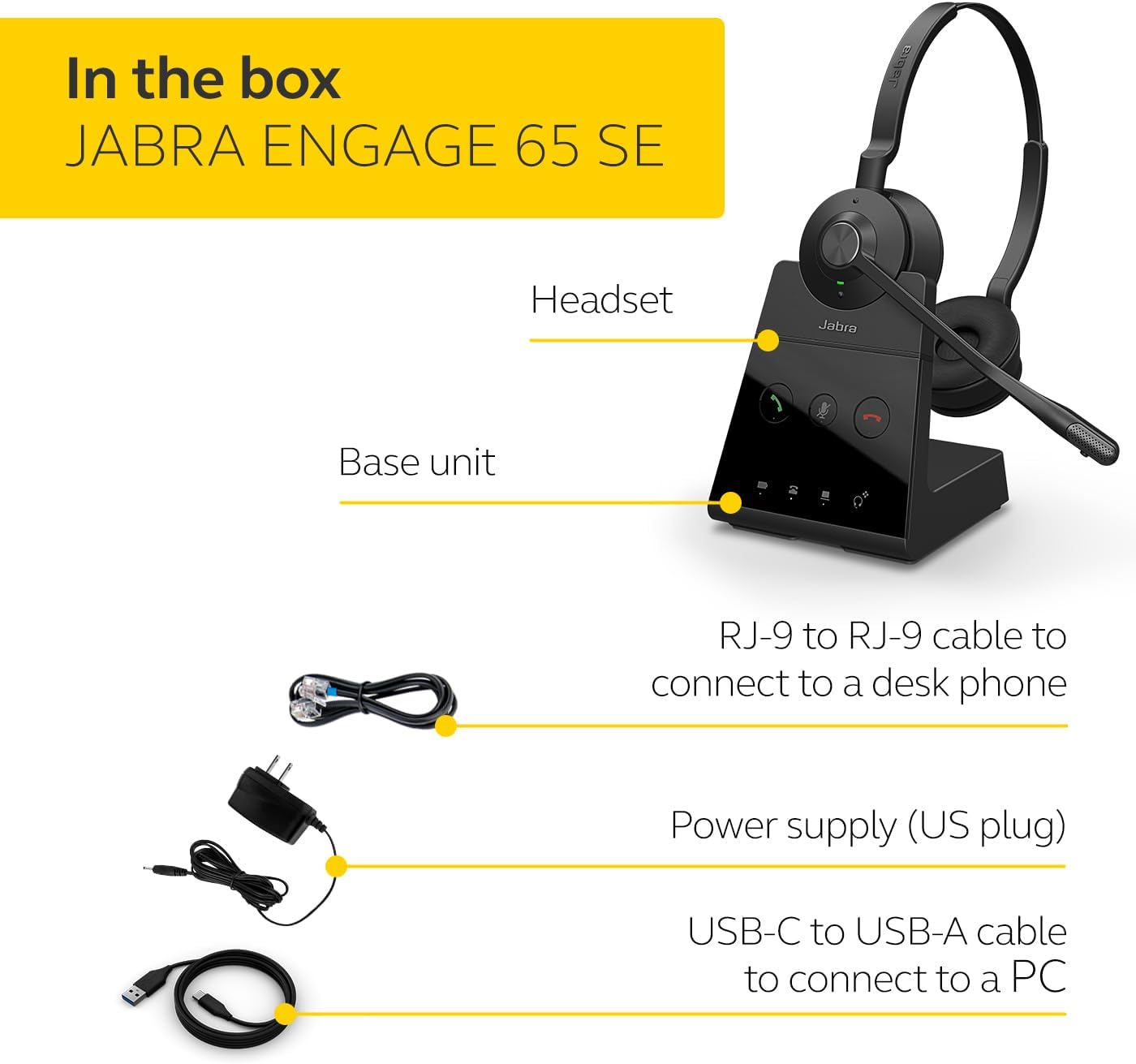
Image: The Jabra Engage 65 SE package contents, showing the headset, base unit, USB cable, RJ-9 cable, and power supply.
Sąranka
1. Connect the Base Unit
- Maitinimo jungtis: Connect the power supply to the base unit and plug it into a power outlet.
- Kompiuterio jungtis: Use the provided USB-C to USB-A cable to connect the base unit to your computer's USB port.
- Stalinio telefono prijungimas: Use the provided RJ-9 to RJ-9 cable to connect the base unit to your desk phone's headset port. Consult your desk phone's manual for specific port identification.
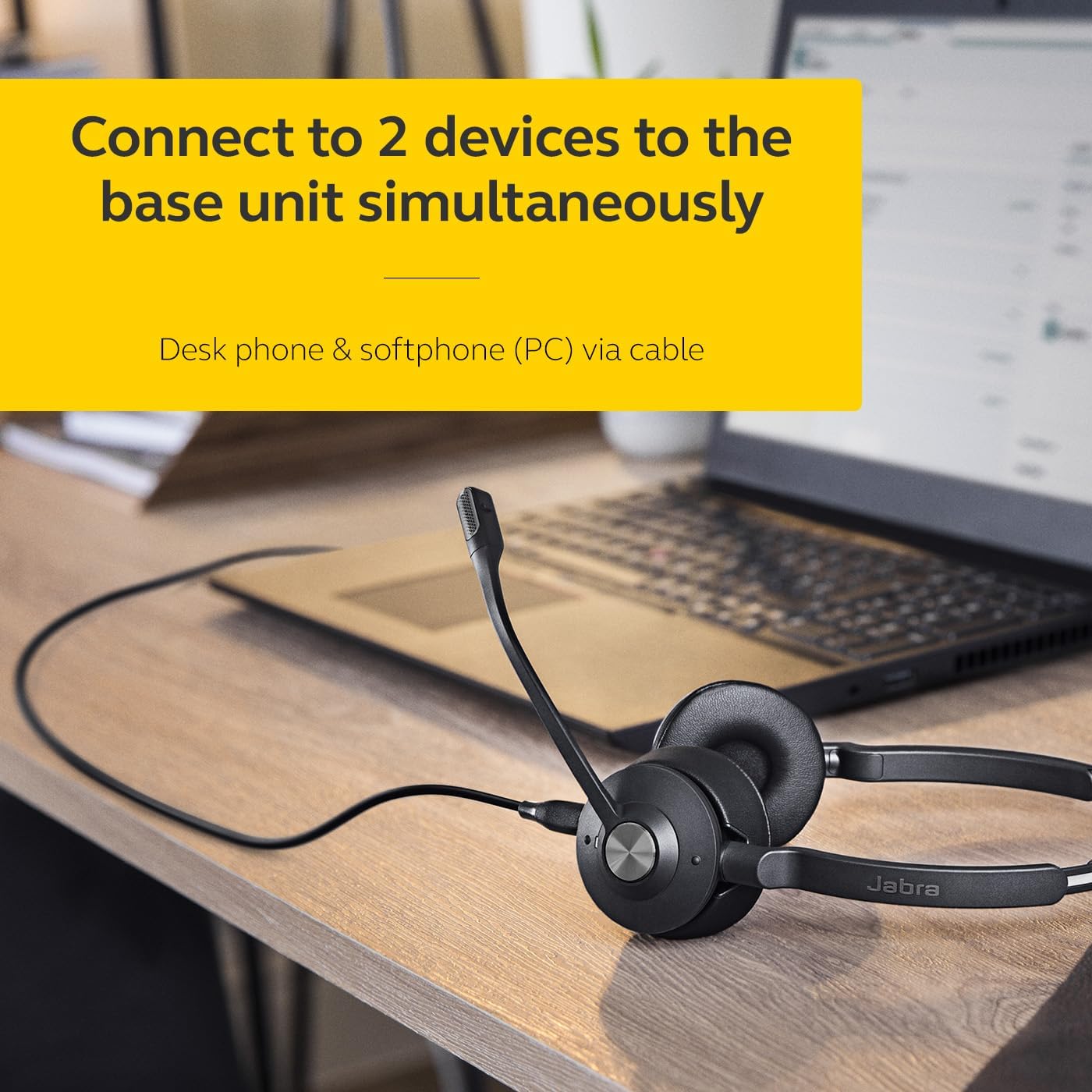
Image: The Jabra Engage 65 SE headset base unit connected to a laptop, illustrating PC connectivity.
2. Įkraukite laisvų rankų įrangą
Place the headset onto the base unit. The headset will begin charging automatically. Ensure the headset is fully charged before first use for optimal battery performance.
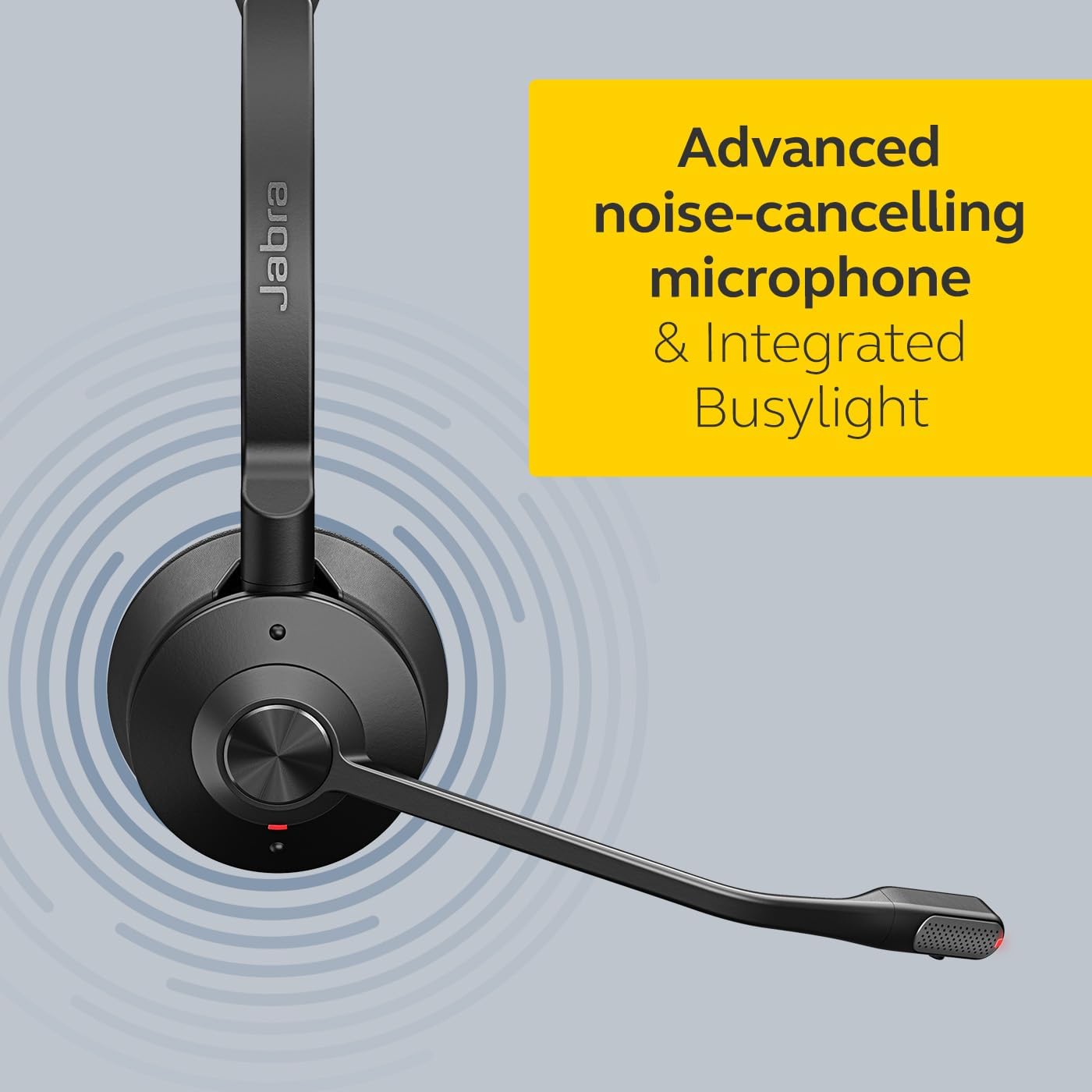
Image: The Jabra Engage 65 SE headset resting on its charging base, indicating proper docking for charging.
3. Pradinis poravimas
The headset and base unit are pre-paired from the factory. If re-pairing is needed, follow the instructions in the full user manual available on the Jabra support websvetainę.
Vaizdo įrašas: pareigūnas viršview of the Jabra Engage 65 SE Wireless Headset, demonstrating its features and setup.
Naudojimo instrukcijos
Nešioti ausines
Adjust the headband for a comfortable fit. Position the microphone boom approximately 2 cm (0.8 inches) from your mouth. The microphone boom is flexible and can be adjusted for optimal voice pickup.

Image: A user wearing the Jabra Engage 65 SE headset, highlighting its comfortable design and microphone placement for clear communication.
Skambučių valdymas
Ausinės turi intuityvius skambučių valdymo valdiklius:
- Atsiliepti / Baigti skambutį: Press the multi-function button on the earcup.
- Nutildyti / įjungti garsą: Press the mute button on the microphone boom or base unit.
- Garso reguliavimas: Use the volume up/down buttons on the earcup.

Vaizdas: Stambus planas view of the headset's earcup, illustrating the location of the call control buttons for easy access during use.
Užimtumo indikatorius
The integrated busylight on the headset automatically illuminates when you are on a call, signaling to colleagues that you are busy and should not be disturbed. This feature helps minimize interruptions and improve focus.
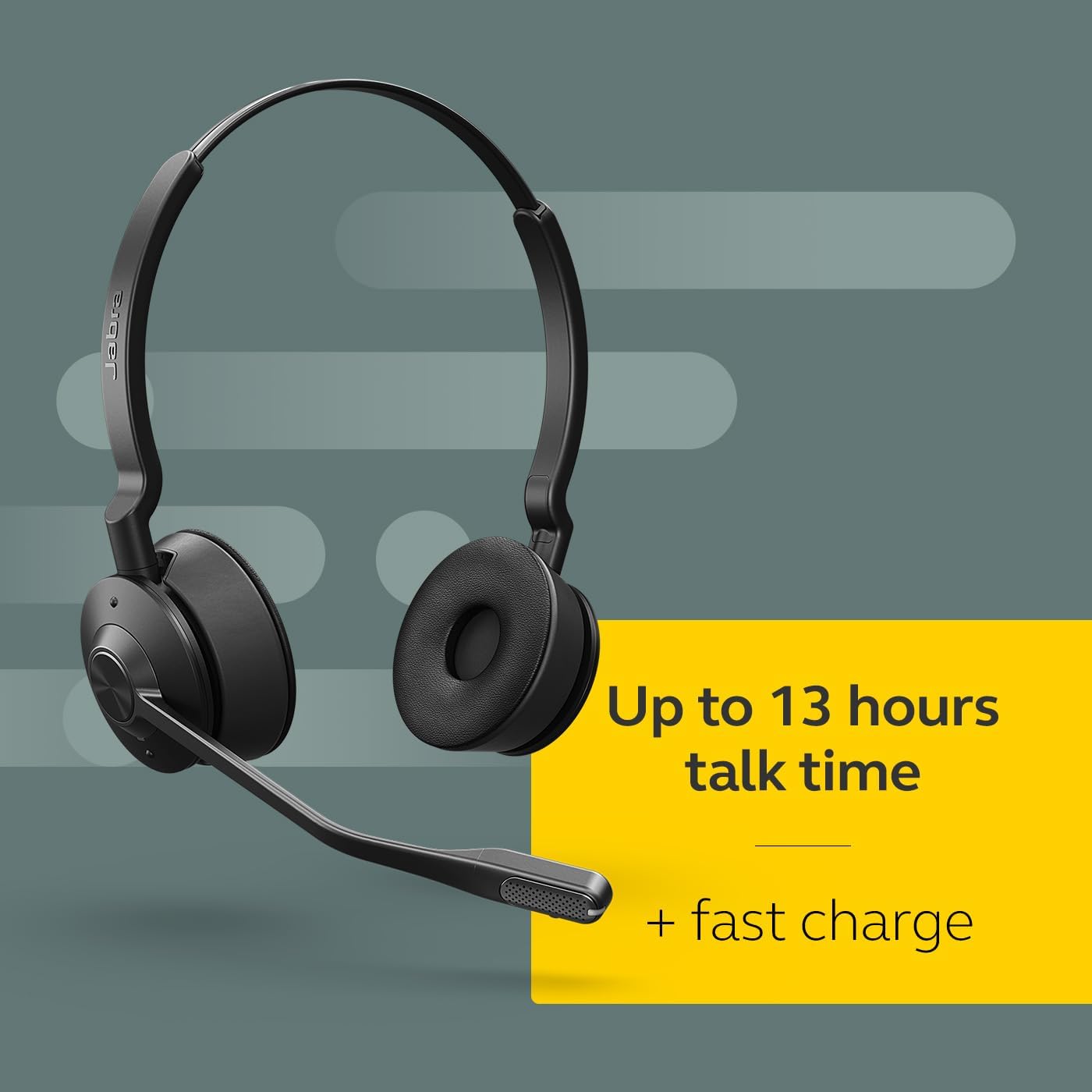
Image: The Jabra Engage 65 SE headset with its busylight active, indicating a user is currently on a call.
Wireless Range and Connectivity
The headset provides a wireless range of up to 150 meters (490 feet) from the base unit, allowing freedom of movement. It can connect to up to two devices simultaneously: a desk phone and a softphone (PC) via the base unit.
Priežiūra
Valymas
- Wipe the headset and base unit with a soft, dry cloth.
- Venkite naudoti stiprių cheminių medžiagų ar abrazyvinių medžiagų.
- Ensure no moisture enters the charging port or microphone openings.
Akumuliatoriaus priežiūra
- For optimal battery longevity, avoid fully discharging the headset frequently.
- Laikykite ausines vėsioje, sausoje vietoje, kai nenaudojate.
- The headset offers up to 13 hours of talk time and supports fast charging.
Trikčių šalinimas
If you encounter issues with your Jabra Engage 65 SE headset, refer to the following common solutions:
| Problema | Galimas sprendimas |
|---|---|
| Nėra garso / Prasta garso kokybė |
|
| Ausinės neprisijungia |
|
| Trumpas baterijos veikimo laikas |
|
For more detailed troubleshooting and support, please visit the official Jabra support websvetainę.
Specifikacijos
| Funkcija | Detalė |
|---|---|
| Prekės ženklas | Jabra |
| Modelio pavadinimas | Užsiimkite 65 SE |
| Modelio numeris | 9659-553-125 |
| Ryšio technologija | Bluetooth, Wireless (DECT) |
| belaidis diapazonas | Iki 150 metrų / 490 pėdų |
| Baterijos veikimo laikas (pokalbių laikas) | Iki 13 valandų |
| Akumuliatoriaus įkrovimo laikas | 90 minučių |
| Triukšmo valdymas | Aktyvus triukšmo slopinimas |
| Mikrofonas | Advanced Noise-Cancelling |
| Ausų išdėstymas | On Ear (Dual-Ear) |
| Svoris | 1.2 svaro |
| Medžiagos | Faux Leather, Polycarbonate (PC), Stainless Steel |
| Suderinami įrenginiai | Universal (Desk phone, PC) |
Garantija ir palaikymas
Informacija apie garantiją
The Jabra Engage 65 SE headset comes with a 2 metų gamintojo garantijaPrašome išsaugoti pirkimo įrodymą garantiniams reikalavimams.
Pagalba klientams
For further assistance, product registration, or to download the full user manual and software updates, please visit the official Jabra support websvetainė: