
1. Įvadas
The Ulefone Armor PAD 4 Ultra is a rugged 5G tablet PC designed for durability and high performance in challenging environments. It features a 10.36-inch 2K FHD+ display, a powerful MediaTek Dimensity 6300 processor, and a large 11800mAh battery. This manual provides essential information for setting up, operating, maintaining, and troubleshooting your device.

Image: The Ulefone Armor PAD 4 Ultra tablet showcasing its rugged design in an outdoor environment.
Key features include IP68/IP69K and MIL-STD-810H certifications for water, dust, and drop resistance, a 50MP rear camera, a 32MP front camera, and a versatile 1100 lumens LED light. The tablet runs on Android 14 and offers up to 16GB RAM and 256GB internal storage, expandable up to 2TB.
2. Sąrankos vadovas
2.1 Pakuotės turinys
Prieš pradėdami, įsitikinkite, kad pakuotėje yra visi reikalingi daiktai:
- Ulefone Armor PAD 4 Ultra Tablet PC
- Maitinimo adapteris
- USB-C kabelis
- SIM išstūmimo įrankis
- Vartotojo vadovas (šis dokumentas)
2.2 SIM / SD kortelės įdėjimas
- Planšetinio kompiuterio šone raskite SIM / SD kortelės dėklą.
- Norėdami atidaryti dėklą, naudokite pateiktą SIM kortelės išstūmimo įrankį.
- Carefully place your Nano SIM card(s) and/or SD card into the designated slots. The tablet supports dual Nano SIM cards or one Nano SIM card and one SD card.
- Švelniai stumkite dėklą atgal į planšetinį kompiuterį, kol jis spragtelėdamas užsifiksuos.

Vaizdas: priekis view of the Ulefone Armor PAD 4 Ultra tablet, showing its display and rugged frame.
2.3 Pradinis įkrovimas ir įjungimas
- Connect the USB-C cable to the tablet's charging port and the power adapter.
- Plug the power adapter into a wall outlet. Allow the tablet to charge for at least 30 minutes before initial use, or until the battery indicator shows sufficient charge. The 11800mAh battery supports 33W fast charging.
- Press and hold the Power button (usually located on the side) until the Ulefone logo appears on the screen.
- Vykdykite ekrane pateikiamus nurodymus, kad atliktumėte pradinę sąranką, įskaitant kalbos pasirinkimą, „Wi-Fi“ ryšį ir „Google“ paskyros nustatymą.
2.4 Tinklo ryšys
The tablet supports 5G LTE dual SIM connectivity. Ensure your SIM card is active and your mobile data plan is configured. For Wi-Fi, navigate to Nustatymai > Tinklas ir internetas > „Wi-Fi“ , kad prisijungtumėte prie prieinamo tinklo.
3. Naudojimo instrukcijos
3.1 Pagrindinė navigacija („Android 14“)
The Ulefone Armor PAD 4 Ultra runs on Android 14. Navigate using gestures or the traditional three-button navigation bar (Back, Home, Recents). Swipe up from the bottom for the app drawer, swipe down from the top for notifications and quick settings.

Image: The tablet displaying the Android 14 interface, with an HDMI connection to an external display for presentations.
3.2 Kameros naudojimas
The tablet is equipped with a 50MP rear camera and a 32MP front camera. Open the Camera app to capture photos and videos. Tap to focus, pinch to zoom, and use the on-screen controls for various modes and settings.

Paveikslėlis: detalus view of the tablet's rear camera module, highlighting the 50MP sensor and the powerful LED light.
3.3 Versatile LED Light
The tablet features a powerful 1100 lumens LED light. This can be activated via a dedicated custom key or through the exclusive app. It functions as a flashlight, headlight, or portable campšviečianti šviesa.
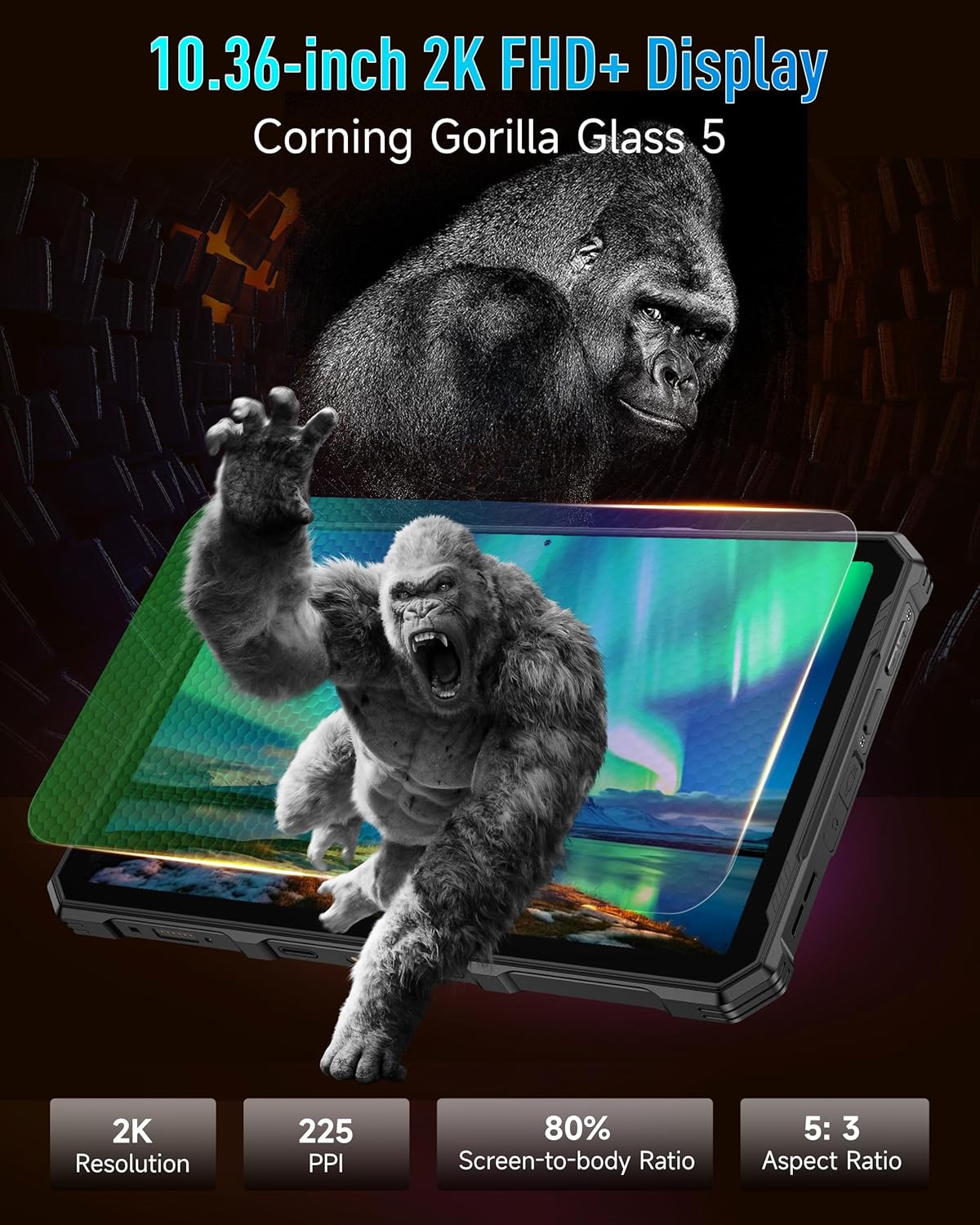
Image: The Ulefone Armor PAD 4 Ultra tablet illuminating a camping tent with its powerful LED light.
3.4 Custom Key Functionality
The tablet includes a customizable physical key. This key can be configured for single click, double click, or long press actions to quickly access specific functions or applications, such as activating the LED light or launching the camera.
3.5 Pirštinių režimas
For use in cold weather or industrial environments, activate Gloves Mode in Nustatymai > Išmanusis asistentas > Pirštinių režimas. This enhances touch sensitivity, allowing the screen to respond to gloved hands.
3.6 Face Unlock and Fingerprint ID
Enhance security and convenience by setting up Face Unlock or Fingerprint ID. Go to Nustatymai > Saugumas ir privatumas > Įrenginio atrakinimas to configure these options.
3.7 Multi-use Digital Toolbox
The tablet comes with a suite of pre-installed tools in the Digital Toolbox, including a compass, sound meter, protractor, and more. These tools are designed to assist in various outdoor and professional tasks.

Image: A construction worker utilizing the Ulefone Armor PAD 4 Ultra tablet's digital toolbox for various measurements and utilities.
3.8 Headset-free FM Radio
Enjoy FM radio without needing to connect headphones. Simply open the FM Radio app and tune into your favorite stations.
3.9 HDMI prievadas
The tablet features an HDMI port for connecting to external displays, such as monitors or projectors. This allows for screen mirroring or extended display functionality, useful for presentations or media consumption.
4. Priežiūra
4.1 Įrenginio valymas
Due to its rugged design, the Armor PAD 4 Ultra can be cleaned with water and mild soap. Ensure all port covers are securely closed before exposing the device to water. Wipe with a soft, lint-free cloth. Avoid using harsh chemicals or abrasive materials.
4.2 Akumuliatoriaus priežiūra
Norėdami pailginti baterijos veikimo laiką:
- Venkite ekstremalių temperatūrų.
- Optimaliam įkrovimui naudokite originalų įkroviklį ir laidą.
- Neiškraukite akumuliatoriaus dažnai iki galo.
- Jei įrenginį ketinate laikyti ilgesnį laiką, įkraukite jį iki maždaug 50 % ir išjunkite.
4.3 Programinės įrangos naujiniai
Reguliariai tikrinkite, ar yra programinės įrangos atnaujinimų, ir juos įdiekite, kad užtikrintumėte optimalų našumą, saugumą ir prieigą prie naujų funkcijų. Eikite į Nustatymai > Sistema > Sistemos naujinimas.
4.4 Atsparumo savybės
The tablet is IP68/IP69K and MIL-STD-810H certified, meaning it is resistant to water, dust, and drops. While designed to be durable, avoid intentionally subjecting it to extreme conditions beyond its specifications. Ensure all port covers are sealed to maintain water and dust resistance.

Image: The Ulefone Armor PAD 4 Ultra tablet submerged in water, covered in dust, and dropped, demonstrating its IP68/IP69K and MIL-STD-810H certifications.
5. Problemų sprendimas
5.1 Įrenginys neįsijungia
- Įsitikinkite, kad akumuliatorius įkrautas. Prijunkite planšetinį kompiuterį prie įkroviklio ir palaukite kelias minutes prieš bandydami jį įjungti.
- Norėdami atlikti priverstinį paleidimą iš naujo, paspauskite ir palaikykite maitinimo mygtuką bent 10–15 sekundžių.
5.2 Tinklo ryšio problemos
- „Wi-Fi“: Check if Wi-Fi is enabled in Settings. Restart your router. Forget the network and reconnect.
- Mobilus duomenys: Ensure your SIM card is correctly inserted and activated. Check your data plan status with your carrier. Restart the tablet.
5.3 Ekranas nereaguoja
- Paleiskite įrenginį iš naujo laikydami nuspaustą maitinimo mygtuką.
- If the screen is frozen, perform a forced restart.
5.4 Programėlių strigimas arba užstrigimas
- Išvalykite probleminės programos talpyklą ir duomenis (Nustatymai > Programos > [Programos pavadinimas] > Saugykla ir talpykla).
- Pašalinkite ir iš naujo įdiekite programą.
- Įsitikinkite, kad jūsų planšetinio kompiuterio programinė įranga yra atnaujinta.
5.5 Gamyklinių parametrų atkūrimas
If issues persist, a factory reset may be necessary. This will erase all data on your tablet, so back up important information first. Go to Nustatymai > Sistema > Atstatyti parinktys > Ištrinti visus duomenis (atkurti gamyklinius).
6. Specifikacijos
| Funkcija | Detalė |
|---|---|
| Prekės ženklas | Ulefone |
| Modelio numeris | Ulefone Armor Pad 4 Ultra |
| Ekrano dydis | 10.36 colių |
| Gimtoji raiška | 2000x1200 pixels (2K FHD+) |
| Krašto santykis | 5:3 |
| Procesorius | MediaTek Dimensity 6300 (2400 MHz) |
| RAM | Iki 16 GB (8 GB fizinės + 8 GB virtualios) |
| Vidinė saugykla | 256GB (2TB Expandable) |
| Operacinė sistema | Android 14 |
| Galinė kamera | 50 MP |
| Priekinė kamera | 32 MP |
| Baterijos talpa | 11800 mAh |
| Įkrovimas | 33W greitas įkrovimas |
| Tvirtumas | IP68/IP69K, sertifikuotas MIL-STD-810H |
| Ryšys | 5G LTE, Wi-Fi (2.4G/5G), Bluetooth 5.2, NFC, GPS |
| Ypatingos savybės | 1100 Lumens LED Light, Custom Key, Gloves Mode, HDMI Port, Multi-use Digital Toolbox |
| Prekės svoris | 16 uncijos |
7. Garantija ir palaikymas
7.1 Informacija apie garantiją
The Ulefone Armor PAD 4 Ultra comes with a 2 metų pasaulinė garantija. This warranty covers manufacturing defects and malfunctions under normal use. Please retain your proof of purchase for warranty claims. The warranty does not cover damage caused by misuse, accidents, unauthorized repairs, or normal wear and tear.
7.2 Pagalba klientams
For technical assistance, warranty claims, or any other inquiries, please contact Ulefone customer support. Refer to the official Ulefone webNaujausią kontaktinę informaciją rasite svetainėje arba pirkimo dokumentuose.
Your satisfaction is a priority. Should you encounter any technical issues, the dedicated support team is available to assist you.