
Įvadas
This manual provides detailed instructions for the setup, operation, maintenance, and troubleshooting of your KOORUI S2721XO 27-inch QD-OLED Gaming Monitor. Please read this manual thoroughly before using the product to ensure proper functionality and to prevent damage.

Image: KOORUI S2721XO 27-inch QD-OLED Gaming Monitor showcasing its main features like 240Hz refresh rate, 0.03ms response time, QHD resolution, QD-OLED panel, VESA compatibility, 99% DCI-P3 color gamut, Eye Care, and Adaptive Sync.
Pakuotės turinys
Patikrinkite, ar pakuotėje yra visi komponentai:
- KOORUI S2721XO 27-inch QD-OLED Gaming Monitor
- Monitoriaus stovas (pagrindas ir kaklelis)
- Maitinimo kabelis
- HDMI kabelis
- „DisplayPort“ laidas
- Vartotojo vadovas (šis dokumentas)
- Garantijos kortelė (jei taikoma)
Sąrankos instrukcijos
1. Stovo surinkimas
- Atsargiai išimkite monitoriaus ir stovo komponentus iš pakuotės.
- Pritvirtinkite stovo kaklelį prie monitoriaus skydelio. Įsitikinkite, kad jis tvirtai užsifiksuoja arba yra pritvirtintas varžtais, kaip nurodyta greito paleidimo vadove.
- Pritvirtinkite stovo pagrindą prie stovo kaklelio, pritvirtindami jį pateiktu varžtu.
- Surinktą monitorių padėkite ant stabilaus, lygaus paviršiaus.
Alternatively, the monitor supports VESA 75mm x 75mm mounting for wall mounts or monitor arms. Ensure the VESA mount is rated for the monitor's weight (3 kg).

Image: Illustrations showing the monitor's ergonomic adjustments including height adjustment (110mm), tilt (-20° to 20°), 90° pivot for vertical viewing, and swivel (-5° to 20°).
2. Jungiamieji kabeliai
Identify the ports on the back of your monitor and connect the necessary cables.

Vaizdas: Galinis view of the KOORUI S2721XO monitor showing the connectivity ports: 1. Power cable input, 2. HDMI 2.1, 3. HDMI 2.1, 4. DisplayPort 1.4, 5. Audio output interface. Also shows VESA 100x100mm mounting points.
- Maitinimo kabelis: Prijunkite vieną maitinimo laido galą prie monitoriaus maitinimo įvesties, o kitą – prie maitinimo lizdo.
- Vaizdo įvestis:
- For HDMI connection, use the provided HDMI cable to connect your computer's HDMI output to one of the monitor's HDMI 2.1 ports.
- For DisplayPort connection, use the provided DisplayPort cable to connect your computer's DisplayPort output to the monitor's DisplayPort 1.4 port.
- Garso išvestis: If desired, connect external speakers or headphones to the audio output jack.
3. Pradinis įjungimas
- Paspauskite monitoriaus maitinimo mygtuką.
- Turn on your computer. The monitor should automatically detect the input signal. If not, you may need to manually select the input source using the OSD menu.
Naudojimo instrukcijos
Ekrano ekrano (OSD) meniu
The OSD menu allows you to adjust various monitor settings. Typically, a joystick or a set of buttons located on the back or bottom of the monitor is used to navigate the OSD.
- Press the OSD button/joystick to open the menu.
- Use the navigation controls to move through options.
- Norėdami patvirtinti pasirinkimą, paspauskite pasirinkimo mygtuką.
- Norėdami uždaryti OSD meniu, paspauskite išėjimo mygtuką.
Vaizdo nustatymai
- Ryškumas / kontrastas: Koreguokite šiuos nustatymus pagal savo viewaplinką.
- Spalvos temperatūra: Select from preset modes (e.g., Warm, Cool, User) or customize RGB values.
- HDR (didelis dinaminis diapazonas): The monitor supports HDR 400. Enable HDR in your operating system and monitor settings for enhanced contrast and color detail.
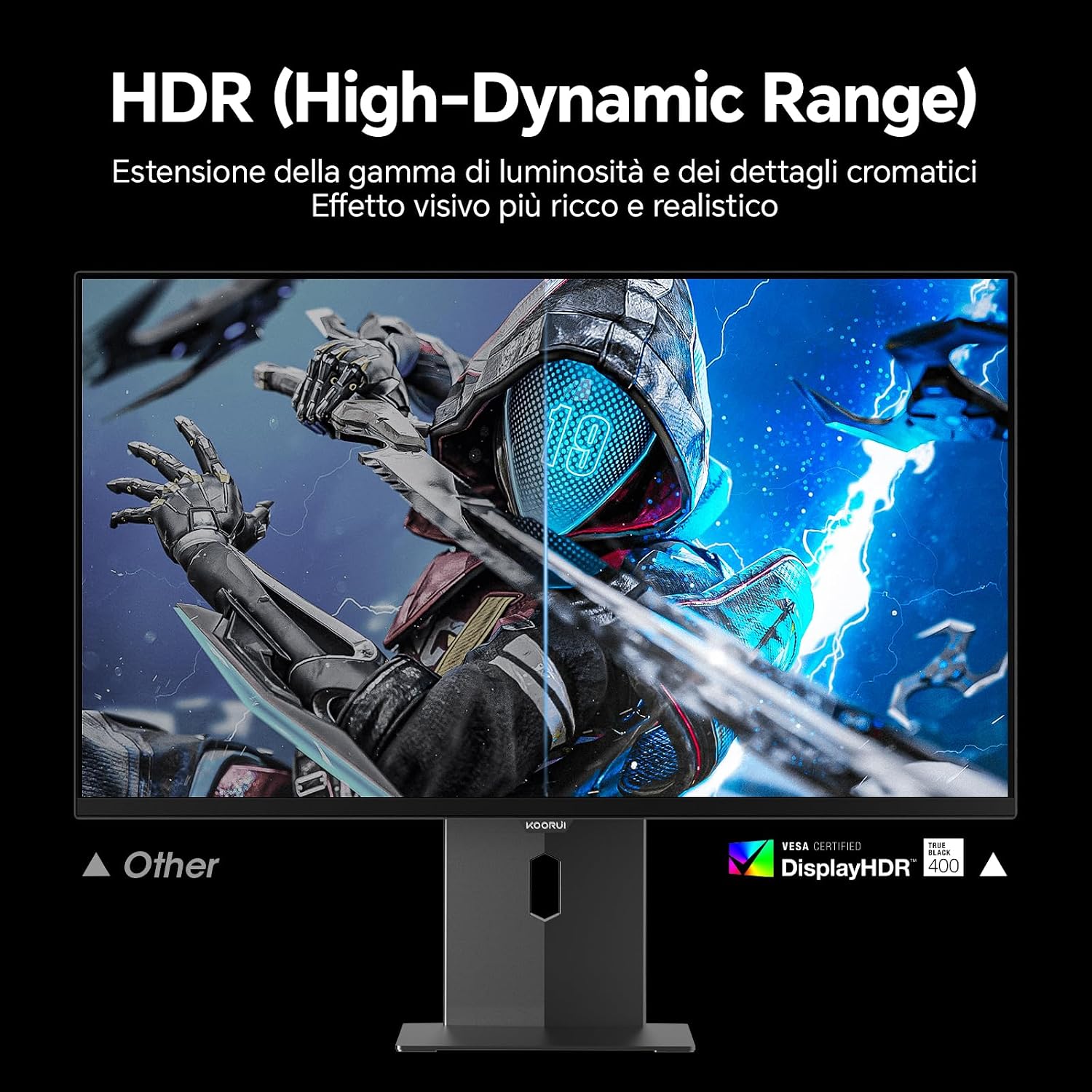
Image: Comparison of a standard display versus the KOORUI S2721XO monitor with HDR (High-Dynamic Range) enabled, showing richer visual effects and realistic details.
Žaidimų ypatybės
- Atnaujinimo dažnis: The monitor supports up to 240Hz. Ensure your graphics card and system settings are configured to utilize this refresh rate for smooth gameplay.
- Atsakymo laikas: With a 0.03ms response time, motion blur is significantly reduced.
- Adaptyvusis sinchronizavimas: This technology synchronizes the monitor's refresh rate with your GPU's frame rate, eliminating screen tearing and stuttering. Enable Adaptive Sync in the OSD menu and your graphics card control panel.
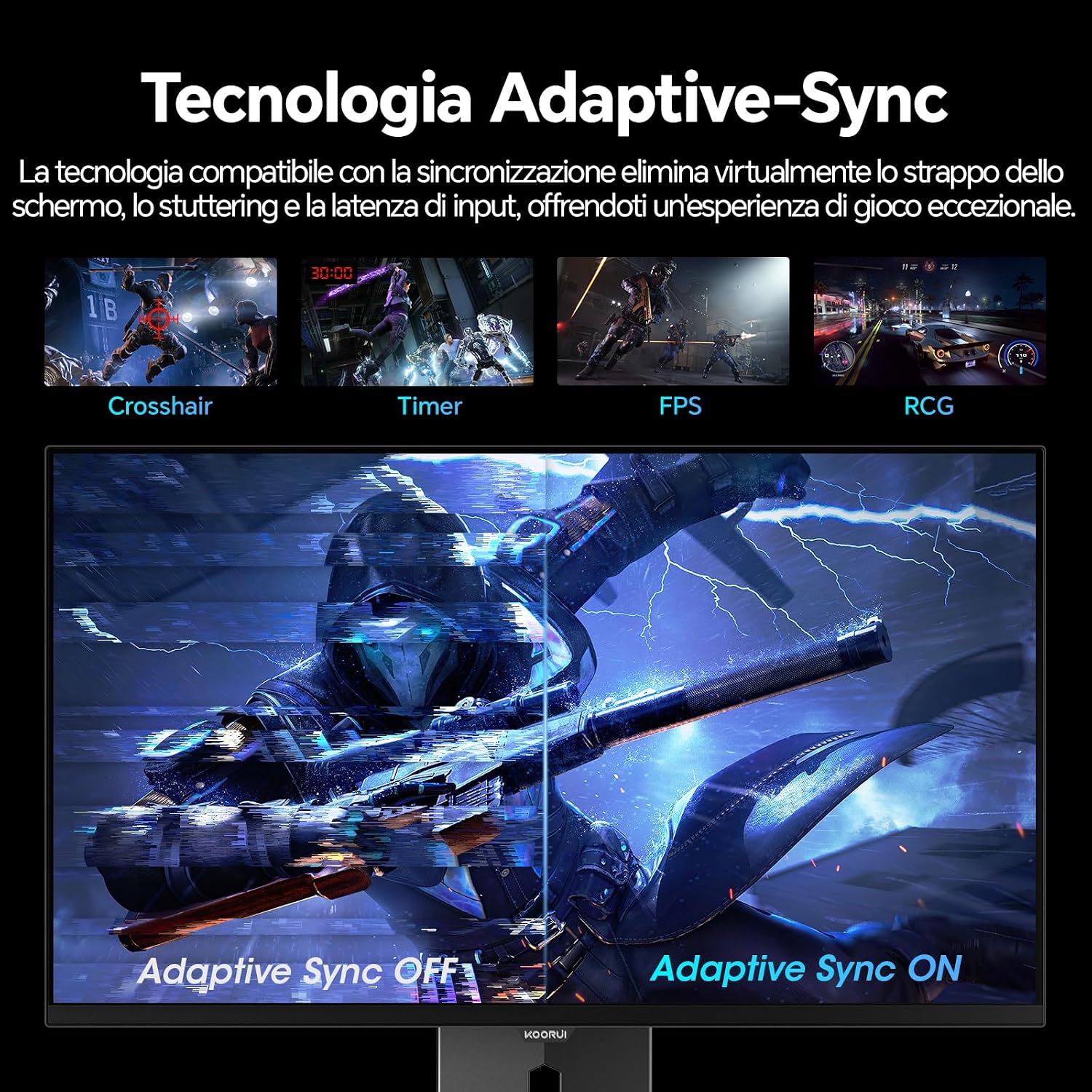
Image: A visual demonstration of Adaptive Sync technology, showing the difference between Adaptive Sync OFF (with screen tearing and stuttering) and Adaptive Sync ON (with smooth, tear-free visuals).

Image: A visual comparison illustrating the ultra-high refresh rate of 240Hz and 0.03ms response time, contrasting it with a 100Hz 5ms display to show the improved fluidity and reduced ghosting.
Akių priežiūros režimas
The monitor includes features designed to reduce eye strain during extended use. Access the Eye Care settings in the OSD menu to enable modes that reduce blue light emission or adjust flicker-free settings.
Priežiūra
Monitoriaus valymas
- Prieš valydami visada išjunkite monitorių ir atjunkite maitinimo laidą.
- Šiek tiek naudokite minkštą, be pūkelių šluostę dampnuplaukite vandeniu arba specializuotu ekrano valikliu.
- Nepurkškite valiklio tiesiai ant ekrano.
- Avoid using abrasive cleaners, waxes, or solvents as they can damage the screen surface.
- Nuvalykite monitorių casing minkštu, sausu skudurėliu.
Sandėliavimas
When storing the monitor for an extended period, ensure it is powered off, unplugged, and stored in a cool, dry place away from direct sunlight and extreme temperatures. Use original packaging if available for best protection.
Trikčių šalinimas
| Problema | Galima priežastis | Sprendimas |
|---|---|---|
| Nėra galios | Neprijungtas maitinimo laidas; Neveikia maitinimo lizdas; Išjungtas monitoriaus maitinimo mygtukas. | Įsitikinkite, kad maitinimo laidas yra tvirtai prijungtas. Patikrinkite maitinimo lizdą su kitu įrenginiu. Paspauskite monitoriaus maitinimo mygtuką. |
| Nėra signalo | Neprijungtas vaizdo kabelis; pasirinktas neteisingas įvesties šaltinis; kompiuteris neįjungtas. | Check video cable connections (HDMI/DisplayPort). Select the correct input source via the OSD menu. Ensure your computer is powered on and outputting a signal. |
| Mirgantis ekranas | Incorrect refresh rate; Faulty cable; Graphics card driver issues. | Adjust refresh rate in display settings. Try a different video cable. Update graphics card drivers. |
| Prasta vaizdo kokybė | Incorrect resolution; Picture settings misconfigured; Dirty screen. | Set display resolution to 2560x1440. Adjust brightness, contrast, and color settings in the OSD. Clean the screen as per maintenance instructions. |
Specifikacijos
| Prekės ženklas | KOORUI |
| Modelio numeris | S2721XO |
| Ekrano dydis | 27 colių |
| Skydelio tipas | QD-OLED |
| Rezoliucija | QHD plačiaekranis 1440p (2560 x 1440) |
| Krašto santykis | 16:9 |
| Atnaujinimo dažnis | 240 Hz |
| Reagavimo laikas | 0.03 ms |
| Kontrasto santykis | 1,500,000:1 |
| Ryškumas | 280 cd/m² |
| Viewing kampas | 178 laipsnių |
| Spalvų gamos vertė | 99% DCI-P3 (100% sRGB) |
| Ryšys | 2x HDMI 2.1, 1x DisplayPort 1.4, garso išvestis |
| Adaptyvusis sinchronizavimas | FreeSync compatible |
| Ypatingos savybės | HDR 400, Eye Care, Height Adjustment, Tilt Adjustment, Swivel Adjustment, Pivot Adjustment |
| VESA suderinamumas | 75 mm x 75 mm |
| Matmenys (P x A x G) | 610.11 mm x 521.84 mm x 215.82 mm (24.02 x 20.54 x 8.50 colio) |
| Svoris | 3 kilogramo |
Informacija apie garantiją
The KOORUI S2721XO monitor comes with a 2 metų garantija from the date of purchase. This warranty covers manufacturing defects and malfunctions under normal use. Please retain your proof of purchase for warranty claims. For detailed terms and conditions, refer to the warranty card included in your package or visit the official KOORUI websvetainę.
Palaikymas ir kontaktai
For further assistance, technical support, or customer service inquiries, please visit the official KOORUI website or contact their customer support team. You can also refer to the official PDF instructions for use: