
Įvadas
Thank you for choosing the CRUA 27-inch 4K UHD 144Hz IPS Gaming Monitor. This monitor is designed to deliver an immersive visual experience with its high resolution, fast refresh rate, and vibrant color reproduction. This manual provides essential information for the proper installation, operation, and maintenance of your new monitor. Please read it thoroughly before use and retain it for future reference.
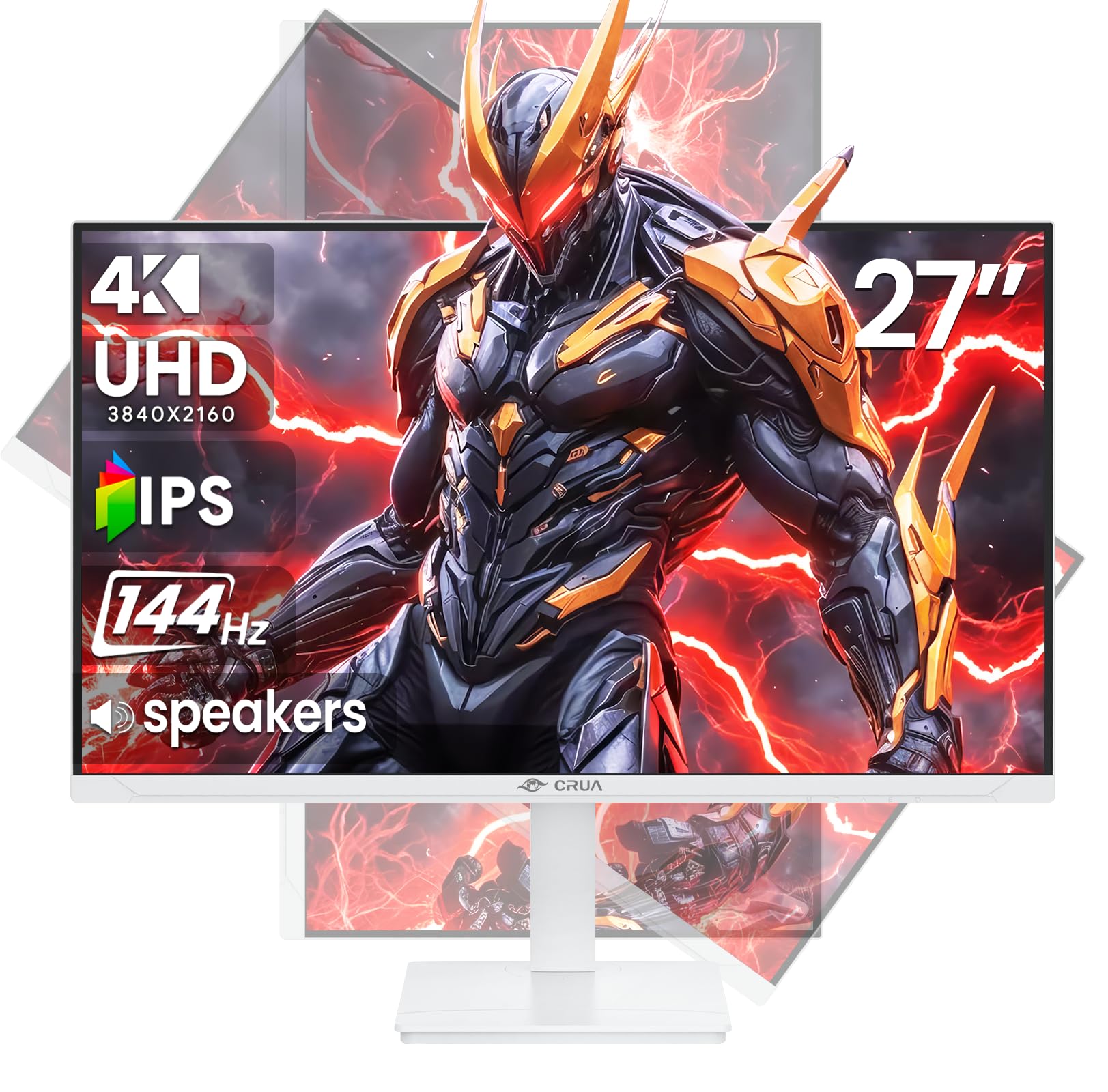
Vaizdas: priekis view of the CRUA 27-inch 4K UHD 144Hz IPS Gaming Monitor.
Kas yra dėžutėje
Patikrinkite pakuotės turinį. Jei trūksta kokių nors daiktų arba jie pažeisti, susisiekite su pardavėju.
- 27 colio monitorius
- DP kabelis
- Base and Support
- Vartotojo vadovas
- Maitinimo šaltinis
Produkto savybės
- 27" 4K Display with IPS Panel: Experience ultra-clear visuals with a 3840x2160P resolution.
- 144Hz atnaujinimo dažnis: Enjoy fluid and sharp motion, ideal for competitive gaming and fast-paced content.
- 120% sRGB Color Accuracy: Delivers rich and accurate tones with 350cd/m² brightness and 1000:1 high-contrast.
- Integruoti garsiakalbiai: Provides clear audio for daily use.
- Full Ergonomic Adjustment: Features height, pivot, tilt, and rotation adjustments for optimal viewkampų.
- Kelios ryšio parinktys: Equipped with 2x HDMI 2.1 and 2x DP 1.4 ports.
- AMD FreeSync Support: Sinchronizuoja monitoriaus atnaujinimo dažnį su jūsų GPU, kad žaidimai būtų be plyšimo.
- Montuojamas ant sienos: Supports VESA 75mm x 75mm wall mounts for flexible installation.
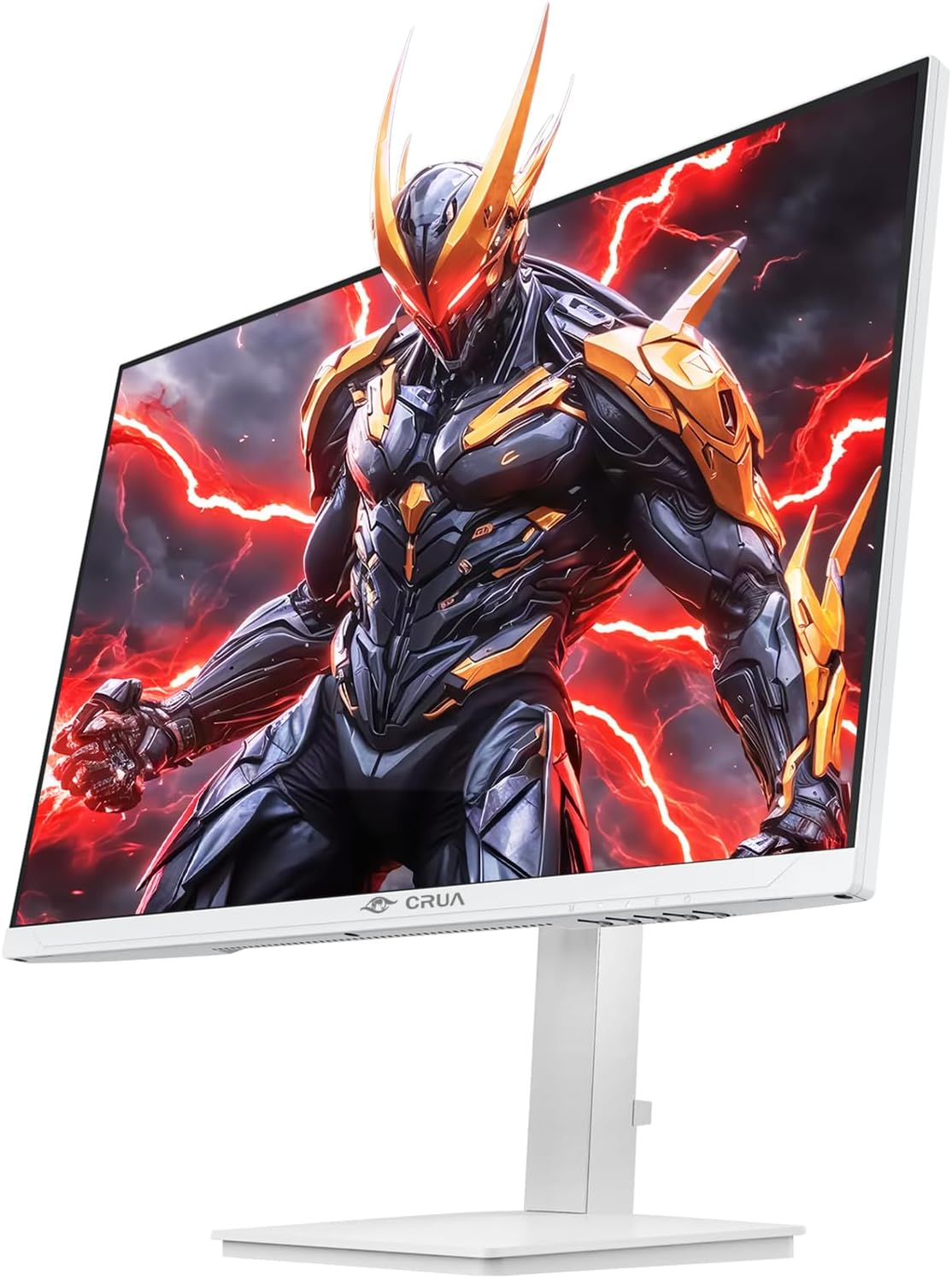
Vaizdas: priekis view of the CRUA 27-inch 4K UHD 144Hz IPS Gaming Monitor displaying a game scene.

Vaizdas: Galinis view of the CRUA 27-inch 4K UHD 144Hz IPS Gaming Monitor showing the stand and RGB lighting.

Vaizdas: Galinis view of the CRUA 27-inch 4K UHD 144Hz IPS Gaming Monitor highlighting the input ports (2x DP 1.4, 2x HDMI 2.1, and 3.5mm Audio Port).

Image: Diagram illustrating the adjustable height (110mm), tilt (-5° to +15°), swivel (±30°), and pivot (90°) features of the CRUA 27-inch 4K UHD 144Hz IPS Gaming Monitor.
Sąrankos instrukcijos
1. Stovo surinkimas
- Atsargiai išimkite monitoriaus ir stovo komponentus iš pakuotės.
- Pritvirtinkite stovo kaklelį prie monitoriaus skydelio. Įsitikinkite, kad jis tvirtai užsifiksuoja arba yra pritvirtintas varžtais, jei yra.
- Attach the base to the stand neck, securing it with the thumb screw or other fasteners.
- Surinktą monitorių padėkite ant stabilaus, lygaus paviršiaus.
2. Tvirtinimas prie sienos (neprivaloma)
The monitor supports VESA 75mm x 75mm wall mounts. Remove the stand before attaching a compatible wall mount bracket (not included). Follow the instructions provided with your wall mount.
3. Jungiamieji kabeliai
- Galia: Connect the power supply to the monitor's power input and then to a power outlet.
- Vaizdo įvestis: Connect one end of the provided DP cable (or an HDMI cable) to the corresponding port on your computer's graphics card and the other end to a DP 1.4 or HDMI 2.1 port on the monitor.
- Garso išvestis (neprivaloma): If using external speakers or headphones, connect them to the 3.5mm audio jack on the monitor.
4. Pradinis įjungimas
Press the power button on the monitor. The monitor should automatically detect the input signal. If not, you may need to manually select the input source using the OSD menu.
Naudojimo instrukcijos
1. Maitinimo įjungimas/išjungimas
Norėdami įjungti arba išjungti monitorių, paspauskite ant jo esantį maitinimo mygtuką.
2. OSD meniu naršymas
The On-Screen Display (OSD) menu allows you to adjust various monitor settings. Navigate the menu using the joystick or buttons typically located on the back or bottom of the monitor.
- Paspauskite valdymo svirtį / mygtuką, kad atidarytumėte OSD meniu.
- Norėdami naršyti meniu parinktis, judinkite valdymo svirtį aukštyn / žemyn arba naudokite atitinkamus mygtukus.
- Norėdami reguliuoti vertes arba patekti į submeniu, judinkite valdymo svirtį į kairę / į dešinę arba naudokite atitinkamus mygtukus.
- Press the joystick/button again to confirm selections or exit sub-menus.
3. Įvesties šaltinio pasirinkimas
If the monitor does not automatically detect the correct input, open the OSD menu, navigate to "Input Source," and select the active input (e.g., HDMI1, HDMI2, DP1, DP2).
4. Ekrano nustatymų reguliavimas
Within the OSD menu, you can customize settings such as:
- Ryškumas / kontrastas: Sureguliuokite bendrą šviesumo ir kontrasto lygius.
- Spalvų nustatymai: Tiksliai sureguliuokite spalvų temperatūrą, gamą ir atskiras RGB vertes.
- Paveikslėlio kokybė: Select preset modes (e.g., Standard, Game, Movie) or customize sharpness and dynamic contrast.
- Rezoliucija ir atnaujinimo dažnis: Ensure your computer's display settings match the monitor's native 4K UHD (3840x2160P) resolution and 144Hz refresh rate for optimal performance.
- AMD FreeSync: Enable FreeSync in the OSD menu and your graphics card control panel for adaptive synchronization.
5. Garso nustatymai
Adjust the volume of the built-in speakers or connected external audio devices through the OSD menu's audio section. You can also mute the audio if desired.
6. Ergonominiai nustatymai
Sureguliuokite monitorių pagal savo pageidavimus viewpozicija:
- Aukštis: Gently push or pull the monitor up or down along the stand.
- Pakreipti: Tilt the screen forward or backward.
- Sukamasis: Pasukite monitorių ant pagrindo į kairę arba į dešinę.
- Pivot: Rotate the screen 90 degrees for vertical orientation.
Priežiūra
Ekrano valymas
- Prieš valydami visada išjunkite monitorių ir atjunkite maitinimo laidą.
- Lengvai naudokite minkštą, nepūkuotą audinį dampnuplaukite vandeniu arba specializuotu ekrano valikliu.
- Nepurkškite valiklio tiesiai ant ekrano.
- Venkite naudoti abrazyvinius valiklius, alkoholio ar amoniako pagrindu pagamintus tirpalus, nes jie gali pažeisti ekrano paviršių.
Bendroji priežiūra
- Laikykite monitorių atokiau nuo tiesioginių saulės spindulių, šilumos šaltinių ir per didelio dulkių kiekio.
- Užtikrinkite tinkamą vėdinimą aplink monitorių, kad jis neperkaistų.
- Nedėkite sunkių daiktų ant monitoriaus ar jo laidų.
- Nelieskite ekrano aštriais daiktais.
Trikčių šalinimas
| Problema | Galimas sprendimas |
|---|---|
| Ekrane nėra vaizdo |
|
| Iš garsiakalbių nėra garso |
|
| Vaizdo mirgėjimas arba iškraipymas |
|
| Mygtukai nereaguoja |
|
For further assistance, please refer to the CRUA support websvetainėje arba susisiekite su klientų aptarnavimo tarnyba.
Specifikacijos
| Funkcija | Detalė |
|---|---|
| Modelio numeris | CR270E |
| Ekrano dydis | 27 colių |
| Rezoliucija | 4K UHD (3840 x 2160 pikselių) |
| Atnaujinimo dažnis | 144 Hz |
| Skydelio tipas | IPS |
| Krašto santykis | 16:9 |
| Spalvų gama | 120% sRGB |
| Ryškumas | 350 kandelų (cd/m²) |
| Kontrasto santykis | 1000:1 |
| Ryšys | 2x DP 1.4, 2x HDMI 2.1, 1x 3.5mm Audio Jack |
| Adaptyvusis sinchronizavimas | AMD FreeSync |
| Ergonomika | Height, Pivot, Tilt, Rotate Adjustable |
| Sieninis laikiklis | VESA 75 mm x 75 mm |
| Integruoti garsiakalbiai | Taip |
| Gaminio matmenys | 2.5 x 24 x 14 colio |
| Prekės svoris | 11.38 svaro |
Garantija ir palaikymas
CRUA provides high-quality computer monitors and premium services. For warranty information, technical support, or any questions regarding your monitor, please visit the official CRUA website or contact their customer service team. Details can typically be found on the product packaging or the CRUA brand store on Amazon.
Kontaktinė informacija: Refer to your purchase documentation or the CRUA official websvetainę, kurioje rasite naujausią palaikymo kontaktinę informaciją.