
1. Įvadas
This manual provides comprehensive instructions for the installation, operation, and maintenance of your Beetronics 12HB9M/U1 12-inch high brightness touchscreen monitor. This industrial-grade display features Full HD 1920x1080 resolution, a high brightness IPS panel, and a capacitive multi-touch panel with 10-point touch support. Its IP66-rated front panel ensures protection against dust and water, making it suitable for various demanding environments.
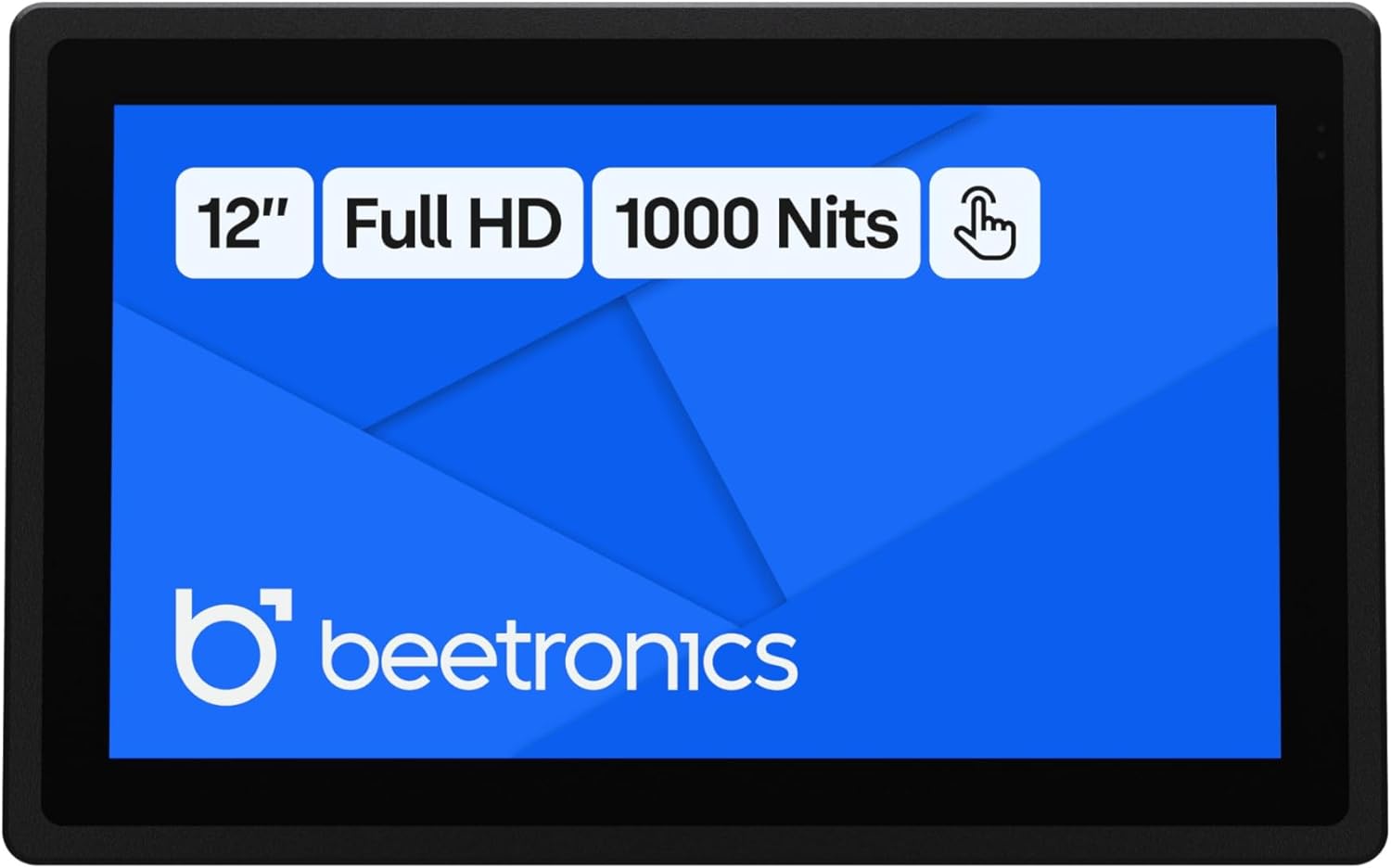
1 pav.: priekis view of the Beetronics 12HB9M/U1 monitor, highlighting its 12-inch Full HD display, 1000 Nits brightness, and touch functionality.

2 pav. Baigtaview of the Beetronics 12HB9M/U1 monitor, emphasizing its Full HD resolution, 1000 Nits brightness, and touchscreen capabilities.
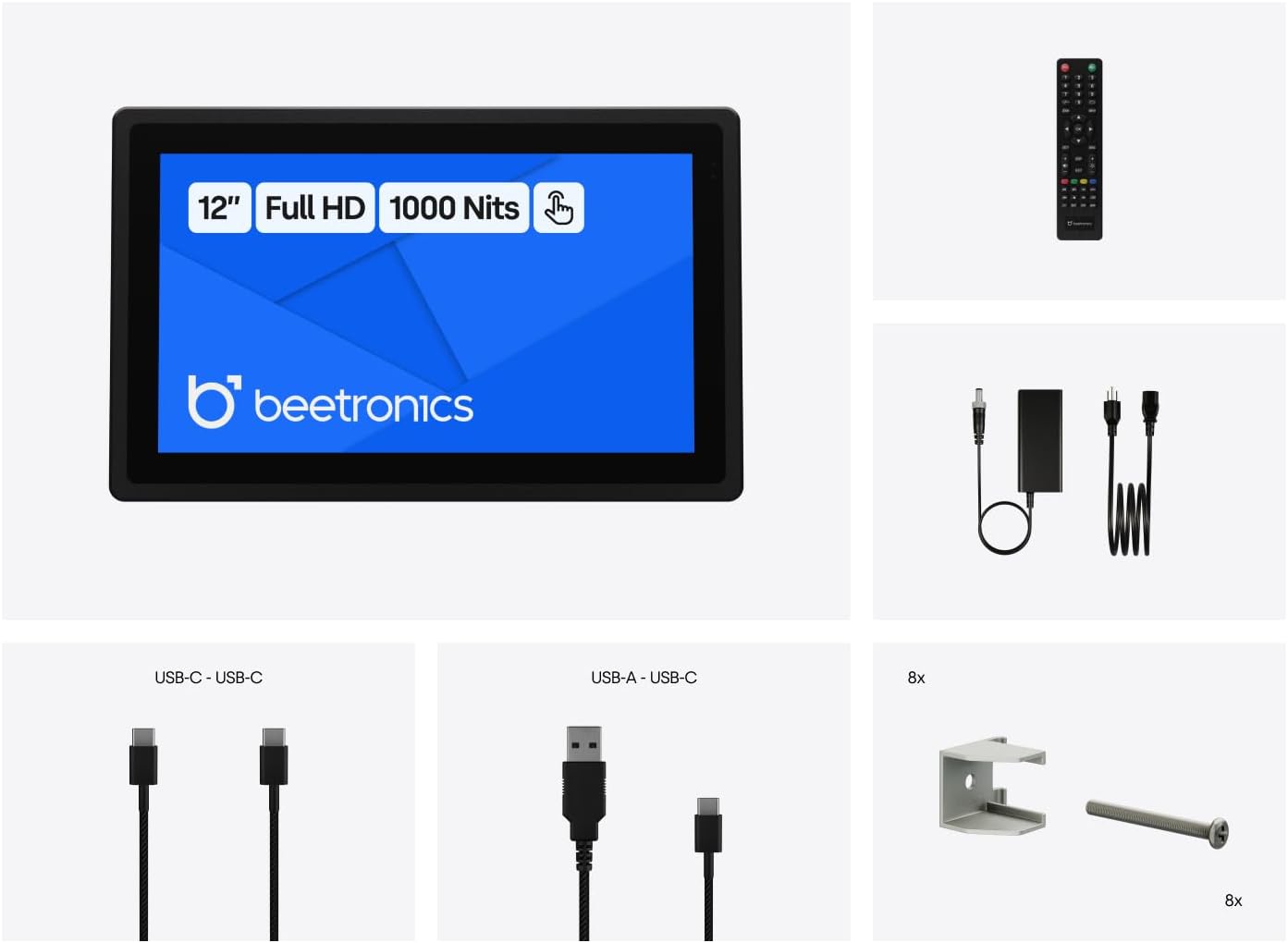
2. Kas yra dėžutėje
Prieš tęsdami montavimą, patikrinkite, ar yra visi komponentai.
- Power Cord and Power Supply
- USB C to USB C Cord
- USB C to USB A Cord
- Nuotolinio valdymo pultas
- Panel Mounting Clips (8x)

Figure 3: All items included in the product packaging: monitor, power supply, USB cables, remote control, and panel mounting clips.
3. Sąranka
3.1 Fizinis įrengimas
The 12HB9M/U1 monitor offers versatile installation options, including desktop, wall-mounted, or panel-mounted configurations. Its compact dimensions are 12.0 x 7.6 x 1.6 inches.
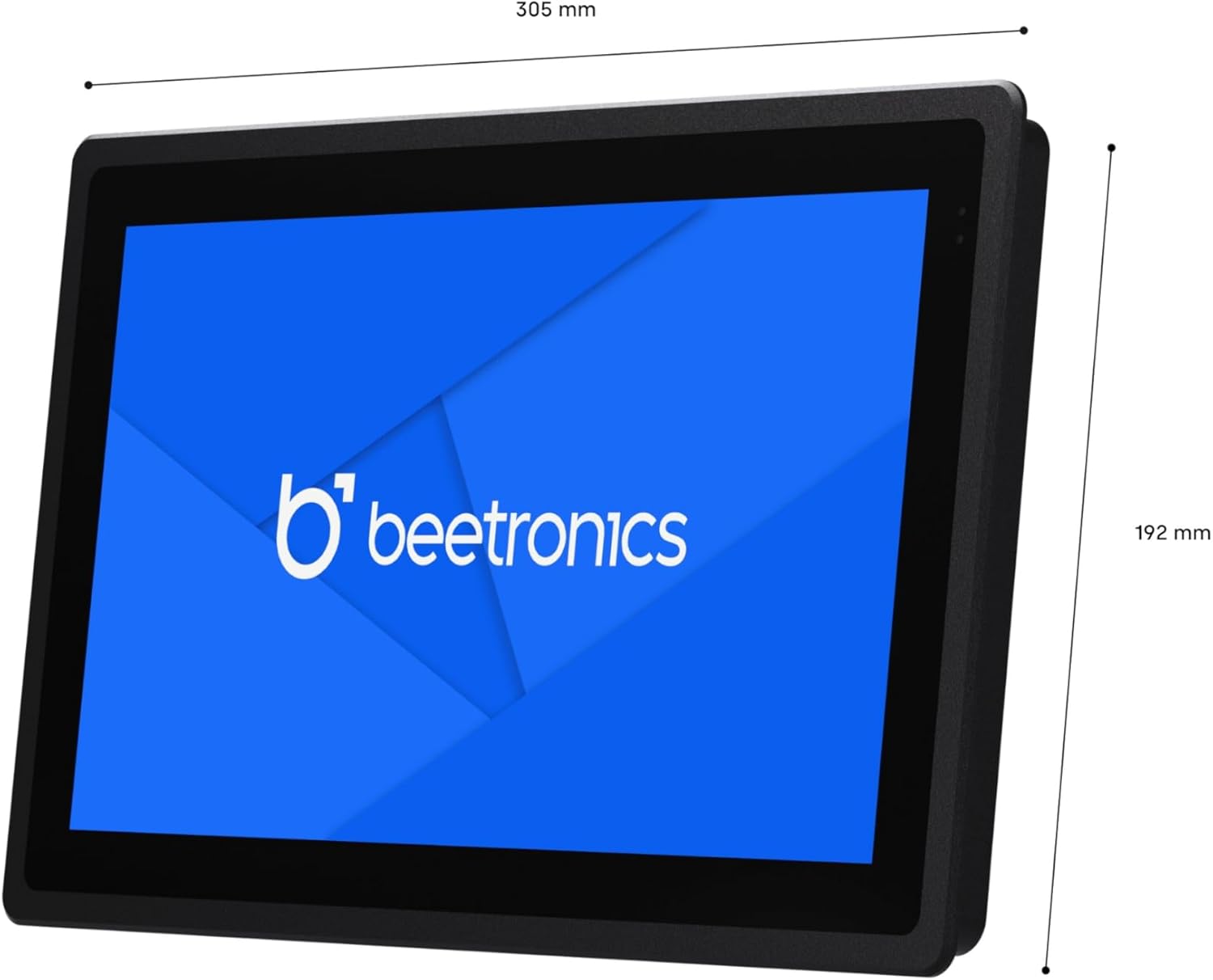
Figure 4: Dimensional drawing of the Beetronics 12HB9M/U1 monitor, showing its width of 305mm and height of 192mm.

Figure 5: Illustration of how the panel mounting clips are used to secure the monitor into an enclosure.
3.2 Monitoriaus prijungimas
The monitor features multiple connectivity ports for video input and touch functionality.

6 pav. Išsamus view of the monitor's rear ports, including AUX in/out, USB-C, VGA, DisplayPort, HDMI, and 5.5mm DC power input.

Figure 7: Rear panel of the monitor showing control buttons (ON/OFF, -, MENU, AUTO, +) and port labels.
- Maitinimo jungtis: Connect the provided power supply to the 5.5mm DC input port on the monitor. The monitor supports a wide input voltage diapazonas 9-36V.
- Vaizdo įvestis: Connect your source device (PC, Mac, Linux system) to one of the following video input ports:
- HDMI
- „DisplayPort“ (DP)
- USB-C (for video and touch data)
- VGA
- Lietimo funkcija: For touch functionality, connect the monitor to your source device using either the provided USB-C to USB-C cable or the USB-C to USB-A cable. This connection enables the 10-point capacitive touch interface.
- Garsas: Use the AUX in/out ports for audio connections if required.
4. Naudojimo instrukcijos
4.1 Maitinimo įjungimas/išjungimas
Paspauskite ĮJUNGTA/IŠJUNGTA button located on the rear of the monitor or use the remote control to power the unit on or off.
4.2 Meniu naršymas
Naudokite MENIU button to access the On-Screen Display (OSD) menu. Navigate through options using the + ir - mygtukai. The AUTO button can be used for automatic image adjustment (VGA only) or as a selection/exit button in the OSD.
4.3 Jutiklinio ekrano funkcionalumas
Once connected via USB, the capacitive multi-touch panel will be recognized by your operating system. It supports up to 10 pressure points for gestures like swiping, zooming, and tapping. The monitor is compatible with Windows, macOS, and Linux operating systems.

Figure 8: Icons representing compatibility with Windows, macOS, ChromeOS, and Linux operating systems.
4.4 Ryškumo reguliavimas
The monitor features a high brightness IPS panel with 1000 Nits. Brightness can be adjusted via the OSD menu or using the dimmer control if connected.
5. Priežiūra
5.1 Monitoriaus valymas
The front panel of the 12HB9M/U1 monitor is IP66 rated, providing protection against dust and powerful water jets. To clean the screen, gently wipe it with a soft, lint-free cloth. For stubborn marks, use a mild, non-abrasive screen cleaner applied to the cloth, not directly to the screen. Ensure the monitor is powered off before cleaning.
5.2 Bendroji priežiūra
Avoid exposing the monitor to extreme temperatures or direct sunlight for prolonged periods. Ensure proper ventilation around the unit. Do not attempt to open the monitor casing, as this will void the warranty and may cause damage.
6. Problemų sprendimas
| Problema | Galima priežastis | Sprendimas |
|---|---|---|
| Ekrane nėra vaizdo |
|
|
| Jutiklinis ekranas nereaguoja |
|
|
| Vaizdas iškraipytas arba neteisingos spalvos |
|
|
7. Specifikacijos
| Modelio numeris | 12HB9M/U1 |
| Ekrano dydis | 11.6 Inches (12 Inch product variant) |
| Rezoliucija | 1920 x 1080 pikselių (Full HD 1080p) |
| Krašto santykis | 16:9 |
| Vaizdo ryškumas | 1000 Candela (Nits) |
| Jutiklinio ekrano tipas | Capacitive Multi-Touch (10 points) |
| Ingress Protection (Front) | IP66 atsparus vandeniui ir dulkėms |
| Įvesties tomastage | 9–36 voltai (nuolatinė srovė) |
| Ryšio prievadai | HDMI, DisplayPort, USB-C, VGA, AUX in/out, 5.5mm DC |
| Gaminio matmenys (I x P x A) | 12.0 x 7.6 x 1.6 colio (305 x 192 x 40.6 mm) |
| Prekės svoris | 4.1 svaro |
| Gamintojas | Beetronics |
9 pav.: sprogo view illustrating key features such as Tempered Glass, Rugged Metal Enclosure, Conformal Coated PCB, IP66-Rated Front Panel, Full Lamination Optical Bonding, and Wide Input Voltage diapazonas.
8. Garantija ir palaikymas
The Beetronics 12HB9M/U1 monitor comes with a 2 metų garantija, ensuring reliability for continuous and intensive professional use. For technical support, warranty claims, or further assistance, please contact Beetronics Inc. directly.
Gamintojas: Beetronics Inc.
Norėdami gauti daugiau informacijos, apsilankykite oficialioje svetainėje Beetronics Store on Amazon.