
1. Įvadas
This manual provides essential information for the safe and efficient use of your DigiLand 11-inch Android 14 Tablet. Please read this manual thoroughly before operating the device and retain it for future reference.
2. Saugos informacija
- Nelaikykite planšetinio kompiuterio ekstremaliose temperatūrose, tiesioginiuose saulės spinduliuose ar didelėje drėgmėje.
- Venkite planšetinio kompiuterio numetimo ar stipraus smūgio.
- Use only the charger and charging cable provided by the manufacturer.
- Nebandykite patys ardyti ar taisyti planšetinio kompiuterio. Kreipkitės į kvalifikuotus techninės priežiūros darbuotojus.
- Laikykite tabletę atokiau nuo vandens ir kitų skysčių.
3. Pakuotės turinys
Patikrinkite, ar pakuotėje yra visi reikalingi daiktai:
- DigiLand R11 Tablet
- R11 Stand Case
- Įkroviklis (maitinimo adapteris)
- Įkrovimo kabelis
- Vartotojo vadovas

Image: Contents of the DigiLand R11 Tablet package, showing the tablet, stand case, charger, charging cable, and user manual.
4. Įrenginio išdėstymas
Familiarize yourself with the physical components of your DigiLand 11-inch Android Tablet.

Vaizdas: Priekinė ir galinė dalys view of the DigiLand 11-inch Android Tablet, showcasing its design and key features like the screen and rear camera module.
Pagrindiniai komponentai:
- 11 colių HD IPS ekranas: Main screen for interaction and content viewing.
- Priekinė kamera (8MP): Įsikūręs priekiniame rėmelyje, naudojamas vaizdo skambučiams ir asmenukėms.
- Galinė kamera (13MP): Located on the back of the tablet, for capturing photos and videos.
- Maitinimo mygtukas: Naudojamas planšetiniam kompiuteriui įjungti / išjungti arba užmigdyti / pažadinti.
- Garsumo mygtukai: Sureguliuokite garso garsumą.
- C tipo USB prievadas: Įkrovimui ir duomenų perdavimui.
- Garsiakalbių grotelės: Dėl garso išvesties.
- MicroSD kortelės lizdas: Dėl saugyklos išplėtimo.
5. Sąranka
5.1 Planšetinio kompiuterio įkrovimas
Before first use, fully charge your tablet. Connect the provided USB Type-C cable to the tablet's charging port and the other end to the power adapter. Plug the adapter into a wall outlet. The battery indicator on the screen will show charging status.

Image: The DigiLand tablet connected to a charger, showing the battery charging icon and indicating its 7000mAh capacity.
5.2 Įjungimas / išjungimas
- Norėdami įjungti: Press and hold the Power button until the DigiLand logo appears.
- Norėdami išjungti: Press and hold the Power button until the power options appear on the screen. Select "Power off."
- Norėdami paleisti iš naujo: Press and hold the Power button until the power options appear. Select "Restart."
5.3 Pradinė sąranka
Pirmą kartą įjungus planšetinį kompiuterį, jis atliks pradinį nustatymo procesą:
- Pasirinkite norimą kalbą.
- Prisijunkite prie „Wi-Fi“ tinklo.
- Prisijunkite naudodami „Google“ paskyrą arba sukurkite naują. Tai būtina norint atsisiųsti programėles iš „Google Play“ parduotuvės.
- Review ir sutikite su sąlygomis ir nuostatomis.
- Dėl saugumo nustatykite ekrano užraktą (PIN kodą, šabloną arba slaptažodį).
5.4 „MicroSD“ kortelės įdėjimas
To expand storage, insert a MicroSD card (up to 256GB, not included) into the designated slot. Ensure the tablet is powered off before inserting or removing the card.

Image: A visual representation of the tablet's memory capabilities, including RAM, internal storage, and MicroSD card expansion.
6. Planšetinio kompiuterio valdymas
6.1 Pagrindinė navigacija
Planšetinis kompiuteris naršymui naudoja lietimo gestus:
- Bakstelėkite: Pasirinkite elementą arba atidarykite programėlę.
- Perbraukimas: Slinkite per puslapius arba meniu.
- Žiupsnelis: Priartinkite arba atitolinkite vaizdus ir web puslapių.
- Ilgas paspaudimas: Pasiekite kontekstinius meniu arba perkelkite programų piktogramas.
6.2 „Wi-Fi“ ryšys
- Eikite į Nustatymai > Tinklas ir internetas > Wi-Fi.
- Perjungti „Wi-Fi“ On.
- Iš sąrašo pasirinkite norimą tinklą ir, jei būsite paraginti, įveskite slaptažodį.
6.3 Bluetooth poravimas
- Eikite į Nustatymai > Prijungti įrenginiai > Bluetooth.
- Perjungti Bluetooth On.
- The tablet will scan for available devices. Select the device you wish to pair with and follow any on-screen prompts.
6.4 Fotoaparatų naudojimas
The tablet features an 8MP front camera and a 13MP rear camera.

Image: Demonstrates the tablet's dual camera functionality, with examples of a landscape photo taken by the 13MP rear camera and a video call using the 8MP front camera.
- Atidarykite Fotoaparatas programėlė.
- Palieskite kameros piktogramą, kad perjungtumėte priekinę ir galinę kameras.
- Palieskite užrakto mygtuką, kad nufotografuotumėte arba pradėtumėte / sustabdytumėte vaizdo įrašymą.
6.5 Split Screen & Screen Mirroring
- Padalintas ekranas: To use two apps simultaneously, open an app, then swipe up from the bottom of the screen and hold to access recent apps. Long-press the app icon at the top of the app window and select "Split screen." Choose a second app to open in the other half of the screen.
- Ekrano dubliavimas: To cast your tablet's screen to a compatible display (e.g., smart TV), go to Nustatymai > Prijungti įrenginiai > Ryšio nuostatos > Aktoriai. Select your desired display device.
6.6 Programėlių valdymas
Your tablet comes with Google Mobile Services (GMS) certified, allowing full access to the Google Play Store.
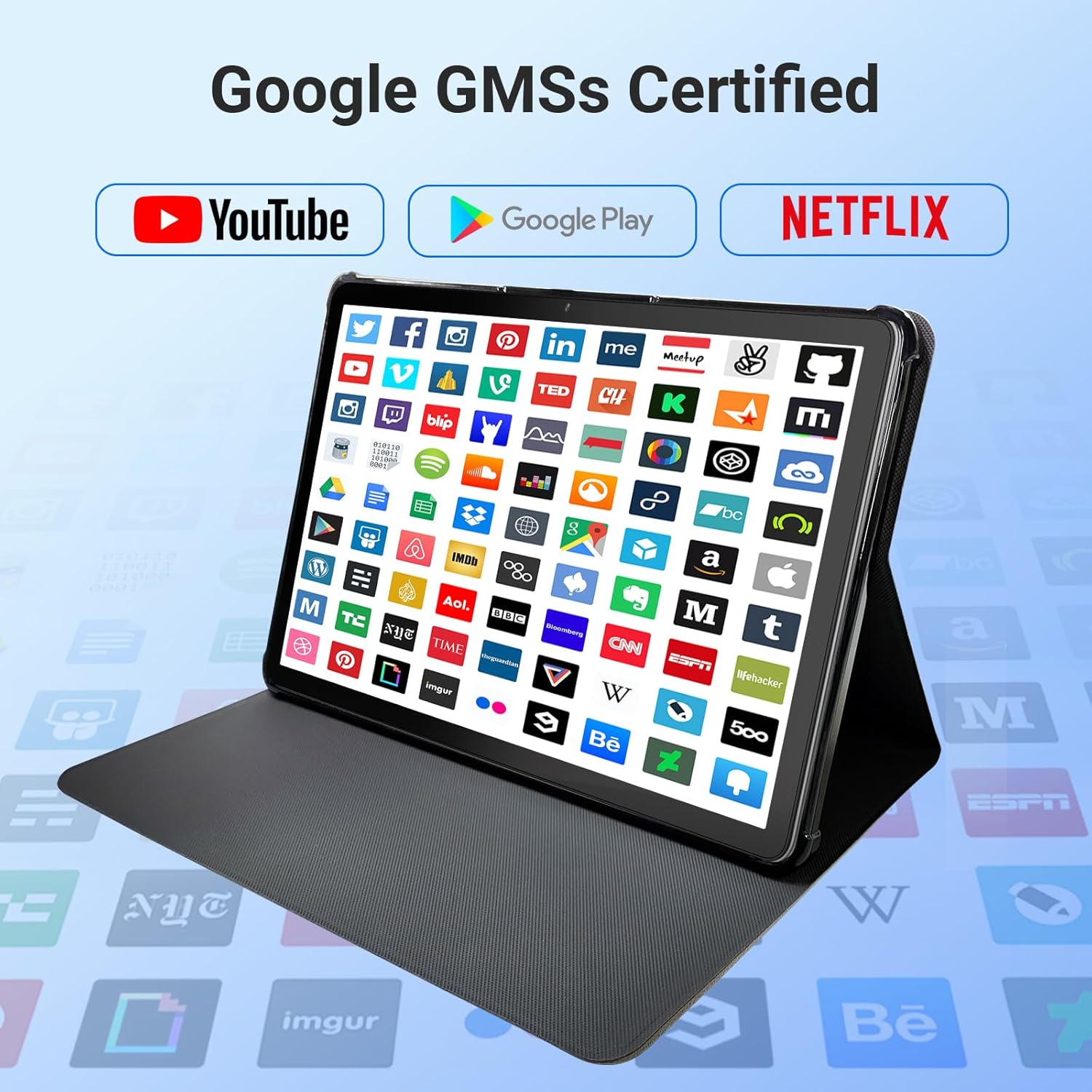
Image: The tablet screen showing numerous app icons, confirming Google GMS certification and access to popular services like YouTube and Netflix.
- Įdiegti programas: Atidarykite Google Play parduotuvė app, search for your desired app, and tap "Install."
- Pašalinti programas: Long-press the app icon on the home screen or app drawer, then drag it to "Uninstall" or select "App info" and choose "Uninstall."
7. Priežiūra
7.1 Prietaiso valymas
Use a soft, lint-free cloth to clean the screen and body of the tablet. Do not use abrasive cleaners or solvents.
7.2 Programinės įrangos naujiniai
Reguliariai tikrinkite, ar yra sistemos atnaujinimų, kad užtikrintumėte optimalų našumą ir saugumą:
- Eikite į Nustatymai > Sistema > Sistemos atnaujinimas.
- Vykdykite ekrane pateikiamus nurodymus, kad atsisiųstumėte ir įdiegtumėte visus galimus naujinimus.
7.3 Saugojimo valdymas
To manage your tablet's storage:
- Eikite į Nustatymai > Sandėliavimas.
- Here you can see storage usage and free up space by uninstalling apps, deleting files, or clearing cache data.
8. Problemų sprendimas
Jei kyla problemų dėl planšetinio kompiuterio, žr. šiuos dažniausiai pasitaikančius sprendimus:
| Problema | Sprendimas |
|---|---|
| Planšetinis kompiuteris neįsijungia | Įsitikinkite, kad akumuliatorius įkrautas. Prijunkite įkroviklį ir palaukite kelias minutes, prieš bandydami vėl įjungti. Jei įrenginys nereaguoja, priverstinai paleiskite įrenginį iš naujo, 10–15 sekundžių palaikydami nuspaustą maitinimo mygtuką. |
| Wi-Fi ryšio problemos | Patikrinkite, ar nustatymuose įjungtas „Wi-Fi“. Paleiskite maršrutizatorių ir planšetinį kompiuterį iš naujo. Pamirškite tinklą ir prijunkite iš naujo. |
| Lėtas veikimas | Uždarykite nenaudojamas programas. Išvalykite programų talpyklas (Nustatymai > Programos > [Programos pavadinimas] > Atmintis > Išvalyti talpyklą). Atlaisvinkite vietos saugykloje. Paleiskite planšetinį kompiuterį iš naujo. |
| Programėlės stringa arba užstringa | Update the app to the latest version. Clear the app's cache and data (Settings > Apps > [App Name] > Storage). Uninstall and reinstall the app. |
| Ekranas nereaguoja | Paleiskite planšetinį kompiuterį iš naujo. Jei problema išlieka, susisiekite su klientų aptarnavimo tarnyba. |
9. Specifikacijos
Detailed technical specifications for the DigiLand 11-inch Android 14 Tablet (Model MID1109-MX):
| Funkcija | Specifikacija |
|---|---|
| Prekės ženklas | DigiLand |
| Modelio pavadinimas | R11 |
| Prekės modelio numeris | MID1109-MX |
| Operacinė sistema | Android 14 |
| Ekrano dydis | 11 colių |
| Ekrano raiška | 1280 x 800 pikselių (HD IPS) |
| Procesorius | 8-Core, 2 GHz (MediaTek) |
| RAM | 12 GB LPDDR4X |
| Vidinė atmintis (ROM) | 128 GB |
| Išplečiama saugykla | Up to 256GB via MicroSD (TF Card) |
| Grafikos koprocesorius | Malis-G52 |
| Galinis Webkumštelio raiška | 13 MP |
| Priekyje Webkumštelio raiška | 8 MP |
| Belaidis tipas | 802.11a/b/g/n/ac (Dual-band 2.4G/5G Wi-Fi) |
| Bluetooth | Bluetooth 5.0 |
| Baterija | 7000mAh ličio polimeras |
| Vidutinis baterijos veikimo laikas | Up to 15 Hours (8 hours HD video playback) |
| Prekės svoris | 1.32 svaro |
| Gaminio matmenys | 10.16 x 6.69 x 0.32 colio |
| Spalva | Pilka |
10. Garantija ir palaikymas
Your DigiLand tablet is covered by a manufacturer's warranty. Please refer to the warranty card included in your package for specific terms and conditions. For technical support, product inquiries, or warranty claims, please visit the official DigiLand websvetainėje arba susisiekite su klientų aptarnavimo skyriumi.
DigiLand Official Websvetainė: Visit DigiLand Store on Amazon