
1. Įvadas
This manual provides detailed instructions for the installation, operation, and maintenance of your UNITOPSCI 4GB+64GB Single Din Android Car Stereo. This device features a 7-inch flip-out touchscreen, Wireless CarPlay, Android Auto, GPS navigation, Wi-Fi, Bluetooth 5.0, FM/RDS radio, DSP, USB/TF card/AUX inputs, backup camera support, and steering wheel control compatibility. Please read this manual thoroughly before using the product to ensure proper function and safety.
2. Saugos informacija
- Visada vairuokite transporto priemonę saugiai. Dėl išsiblaškiusio vairavimo gali įvykti avarija.
- Do not attempt to install or service this unit if you are not qualified. Professional installation is recommended.
- Įsitikinkite, kad visi laidai yra tinkamai prijungti, kad išvengtumėte trumpojo jungimo ar automobilio elektros sistemos pažeidimo.
- Keep the volume at a level that allows you to hear outside traffic and emergency vehicles.
- Venkite įrenginio ilgalaikio laikymo tiesioginiuose saulės spinduliuose, itin aukštose temperatūrose ar drėgmės.
- Neuždenkite įrenginio ventiliacijos angų.
3. Pakuotės turinys
Patikrinkite, ar pakuotėje yra visi reikalingi daiktai:
- 1 x automobilio stereofoninis įrenginys
- 1x maitinimo laidas
- 1 x RCA kabelis
- 1 x galinės kameros laidas
- 1 x 6 PIN USB Cable
- 1 x montavimo kronšteinas
- 1 x radijo antena
- 1x GPS antena
- 1x mikrofonas
- 1 x Vartotojo vadovas
- 1 x AHD galinio vaizdo kamera

4. Produktas baigtasview
The UNITOPSCI Single Din Android Car Stereo is designed to integrate advanced multimedia and navigation features into your vehicle. It features a motorized 7-inch IPS touchscreen that flips out from a standard single DIN chassis.

Pagrindinės funkcijos:
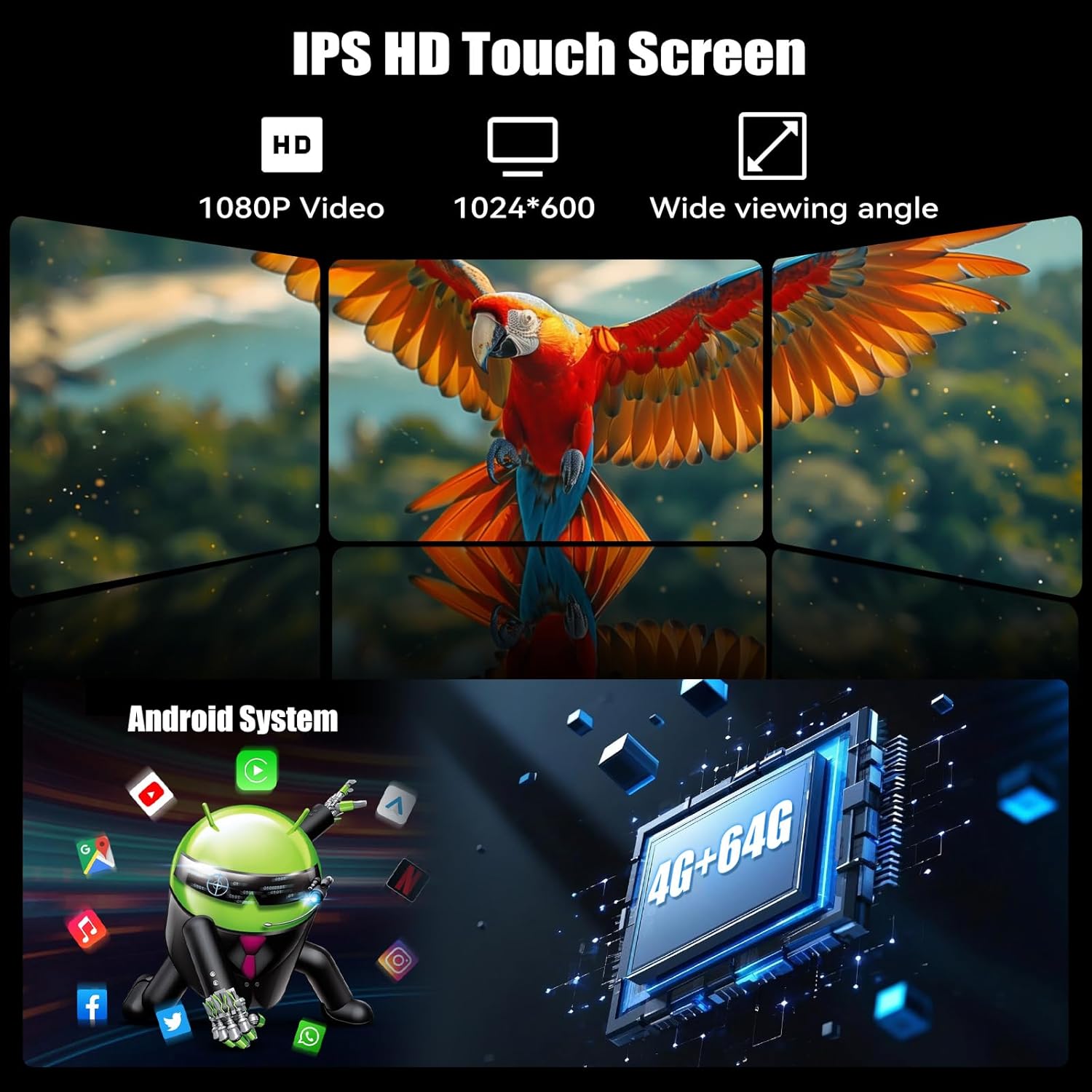
- „Android 13“ sistema: Įrengta 4 GB RAM ir 64 GB ROM, kad veiktų sklandžiai ir ample saugykla.
- 7-inch IPS Flip-Out Touchscreen: High-definition 1024*600 capacitive display with wide viewkampų.
- Belaidis „CarPlay“ ir „Android Auto“: Sklandi išmaniojo telefono integracija navigacijai, muzikai ir bendravimui.
- GPS navigacija: Built-in GPS module supporting online and offline maps.
- „Wi-Fi“ ryšys: For online functions, app downloads, and internet browsing.
- "Bluetooth 5.0": Skambinimas laisvų rankų įranga ir garso transliacija.
- FM/RDS radijas: 18 preset stations with memory function.
- DSP & EQ Sound: Built-in digital sound processing with customizable EQ settings.
- Keli įėjimai: Dual USB ports, TF card slot, and AUX input.
- AHD galinio vaizdo kamera: Included for enhanced reversing safety.
- Vairo valdymas (SWC): Compatible with existing vehicle steering wheel controls.
- Veidrodinė nuoroda: Supports wireless mirroring for Android/iOS devices.
- Padalinto ekrano funkcija: Leidžia dviem programoms vienu metu veikti ekrane.
- 7 Color Backlight: Pritaikomas mygtukų apšvietimas.
5. Sąranka ir diegimas
Svarbu: Due to the complexity of car audio system wiring, professional installation is highly recommended. Incorrect wiring can cause damage to the unit or your vehicle.
5.1 Kontrolinis sąrašas prieš įdiegiant
- Prieš pradėdami bet kokius elektros darbus, atjunkite neigiamą automobilio akumuliatoriaus gnybtą.
- Ensure you have the correct wiring harness adapter for your vehicle model (if not included).
- Confirm the single DIN opening in your dashboard is compatible with the unit's dimensions.
5.2 Laidų jungtys
Refer to the wiring diagram provided in the included user manual for specific connections. General connections include:
- Galia: Geltoną laidą prijunkite prie nuolatinės 12 V įtampos, raudoną laidą – prie priedo 12 V, o juodą laidą – prie įžeminimo.
- Garsiakalbiai: Prijunkite garsiakalbių laidus prie atitinkamų automobilio garsiakalbių laidų (pvz., priekinis kairysis +, priekinis kairysis -).
- GPS antena: Prijunkite GPS anteną ir pritvirtinkite ją vietoje, kur nėra šviesos. view dangaus (pvz., prietaisų skydelis, priekinio stiklo kampas).
- Galinė kamera: Connect the video input from the AHD backup camera to the unit's camera input. Connect the camera's power to the reverse light circuit.
- Mikrofonas: Prijunkite išorinį mikrofoną, kad galėtumėte skambinti laisvų rankų įranga.
- USB kabeliai: Route the USB extension cables to an accessible location.
- Radijo antena: Prijunkite automobilio radijo anteną.
- Vairo valdymas (SWC): Connect the SWC wires according to your vehicle's wiring diagram.
5.3 Įrenginio montavimas
- Slide the mounting sleeve into the dashboard opening.
- Secure the sleeve using the bending tabs.
- Carefully slide the car stereo unit into the mounting sleeve until it locks into place.
- Prijunkite automobilio neigiamą akumuliatoriaus gnybtą.
6. Naudojimo instrukcijos
6.1 Pagrindinės operacijos
- Maitinimo įjungimas/išjungimas: Norėdami įjungti arba išjungti įrenginį, paspauskite maitinimo mygtuką (dažniausiai garsumo rankenėlę).
- Garsumo valdymas: Norėdami reguliuoti garsumą, pasukite rankenėlę.
- Ekrano reguliavimas: The 7-inch screen is motorized. Use the screen controls to adjust its angle or retract it.
- Jutiklinio ekrano sąsaja: Navigate the Android system by tapping, swiping, and pinching on the capacitive touchscreen.

6.2 belaidis „CarPlay“ ir „Android Auto“
Connect your smartphone wirelessly for an integrated driving experience.
- Įsitikinkite, kad jūsų išmaniajame telefone įjungti „Bluetooth“ ir „Wi-Fi“.
- Automobilio stereo sistemoje atidarykite „CarPlay“ arba „Android Auto“ programėlę.
- Follow the on-screen prompts to pair your phone. Once paired, your phone will automatically connect in the future.


6.3 GPS navigacija
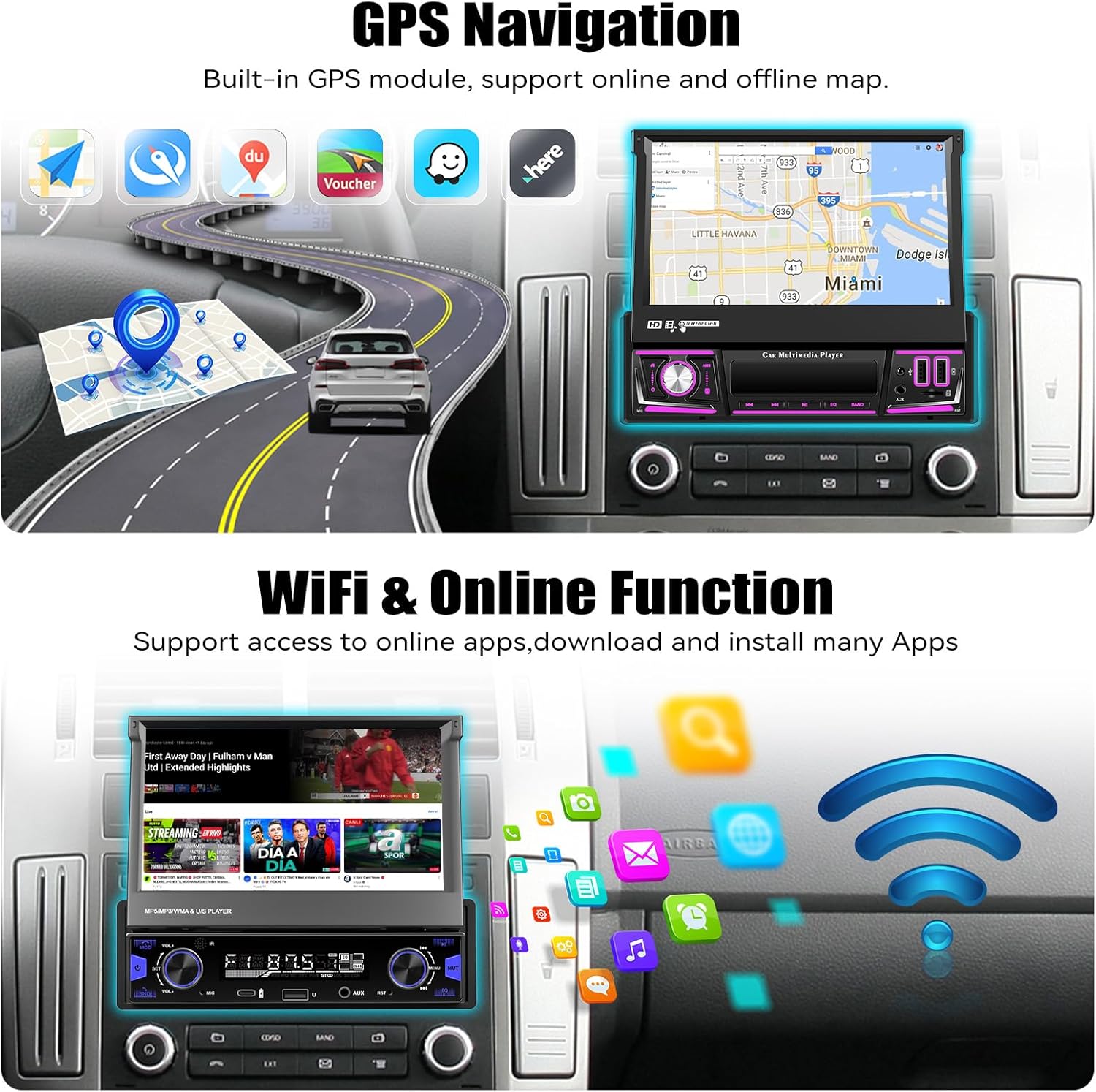
The unit includes a built-in GPS module for navigation. It supports both online and offline map applications.
- Įsitikinkite, kad GPS antena tinkamai sumontuota ir turi laisvą view dangaus.
- Use pre-installed navigation apps or download your preferred map applications via Wi-Fi.
- For offline maps, download the necessary map data when connected to Wi-Fi.


6.4 Wi-Fi & Online Functions
Connect the stereo to a Wi-Fi hotspot (e.g., from your smartphone) to access online features.
- Eikite į Nustatymai > Tinklas ir internetas > „Wi-Fi“.
- Pasirinkite norimą „Wi-Fi“ tinklą ir įveskite slaptažodį.
- Once connected, you can download apps from the Google Play Store, browse the internet, and stream online content.

6.5 „Bluetooth“ ryšys 5.0
Susiekite mobilųjį telefoną per „Bluetooth“, kad galėtumėte skambinti laisvų rankų įranga ir transliuoti garsą.
- Įjunkite „Bluetooth“ savo telefone ir automobilio garso sistemoje.
- Automobilio stereo sistemoje ieškokite galimų įrenginių ir pasirinkite savo telefoną.
- Patvirtinkite susiejimo kodą abiejuose įrenginiuose.
- Prijungus, galite belaidžiu būdu skambinti / priimti skambučius ir leisti muziką.


6.6 FM/RDS radijas
Access local radio stations with FM and RDS (Radio Data System) functionality.
- Pagrindiniame meniu pasirinkite programėlę „Radijas“.
- Naudokite nuskaitymo funkciją, kad automatiškai ieškotumėte ir išsaugotumėte galimas stotis.
- Rankiniu būdu derinkite dažnius arba pasirinkite iš iš anksto nustatytų stočių.
- RDS provides station information, song titles, and traffic announcements where available.


6.7 EQ garso nustatymai
Customize your audio experience using the built-in Equalizer (EQ).
- Access the 'EQ' or 'Sound Settings' option from the main menu or during audio playback.
- Adjust frequency bands, bass, treble, and other audio parameters to your preference.
- Select from various preset EQ modes (e.g., Pop, Rock, Jazz) or create custom settings.

6.8 Galinio vaizdo kameros veikimas
Į komplektą įeina AHD galinio vaizdo kamera, kuri automatiškai rodo galinį vaizdą. view kai transporto priemonė važiuoja atbuline pavara.
- Ensure the camera is properly installed and connected to the reverse trigger wire.
- Perjungiant atbulinės eigos pavarą, ekranas automatiškai persijungs į kamerą view, displaying parking guidelines.


6.9 Vairo valdymas (SWC)
Program your vehicle's steering wheel buttons to control the car stereo functions.
- Įrenginio meniu eikite į „Vairo valdymas“ nustatymus.
- Follow the on-screen instructions to assign functions (e.g., volume up/down, track skip, mode) to your steering wheel buttons.

6.10 Veidrodinis ryšys
Mirror your Android or iOS smartphone screen onto the car stereo display.
- Automobilio stereo sistemoje atidarykite programėlę „Mirror Link“.
- Connect your phone via Wi-Fi or USB cable as prompted.
- Your phone's screen will be displayed on the stereo, allowing you to view apps not supported by CarPlay/Android Auto.

6.11 Multiple Input (USB/TF/AUX)
The unit supports various media inputs for playback and charging.
- USB: Connect USB drives for media playback or use the USB ports for charging your smartphone.
- TF kortelė: Insert a TF (microSD) card into the designated slot for media playback.
- AUX: Connect external audio devices (e.g., MP3 players) via the 3.5mm AUX input.

6.12 Padalinto ekrano funkcija
The split-screen feature allows you to run two applications side-by-side on the display.
- While an app is open, swipe up from the bottom of the screen or long-press the recent apps button (if available) to enter split-screen mode.
- Select a second app to display on the other half of the screen.

6.13 7 Color Backlight
Customize the illumination color of the physical buttons on the unit.
- Navigate to the 'Settings' menu and look for 'Button Light' or 'Backlight Color' options.
- Choose from seven available colors to match your vehicle's interior lighting or personal preference.

7. Priežiūra
- Ekrano valymas: Jutiklinį ekraną švelniai nuvalykite minkšta, nepūkuota šluoste. Įsisenėjusias dėmes šiek tiek nuvalykiteampNuvalykite šluostę vandeniu arba ekrano valymo tirpalu. Venkite stiprių cheminių medžiagų.
- Bendras valymas: Įrenginio korpusą nuvalykite sausa, minkšta šluoste. Nenaudokite abrazyvinių valiklių.
- Programinės įrangos atnaujinimai: Reguliariai tikrinkite, ar yra programinės įrangos atnaujinimų, per įrenginio nustatymų meniu, kad užtikrintumėte optimalų veikimą ir prieigą prie naujų funkcijų.
- Venkite skysčių: Saugokite, kad į įrenginį nepatektų skysčių, nes tai gali sukelti rimtą žalą.
8. Problemų sprendimas
| Problema | Galima priežastis | Sprendimas |
|---|---|---|
| Įrenginys neįsijungia. | Neteisingas laidų pajungimas; Perdegęs saugiklis; Nėra maitinimo. | Patikrinkite maitinimo jungtis (geltoną, raudoną, juodą laidus). Apžiūrėkite transporto priemonės saugiklius. Įsitikinkite, kad akumuliatorius įkrautas. |
| Nėra garso iš garsiakalbių. | Neteisingas garsiakalbio prijungimas; per mažas garsumas; įjungtas nutildymas. | Verify speaker connections. Increase volume. Check if mute is active. |
| GPS signal lost frequently. | GPS antenna improperly placed; Obstructions; Weak signal area. | Įsitikinkite, kad GPS antena turi laisvą view of the sky. Relocate antenna if necessary. Update map data. |
| Bluetooth ryšio problemos. | Telefonas neaptinkamas; neteisingas susiejimas; trukdžiai. | Įsitikinkite, kad telefono „Bluetooth“ ryšys įjungtas ir įrenginys aptinkamas. Ištrinkite ankstesnius susiejimus ir susiekite iš naujo. Paleiskite abu įrenginius iš naujo. |
| „CarPlay“ / „Android Auto“ neprisijungia. | Wi-Fi/Bluetooth issues; Phone software outdated; App permissions. | Check Wi-Fi and Bluetooth connections. Update phone OS and CarPlay/Android Auto apps. Verify app permissions. |
| Galinio vaizdo kamera nerodoma. | Camera wiring incorrect; Reverse trigger not connected; Faulty camera. | Check camera power and video connections. Ensure reverse trigger wire is correctly connected. |
| Jutiklinis ekranas nereaguoja. | Software glitch; Screen damage. | Restart the unit. If issue persists, perform a factory reset (data will be lost). Contact support if physical damage is suspected. |
9. Specifikacijos
| Funkcija | Detalė |
|---|---|
| Operacinė sistema | Android 13 |
| RAM | 4 GB |
| Vidinė atmintis (ROM) | 64 GB |
| Ekrano dydis | 7 colių |
| Ekrano raiška | 1024 * 600 IPS |
| Ryšys | Bluetooth 5.0, Wi-Fi, Wireless CarPlay, Android Auto |
| Navigacija | Built-in GPS (North America, Worldwide map support) |
| Garso išvesties režimas | Stereo, Built-in EQ |
| Įėjimai | Dual USB, TF Card, AUX-in, Rear Camera Input |
| Ypatingos savybės | Flip-out screen, Mirror Link, Split Screen, Steering Wheel Control, 7 Color Backlight |
| Gaminio matmenys | 7.36 x 7.87 x 2.32 colio (18.7 x 20.0 x 5.9 cm) |
| Prekės svoris | 4.18 svaro (1.9 kg) |
10. Garantija ir palaikymas
This UNITOPSCI product comes with a 1 metų garantija nuo pirkimo datos, apimanti gamybos defektus. Prašome išsaugoti pirkimo įrodymą garantiniams reikalavimams.
Klientų aptarnavimas:
For technical assistance, troubleshooting, or warranty inquiries, please contact UNITOPSCI customer service:
- El. paštas: UNITOPSCI@126.com
Please provide your product model and a detailed description of the issue when contacting support for faster resolution.
