
Įvadas
Welcome to the user manual for your new DIALN X65 Unlocked Smartphone. This guide provides essential information to help you set up, operate, maintain, and troubleshoot your device. Please read this manual carefully to ensure optimal performance and longevity of your smartphone.
The DIALN X65 features a 6.5-inch display, runs on Android 13, and offers 32GB of internal storage, expandable via microSD. It is equipped with a 13MP camera and a 4500mAh battery.
Kas yra dėžutėje
Upon unboxing your DIALN X65, verify that all items are present:
- Išmanusis telefonas DIALN X65
- Įkrovimo kabelis
- Vartotojo vadovas (šis dokumentas)
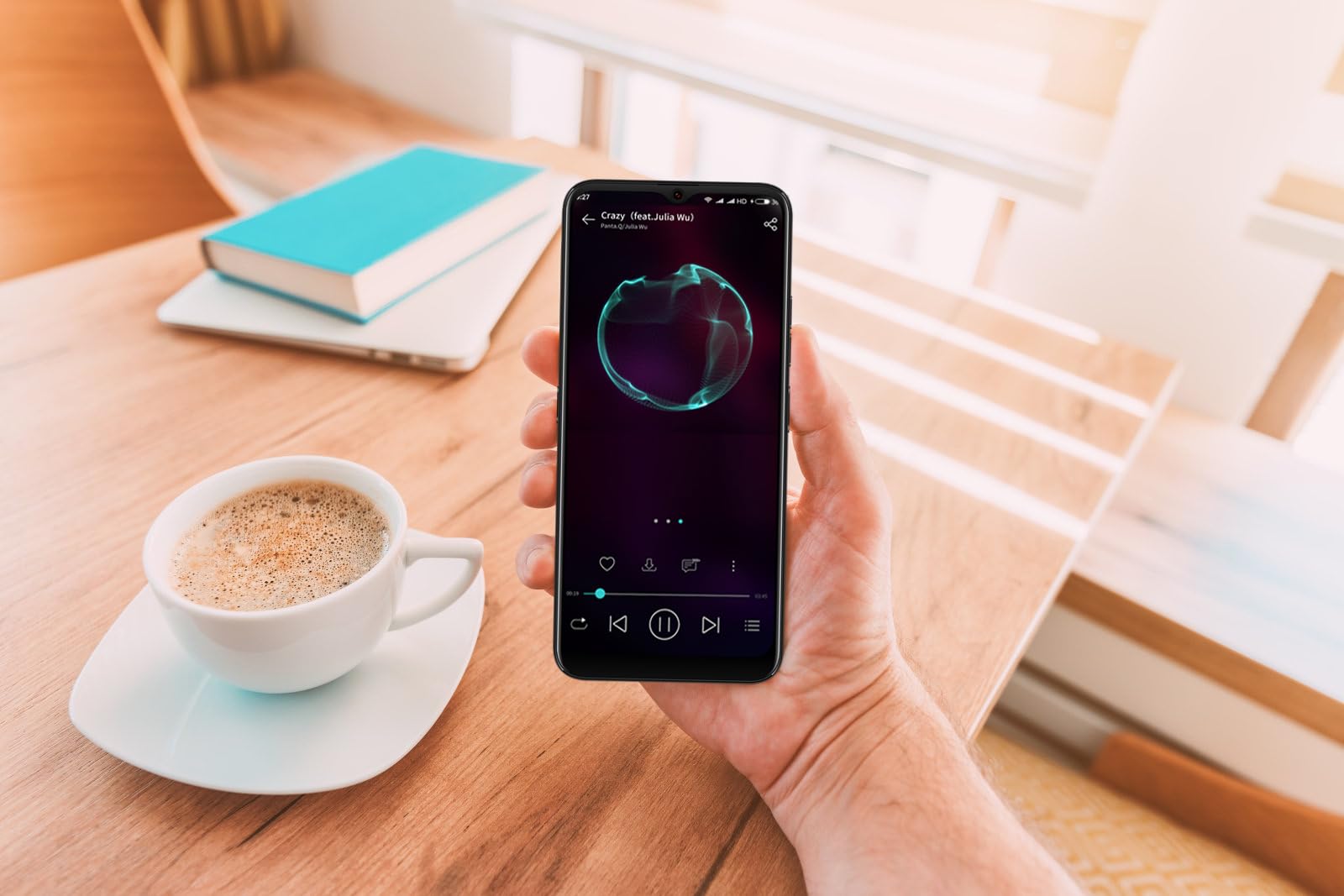
Image: The DIALN X65 smartphone displayed with its charging cable and user manual, as typically found in the product packaging.
Sąranka
1. Insert SIM Card and MicroSD Card (Optional)
- Raskite SIM kortelės dėklą telefono šone.
- Insert the SIM ejector tool (not included, a paperclip can be used) into the small hole on the tray to open it.
- Įdėkite nano-SIM kortelę (-es) ir (arba) „microSD“ kortelę į dėklą auksiniais kontaktais žemyn ir įsitikinkite, kad kortelės yra tinkamai orientuotos.
- Švelniai stumkite dėklą atgal į telefoną, kol jis spragtelėdamas užsifiksuos.
2. Pradinis įkrovimas
Before first use, it is recommended to fully charge your DIALN X65. Connect the charging cable to the phone's charging port and plug the other end into a power adapter (not included) or a USB port. The battery indicator on the screen will show charging progress. A full charge typically takes approximately 2 hours.
3. Maitinimo įjungimas/išjungimas
- Norėdami įjungti: Press and hold the Power button (located on the right side) until the DIALN logo appears on the screen.
- Norėdami išjungti: Paspauskite ir palaikykite maitinimo mygtuką, kol pasirodys maitinimo parinkčių meniu. Palieskite „Išjungti“ ir patvirtinkite.
- Norėdami paleisti iš naujo: Press and hold the Power button until the power options menu appears. Tap 'Restart' and confirm.
4. Pradinės sąrankos vedlys
Pirmą kartą įjungus telefoną, būsite nukreipti į pradinį nustatymo procesą. Vykdykite ekrane pateikiamus nurodymus, kad:
- Pasirinkite savo kalbą.
- Prisijunkite prie „Wi-Fi“ tinklo.
- Prisijunkite naudodami „Google“ paskyrą arba sukurkite naują.
- Nustatykite ekrano užraktą (PIN kodą, šabloną, slaptažodį arba veido atrakinimą).
- Review ir sutikite su sąlygomis ir nuostatomis.
Operating Your DIALN X65
1. Pagrindinė navigacija
- Palieskite: Palieskite piktogramą, kad atidarytumėte programėlę arba pasirinktumėte elementą.
- Perbraukimas: Norėdami slinkti arba naršyti tarp ekranų, braukite pirštu per ekraną.
- Žiupsnelis: Nuotraukoms priartinti arba atitolinti naudokite du pirštus ir web puslapių.
- Pagrindinis ekranas: Centrinis jūsų programėlių ir valdiklių centras. Braukite kairėn arba dešinėn, kad pasiektumėte papildomus pagrindinius ekranus.
- Pranešimų skydelis: Braukite žemyn nuo ekrano viršaus, kad pasiektumėte pranešimus ir greituosius nustatymus.
2. Skambučiai ir kontaktai
- Skambinimas: Atidarykite programėlę „Telefonas“, įveskite numerį ir palieskite skambinimo piktogramą.
- Atsiliepimas į skambutį: Swipe up on the green phone icon when a call comes in.
- Tvarkyti kontaktus: Open the 'Contacts' app to add, edit, or delete contacts.
3. Žinutės
Open the 'Messages' app to send and receive SMS/MMS messages. Tap the '+' icon to compose a new message, enter the recipient's number or select from contacts, and type your message.
4. Internetas ir ryšys
- „Wi-Fi“: Eikite į Nustatymai > Tinklas ir internetas > „Wi-Fi“. Įjunkite „Wi-Fi“ ir pasirinkite norimą tinklą.
- Bluetooth: Eikite į Nustatymai > Prijungti įrenginiai > Ryšio nuostatos > „Bluetooth“. Įjunkite „Bluetooth“, kad galėtumėte susieti su kitais įrenginiais.
- Mobilus duomenys: Go to Settings > Network & internet > Mobile network. Ensure mobile data is enabled for internet access via your SIM card.
5. Fotoaparatas
Open the 'Camera' app to capture photos and videos. Tap the shutter button to take a photo. Swipe left or right to switch between photo, video, and other modes. Use the front camera for selfies.
6. Veido atpažinimas atrakinant
To set up Face Unlock, go to Settings > Security & privacy > Device unlock > Face unlock. Follow the on-screen instructions to register your face. Once set up, you can unlock your phone by looking at the front camera.
7. Sandėliavimo valdymas
Your DIALN X65 comes with 32GB of internal storage. You can expand this up to 256GB using a microSD card. To check storage usage, go to Settings > Storage. Regularly clear unnecessary fileir programas, kad būtų palaikomas optimalus našumas.
Priežiūra
1. Įrenginio valymas
Use a soft, lint-free cloth to clean the screen and body of your phone. Avoid using harsh chemicals or abrasive materials, as these can damage the display and finish. Do not expose the phone to excessive moisture.
2. Programinės įrangos atnaujinimai
Regularly check for and install software updates to ensure your phone has the latest features, security patches, and performance improvements. Go to Settings > System > System update to check for available updates.
3. Akumuliatoriaus priežiūra
- Venkite ekstremalių temperatūrų, nes jos gali pabloginti akumuliatoriaus veikimo laiką.
- Neleiskite baterijai dažnai visiškai išsikrauti.
- Use the provided charging cable or a compatible, certified charger.
- Unplug the charger once the battery is full to prevent overcharging.
4. Saugyklos optimizavimas
To keep your phone running smoothly, regularly review and delete unused apps, old photos, videos, and downloaded files. Consider moving large media fileį „microSD“ kortelę arba debesies saugyklą.
Trikčių šalinimas
Dažnos problemos ir sprendimai:
- Telefonas neįsijungia: Įsitikinkite, kad akumuliatorius įkrautas. Prijunkite prie įkroviklio bent 15 minučių, tada bandykite vėl įjungti.
- Poor Signal/No Network: Check if your SIM card is properly inserted. Ensure mobile data is enabled in settings. Try restarting the phone. If issues persist, contact your network provider.
- Programėlių strigimas / užstrigimas: Close and reopen the app. Clear the app's cache (Settings > Apps > [App Name] > Storage & cache > Clear cache). If the problem continues, uninstall and reinstall the app.
- Greitai išsikrauna baterija: Reduce screen brightness, disable unused features like Bluetooth or GPS, close background apps, and check for apps consuming excessive power in battery settings.
- Jutiklinis ekranas nereaguoja: Restart the phone. If the issue persists, a factory reset might be necessary (see below).
Factory Reset (Data Erase)
Gamyklinių parametrų atkūrimas ištrins visus telefono duomenis ir atkurs pradinius gamyklinius nustatymus. Prieš tęsdami sukurkite visų svarbių duomenų atsargines kopijas.
- Eikite į Nustatymai > Sistema > Atstatymo parinktys.
- Palieskite „Ištrinti visus duomenis (atkurti gamyklinius nustatymus)“.
- Patvirtinkite savo sprendimą ir, jei būsite paraginti, įveskite PIN kodą / šabloną / slaptažodį.
- Telefonas bus paleistas iš naujo ir prasidės atstatymo procesas.
Specifikacijos
| Funkcija | Specifikacija |
|---|---|
| Modelio pavadinimas | X65 |
| Operacinė sistema | Android 13.0 |
| Ekrano dydis | 6.5 colių |
| Rezoliucija | 1280 x 720 |
| Procesorius | Quad Core 2.26GHz (MediaTek) |
| RAM | 3 GB |
| Vidinė saugykla | 32 GB (išplečiama iki 256 GB naudojant „microSD“ kortelę) |
| Pagrindinė kamera | 13 MP |
| Baterijos talpa | 4500 mAh |
| Ryšys | 4G LTE, „Wi-Fi“, „Bluetooth“ |
| Ypatingos savybės | Expandable Storage, Face Unlock, Built-in GPS |
| Matmenys | 6.5 x 3 x 6.5 colio |
| Svoris | 6.5 uncijos |
Garantija ir palaikymas
Your DIALN X65 Smartphone is covered by a limited manufacturer's warranty. Please refer to the warranty card included with your product for specific terms and conditions, including warranty period and coverage details. For technical support, service, or further inquiries, please visit the official DIALN website or contact customer service through the contact information provided on the product packaging or official websvetainę.