
Įvadas
The Metz MPE7300Z is a 24-inch portable smart television designed for versatility and high-quality viewing. It features a built-in battery, 12V car charging capability, and an anti-glare LED FHD display, making it suitable for various environments including campers, trains, boats, and outdoor activities. This manual provides essential information for setting up, operating, maintaining, and troubleshooting your device.
Key features of the Metz MPE7300Z include:
- Perkeliamumas: Equipped with a carrying handle and internal battery for mobile use.
- Apsauga nuo akinimo: Provides clear, reflection-free viewnet ir tiesioginiuose saulės spinduliuose.
- Apdovanojimus pelnęs dizainas: Recognized for its elegant and functional design.
- Universalus naudojimas: Adaptable for office, home, and outdoor settings.
- Puikus vaizdas: Offers high-quality images with HDMI and USB connectivity.
- Ilgai veikianti baterija: Up to 3 hours of autonomy on a single charge, with 12V car charging support.
- Optimalus Viewatstumas: Rekomenduojama viewing distance between 0.8 and 1.5 meters for a 24-inch screen.
Pakuotės turinys
Prieš tęsdami sąranką, įsitikinkite, kad dėžutėje yra visi komponentai:
- Metz MPE7300Z Portable TV
- Nuotolinio valdymo pultas
- 2 x AAA baterijos (nuotolinio valdymo pultui)
- Vartotojo vadovas (šis dokumentas)
- Maitinimo adapteris (12V, 5A)
- Power Cable (1.5m length)

Sąranka
1. Pradinis įjungimas ir įkrovimas
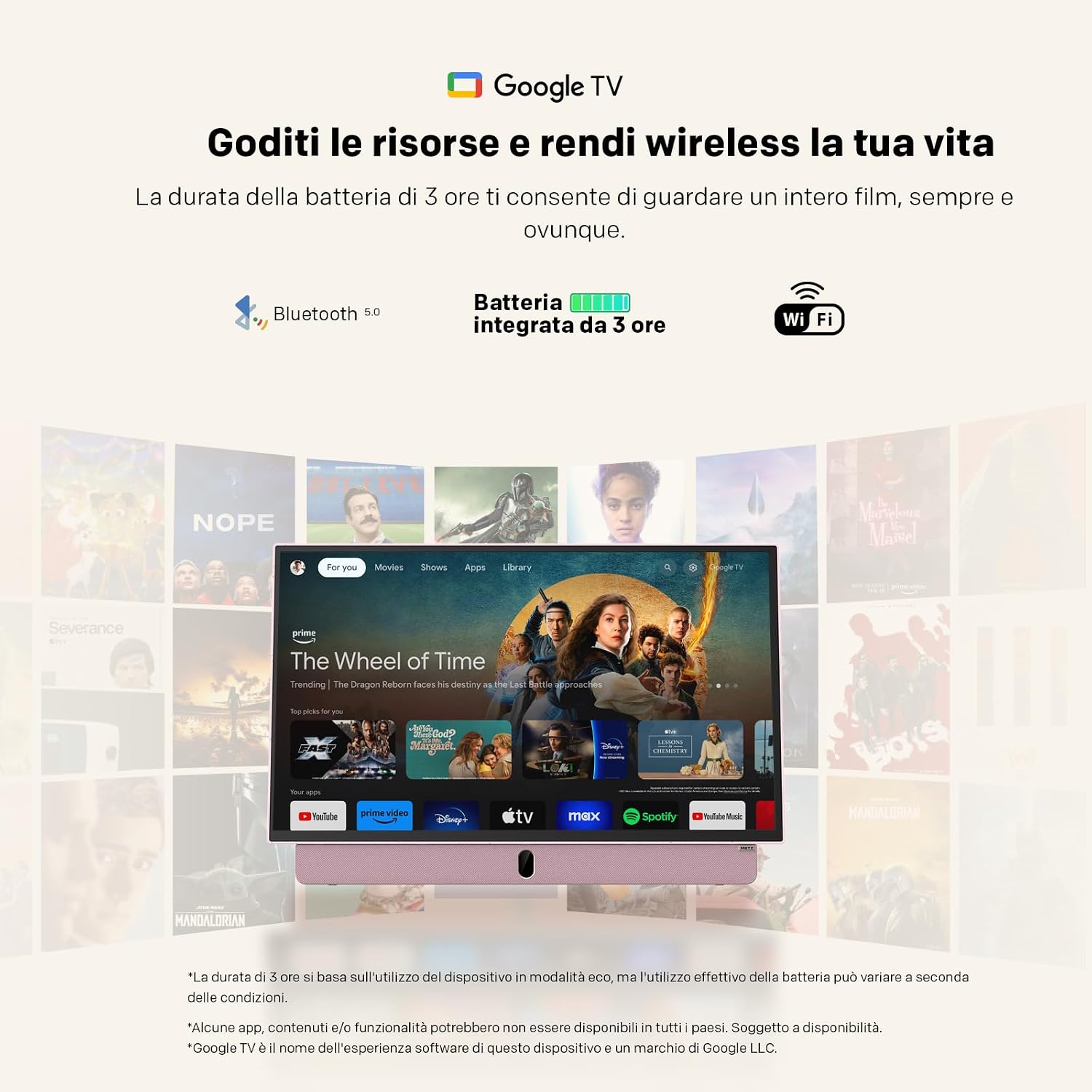
For the first use, the TV must be connected to a power source to turn on, even if it has an internal battery. Use the provided power adapter to connect the TV to a standard electrical outlet. For portable use, the TV supports 12V car charging. The internal battery provides up to 3 hours of viewlaiko.
2. Nuotolinio valdymo pulto sąranka
Įdėkite dvi AAA baterijas (pridedamos) į nuotolinio valdymo pultą, užtikrindami teisingą poliškumą.
3. Antenos jungtis
Connect your antenna cable to the appropriate antenna input port on the TV for receiving broadcast channels (DVB-T/T2, DVB-C, DVB-S/S2).
4. Network and Google TV Setup
Upon first power-on, the TV will guide you through the initial setup process for Google TV. This requires an internet connection (Wi-Fi 5 or LAN) and a Google account. Follow the on-screen instructions to connect to your Wi-Fi network and log in to your Google account. This step is mandatory for full functionality, including accessing smart features and apps.
Naudojimo instrukcijos
Pagrindinė operacija
- Maitinimo įjungimas/išjungimas: Press the power button on the remote control or the TV. Initial power-on requires a connected power source.
- Garsumo valdymas: Naudokite nuotolinio valdymo pulto garsumo didinimo / mažinimo mygtukus.
- Kanalo naršymas: Use the number buttons or the program up/down buttons on the remote to change channels.
- Šaltinio pasirinkimas: Press the "Source" button on the remote to switch between inputs (HDMI, USB, TV, etc.).
Ryšys
- HDMI: Connect external devices like gaming consoles, Blu-ray players, or laptops using an HDMI cable.
- USB: Insert USB drives to view photos, play videos, or listen to music. The USB port provides 5V/500mA.
- Bluetooth: Pair Bluetooth-enabled devices such as headphones or speakers for wireless audio.
- Wi-Fi 5 / LAN: Connect to your network for internet access, streaming services, and Google TV features.
„Google TV“ funkcijos
Navigate the Google TV interface using the remote control's directional pad and select button. Access a wide range of streaming applications, live TV, and personalized content recommendations. A stable internet connection is required for optimal performance of smart features.

Priežiūra
Televizoriaus valymas
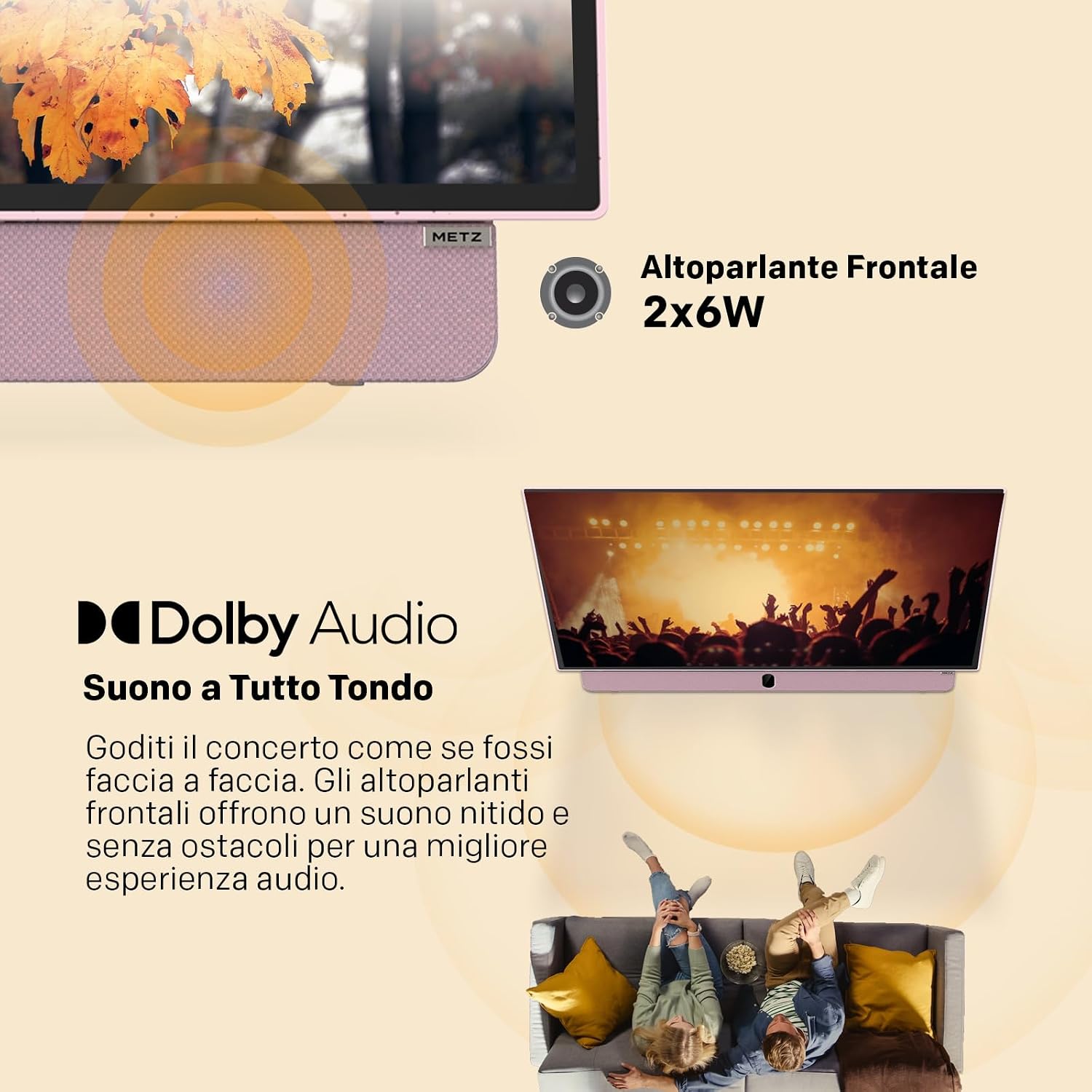
Norėdami išvalyti ekraną, švelniai nuvalykite jį minkštu, nepūkuotu skudurėliu. Jei dėmės sunkiai pašalinamos, šiek tiek nuvalykiteampNuvalykite šluostę vandeniu arba ekrano valymo tirpalu. Venkite naudoti stiprias chemines medžiagas ar abrazyvines medžiagas. Televizoriaus korpusui valyti naudokite sausą, minkštą šluostę.
Akumuliatoriaus priežiūra
- Norėdami pailginti akumuliatoriaus veikimo laiką, venkite dažnai visiškai jį iškrauti.
- Store the TV in a cool, dry place when not in use for extended periods.
- Jei ketinate ilgai laikyti, prieš sandėliavimą įkraukite akumuliatorių maždaug iki 50 %.
Trikčių šalinimas
- Televizorius neįsijungia: Ensure the TV is connected to a power source for the initial power-on. Check if the power adapter is securely connected to both the TV and the electrical outlet. If using battery, ensure it is charged.
- No picture/sound: Verify that the correct input source is selected (e.g., HDMI 1, TV). Check all cable connections. For broadcast TV, ensure the antenna is properly connected and positioned.
- „Wi-Fi“ ryšio problemos: The TV may not remember Wi-Fi settings after a power cycle, requiring manual reconnection to your hotspot each time. Ensure your Wi-Fi network is active and within range. Try restarting your router.
- Nuotolinio valdymo pultas neveikia: Patikrinkite ir pakeiskite nuotolinio valdymo pulto baterijas. Įsitikinkite, kad tarp nuotolinio valdymo pulto ir televizoriaus IR jutiklio nėra jokių kliūčių.
- Lėtas veikimas: Ensure your internet connection is stable. Close any unused applications running in the background on Google TV.
- Adhesives on screen: If you encounter stubborn screen adhesives, gently warm them with a hairdryer on a low setting before peeling. Clean any residue with a soft cloth and screen cleaner.
Specifikacijos
| Funkcija | Specifikacija |
|---|---|
| Prekės ženklas | Metz |
| Modelis | MPE7300Z |
| Ekrano dydis | 24 colių |
| Ekrano technologija | LED |
| Rezoliucija | 1080p (Full HD) |
| Atnaujinimo dažnis | 60 Hz |
| Ypatinga funkcija | Portable, Anti-glare, Google TV |
| Ryšio technologija | HDMI, USB, Bluetooth, Wi-Fi 5 |
| Gaminio matmenys (D x P x A) | 8P x 55l x 37H cm (approx. 8 x 55 x 37 cm) |
| Iš viso HDMI prievadų | 1 |
| Baterija | 1 Lithium Ion battery (included), up to 3 hours autonomy |
| Modelio metai | 2025 |
| Vaizdo įrašų kodavimas | HEVC Main 10 |
Informacija apie garantiją
The Metz MPE7300Z Portable Smart TV comes with a 2 metų gamintojo garantija. Please retain your proof of purchase for warranty claims. For detailed terms and conditions, refer to the official Metz websvetainėje arba susisiekite su klientų aptarnavimo tarnyba.
Palaikymas
For further assistance, please refer to the digital user manual available on the product page or visit the official Metz support website. You can also contact Metz customer service for technical support or service inquiries.
Oficialus naudotojo vadovas (PDF): Atsisiųskite PDF vadovą
Metz Store on Amazon: Visit Metz Store
Susiję vaizdo įrašai
August DA383 10-inch Portable TV Overview
Šis vaizdo įrašas suteikia pabaigąview of the August DA383 10-inch Portable TV, demonstrating its features such as DVD playback and multimedia storage options. While not the Metz MPE7300Z, it illustrates general portable TV functionalities that may be similar.