
1. Įvadas
The NuPhyX BH65 is an all-aluminum 65% magnetic switch gaming keyboard designed for high-performance gaming and typing. It features 68 keys, adjustable actuation, rapid trigger functionality, PBT keycaps, and an 8K Hz polling rate for precise and responsive input. This manual provides essential information for setting up, operating, and maintaining your keyboard.

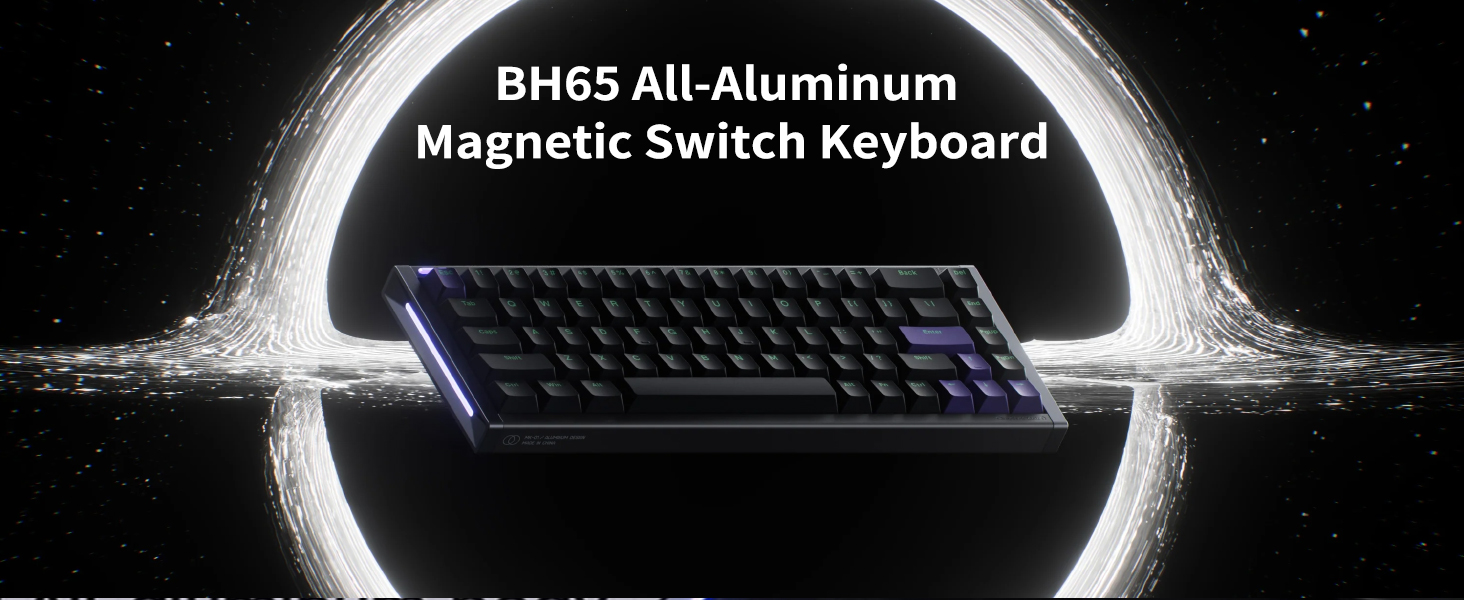
The NuPhyX BH65 keyboard, showcasing its compact 65% layout and all-aluminum body.
2. Pakuotės turinys
Before proceeding with setup, please ensure all items listed below are present in your package:
- 1 x BH65 HE Keyboard
- 1 x 1.5m (59 inches) USB-C Cable
- 1 x Keycap/Switch Puller
- 4 x Additional Screws
- 1 x trumpas vadovas
3. Sąranka
- Prijunkite klaviatūrą: Use the provided USB-C cable to connect the BH65 keyboard to your computer (Laptop, PC). The keyboard is wired-only.
- Pradinis įjungimas: Once connected, the keyboard will power on and the RGB lighting will activate.
- Driver Installation (NuPhyIO): For full customization, download and install the NuPhyIO driver from the official NuPhy website. This software allows for key remapping, macro creation, actuation point adjustments, and rapid triggering setup.

The NuPhyX BH65 keyboard connected to a device via its USB-C cable.
4. Naudojimo instrukcijos
4.1 NuPhyIO Driver Customization
The NuPhyIO driver provides comprehensive control over your BH65 keyboard. Access it via a web browser to customize:
- Raktų pertvarkymas: Assign custom functions to individual keys.
- Makrokomandų kūrimas: Record and assign complex key sequences.
- Įjungimo taško reguliavimas: Fine-tune the distance a key needs to travel to register an input (0.1mm to 3.3mm).
- Rapid Trigger Setup: Configure the sensitivity and behavior of the rapid trigger function.
A screenshot of the NuPhyIO software, demonstrating its interface for key remapping, macro creation, and actuation point adjustments.
4.2 Rapid Trigger Function
The Rapid Trigger function allows keys to activate and reset based on real-time key travel, providing instant responses. This feature is crucial for competitive gaming, enabling faster repeated inputs and precise control.
A diagram showing the concept of zero dead zone for continuous touch, comparing unopened and opened dead zones for magnetic switches.
4.3 Hyper Tap Function
The Hyper Tap function allows you to trigger an additional key at the reset point of a Rapid Trigger key's travel. This can be used to stop the original key's triggering while simultaneously activating a bound key during key release, aiding in faster character movement stops in games.
4.4 Rapid Shift Function
The Rapid Shift function determines which key to trigger by comparing the key travel depth of two designated keys. This enables advanced input combinations based on how deeply keys are pressed.
4.5 SOCD Function
The Simultaneous Opposite Cardinal Directions (SOCD) function allows you to set a priority when both bound keys are pressed. You can configure it to trigger only one of the keys or neither, preventing conflicting inputs in specific scenarios.
4.6 RGB Sidelit and Backlit
The BH65 features customizable RGB sidelighting and backlighting. These effects can be configured through the NuPhyIO software to match your preferences or gaming setup.

The NuPhyX BH65 keyboard displaying its customizable RGB sidelighting and backlighting.
4.7 Karštuoju būdu keičiami jungikliai
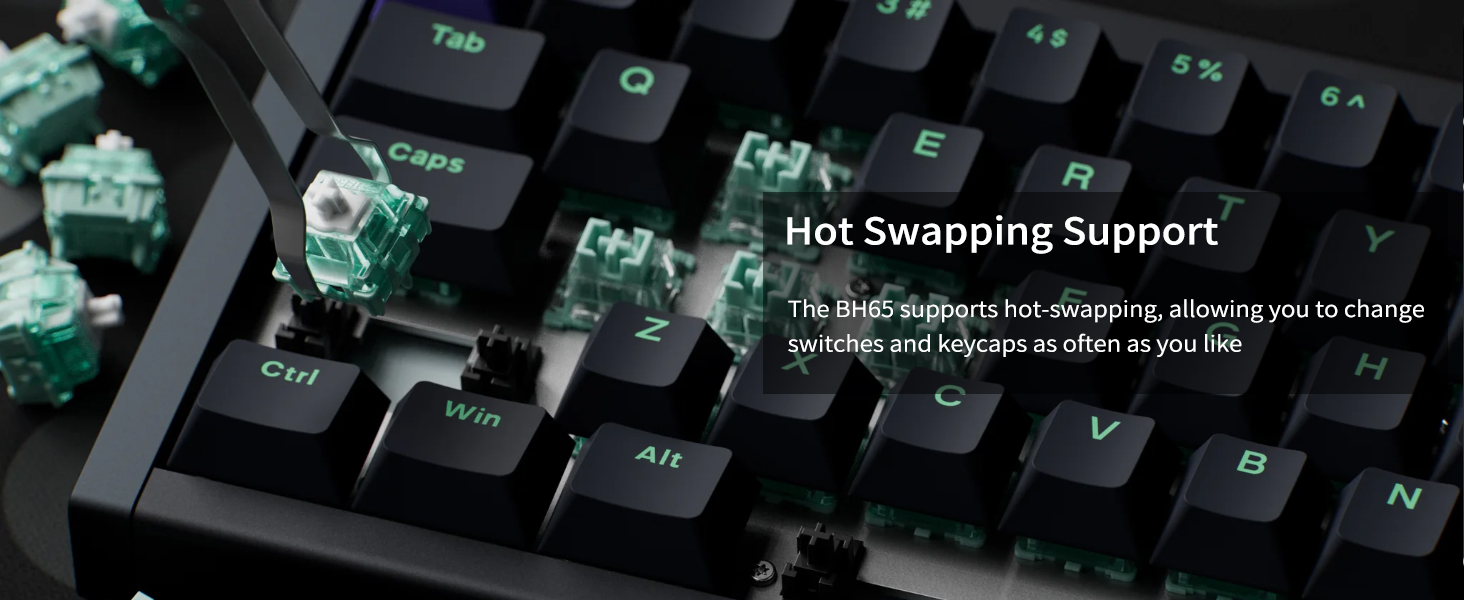
The BH65 supports hot-swapping, allowing you to easily change the magnetic switches and keycaps without soldering. Use the included keycap/switch puller for this process.

A switch puller being used on the NuPhyX BH65 keyboard, illustrating its hot-swappable switch feature.
5. Priežiūra
- Valymas: Regularly clean the keyboard with a soft, dry cloth. For deeper cleaning, remove keycaps using the provided puller and use compressed air to clear debris.
- Jungiklio priežiūra: Avoid exposing switches to excessive dust or liquids. If a switch feels inconsistent, it can be hot-swapped for a new one.
- Kabelių valdymas: Ensure the USB-C cable is not kinked or strained to prevent damage.
6. Problemų sprendimas
- Klaviatūra nereaguoja: Įsitikinkite, kad USB-C laidas yra tvirtai prijungtas prie klaviatūros ir kompiuterio. Išbandykite kitą USB prievadą arba laidą.
- Neregistruojami raktai: Check the actuation point settings in the NuPhyIO software. If a specific key is faulty, consider hot-swapping the switch.
- RGB apšvietimo problemos: Verify RGB settings in NuPhyIO. Ensure the keyboard firmware is up to date.
- Programinė įranga neaptinka klaviatūros: Reinstall the NuPhyIO driver. Ensure your operating system is up to date.
7. Specifikacijos
Generolas
- Išdėstymas: ANSI 65 %
- Raktų skaičius: 68
- Jungiklio tipas: High-Profile Magnetiniai jungikliai
- Stabilizatoriaus tipas: Plate Mounted
- Montavimo tipas: Tray mount
- Hot-swappable Support: Yes (If power is off)
- N-key Rollover Support: Taip
- Foninis apšvietimas: Top-emitting LED
- Foninio apšvietimo režimai: 20
- Suderinama sistema: macOS/Windows/Linux/Android/iOS
- Veikimo aplinka: -10 iki 50°C
Connectivity & Performance
- Ryšio technologija: USB-C
- Wired Polling Rate: 8000 Hz
- PCB Scan Rate: 16000 Hz
Fizinis
- Gaminio matmenys: 12.66"L x 4.52"W x 1.18"H (321.5 mm x 114.8 mm x 29.9 mm)
- Prekės svoris: 1.99 svaro (903 gramai)
- Medžiaga: All-aluminum body
- Klavišų dangtelio medžiaga: PBT
- Type Angle: 6.0°

A detailed table outlining the technical specifications of the NuPhyX BH65 keyboard.
8. Garantija ir palaikymas
The NuPhyX BH65 keyboard comes with a manufacturer's warranty. For detailed warranty information, product support, or technical assistance, please visit the official NuPhy websvetainėje arba susisiekite tiesiogiai su jų klientų aptarnavimo tarnyba. Išsaugokite pirkimo kvitą garantiniams reikalavimams.