Įvadas
Welcome to the instruction manual for your Dubstep Buzz X8 Wireless Earbuds. These earbuds are designed to provide a high-quality audio experience with advanced features. This manual will guide you through the setup, operation, and maintenance of your device.
Kas yra dėžutėje
Pakuotėje yra šie elementai:
- Belaidės ausinės
- Belaidžio įkrovimo dėklas
- C tipo kabelis
- Vartotojo vadovas
- Ausų pagalvėlės (įvairių dydžių)

Image: Contents of the Dubstep Buzz X8 Earbuds box, showing the earbuds, charging case, Type-C charging cable, and additional ear cushions.
Produktas baigtasview
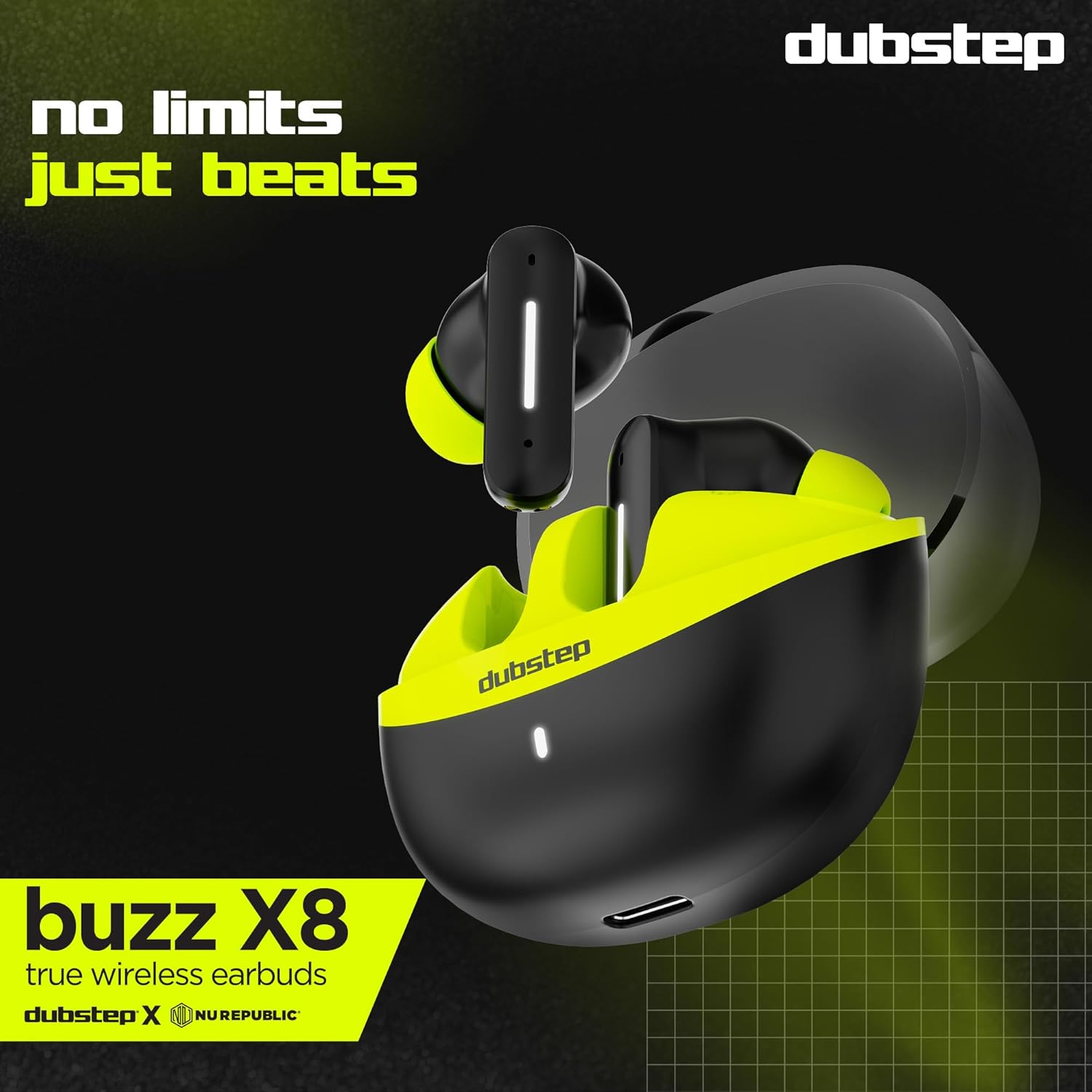
The Dubstep Buzz X8 Wireless Earbuds feature a sleek design and are equipped with 13mm dynamic drivers for powerful sound. The charging case provides extended battery life and convenient storage.

Image: Dubstep Buzz X8 Wireless Earbuds in Neon Green, placed within their open charging case.
Ausinių komponentai
- Lietimo valdymo sritis: Skirta valdyti atkūrimą, skambučius ir balso asistentą.
- Mikrofonai: Dual microphones with Environmental Noise Cancellation (ENC) for clear calls.
- Ausų patarimai: Silicone ear tips for a comfortable and secure fit.
Vaizdas: Išsamus view of the earbuds and charging case, illustrating their internal and external features.
Sąranka
1. Ausinių ir dėklo įkrovimas
Before first use, fully charge the earbuds and the charging case. Connect the provided Type-C cable to the charging port on the case and a compatible USB power source. The LED indicator on the case will show charging status.
- A 15-minute quick charge provides approximately 200 minutes of playtime.
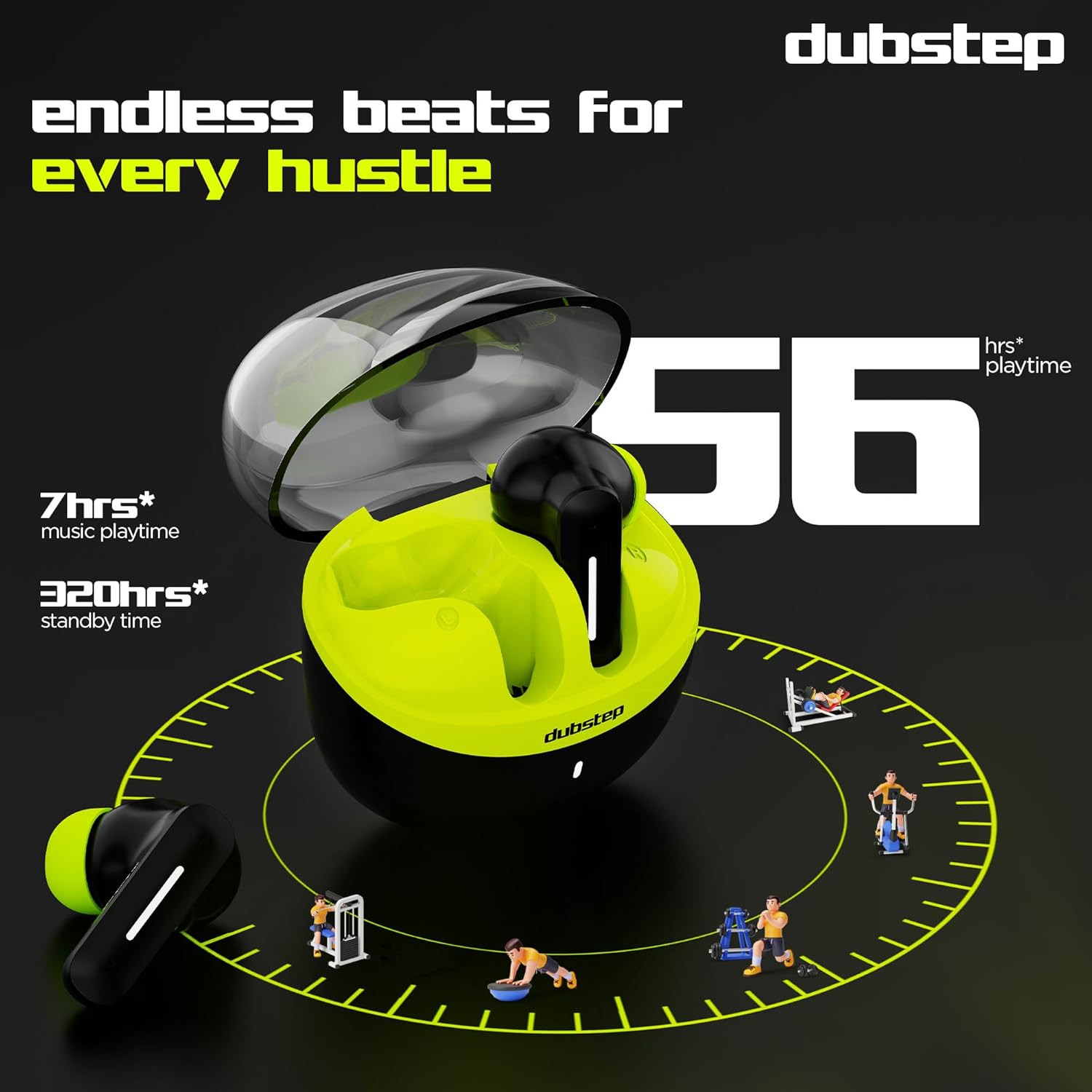
- Bendras grojimo laikas su įkrovimo dėklu yra iki 56 valandų.
- Earbuds provide 7 hours of continuous music playback on a single charge.

Image: The charging case of the Dubstep Buzz X8 earbuds connected to a Type-C cable for charging.
2. Susiejimas su jūsų įrenginiu
- Atidarykite įkrovimo dėklą. Ausinės automatiškai įsijungs susiejimo režimu.
- Savo įrenginyje (išmaniajame telefone, planšetiniame kompiuteryje, nešiojamajame kompiuteryje) įjunkite „Bluetooth“.
- Ieškokite "Dubstep Buzz X8" in the list of available Bluetooth devices.
- Select "Dubstep Buzz X8" to connect. Once connected, you will hear an audio prompt.
- The earbuds feature Bluetooth v5.3 for stable and efficient wireless connectivity.

Image: A smartphone displaying the Bluetooth connection screen, showing the Dubstep Buzz X8 earbuds successfully paired.
Naudojimo instrukcijos
Palieskite valdiklius
The Dubstep Buzz X8 earbuds feature intuitive touch controls on each earbud. Refer to the following table for common functions:
| Veiksmas | Funkcija |
|---|---|
| Vienu paspaudimu | Leisti/pristabdyti muziką, atsiliepti/baigti skambutį |
| Dukart bakstelėjimas | Garsumo didinimas (+) / Garsumo mažinimas (-) |
| Trigubas bakstelėjimas | Ankstesnis takelis / Kitas takelis |
| Ilgas paspaudimas | Įjungti / išjungti balso asistentą |
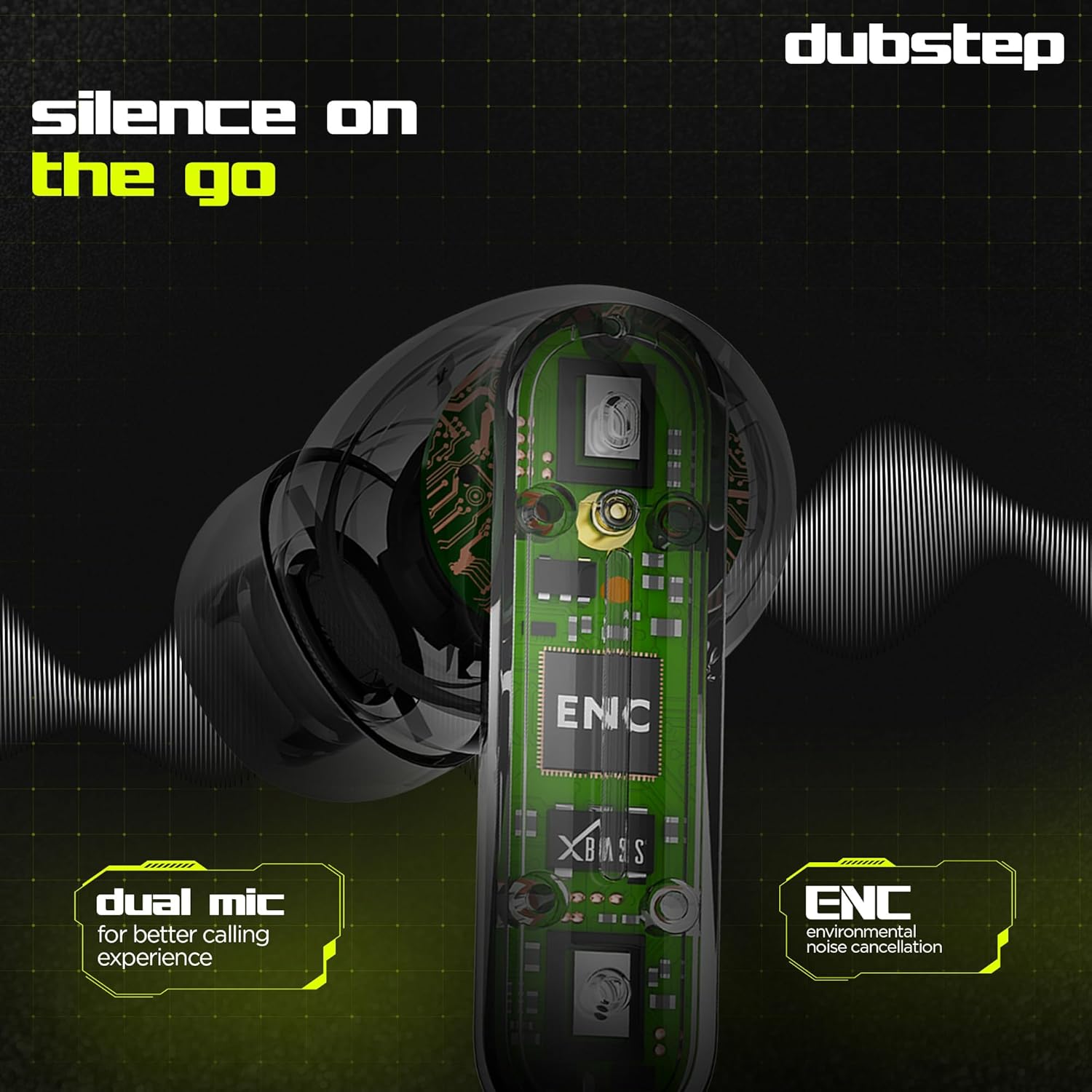
Image: Visual guide to the touch control gestures on the earbuds and their corresponding functions.
Aplinkos triukšmo slopinimas (ENC)
The earbuds are equipped with ENC technology and dual microphones to reduce ambient noise during calls, ensuring clear communication.
Paveikslėlis: vidinis view of the earbud highlighting the ENC technology and dual microphone system.
Priežiūra
To ensure the longevity and optimal performance of your Dubstep Buzz X8 Wireless Earbuds, follow these maintenance guidelines:
- Valymas: Reguliariai valykite ausines ir įkrovimo dėklą minkštu, sausu, nepūkuotu skudurėliu. Nenaudokite stiprių cheminių medžiagų ar abrazyvinių medžiagų.
- Ausų patarimai: Periodiškai nuimkite ausų antgalius ir nuvalykite juos vandeniu bei švelniu muilu, tada kruopščiai nusausinkite prieš vėl įdėdami.
- Atsparumas vandeniui: The earbuds are splash and sweat resistant, making them suitable for workouts. However, they are not waterproof. Avoid submerging them in water.
- Saugykla: Kai nenaudojate, laikykite ausines įkrovimo dėkle, kad jos būtų apsaugotos ir įkrautos.
- Temperatūra: Venkite ausinių ilgo laikymo itin aukštoje temperatūroje (karštyje arba šaltyje) arba tiesioginiuose saulės spinduliuose.
Trikčių šalinimas
If you encounter issues with your Dubstep Buzz X8 Wireless Earbuds, refer to the following common solutions:
| Problema | Sprendimas |
|---|---|
| Ausinės nesusiejamos | Įsitikinkite, kad ausinės įkrautos. Išjunkite ir įjunkite „Bluetooth“ savo įrenginyje. Įdėkite ausines atgal į dėklą, uždarykite ir vėl atidarykite, kad vėl įjungtumėte susiejimo režimą. |
| Nėra garso iš vienos ausinės | Check battery level of both earbuds. Try re-pairing the earbuds with your device. Clean earbud mesh for any blockages. |
| Mažas garsumas | Reguliuokite garsumą ir savo įrenginyje, ir ausinėse. Įsitikinkite, kad ausų antgaliai gerai priglunda. |
| Įkrovimo dėklas neįkraunamas | Verify the Type-C cable is properly connected to both the case and the power source. Try a different cable or power adapter. |
| Balso asistentas neatsako | Ensure the earbuds are connected to your device. Check your device's settings for voice assistant activation. Perform a long press on the earbud touch area. |
Specifikacijos
| Funkcija | Detalė |
|---|---|
| Modelio pavadinimas | Buzz X8 |
| Ryšio technologija | Bluetooth 5.3 |
| Garso tvarkyklės dydis | 13 milimetrų |
| Bendras žaidimo laikas | Iki 56 valandų (su įkrovimo dėklu) |
| Ausinių veikimo laikas (vienas įkrovimas) | 7 valandos |
| Budėjimo laikas | 320 valandos |
| Greitas įkrovimas | 15 min. įkrovimas = 200 min. grojimo laiko |
| Įkrovimo prievadas | C tipas |
| Triukšmo valdymas | Aplinkos triukšmo slopinimas (ENC) |
| Mikrofonai | Dviejų mikrofonų sistema |
| Valdymo tipas | Touch Control, Voice Assistant |
| Atsparumo vandeniui lygis | Splash and Sweat Resistant |
| Prekės svoris | 40 gramų |
| Gaminio matmenys | 3.5 x 2.5 x 4.5 cm |
Garantija ir palaikymas
Your Dubstep Buzz X8 Wireless Earbuds come with a standard brand warranty. For detailed warranty information, troubleshooting guides, and further support, please visit the official user manuals page: