
Produktas baigtasview
The Doohoeek Bluetooth Lighting Media Control is a versatile, water-resistant remote designed for convenient media management across various activities. It allows users to control music playback, adjust volume, manage calls, and activate voice assistants without directly interacting with their phone. Its compact design and included strap make it suitable for attachment to steering wheels, bike handlebars, or other gear.
Key features include IPX7 water resistance for outdoor use, universal Bluetooth compatibility with most smartphones, and an integrated ring light for visibility in low-light conditions.

Figure 1: The Doohoeek Bluetooth Lighting Media Control unit.
Pakuotės turinys
- Doohoeek Bluetooth Lighting Media Control Unit
- Mounting Strap (13.4in/34cm x 0.78in/2cm)
- USB-C įkrovimo laidas
- Vartotojo vadovas
Sąranka ir poravimas
Įrenginio įkrovimas
Before first use, fully charge the device using the provided USB-C charging cable. Connect the cable to the device's charging port and a compatible USB power source. The LED indicator will show charging status.
"Bluetooth" poravimas
- Ensure the media control unit is charged.
- Make sure Bluetooth is enabled on your smartphone and the media control is in pairing mode (LED flashing).
- Hold the center Play/Pause button on the media control for 3 seconds until the LED indicator begins to flash, indicating pairing mode.
- On your smartphone, search for available Bluetooth devices and select "Doohoeek Remote" (or similar) from the list.
- Once connected, the LED indicator on the media control will stop flashing or change to a solid light, depending on the model.
Įjungus įrenginį, jis automatiškai bandys prisijungti prie paskutinio suporuoto įrenginio.
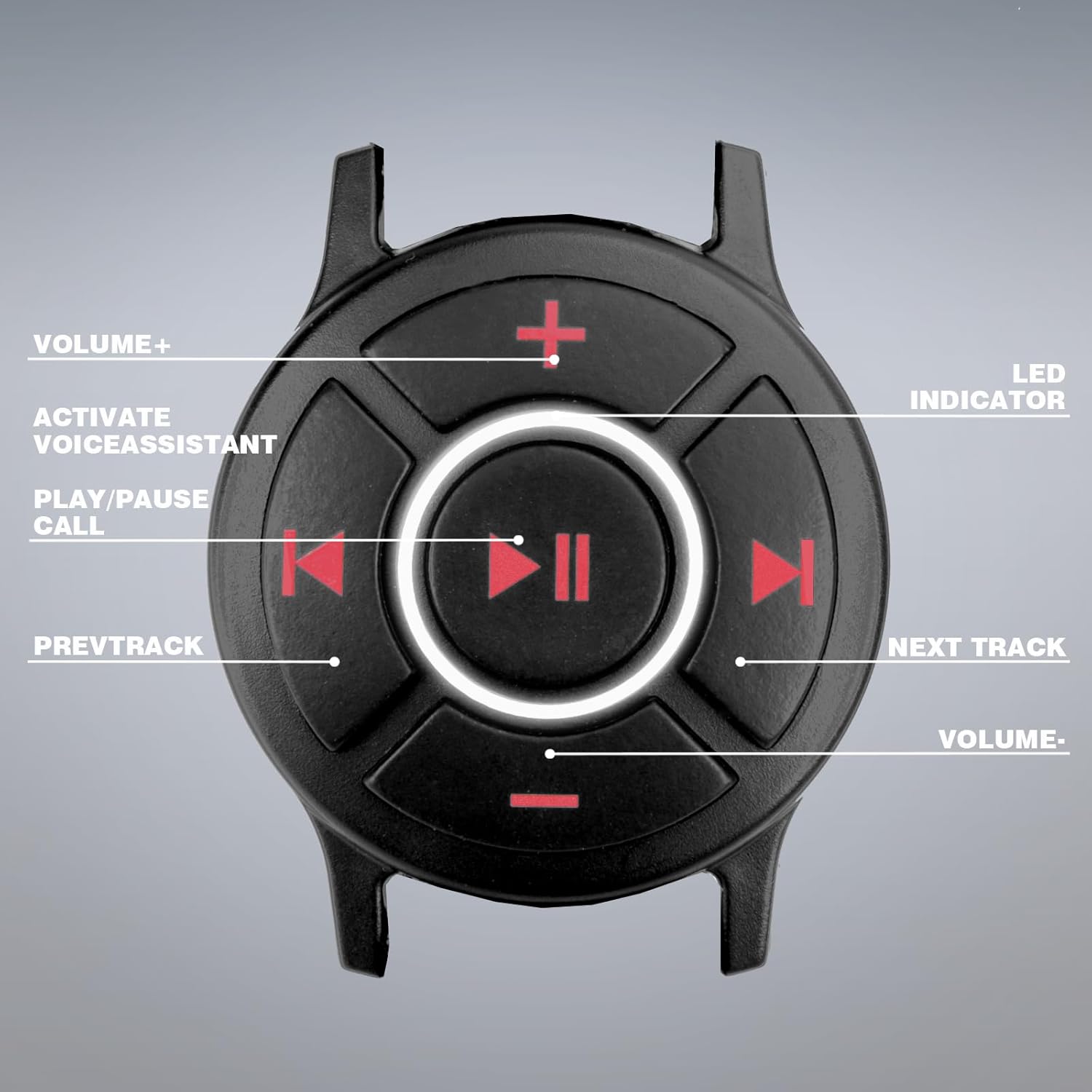
2 pav. Baigtaview of the control buttons and LED indicator on the Doohoeek Bluetooth Media Control.
Naudojimo instrukcijos
The Doohoeek Bluetooth Lighting Media Control provides intuitive control over your device's media functions.
- Play/Pause/Call Button (Center):
- Press once to Play or Pause music.
- Press once to Answer an incoming call.
- Press once to End an active call.
- Press and hold to activate Siri or Google Assistant.
- Next Track Button (Right): Press once to skip to the next song.
- Previous Track Button (Left): Paspauskite vieną kartą, kad pereitumėte prie ankstesnės dainos.
- Volume Up Button (Top): Paspauskite norėdami padidinti garsumą.
- Volume Down Button (Bottom): Paspauskite norėdami sumažinti garsumą.
- Selfie Control: When in camera mode on your phone, the Play/Pause button can act as a remote shutter button.
- Lighting Design: The integrated ring light around the center button assists in locating controls in dark environments.
Note: This device does not work with Apple CarPlay. It also does not function while plugged in for charging.
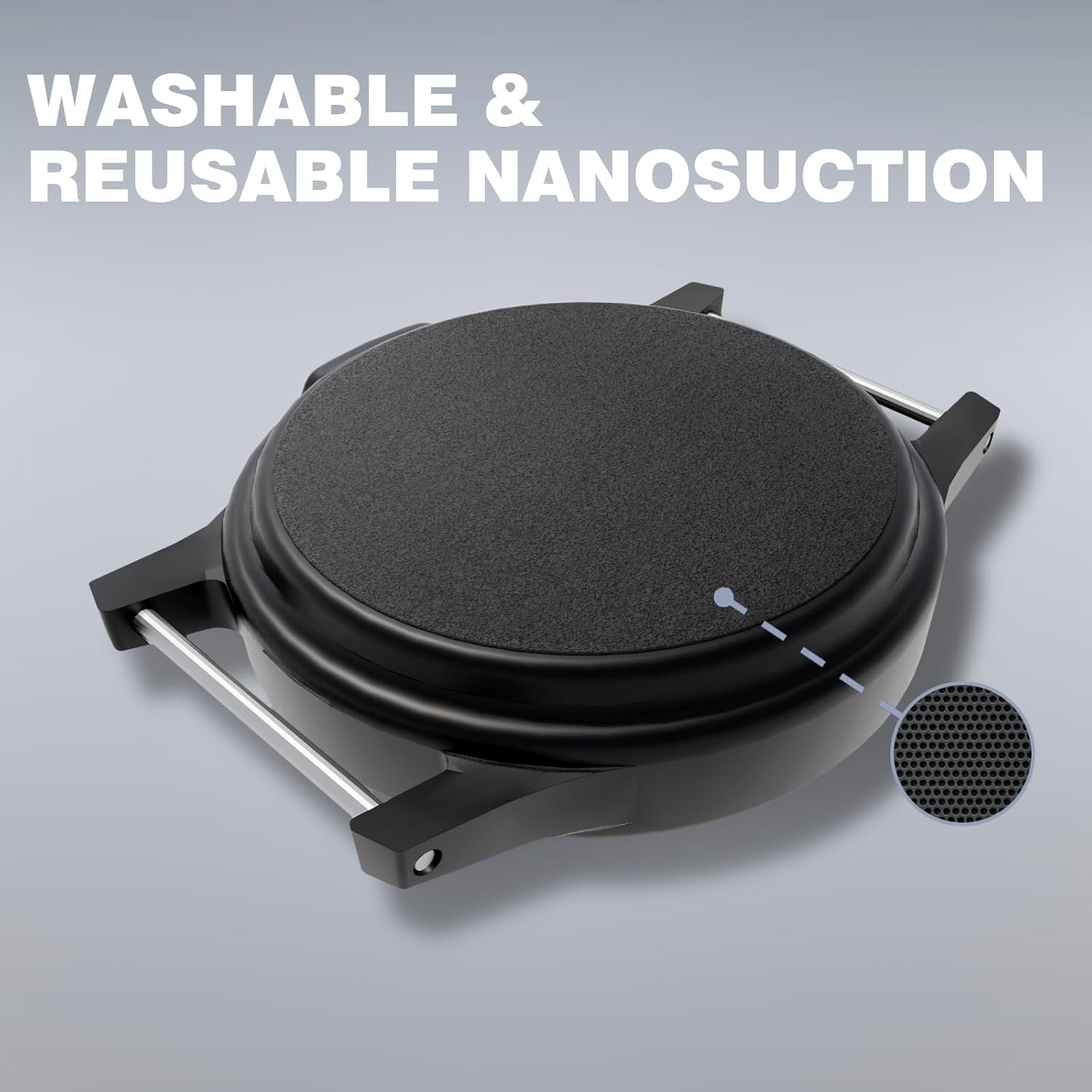
Figure 3: The media control worn on the wrist for easy access.
Montavimas ir montavimas
The media control unit comes with a versatile strap for easy attachment.
- Riešo laikiklis: Use the strap to secure the device to your wrist like a watch.
- Vairo tvirtinimas: The strap can be wrapped around bicycle handlebars, motorcycle handlebars, or other similar cylindrical surfaces.
- Steering Wheel Mount: Attach the device to your car's steering wheel for easy access while driving.
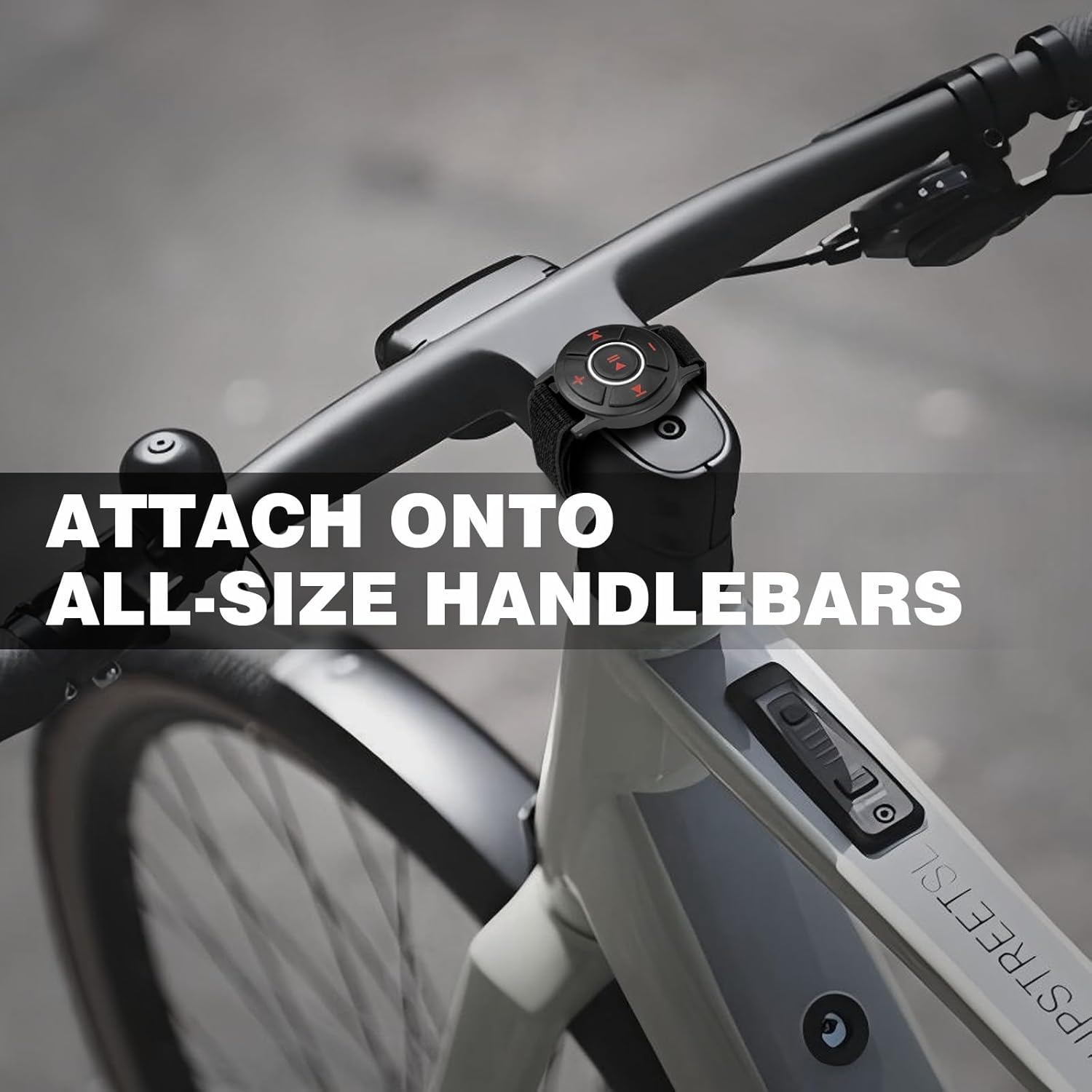
Figure 4: The Doohoeek Bluetooth Media Control mounted on a bicycle handlebar.

5 pav. Pvzamples of the media control's wide compatibility across different vehicles and activities.
Priežiūra ir priežiūra
- Atsparumas vandeniui: The device is IPX7 water-resistant, meaning it can withstand immersion in water up to 1 meter for 30 minutes. It is suitable for use in rain, snow, or during sweaty activities.
- Svarbu: Do NOT rinse this product under running water or wear it while showering. Avoid prolonged exposure to water, especially while in use.
- Valymas: Nuvalykite prietaisą minkšta, damp audinys. Nenaudokite stiprių cheminių medžiagų ar abrazyvinių valiklių.
- Saugykla: Nenaudojamą prietaisą laikykite vėsioje, sausoje vietoje.
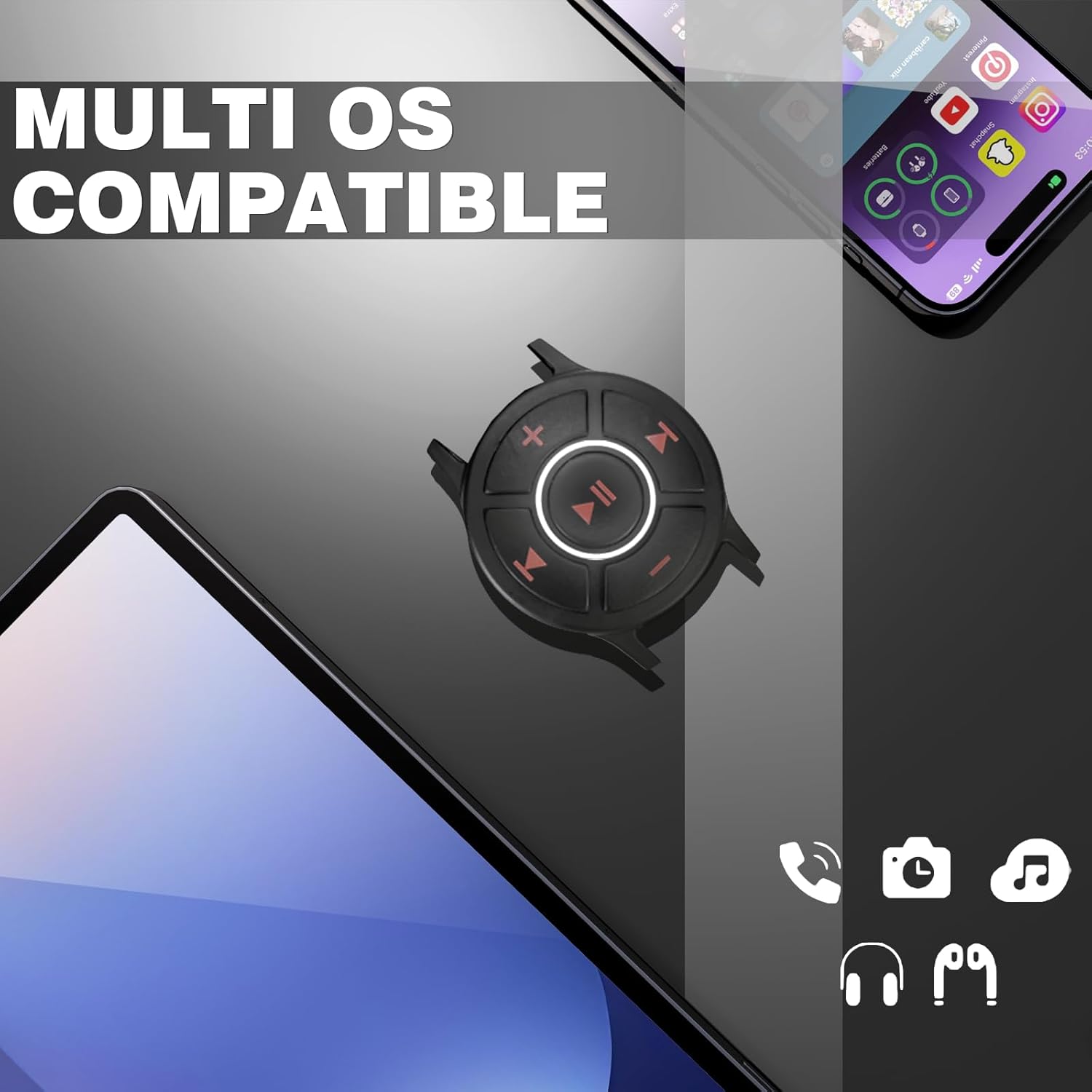
Figure 6: The device demonstrating its IPX7 water resistance.
Trikčių šalinimas
- Įrenginys nesusijungia:
- Įsitikinkite, kad įrenginys visiškai įkrautas.
- Make sure Bluetooth is enabled on your smartphone and the media control is in pairing mode (LED flashing).
- Move the device closer to your smartphone.
- Turn off and on both the media control and your smartphone's Bluetooth.
- Pamirškite įrenginį iš telefono „Bluetooth“ nustatymų ir bandykite susieti dar kartą.
- Mygtukai nereaguoja:
- Check if the device is properly paired and connected to your smartphone.
- Ensure the device is not currently charging, as it does not operate while plugged in.
- Restart both the media control and your smartphone.
- Pertraukiamas ryšys:
- Ensure there are no obstructions between the media control and your smartphone.
- Venkite stiprių elektromagnetinių trukdžių.
- Keep the devices within the effective Bluetooth range (typically 10 meters).
Specifikacijos
| Funkcija | Detalė |
|---|---|
| Gaminio matmenys | 2 x 1.7 x 0.4 colio |
| Prekės svoris | 2.39 uncijos |
| Baterijos | Reikalinga 1 9V baterija (pridedama) |
| Ryšio technologija | Bluetooth |
| Maitinimo šaltinis | Maitinamas baterijomis |
| Medžiaga | Plastikas, PVC |
| Ypatinga funkcija | Lightweight, Lighting Design |
| Atsparumas vandeniui | IPX7 |
Garantija ir palaikymas
For warranty information or technical support, please refer to the contact details provided with your purchase or visit the official Doohoeek websvetainėje. Išsaugokite pirkimo įrodymą garantiniams reikalavimams.