
Cosmic Byte Nexus
„Cosmic Byte Nexus“ belaidis valdiklis kompiuteriui – naudojimo instrukcija
Model: Nexus
Įvadas
This manual provides comprehensive instructions for the setup, operation, maintenance, and troubleshooting of your Cosmic Byte Nexus Wireless Controller. Please read this manual carefully before using the product to ensure optimal performance and longevity.

Vaizdas: priekis view of the Cosmic Byte Nexus Wireless Controller, showcasindėl savo ergonomiško dizaino ir mygtukų išdėstymo.
Pakuotės turinys
Įsitikinkite, kad pakuotėje yra visi daiktai:
- Cosmic Byte Nexus Wireless Controller
- USB belaidis imtuvas
- Instrukcijų vadovas (šis dokumentas)
Pastaba: Reikalingos 2 x AAA baterijos, kurios neįeina į pakuotę.
Sąrankos vadovas
1. Akumuliatoriaus įdėjimas
- Raskite baterijų skyrių valdiklio gale.
- Atidarykite akumuliatoriaus dangtelį.
- Įdėkite dvi (2) AAA baterijas, užtikrindami teisingą poliškumą (+/-).
- Saugiai uždarykite akumuliatoriaus dangtelį.

Image: Illustration showing the battery compartment and the insertion of 2x AAA batteries into the controller.
2. Prisijungimas prie kompiuterio
- Insert the USB Wireless Receiver into an available USB port on your PC.
- Kompiuteris automatiškai aptiks ir įdiegs reikiamas tvarkykles. Šis procesas gali užtrukti kelias akimirkas.
- Once the drivers are installed, the controller is ready for use. No additional software is typically required for Windows PCs.
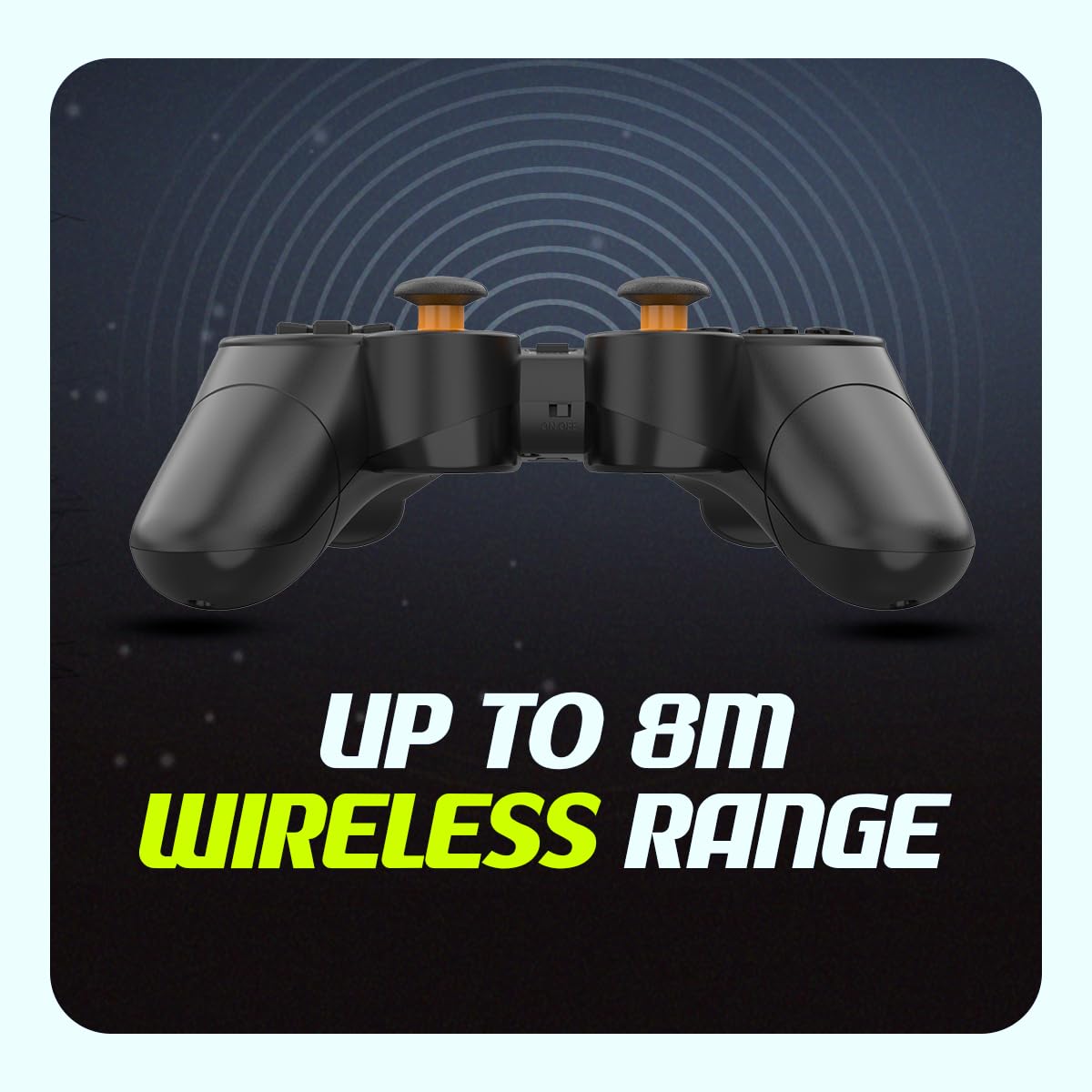
Image: The compact USB wireless receiver, ready to be plugged into a PC.
3. Įjungimas/išjungimas
- To power on the controller, ensure batteries are installed and slide the ON/OFF switch located on the top edge of the controller to the "ON" position.
- To power off the controller, slide the ON/OFF switch to the "OFF" position.
Vaizdas: Stambus planas view of the controller's top edge, highlighting the ON/OFF switch for easy power management.
Naudojimo instrukcijos
Belaidis ryšys
The Cosmic Byte Nexus controller utilizes 2.4GHz wireless technology, providing a stable connection with a range of up to 8 meters from the USB receiver. Ensure no significant obstructions are between the controller and the receiver for optimal performance.
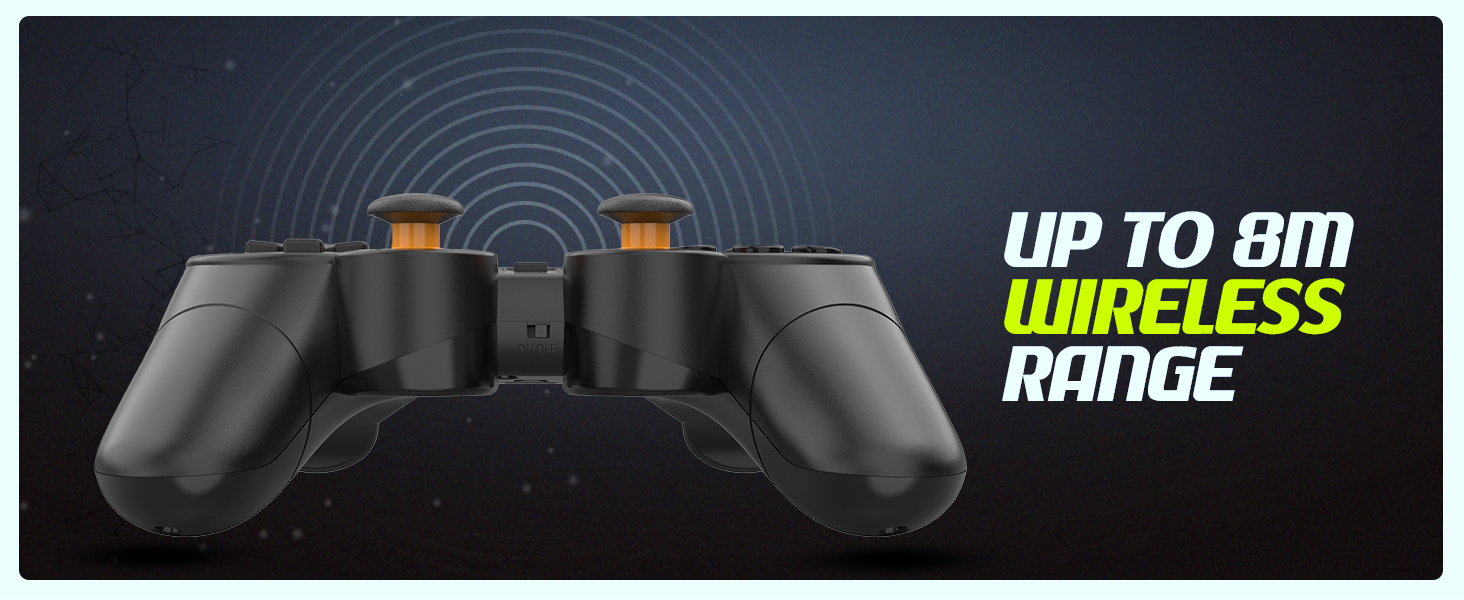
Image: Visual representation of the controller's wireless range, indicating connectivity up to 8 meters.
Controller Layout and Functions
The controller features a standard gamepad layout with responsive buttons and sensitive analog triggers for precise control.
- Krypties valdikliai (D-Pad): Krypties įvedimui.
- Kairysis/dešinysis analoginiai valdikliai: 360 laipsnių judėjimui ir kameros valdymui.
- Veiksmų mygtukai (A, B, X, Y): Dėl veiksmų žaidime.
- Pečių mygtukai (L1, R1) ir gaidukai (L2, R2): For additional in-game functions. The triggers are designed for sensitive input.
- PASIRINKIMO/ATGAL mygtukas: Paprastai naudojamas meniu naršymui arba konkrečioms žaidimo funkcijoms.
- START mygtukas: Paprastai naudojamas žaidimams pristabdyti arba meniu pasiekimui.
- MODE mygtukas: May switch between different input modes (e.g., X-Input/D-Input) if supported by the controller.

Vaizdas: Išsamus view of the controller's front, highlighting the various buttons, D-pad, and analog sticks.
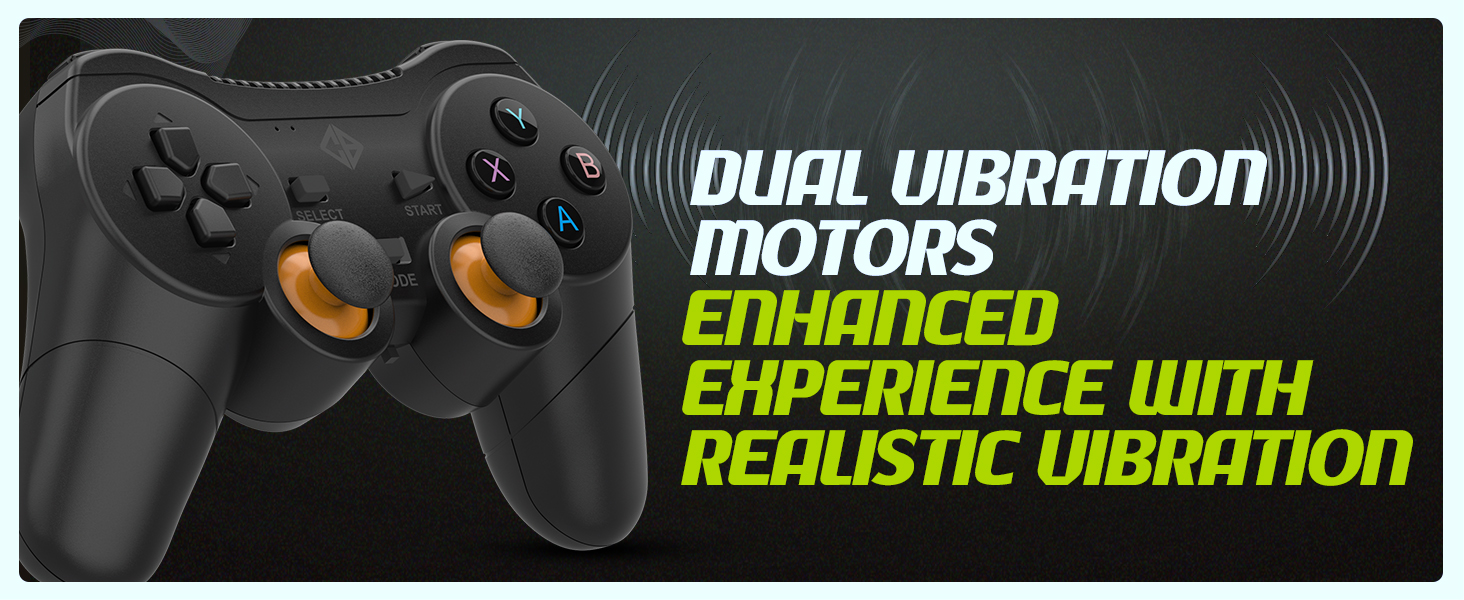
Dviejų vibracijų varikliai
The controller is equipped with dual vibration motors that provide immersive feedback, enhancing your gaming experience by reacting to in-game events such as explosions, crashes, or impacts.
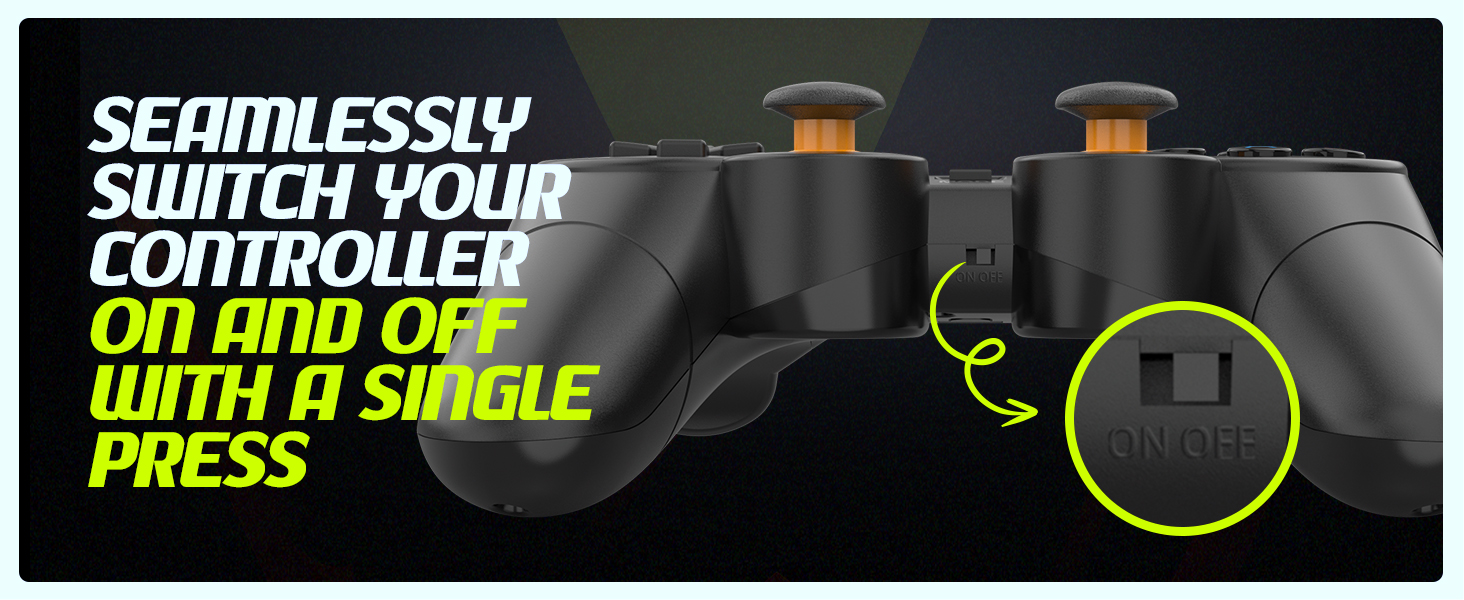
Image: Controller with visual cues indicating the presence and function of dual vibration motors.
X-Input and D-Input Support
The Cosmic Byte Nexus controller supports both X-Input and D-Input modes, ensuring broad compatibility with a wide range of PC games. X-Input is the standard for modern PC games, while D-Input provides compatibility with older titles.
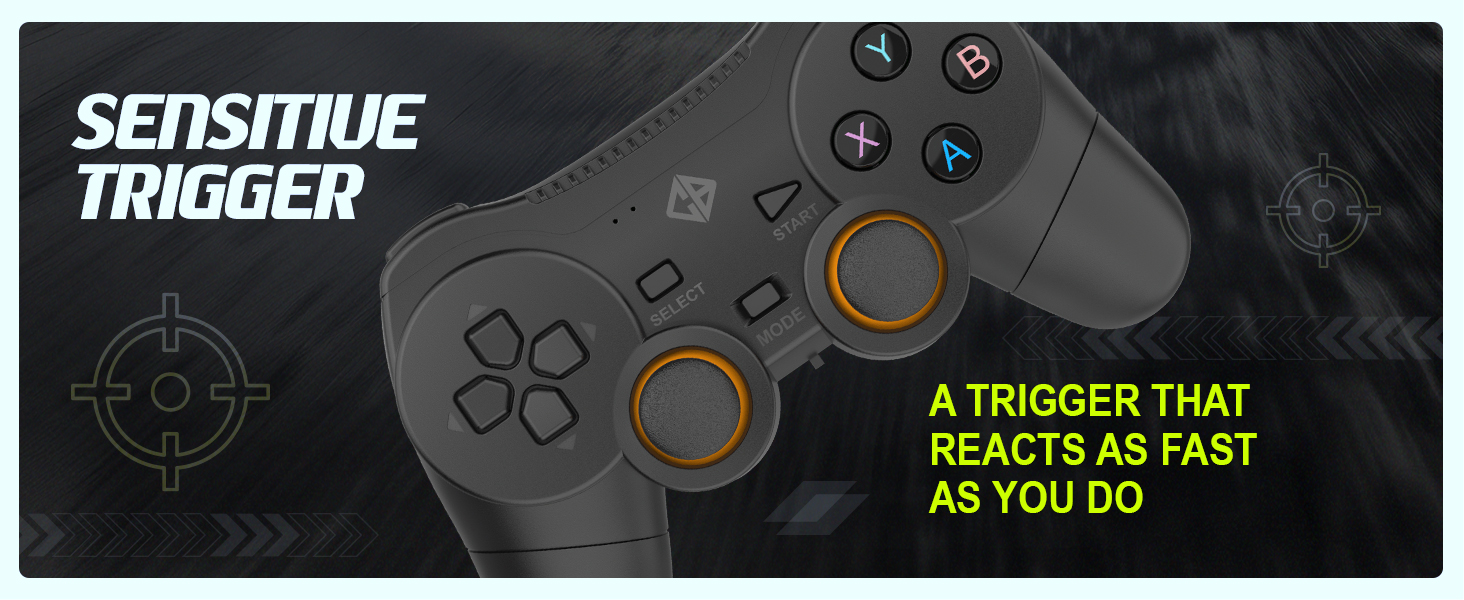
Image: Controller with text indicating support for X-Input and D-Input for seamless compatibility.
Priežiūra
Baterijos keitimas
When the controller's performance degrades or it fails to power on, it is time to replace the AAA batteries. Follow the battery installation steps outlined in the "Setup Guide" section.
Tip: Consider using rechargeable AAA batteries for an eco-friendly and cost-effective solution.
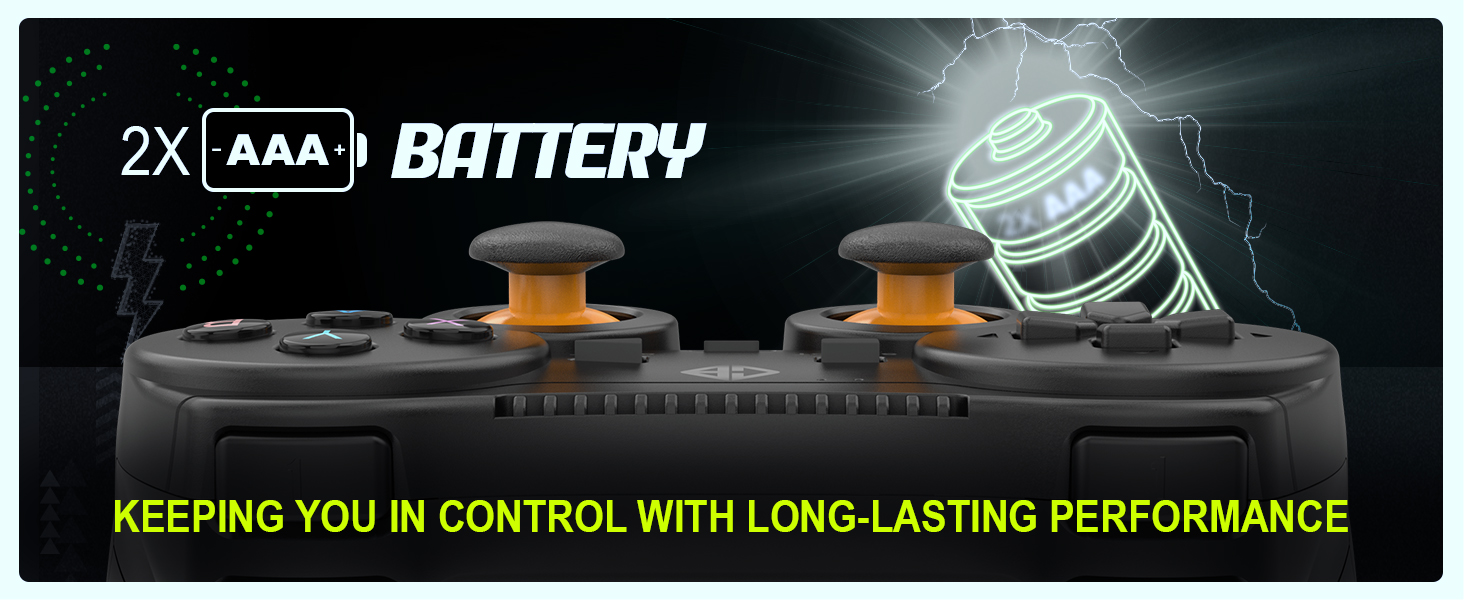
Image: Controller with an illustration of AAA batteries, emphasizing long-lasting performance.
Valymas
Valdikliui valyti naudokite minkštą, sausą šluostę. Įsisenėjusiam purvui – šiek tiek drėgną.amp cloth can be used, but ensure no moisture enters the device. Avoid using harsh chemicals or abrasive cleaners.
Trikčių šalinimas
| Problema | Galima priežastis | Sprendimas |
|---|---|---|
| Valdiklis neįsijungia. | Neišsikrovusios arba neteisingai įdėtos baterijos. | Replace batteries with fresh AAA batteries, ensuring correct polarity. Check the ON/OFF switch is in the "ON" position. |
| Controller not connecting to PC. | USB receiver not properly inserted or driver issue. | Ensure the USB receiver is fully inserted into a working USB port. Try a different USB port. Restart your PC. |
| Įvesties delsa arba nutrūkęs ryšys. | Trukdžiai arba atstumas nuo imtuvo. | Reduce distance between controller and receiver. Remove any large metallic objects or other wireless devices that may cause interference. Ensure batteries are not low. |
| Vibracija neveikia. | Game does not support vibration or feature is disabled. | Check in-game settings to ensure vibration feedback is enabled. Verify the game supports controller vibration. |
| Buttons or analog sticks unresponsive/inaccurate (e.g., "stick drift"). | Nusidėvėjimas arba gamybos defektas. | Ensure the controller is clean. If issues persist, contact customer support for further assistance. |
Specifikacijos
| Funkcija | Detalė |
|---|---|
| Prekės ženklas | Kosminis baitas |
| Modelio pavadinimas | Nexus |
| Ryšio technologija | Belaidis ryšys (2.4 GHz) |
| Suderinami įrenginiai | Kompiuteris („Windows“) |
| Valdiklio tipas | Žaidimų pultelis |
| Maitinimo šaltinis | 2 x AAA baterijos (į komplektą neįeina) |
| Prekės svoris | 100 g |
| Gaminio matmenys (IxPxH) | 12 x 8 x 4 cm |
| Kilmės šalis | Kinija |
Garantija ir palaikymas
For warranty information, technical support, or service inquiries, please refer to the contact details provided with your purchase documentation or visit the official Cosmic Byte websvetainėje. Išsaugokite pirkimo kvitą kaip pirkimo įrodymą.
Gamintojas / importuotojas: Cosmic Byte, Prakash Warehousing, S. Nr. 163, Hissa Nr. 1-2-3-4-5A-5B/2/1, Phursungi, Pune 412308, Maharaštra, Indija
Ask a question about this manual
Ask about setup, troubleshooting, compatibility, parts, safety, or missing instructions. Manuals+ will review the question and use this page’s manual context to help answer it.