
1. Įvadas
This manual provides detailed instructions for the installation, operation, and maintenance of your usogood D45 4MP Indoor Pet Camera. Please read this manual thoroughly before using the product to ensure correct usage and optimal performance. Keep this manual for future reference.
2. Produktas baigtasview
2.1 Pakuotės turinys
- 1 x usogood D45 Indoor Security Camera
- 1 x Power Cord & 1 x Adapter
- 1 x User Manual (English/Spanish)
- 1 x sieninis laikiklis
- 2 x Base Screws & 2 x Base Bolts
2.2 Kameros funkcijos
- 4MP raiška: Provides clear video quality.
- Dviejų juostų WiFi: Supports both 2.4GHz and 5GHz Wi-Fi networks for stable connectivity.
- 360° pasukimas ir 115° pakreipimas: Siūlo visapusišką jūsų erdvės aprėptį.
- AI Motion Detection & Tracking: Identifies human movement and tracks subjects automatically.
- Žvaigždžių šviesos naktinis matymas: Delivers clear images in low-light conditions up to 12 meters.
- Dvipusis pokalbis: Leidžia bendrauti realiuoju laiku per kamerą.
- Aptikimo aliarmas: Sounds an alarm upon motion detection to deter intruders.
- Vietinė ir debesies saugykla: Supports Micro SD card (up to 128GB, not included) and optional cloud storage.
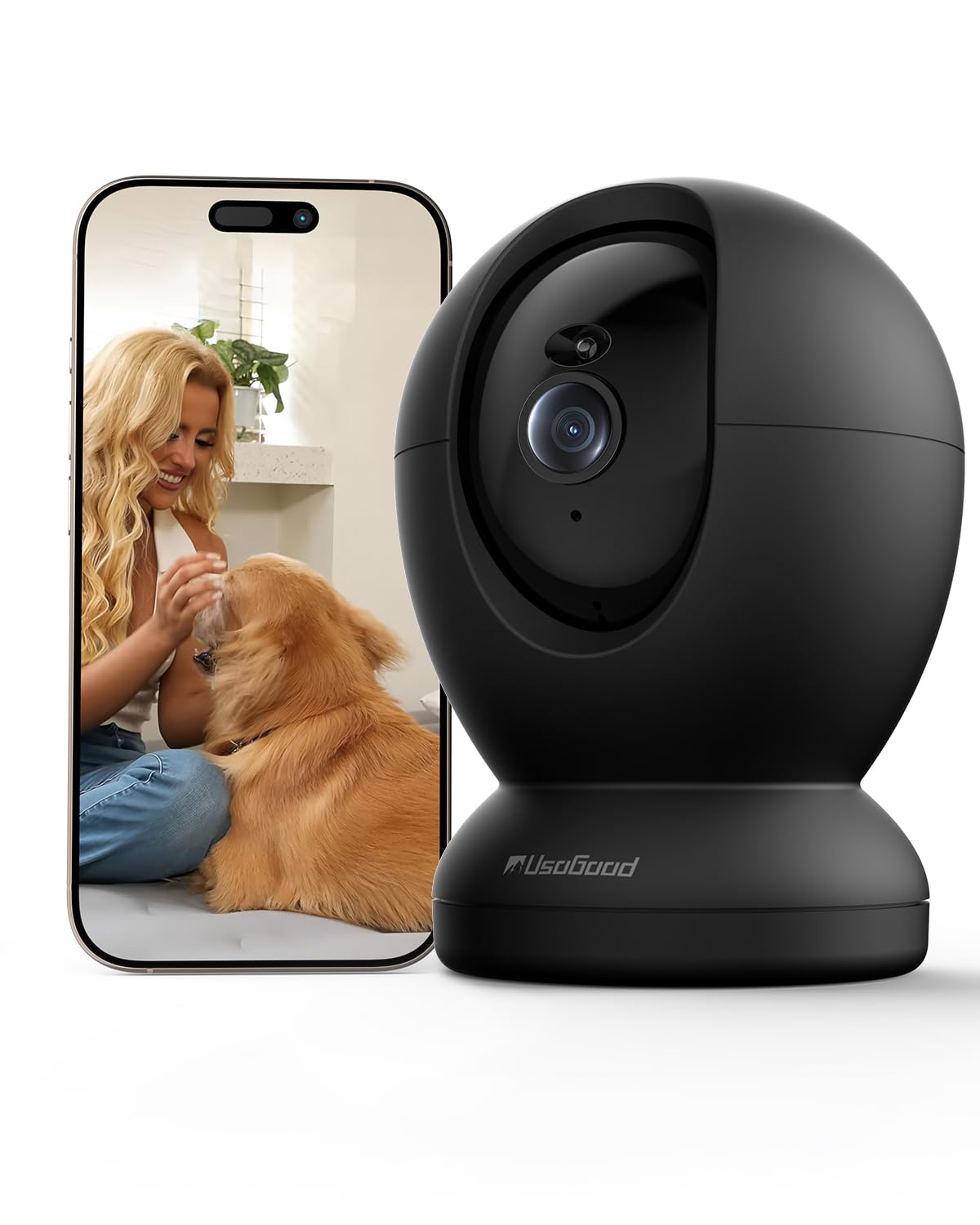
Image: The usogood D45 Indoor Pet Camera, a compact black dome-shaped device.

Image: Visual representation of the camera's applications including elderly care, child care, pet monitoring, and as an ideal gift.
3. Sąrankos vadovas
3.1 Pradinė sąranka
- Atsisiųskite programą: Ieškokite "Canny Cam" in your smartphone's app store (iOS or Android) and download the application.
- Sukurti paskyrą: Open the Canny Cam app and follow the on-screen instructions to register a new account.
- Įjunkite fotoaparatą: Connect the camera to a power source using the provided power cord and adapter. The camera will initiate its self-test and indicator light will flash.
- Pridėti įrenginį: In the Canny Cam app, select "Add Device" or the "+" icon. Choose "PTZ Camera" from the device list.
- Prisijunkite prie „Wi-Fi“: Follow the app's instructions to connect the camera to your Wi-Fi network. Ensure your phone is connected to the same Wi-Fi network (2.4GHz or 5GHz). The camera supports both bands for a more stable connection.
- Nuskaityti QR kodą: The app will display a QR code. Position your camera to scan this QR code from your phone screen. A confirmation sound will indicate successful scanning.
- Užbaigti sąranką: Once connected, the camera will appear in your app's device list. You can then customize settings such as device name and location.

Image: The usogood D45 camera illustrating its dual-band 5G and 2.4G Wi-Fi connectivity for stable signal transmission throughout a home.
3.2 Montavimo parinktys
The usogood D45 camera can be placed on a tabletop, shelf, or mounted to a wall or ceiling using the included wall bracket, screws, and bolts. Ensure the mounting surface is stable and secure.
4. Naudojimo instrukcijos
4.1 Tiesiogiai View ir panoraminio/pakreipimo valdymas
- Open the Canny Cam app and select your camera from the device list to access the live video feed.
- Use the on-screen joystick or swipe gestures to remotely control the camera's pan (horizontal) and tilt (vertical) movements for a 360° view.

Image: The usogood D45 camera demonstrating its 360-degree pan and tilt functionality to cover an entire room.
4.2 Dvipusis pokalbis
- Kol vyksta gyvai view, tap the microphone icon to activate two-way audio. You can speak through your phone, and your voice will be projected through the camera's speaker.
- Norėdami klausytis garso iš kameros aplinkos, palieskite garsiakalbio piktogramą.
4.3 Judesio aptikimas ir sekimas
- Access the camera settings in the app to enable and configure motion detection. You can set detection zones and sensitivity levels.
- Enable AI Human Detection to differentiate between humans and other moving objects, reducing false alarms.
- Activate motion tracking, and the camera will automatically follow detected movement within its field of view.
- When motion is detected, you will receive instant notifications on your smartphone.

Image: The usogood D45 camera demonstrating its 360-degree automatic tracking capability by following a dog.

Image: A smartphone displaying an instant notification from the usogood D45 camera, indicating human detection as a family enters a home.
4.4 Naktinis matymas
- The camera automatically switches to Starlight Night Vision mode in low-light conditions.
- This feature provides clear, detailed images up to 12 meters even in complete darkness.
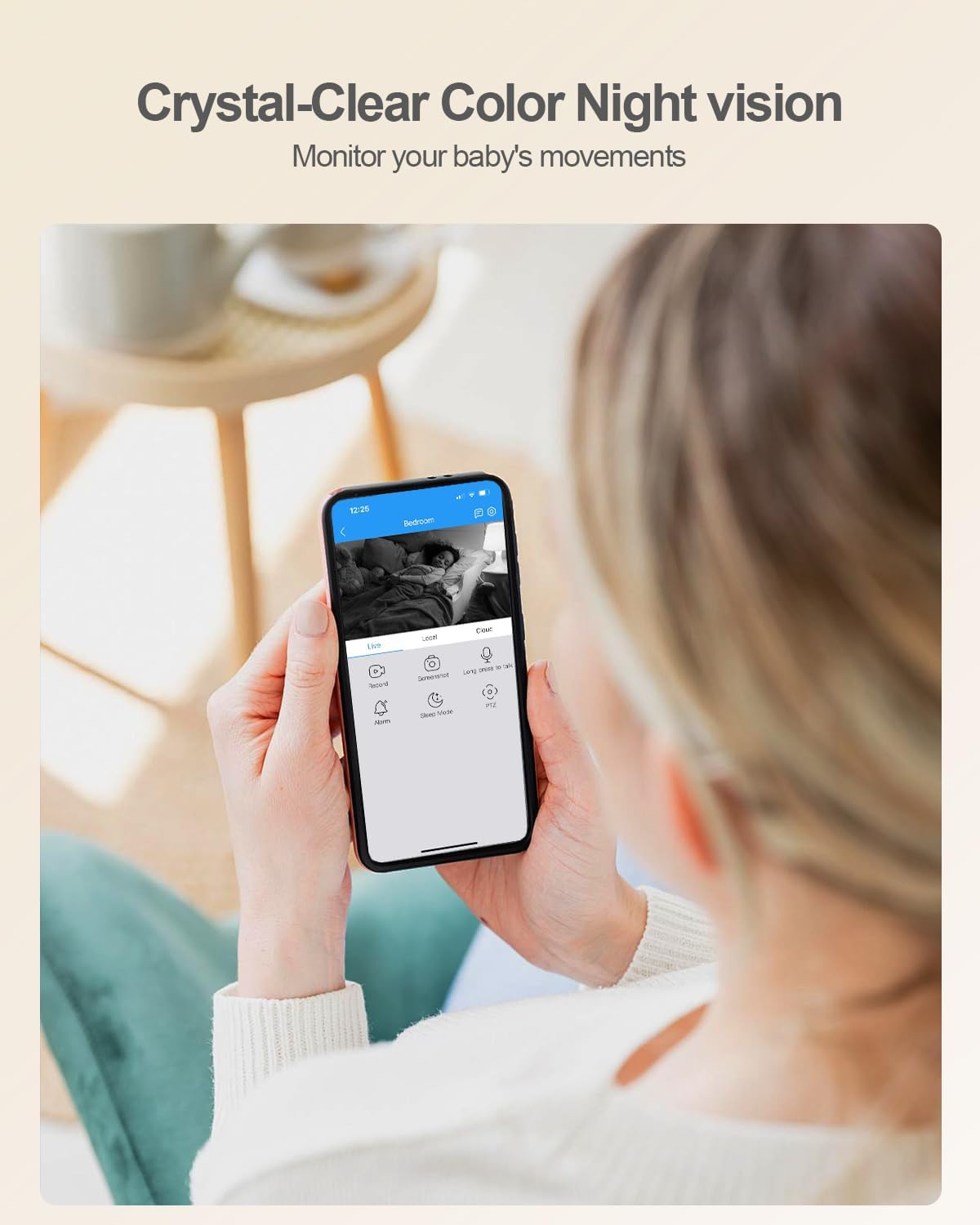
Paveikslėlis: Žmogus viewing a baby on their smartphone, demonstrating the usogood D45 camera's crystal-clear color night vision capability.
4.5 Įrašymas ir saugojimas
- The camera supports 24/7 continuous recording.
- „Micro SD“ kortelės saugykla: Insert a Micro SD card (up to 128GB, not included) into the camera's slot. The app will prompt you to format the card.
- Saugykla debesyje: Optional cloud storage plans are available through the Canny Cam app for secure off-site recording.
- Review įrašytas footage tiesiai iš programėlės.

Image: A close-up of the usogood D45 camera highlighting its Micro SD card slot for local storage, indicating no monthly fees.

Image: A graphic illustrating the usogood D45 camera's 24/7 continuous recording capability, capturing various moments throughout the day.
4.6 Kelių įrenginių Viewir dalijimasis
- The Canny Cam app allows you to view kelios kameros vienu metu.
- Share camera access with family members or trusted individuals via QR code within the app.

Paveikslėlis: koliažo parodaasing the usogood D45 camera's features: automatic tracking, family sharing, multi-device viewing, and versatile placement options.
5. Priežiūra
- Valymas: Kameros objektyvą ir korpusą valykite minkštu, sausu audiniu. Venkite naudoti stiprias chemines medžiagas ar abrazyvines medžiagas.
- Programinės įrangos atnaujinimai: Regularly check the Canny Cam app for firmware updates to ensure optimal performance and security.
- Maitinimo ciklas: Jei kyla problemų dėl fotoaparato veikimo, pabandykite jį 10 sekundžių atjungti nuo maitinimo šaltinio ir vėl prijungti.
6. Problemų sprendimas
6.1 Bendrosios problemos ir sprendimai
| problema | Sprendimas |
|---|---|
| Kamerai nepavyksta prisijungti prie „Wi-Fi“. | Ensure your Wi-Fi password is correct. Verify the camera is within range of your router. Try restarting your router and the camera. Ensure your phone is connected to the same 2.4GHz or 5GHz network during setup. |
| Prasta vaizdo kokybė arba vėlavimas. | Check your internet connection speed. Move the camera closer to the Wi-Fi router or reduce interference from other devices. Ensure the camera lens is clean. |
| Motion detection is not working or too sensitive. | Adjust motion detection sensitivity and detection zones in the app settings. Ensure AI Human Detection is enabled if you want to filter out non-human movements. |
| „Micro SD“ kortelė neatpažinta. | Ensure the SD card is inserted correctly. Format the SD card through the Canny Cam app. Use a compatible Micro SD card (Class 10 or higher, up to 128GB). |
| Two-way audio is unclear. | Ensure there is no obstruction near the camera's microphone or speaker. Check your phone's volume settings. Reduce background noise in the environment. |
7. Specifikacijos
| Funkcija | Detalė |
|---|---|
| Modelio pavadinimas | D45 |
| Vaizdo įrašymo raiška | 4 MP (2160P) |
| Ryšio technologija | Wi-Fi (2.4G & 5G) |
| Panardinimo / pakreipimo diapazonas | 360° Pan, 115° pakreipimas |
| Naktinio matymo diapazonas | Up to 10 meters (Starlight Night Vision) |
| Saugojimo parinktys | Micro SD Card (Max 128GB), Cloud Storage |
| Maitinimo šaltinis | Laidinis elektrinis (5 V, 9 W) |
| Matmenys (I x P x A) | 3.74 x 2.36 x 2.34 colio |
| Prekės svoris | 12.3 uncijos |
| Darbinė temperatūra | Not specified (typically indoor use) |
| IP reitingas | IP56 |
| Suderinami įrenginiai | Išmanieji telefonai („Android“, „iOS“) |
8. Garantija ir palaikymas
For warranty information and technical support, please refer to the official usogood website or contact usogood customer service directly. Contact details can typically be found on the product packaging or within the Canny Cam application's 'About Us' section.
Prašome išsaugoti pirkimo įrodymą bet kokiems garantiniams reikalavimams.
