
KOORUI S2721XO 27-Inch QD-OLED Gaming Monitor User Manual
Modelis: S2721XO
1. Įvadas
This manual provides instructions for the setup, operation, maintenance, and troubleshooting of your KOORUI S2721XO 27-inch QD-OLED Gaming Monitor. Please read this manual thoroughly before using the product to ensure proper function and safety.
The KOORUI S2721XO monitor features a 27-inch QD-OLED panel with QHD (2560x1440) resolution, a 240Hz refresh rate, and a 0.03ms (GtG) response time. It supports HDR True Black 400 and AdaptiveSync technology for a smooth visual experience. Connectivity options include HDMI 2.1 and DisplayPort 1.4.
2. Saugos informacija
- Įsitikinkite, kad monitorius pastatytas ant stabilaus, lygaus paviršiaus, kad išvengtumėte atsitiktinio kritimo.
- Saugokite monitorių nuo lietaus ar drėgmės, kad išvengtumėte elektros smūgio.
- Ventiliacijos angas laikykite laisvas, kad išvengtumėte perkaitimo.
- Naudokite tik prie monitoriaus pridėtą maitinimo adapterį.
- Nelieskite ekrano aštriais daiktais.
- Disconnect the power cable from the outlet before cleaning or if the monitor will be unused for an extended period.
3. Sąranka
3.1 Pakuotės turinys
Patikrinkite, ar pakuotėje yra visi komponentai:
- KOORUI S2721XO Monitor
- Monitoriaus stovas (pagrindas ir kaklelis)
- Maitinimo kabelis
- DisplayPort Cable (1.8m)
- Vartotojo vadovas (šis dokumentas)
3.2 Stovo surinkimas
- Pritvirtinkite stovo kaklelį prie monitoriaus skydelio. Įsitikinkite, kad jis tvirtai užsifiksuoja.
- Pritvirtinkite stovo pagrindą prie stovo kaklelio. Priveržkite visus varžtus pagal poreikį.
Alternatively, the monitor supports VESA 100x100mm mounting for compatible wall mounts or monitor arms.
3.2.1 pav.: galinis view of the monitor with VESA mount and stand attachment.

3.2.2 pav.: galinis view of the monitor with the stand assembled.
3.3 Prisijungimas prie įrenginio
The monitor provides multiple input options:
- HDMI 2.1: Connect to a PC or gaming console using an HDMI 2.1 cable. The monitor has two HDMI 2.1 ports.
- „DisplayPort 1.4“: Connect to a PC using a DisplayPort 1.4 cable. A DisplayPort cable is included.
- Garso išvestis: Prijunkite išorinius garsiakalbius arba ausines prie 3.5 mm garso lizdo.

Figure 3.3.1: Monitor input ports.
After connecting the video cable, connect the power cable to the monitor and then to a power outlet.
4. Operacija
4.1 Maitinimo įjungimas/išjungimas
Norėdami įjungti arba išjungti monitorių, paspauskite maitinimo mygtuką (paprastai esantį monitoriaus gale arba apačioje). Maitinimo indikatoriaus lemputė užsidegs, kai monitorius įjungtas.
4.2 Ekrano meniu (OSD)
The monitor features a joystick controller for navigating the OSD menu. This allows for easy adjustment of various settings.
- Paspauskite valdymo svirtį: Atidaro OSD meniu.
- Judinkite vairasvirtę aukštyn / žemyn: Naršo meniu parinktis.
- Judinkite vairasvirtę į kairę / į dešinę: Koreguoja vertes arba atidaro submeniu.
- Paspauskite dar kartą: Confirms selection or exits a sub-menu.
4.3 Ekrano nustatymai
Adjust the following settings via the OSD menu for optimal performance:
- Rezoliucija: Set to 2560x1440 (QHD) for the native display resolution.
- Atnaujinimo dažnis: Select 240Hz for the smoothest motion.
- AdaptiveSync: Enable AdaptiveSync (FreeSync compatible) to eliminate screen tearing and stuttering during gaming.
- HDR True Black 400: Activate HDR for enhanced contrast and color depth in compatible content.
- Spalvų gama: Adjust color settings, including DCI-P3 99% and sRGB 100% modes, for accurate color reproduction.
- Ryškumas / kontrastas: Fine-tune display brightness (average 280 nits) and contrast levels.
- Image Retention Refresh: This feature helps prevent burn-in on the OLED panel. It is recommended to keep this enabled.
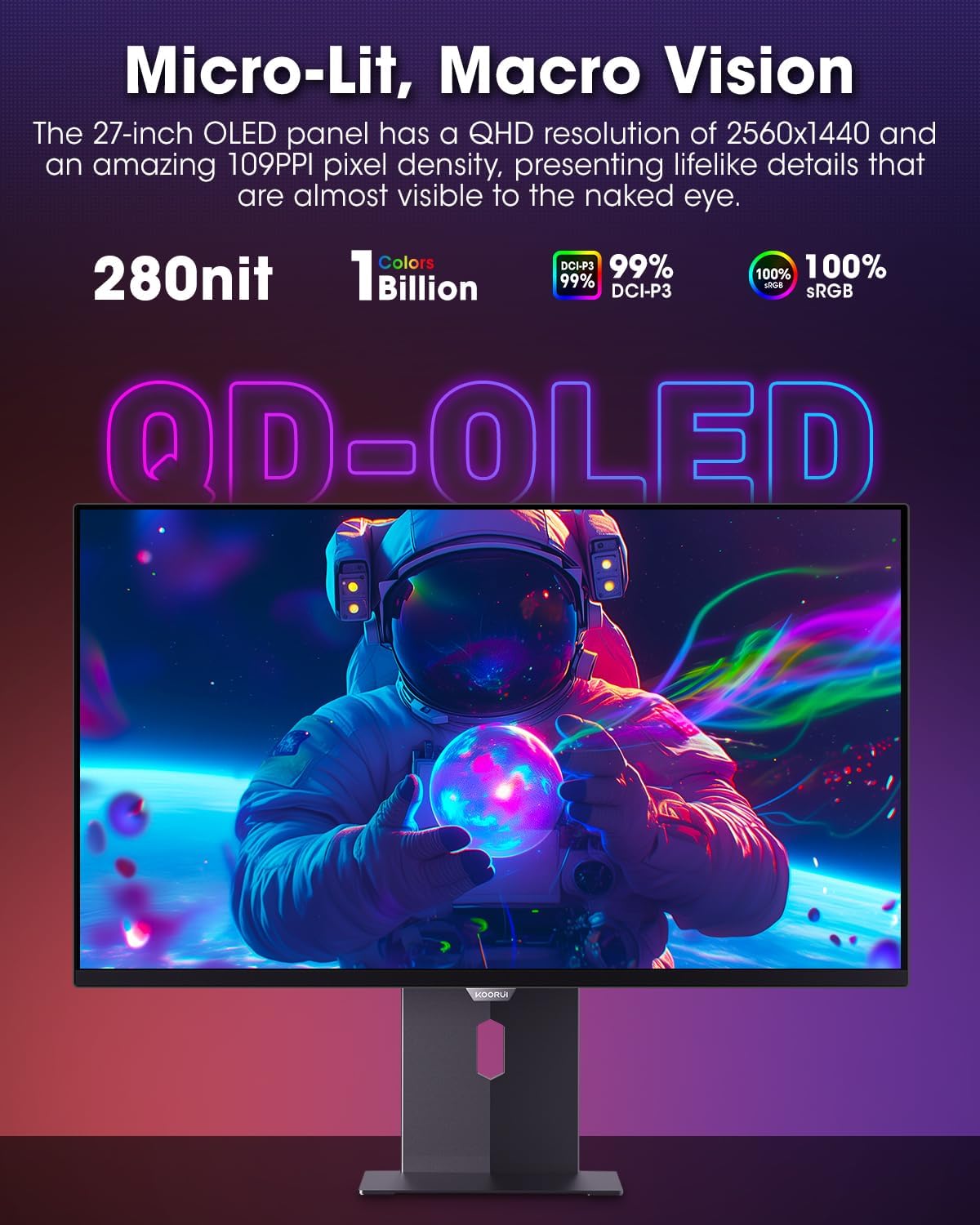
Figure 4.3.1: The QD-OLED panel delivers vivid colors and deep blacks.

Figure 4.3.2: High refresh rate and low response time for smooth gaming.
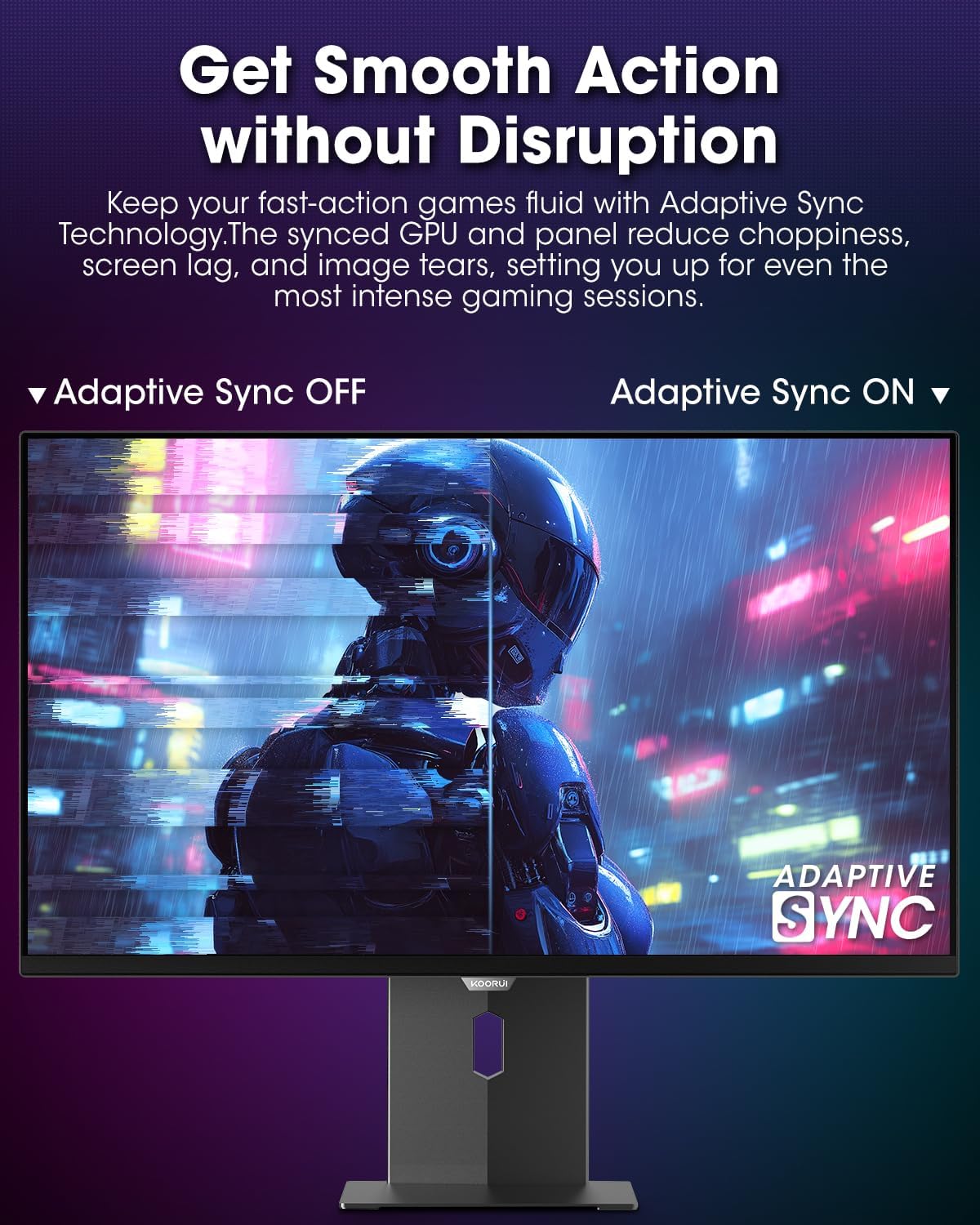
Figure 4.3.3: AdaptiveSync technology prevents screen tearing.
4.4 Ergonominiai nustatymai
Monitoriaus stovas leidžia atlikti įvairius pakeitimus, kad būtų galima pagerinti vaizdą. viewkomfortas:
- Aukščio reguliavimas: Pakelkite arba nuleiskite monitorių iki akių lygio.
- Pakreipti: Reguliuokite ekrano kampą į priekį arba atgal.
- Sukamasis: Pasukite monitorių horizontaliai.
- Pivot: Rotate the monitor vertically (portrait mode).

4.4.1 pav.: Monitoriaus pakreipimo reguliavimas.

Figure 4.4.2: Monitor pivot adjustment to portrait mode.
5. Priežiūra
- Ekrano valymas: Lengvai naudokite minkštą, nepūkuotą audinį dampnuplaukite vandeniu arba ekrano valikliu. Nepurkškite valiklio tiesiai ant ekrano.
- C valymasasing: Nuvalykite monitorių casinminkšta, sausa šluoste. Venkite abrazyvinių valiklių.
- Vėdinimas: Ensure the monitor's ventilation holes are not blocked to prevent overheating.
- Išjungti: Prieš valydami visada išjunkite ir atjunkite monitorių nuo elektros tinklo.
6. Problemų sprendimas
| Problema | Galima priežastis | Sprendimas |
|---|---|---|
| Ekrane nėra vaizdo | Atjungtas maitinimo laidas; atjungtas vaizdo laidas; pasirinktas neteisingas įvesties šaltinis. | Patikrinkite maitinimo ir vaizdo kabelio jungtis; per OSD meniu pasirinkite tinkamą įvesties šaltinį. |
| Vaizdo mirgėjimas arba plyšimas | AdaptiveSync not enabled; Graphics card driver issues. | Enable AdaptiveSync in OSD menu; Update graphics card drivers. |
| Spalvos atrodo neteisingos | Neteisingai sukonfigūruoti spalvų nustatymai; Sugedęs vaizdo kabelis. | Reset color settings in OSD menu; Try a different video cable. |
| Monitorius neįsijungia | Neprijungtas maitinimo laidas; neveikia maitinimo lizdas. | Ensure power cable is securely connected; Test power outlet with another device. |
7. Specifikacijos
| Funkcija | Detalė |
|---|---|
| Prekės ženklas | KOORUI |
| Modelio numeris | S2721XO |
| Ekrano dydis | 27 colių |
| Ekrano tipas | QD-OLED |
| Rezoliucija | QHD plačiaekranis 1440p (2560 x 1440 pikselių) |
| Atnaujinimo dažnis | 240 Hz |
| Reagavimo laikas | 0.03 Milliseconds (GtG) |
| Kontrasto santykis | 20,000,000:1 |
| Ryškumas | 350 candela_per_square_meter (average 280 nits) |
| Spalvų gama | 99% DCI-P3 |
| HDR palaikymas | HDR True Black 400 |
| Adaptyvusis sinchronizavimas | Suderinamas su „FreeSync“. |
| Ryšys | 2 HDMI 2.1, 1 DisplayPort 1.4, 1 garso išvestis |
| Ergonomika | Tilt, Height, Swivel, Pivot Adjustment |
| VESA kalnas | 100x100mm |
| Gaminio matmenys | 21.58 x 61 x 51.2 cm; 8.96 kg |

7.1 pav.: Monitoriaus matmenys.
8. Garantija ir palaikymas
8.1 Informacija apie garantiją
The KOORUI S2721XO monitor comes with a 1 metų ribota garantija. Please retain your proof of purchase for warranty claims. For detailed warranty terms and conditions, refer to the official KOORUI websvetainėje arba susisiekite su klientų aptarnavimo tarnyba.
8.2 Pagalba klientams
For technical assistance, troubleshooting, or warranty inquiries, please contact KOORUI customer support. Refer to the contact information provided on the official KOORUI websvetainėje arba pirkimo dokumentuose.
You can also find additional support resources and FAQs on the KOORUI brand store on Amazon: KOORUI Amazon Store
9. Produktų vaizdo įrašai
KOORUI 4K OLED Gaming Monitor 240Hz (Seller Video)
Šis vaizdo įrašas suteikia pabaigąview of the KOORUI OLED Gaming Monitor, highlighting its key features such as high refresh rate and OLED display technology. While the title mentions "4K", the video content is generally applicable to high-performance OLED gaming monitors from KOORUI, including the S2721XO model's features like 240Hz refresh rate and fast response time.