
Įvadas
The Nuki Keypad 2 provides a secure and convenient way to access your Nuki Smart Lock using either a fingerprint or a 6-digit entry code. This device is designed for easy installation and offers robust security features for your home or property.
With the Nuki Keypad 2, you can manage up to 20 fingerprints and 200 access codes, allowing you to grant access to family, friends, pet sitters, housekeepers, or repair personnel as needed. The system employs bank-level encryption to ensure that all stored fingerprints and codes are securely protected against unauthorized access.
Sąranka ir diegimas
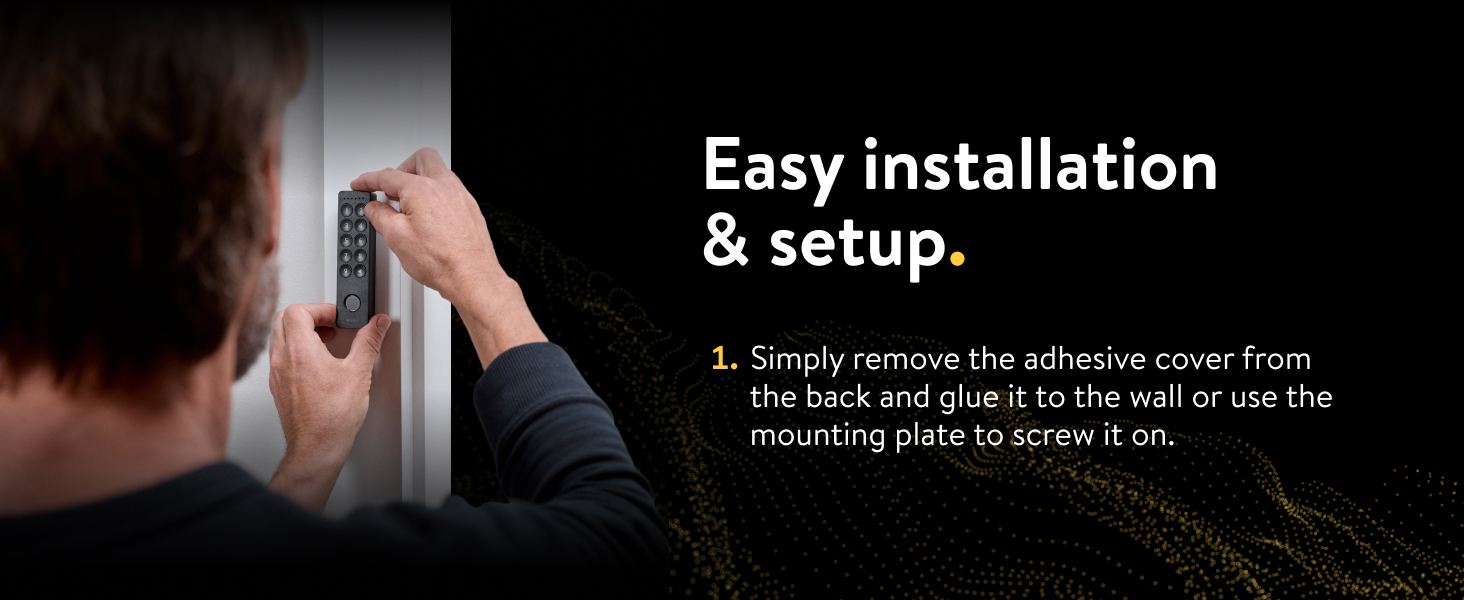
The Nuki Keypad 2 is designed for straightforward installation, typically completed in minutes. It can be mounted to a wall next to your front door using either adhesive or screws. The device is built to be dust- and water-resistant, capable of withstanding temperatures from -4°F to +158°F for year-round durability.
Diegimo žingsniai:
- Fizinis tvirtinimas: Simply remove the adhesive cover from the back of the Keypad 2 and firmly press it onto the desired wall surface. Alternatively, use the provided mounting plate and screws for a more permanent installation.
- Programų integravimas: Open the Nuki app on your smartphone. Navigate to the menu and select "Manage my devices," then choose "Keypad." The app will guide you through the necessary steps to connect and configure your Nuki Keypad 2.

Naudojimo instrukcijos
The Nuki Keypad 2 offers multiple methods for unlocking your door, providing flexibility and convenience for various users.
Atrakinimas piršto atspaudu:
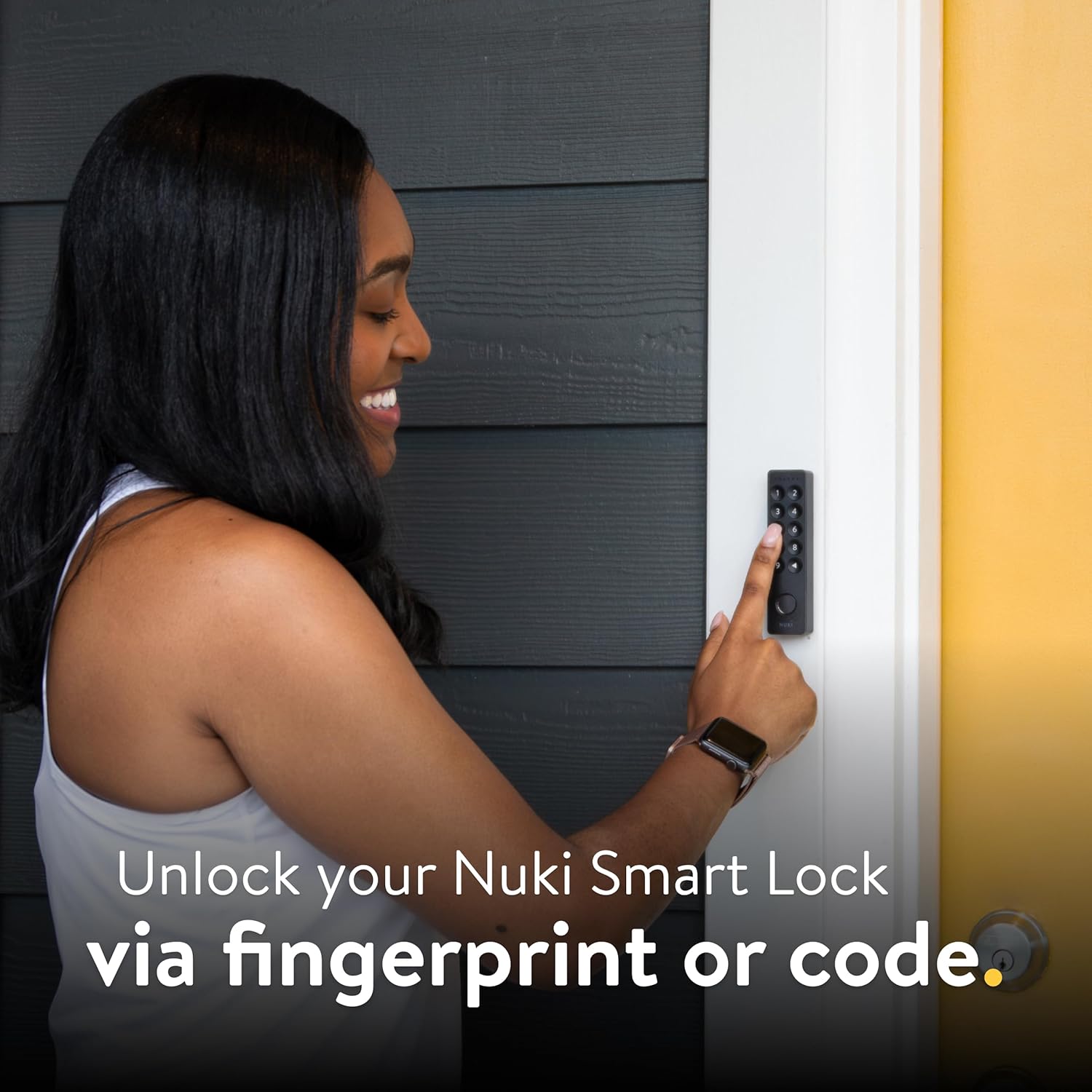
To unlock your Nuki Smart Lock, simply place your registered finger on the fingerprint sensor located at the bottom of the keypad. The lock will disengage, allowing entry.
Unlocking with Entry Code:
Enter your personalized 6-digit entry code using the numbered buttons on the keypad. After entering the correct code, the door will unlock.
Prieigos valdymas:
The Nuki Keypad 2 allows you to store and manage up to 20 unique fingerprints and 200 individual entry codes. These can be assigned to different users, such as family members, guests, or service providers, with options for permanent or time-limited access.


Durų užrakinimas:
When the door is unlocked, you can easily lock it by pressing the back button (triangle pointing left) on the Keypad 2. Nuki will then secure the door for you.

The Nuki Keypad 2 allows for smartphone-free access, meaning you can leave your keys and phone at home while still maintaining secure entry.

Priežiūra
The Nuki Keypad 2 is battery-powered, eliminating the need for complex wiring during installation. It operates on four AAA batteries, which typically provide power for up to 12 months, depending on usage frequency.
Baterijos keitimas:
When the batteries are low, the Nuki app will notify you. To replace the batteries, carefully open the battery compartment, remove the old AAA batteries, and insert new ones, ensuring correct polarity. Close the compartment securely.

Trikčių šalinimas
If you encounter issues with your Nuki Keypad 2, consider the following common troubleshooting steps:
- Ryšio problemos: Ensure your Nuki Smart Lock and Keypad 2 are within Bluetooth range. Check the Nuki app for device status and connection strength.
- Pirštų atspaudų atpažinimas: Make sure your finger is clean and dry when attempting to use the fingerprint sensor. Re-register your fingerprint in the Nuki app if recognition issues persist.
- Kodo įvedimo problemos: Double-check that you are entering the correct 6-digit code. If you suspect a code issue, verify or reset the code through the Nuki app.
- Baterijos išsikrovimas: If the keypad is unresponsive, the batteries may be depleted. Replace the four AAA batteries as described in the Maintenance section.
- Su programomis susijusios problemos: Ensure your Nuki app is updated to the latest version. Restarting the app or your smartphone can often resolve minor software glitches.
For further assistance, refer to the Nuki support websvetainėje arba susisiekite su klientų aptarnavimo tarnyba.
Specifikacijos
| Funkcija | Detalė |
|---|---|
| Prekės ženklas | NUKI |
| Modelio pavadinimas | Nuki Keypad 2 |
| Prekės modelio numeris | 221186 |
| Ypatinga funkcija | Pirštų atspaudas |
| Užrakto tipas | Klaviatūra |
| Spalva | Juoda |
| Prekės matmenys P x P x A | 4.65 x 1.14 x 0.83 colio |
| Prekės svoris | 8.1 uncijos |
| Maitinimo šaltinis | 4 AAA baterijos (pridedamos) |
| Baterijos veikimo laikas | Up to 12 months (depending on usage) |
| Ryšio protokolas | Bluetooth |
| Kontrolės metodas | App, Push Button, Remote, Touch |
| Darbinė temperatūra | -4°F iki +158°F |
Garantija ir palaikymas
Nuki is committed to providing high-quality products and robust security. The Nuki Keypad 2 features bank-level encryption with challenge-response, ensuring that your codes and fingerprints are safely encrypted and protected against hacking and unauthorized access.
Theft Replacement Guarantee:
Nuki offers a theft replacement guarantee for your Keypad 2. In the unfortunate event that your Keypad is stolen, Nuki will replace it.

Klientų aptarnavimas:
For detailed warranty information, technical support, or to report a stolen device, please visit the official Nuki website or contact their customer service directly. The Nuki app also provides resources and guides for managing your device.