
DigiLand 10.1-inch Tablet PC
DigiLand 10.1-inch Android 14 Tablet User Manual
Model: 10.1-inch Tablet PC
Įvadas
This user manual provides comprehensive instructions for the operation, maintenance, and troubleshooting of your DigiLand 10.1-inch Android 14 Tablet. Please read this manual thoroughly before using your device to ensure proper functionality and to maximize your user experience. This tablet is designed for versatile use, offering high performance for various applications, from entertainment to productivity.
Kas yra dėžutėje
Upon opening the package, please verify that all listed items are present and in good condition:
- (1) Leather case *1
- (2) USB cable *1
- (3) 5V/2A Adaptor *1; US standard
- (4) Manual *1 (This document)
- (5) Warranty card *1

For a visual guide to unboxing your tablet, please refer to the official unboxing video below.
Video 1: Android 14 Tablet Unboxing Video. This video demonstrates the unboxing process and shows the tablet and its included components.
Produktas baigtasview
The DigiLand 10.1-inch Android 14 Tablet is engineered for high performance and user convenience. Key features include:
- Operacinė sistema: Android 14 with upgraded personal privacy protection and security.
- Atmintis ir saugojimas: 12GB RAM + 128GB ROM, with support for TF card expansion for additional storage.
- Procesorius: New generation Octa-Core CPU (Max 2.0 GHz) for faster and more stable performance.
- Ekranas: 10.1-inch 1280x800 HD IPS screen with Widevine L1 support for high-fidelity streaming on platforms like Netflix, YouTube, and Disney+.
- Ryšys: Ultra-fast WiFi 6 and energy-efficient Bluetooth 5.0.
- Kameros: 8-megapixel front camera and 13-megapixel rear camera.
- Dizainas: Lightweight (485g) and slim (9mm thin body) for portability.
- Baterija: 6000 mAh battery for extended usage.
- Daugiafunkciškumas: Supports split-screen function for enhanced multitasking.
Komponentai ir savybės

The tablet features a headset jack, power button, volume up/down buttons, front camera, reset pinhole, memory card slot, and a Type-C charging port. The rear of the tablet houses the main camera module.

This image provides a visual summary of the tablet's core specifications, including its operating system, display size, memory, processor, battery capacity, camera resolution, and physical dimensions.

Planšetinis kompiuteris siūlo ample storage for your applications, photos, videos, and documents, with expandable memory options.
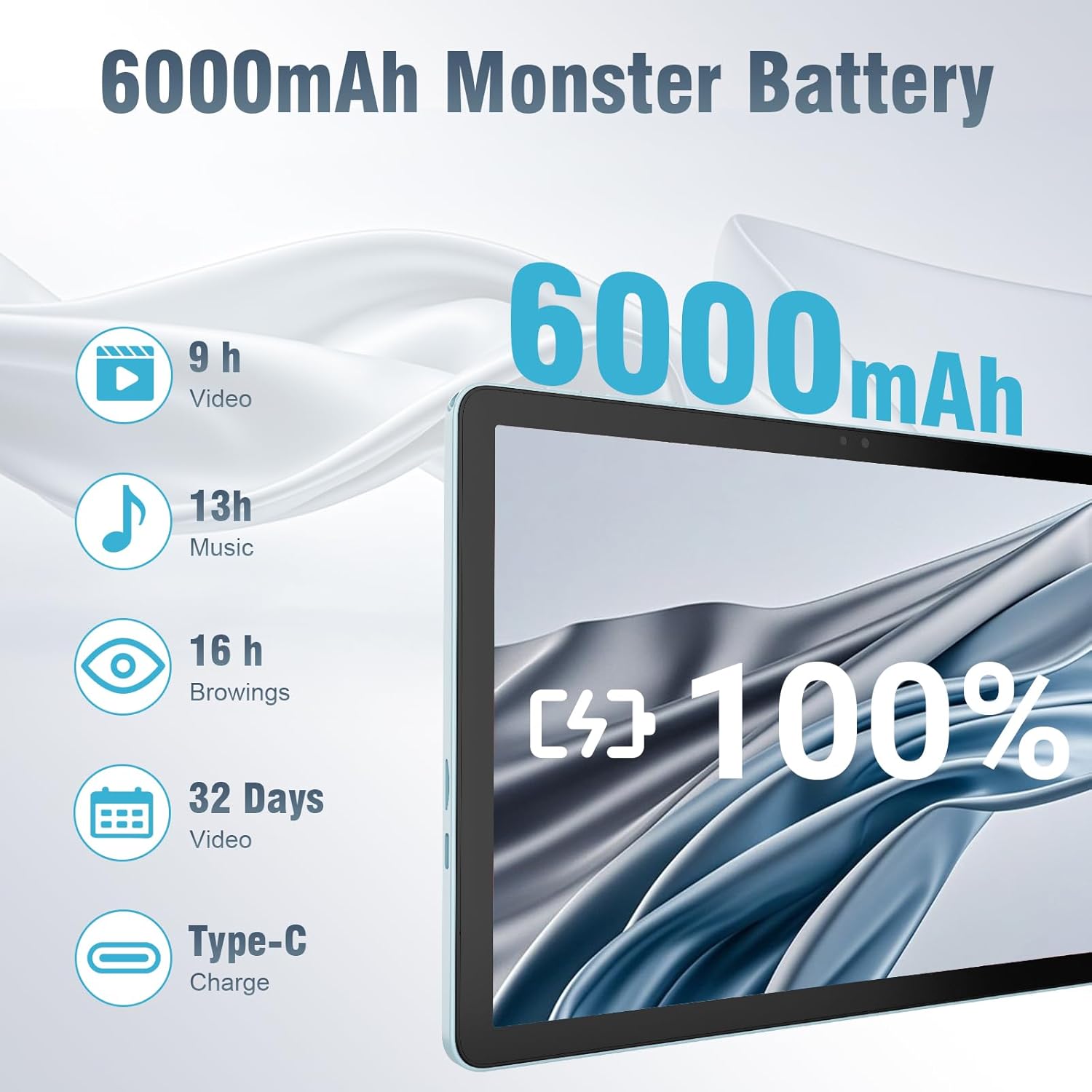
The 6000mAh battery provides extended usage times for various activities, and it supports convenient Type-C charging.
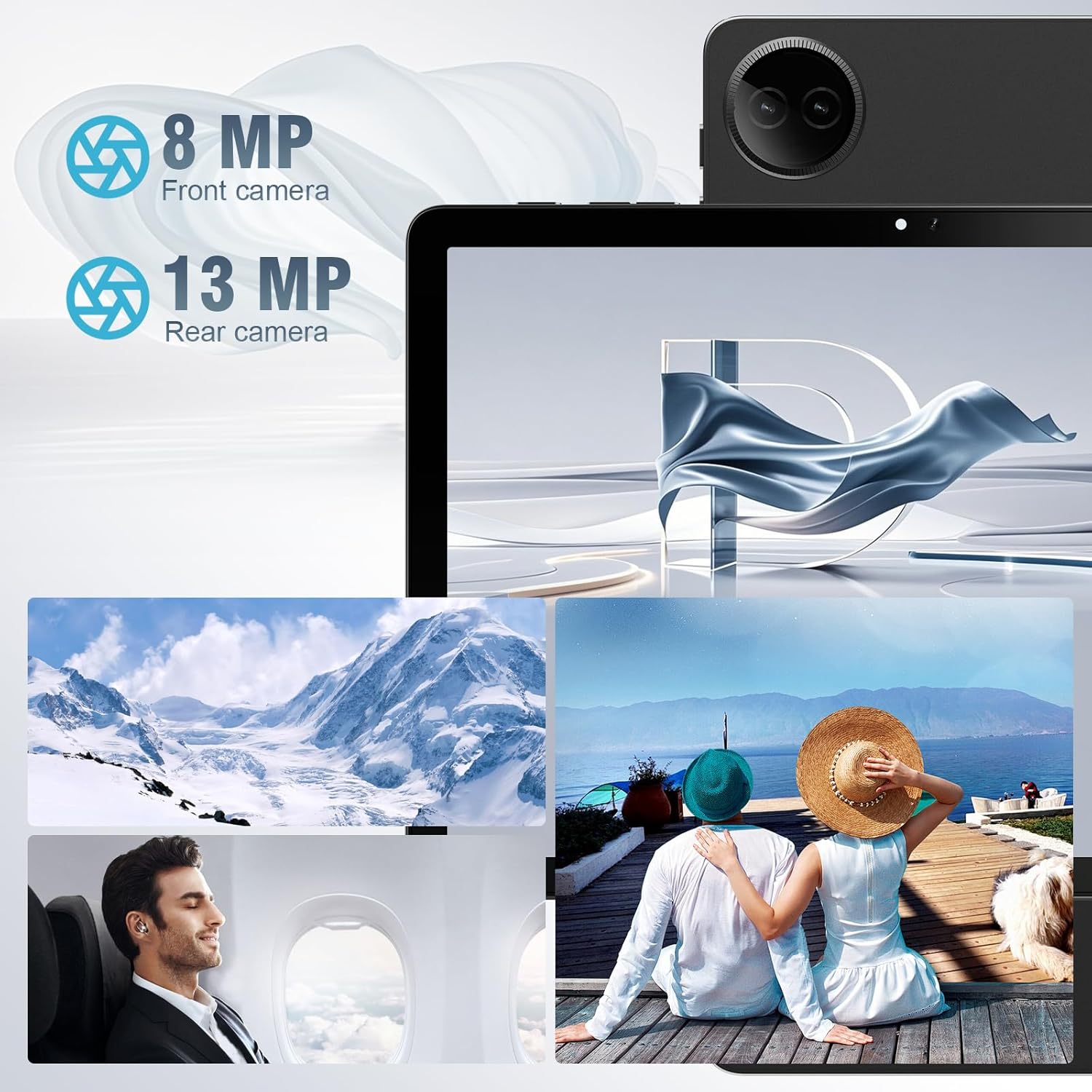
Equipped with both front and rear cameras, the tablet is suitable for capturing moments and engaging in video communication.

The 10.1-inch HD display provides a clear and immersive visual experience with wide viewkampų.

The split-screen function allows for efficient multitasking, enabling you to use two applications simultaneously.
Sąranka
Pradinis įjungimas ir sąranka
- Įkraukite planšetinį kompiuterį: Before first use, fully charge the tablet using the provided USB cable and power adapter. Connect the Type-C end of the cable to the tablet's charging port and the USB end to the power adapter, then plug the adapter into a wall outlet.
- Maitinimas: Press and hold the Power button located on the side of the tablet until the DigiLand logo appears on the screen.
- Pradinė konfigūracija: Follow the on-screen prompts to complete the initial setup. This typically includes selecting your language, connecting to a Wi-Fi network, setting up your Google account, and configuring basic security settings.
- Įdėkite TF kortelę (neprivaloma): If you wish to expand storage, carefully insert a TF (microSD) card into the designated memory card slot. Ensure the tablet is powered off before inserting or removing the card.
For a visual demonstration of the power-on sequence and initial interaction, refer to the unboxing video in the "What's in the Box" section.
Naudojimo instrukcijos
Pagrindinė navigacija
- Jutiklinio ekrano gestai: Navigate the tablet using standard Android gestures: tap to select, swipe to scroll, pinch to zoom, and long-press for contextual menus.
- Pagrindinis ekranas: Pagrindinė sąsaja, kurioje galite pasiekti programas, valdiklius ir pranešimus.
- Pranešimų skydelis: Braukite žemyn nuo ekrano viršaus, kad pasiektumėte greituosius nustatymus ir pranešimus.
- Programėlių stalčius: Braukite aukštyn iš ekrano apačios į view visos įdiegtos programos.
Prisijungimas prie Wi-Fi ir Bluetooth
- „Wi-Fi“: Eikite į Nustatymai > Tinklas ir internetas > „Wi-Fi“. Turn on Wi-Fi, select your desired network, and enter the password if required. The tablet supports ultra-fast WiFi 6.
- Bluetooth: Eikite į Nustatymai> Prijungti įrenginiai> Ryšio nuostatos> „Bluetooth“. Turn on Bluetooth, then select "Pair new device" to connect to Bluetooth headphones, speakers, or other compatible devices. The tablet features energy-efficient Bluetooth 5.0.
Fotoaparatų naudojimas
Access the Camera app from your home screen or app drawer. You can switch between the 8MP front camera and the 13MP rear camera within the app. Tap the screen to focus and press the shutter button to capture photos or start/stop video recording.
Daugiafunkcinis veikimas su padalinto ekrano funkcija
To use the split-screen feature, open an application, then swipe up from the bottom of the screen and hold to reveal the recent apps overview. Tap the app icon at the top of the app's card and select "Split screen." Choose a second app from the recent apps or app drawer to open it alongside the first. Adjust the size of each app by dragging the divider in the middle of the screen.
Priežiūra
- Valymas: Planšetinio kompiuterio ekraną ir korpusą valykite minkštu, nepūkuotu audiniu. Venkite naudoti abrazyvinius valiklius ar tirpiklius.
- Akumuliatoriaus priežiūra: Norėdami pailginti baterijos veikimo laiką, venkite planšetinio kompiuterio veikti itin aukštoje temperatūroje. Rekomenduojama palaikyti baterijos įkrovą nuo 20 % iki 80 %, kad ji tarnautų optimaliai.
- Programinės įrangos atnaujinimai: Regularly check for and install system updates to ensure your tablet has the latest security patches and performance improvements. Go to Nustatymai > Sistema > Sistemos naujinimas.
- Saugyklos valdymas: Periodiškai valykite nereikalingus fileir pašalinkite nenaudojamas programas, kad atlaisvintumėte vietos saugykloje ir išlaikytumėte optimalų našumą.
- Apsauga: Use the provided leather case to protect your tablet from scratches and minor impacts.
Trikčių šalinimas
This section addresses common issues you might encounter with your tablet. If you experience problems not covered here, please contact customer support.
| Problema | Galima priežastis | Sprendimas |
|---|---|---|
| Planšetinis kompiuteris neįsijungia. | Žema akumuliatoriaus įkrova; sistemos gedimas. | Kraukite planšetinį kompiuterį bent 30 minučių. Jei vis tiek nereaguoja, paspauskite ir 10–15 sekundžių palaikykite nuspaudę maitinimo mygtuką, kad priverstumėte įrenginį paleisti iš naujo. |
| „Wi-Fi“ ryšio problemos. | Neteisingas slaptažodis; už diapazono ribų; maršrutizatoriaus problema. | Verify Wi-Fi password. Move closer to the router. Restart your Wi-Fi router. Forget the network and reconnect. |
| Programėlės veikia lėtai arba stringa. | Too many apps running; low storage; outdated app. | Uždarykite fonines programas. Išvalykite programų talpyklą (Nustatymai > Programos > [Programos pavadinimas] > Atmintis ir talpykla > Išvalyti talpyklą). Free up storage space. Update the app from Google Play Store. |
| Ekranas nereaguoja. | Laikinas programinės įrangos triktis. | Force restart the tablet by holding the power button. |
| Planšetinis kompiuteris neįkraunamas. | Sugedęs laidas / adapteris; nešvarus įkrovimo prievadas. | Ensure cable and adapter are securely connected. Try a different compatible cable and adapter. Clean the charging port gently with a dry, soft brush. |
Specifikacijos
| Funkcija | Detalė |
|---|---|
| Prekės ženklas | DigiLand |
| Modelio pavadinimas | 10.1-inch Tablet PC |
| Operacinė sistema | Android 14 |
| Ekrano dydis | 10.1 colių |
| Maksimali ekrano skiriamoji geba | 800x1280 |
| Procesoriaus prekės ženklas | MK G80 (Octa-core) |
| Atminties talpa | 128 GB (expandable via TF card) |
| RAM | 12 GB |
| Priekinė kamera | 8 MP |
| Galinė kamera | 13 MP |
| Ryšys | WiFi 6, Bluetooth 5.0 |
| Baterijos talpa | 6000 mAh |
| Prekės svoris | 2.82 svaro (apie 485 g) |
| Gaminio matmenys (IxPxH) | 9.53 x 6.34 x 0.3 inches (approx. 9mm thin) |
| Spalva | Mėlyna |
Garantija ir palaikymas
DigiLand is committed to product quality and customer satisfaction.
- Garantija: This Android 14 tablet comes with a one-year warranty from the date of purchase.
- Klientų aptarnavimas: If you encounter any quality problems or require assistance, please contact us via your Amazon Purchase Record. Our team will endeavor to provide the best service and ensure your satisfaction.
- Apsaugos planai: Additional protection plans may be available for purchase, such as a 2-Year Protection Plan or Complete Protect, which covers eligible past and future purchases. Please refer to your purchase details for more information on these options.
Ask a question about this manual
Ask about setup, troubleshooting, compatibility, parts, safety, or missing instructions. Manuals+ will review the question and use this page’s manual context to help answer it.