
Įvadas
This manual provides essential information for the safe and efficient operation of your Cecotec Bolero DressCode 6110 Inverter Front-Load Washing Machine. It features a 6 kg load capacity and programmable spin speeds up to 1200 rpm. Equipped with an Inverter Plus motor, it ensures energy efficiency and reduced noise. Key functions include Steam Max for deep cleaning, 11 diverse washing programs, Drum Clean for hygiene, a Quick 15' program for light loads, DelayStart for scheduled washes, and Stop&Go for adding items mid-cycle.

Priekyje view of the Cecotec Bolero DressCode 6110 Inverter Washing Machine, highlighting its sleek design and 6kg capacity.
Sąranka ir diegimas
Before first use, ensure proper installation to guarantee optimal performance and safety.
Išpakavimas ir padėties nustatymas
- Atsargiai nuimkite visas pakavimo medžiagas.
- Remove the transport bolts located at the rear of the machine. Keep them for future transport if needed.
- Position the washing machine on a firm, level surface.
- Sureguliuokite išlyginimo kojeles, kad prietaisas stovėtų stabiliai ir nesvyruotų.

Diagram showing the dimensions of the washing machine: 85 cm height, 59.5 cm width, and 41 cm depth, crucial for proper placement.
Vandens ir kanalizacijos jungtys
- Connect the water inlet hose to a cold water tap. Ensure a tight seal to prevent leaks.
- Tvirtai įstatykite išleidimo žarną į stovą arba skalbinių vonią, užtikrindami, kad ji nebūtų sulenkta ar užsikimšusi.
Elektrinis sujungimas
- Prijunkite maitinimo laidą prie įžeminto elektros lizdo. Įsitikinkite, kad įtampatage atitinka įrenginio reikalavimus (240 voltų).
- Nenaudokite ilginamųjų laidų ar adapterių.
Naudojimo instrukcijos
Norėdami pasiekti optimalių skalbimo rezultatų, susipažinkite su valdymo skydeliu ir galimomis programomis.
Valdymo skydas baigtasview
The control panel features a program selector dial, function buttons, and a display screen.
Programos pasirinkimas
Turn the program selector dial to choose one of the 11 available washing programs. Each program is designed for specific fabric types and soil levels.
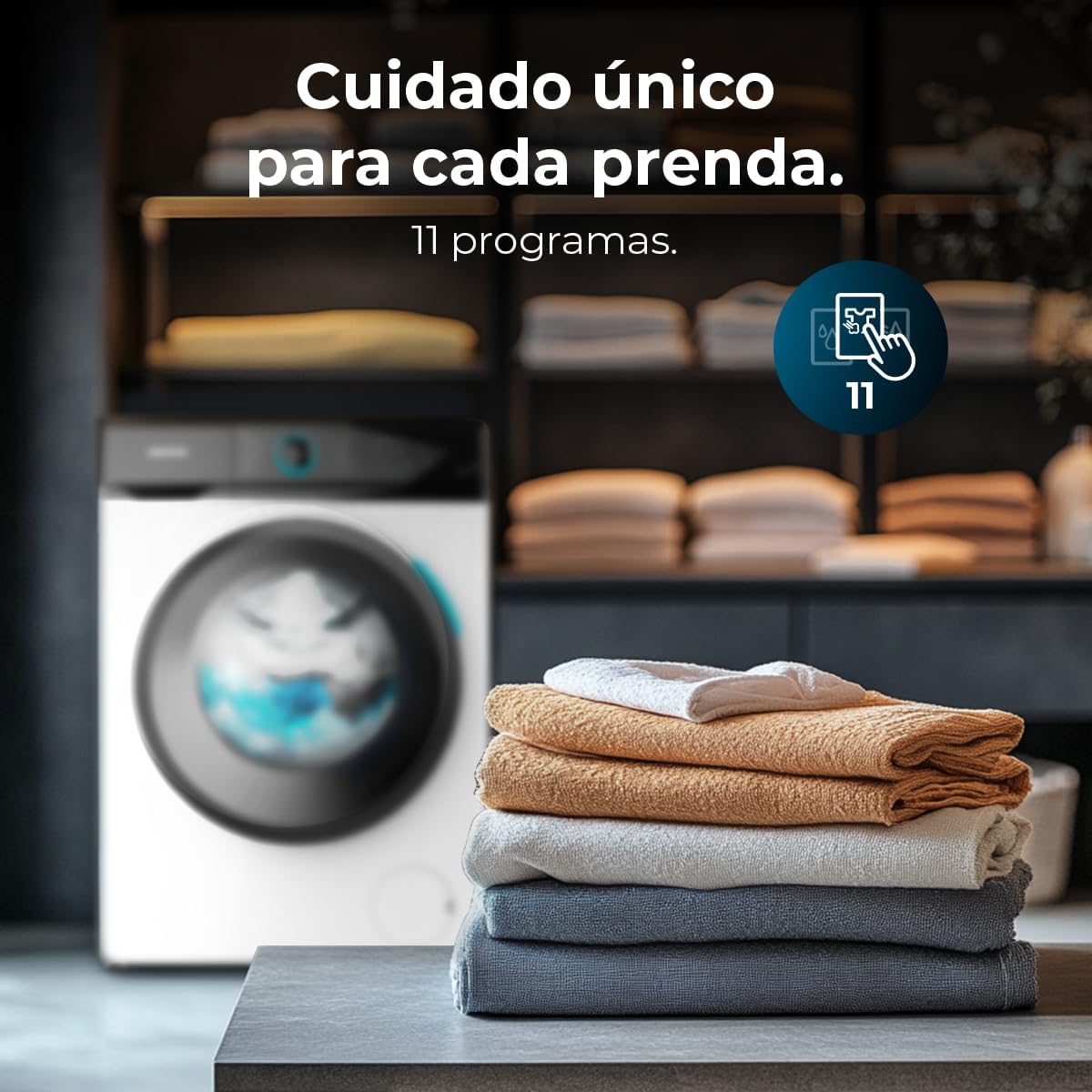
The control panel indicating the selection of 11 washing programs, offering versatile care for various fabrics.
Pagrindinės savybės ir funkcijos
- Garo maks.: This function provides deep cleaning and sterilization using steam, effectively removing tough stains and sanitizing garments.
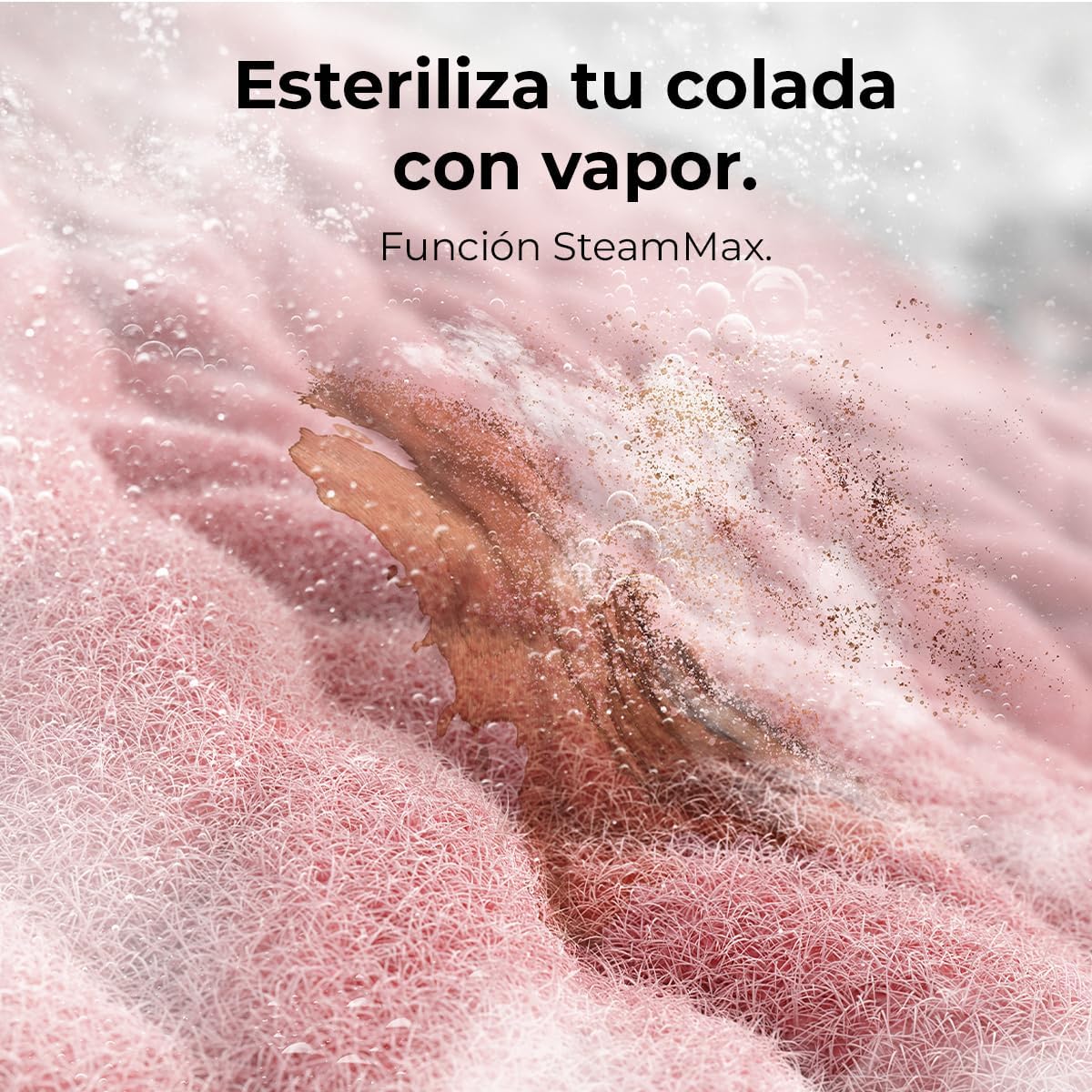
Illustration of the Steam Max function, showing steam penetrating fabric for sterilization.
- Būgno valymas: A self-cleaning program for the drum, preventing bacteria accumulation and odors. Run this program periodically to maintain hygiene.

The Drum Clean function in operation, with water circulating to clean the washing machine drum.
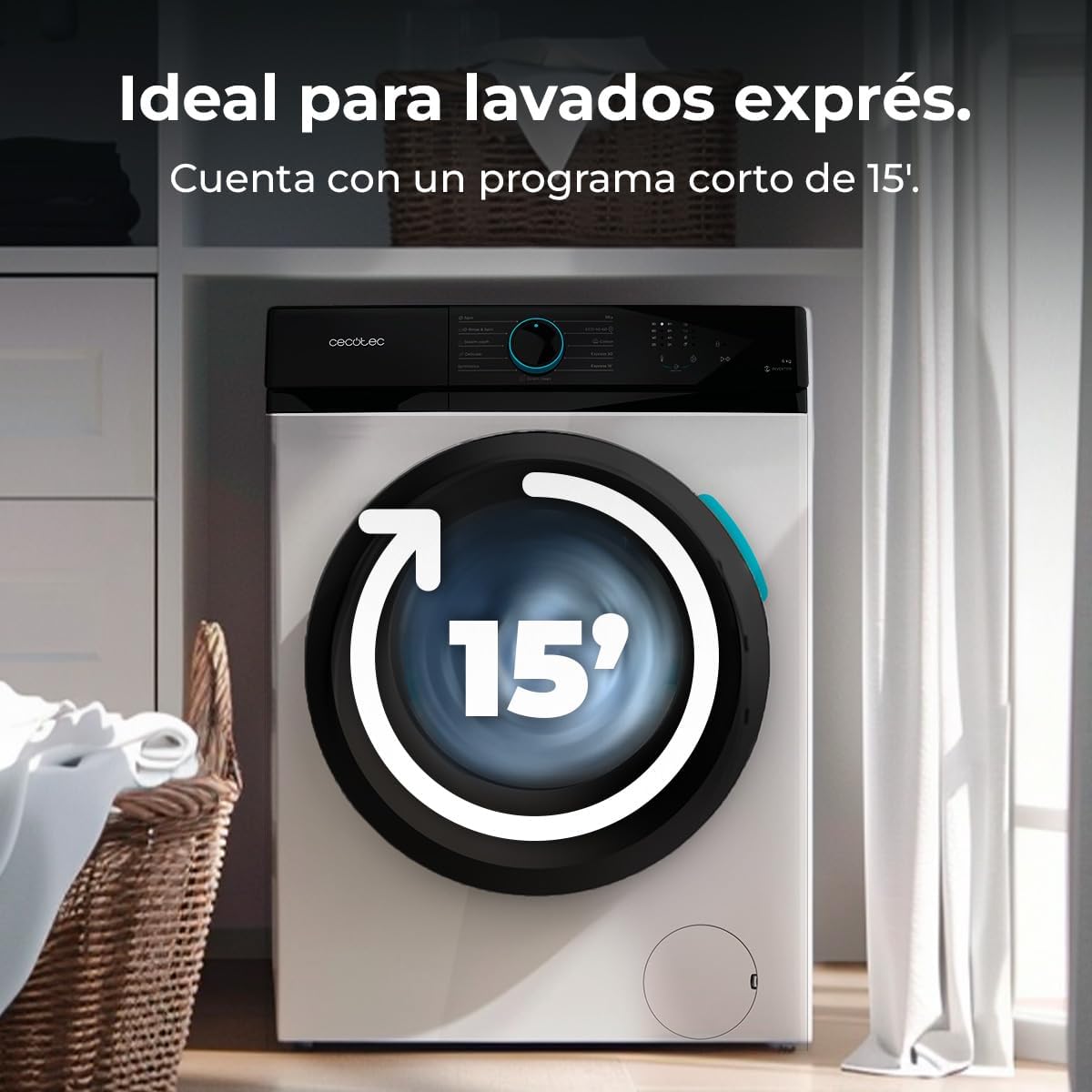
- Greitas 15 min.: Ideal for lightly soiled items, this program offers a rapid 15-minute wash cycle, optimizing time and energy consumption.

Visual representation of the Quick 15' program, indicating a fast wash cycle.
- Atidėtas paleidimas: Program the start of your wash cycle up to 24 hours in advance, allowing for convenient scheduling.

An image illustrating the convenience of the DelayStart function, allowing users to schedule wash cycles in advance.
- Stop&Go: Pause the washing machine during operation to add or remove items, providing flexibility during the wash cycle.

An image demonstrating the Stop&Go feature, allowing users to add or remove laundry during a cycle.
- Vaikų užraktas: This safety feature locks the control panel to prevent accidental changes by children, ensuring safe operation.

An image highlighting the KidLock safety feature, designed to prevent children from tampering with the washing machine settings.
Energy Efficiency and Performance
The Bolero DressCode 6110 Inverter is designed for maximum energy efficiency, rated Class A, contributing to significant energy savings. Its Inverter Plus motor ensures efficient and quiet operation.

The washing machine displaying its Class A energy efficiency rating, emphasizing its commitment to energy saving and environmental care.
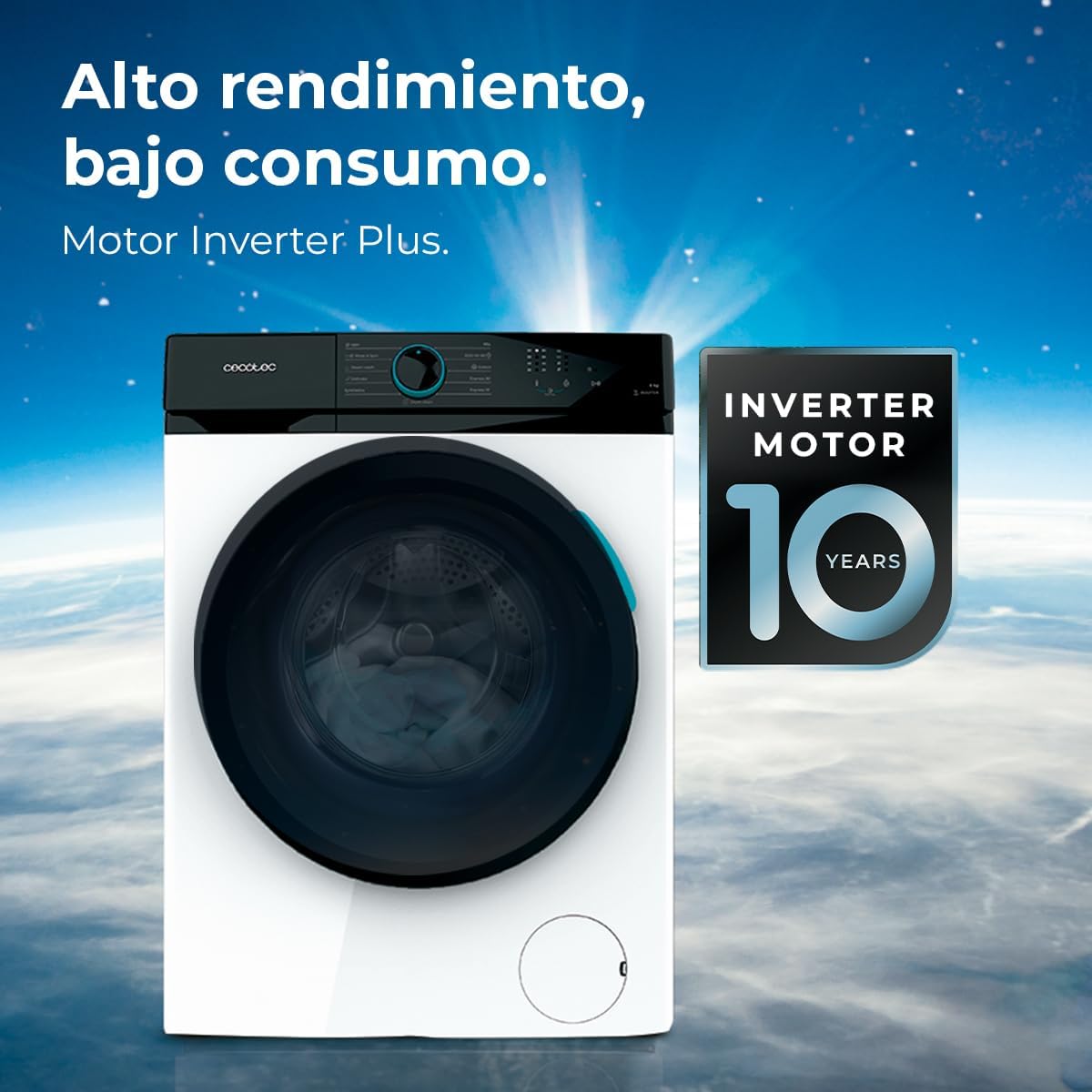
The washing machine featuring the Inverter Motor Plus, indicating high performance, low consumption, and a 10-year warranty on the motor.
Priežiūra
Reguliarus skalbimo mašinos valymas užtikrina jos ilgaamžiškumą ir optimalų veikimą.
Būgno valymas
Utilize the dedicated Būgnai švarūs program periodically to prevent the buildup of detergent residue, lint, and bacteria, which can cause unpleasant odors.
Detergent Dispenser Cleaning
Remove and clean the detergent dispenser drawer regularly to prevent blockages and mold growth. Rinse it under running water and dry thoroughly before reinserting.
Išorės valymas
Skalbimo mašinos išorę nuvalykite minkšta,amp šluoste. Venkite abrazyvinių valiklių ar tirpiklių, kurie gali pažeisti paviršių.
Trikčių šalinimas
Šiame skyriuje aptariamos dažniausiai pasitaikančios problemos, su kuriomis galite susidurti, ir pateikiami sprendimai.
| Problema | Galima priežastis | Sprendimas |
|---|---|---|
| Skalbimo mašina neįsijungia. | Nėra elektros maitinimo; netinkamai uždarytos durelės; nepasirinkta programa. | Patikrinkite maitinimo jungtį; įsitikinkite, kad durelės tvirtai uždarytos; pasirinkite programą ir paspauskite paleidimo mygtuką. |
| Excessive noise during operation (especially spinning). | Machine is not level; transport bolts not removed; unbalanced load. | Adjust leveling feet; ensure transport bolts are removed; redistribute laundry evenly in the drum. |
| Water not draining or door locked. | Drain hose kinked or blocked; pump filter clogged; drainage issue. | Check drain hose for kinks; clean the pump filter (refer to full manual for location); if problem persists, contact customer support. |
| Unpleasant odors from the machine. | Detergent residue buildup; mold/mildew in dispenser or drum. | Run the Drum Clean program; clean the detergent dispenser drawer regularly; leave the door ajar after use to air out the drum. |
For issues not listed here or if solutions do not resolve the problem, please contact Cecotec customer support.
Specifikacijos
Detailed technical specifications for the Cecotec Bolero DressCode 6110 Inverter Washing Machine.
| Funkcija | Vertė |
|---|---|
| Prekės ženklas | Cecotec |
| Modelio numeris | A01_EU01_103799 |
| Talpa | 6 kilogramo |
| Maksimalus sukimosi greitis | 1200 aps./min |
| Energijos vartojimo efektyvumo klasė | A |
| Vattage | 1600 vatų |
| ttage | 240 voltų |
| Gaminio matmenys (I x P x A) | 43.5 x 60 x 85 cm |
| Produkto svoris | 48.01 kilogramo |
| Įtraukti komponentai | 1 x Washing Machine, 1 x User Manual |
Official product information sheet detailing various specifications and energy consumption data.
Garantija ir palaikymas
Your Cecotec Bolero DressCode 6110 Inverter Washing Machine comes with a warranty.
Informacija apie garantiją
Spare parts availability in the EU is guaranteed for 10 years. For specific warranty terms and conditions, please refer to the warranty card included with your product or visit the official Cecotec websvetainę.
Pagalba klientams
For technical assistance, service requests, or any inquiries regarding your product, please contact Cecotec customer support. Contact details can typically be found on the official Cecotec websvetainėje arba dokumentuose, pateiktuose kartu su jūsų prietaisu.
Cecotec oficialus Websvetainė: www.cecotec.es