Įvadas
Welcome to the user manual for your new Generic X10 MINI Smart Watch. This guide provides essential information on setting up, operating, and maintaining your device to ensure optimal performance. Please read this manual thoroughly before using your smartwatch.
Kas yra dėžutėje
Patikrinkite, ar jūsų prekės pakuotėje yra visi šie daiktai:
- X10 MINI Smart Watch (with one pink band attached)
- Additional Pink Watch Band
- Belaidis įkrovimo kabelis
- Vartotojo vadovas (šis dokumentas)

Image: The X10 MINI Smart Watch, an additional pink band, and the wireless charging cable as typically found in the box.
Produktas baigtasview
The X10 MINI Smart Watch features a 2.19-inch display, wireless charging, and a sleek design. It is designed to help you stay connected and track your activities throughout the day.
- Ekranas: Large 2.19-inch touchscreen for clear visibility and easy navigation.
- Dizainas: Sleek smartwatch with a modern square face and comfortable pink band.
- Įkrovimas: Convenient wireless charging capability.
- Ryšys: Advanced wireless technology for seamless synchronization with compatible devices.
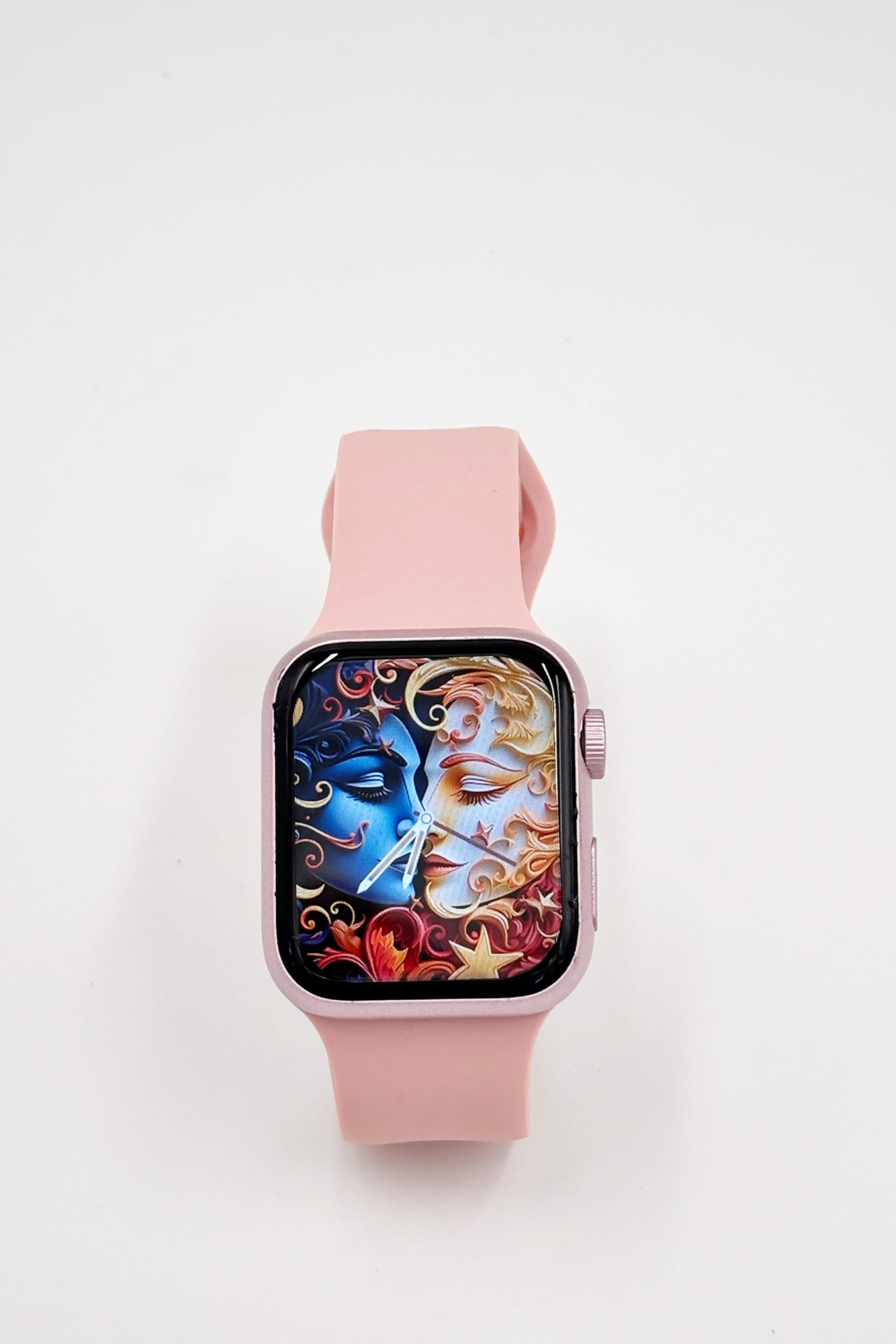
Image: A close-up of the X10 MINI Smart Watch, showcasing its 2.19-inch display and pink band.
Sąranka
1. Pradinis įkrovimas
Before first use, fully charge your smartwatch. Connect the wireless charging cable to a USB power source and place the back of the watch onto the charging pad. The watch display will indicate charging status.
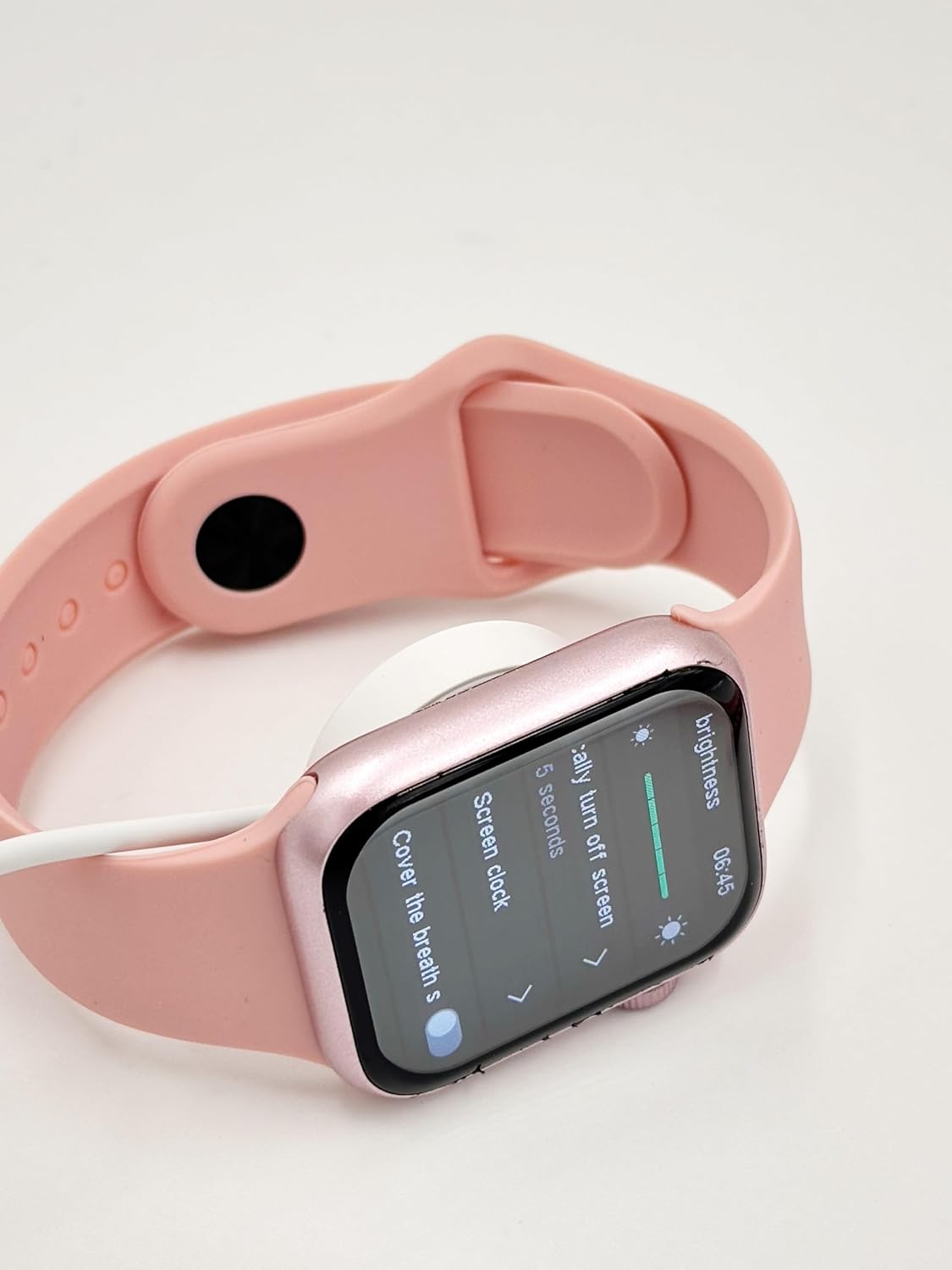
Image: The X10 MINI Smart Watch resting on its wireless charging pad, displaying the brightness settings.
2. Įjungimas/išjungimas
- Norėdami įjungti: Paspauskite ir palaikykite šoninį mygtuką, kol ekranas įsijungs.
- Norėdami išjungti: Paspauskite ir palaikykite šoninį mygtuką, tada ekrane pasirinkite „Išjungti“.
3. Programėlės diegimas ir susiejimas
To unlock full functionality, download the companion application on your smartphone. Refer to the 'Download APP' option in the watch's General settings for the correct application. Once installed, open the app and follow the on-screen instructions to pair your smartwatch via Bluetooth.

Image: The smartwatch display showing the 'General' settings menu, including options for Bluetooth, About, Language, and Download APP.
Naudojimo instrukcijos
Navigacija
The X10 MINI Smart Watch features a responsive touchscreen. Swipe left, right, up, or down to navigate through menus and access different features. Press the side button to return to the home screen or wake the device.
Pagrindinės savybės
- Pranešimai: Gaukite skambučių, žinučių ir programėlių pranešimus tiesiai ant riešo.
- Veiklos stebėjimo priemonė: Monitor your steps, distance, and calories burned throughout the day.
- Balso skambutis: Make and receive calls directly from your smartwatch when connected to your phone.
- Phone/Contacts: Access your call log and contacts list.

Image: The smartwatch display showing activity tracking metrics, including steps, distance, and calories burned.

Image: The smartwatch display showing the phone-related menu, with options for Phone, Call Log, and Contacts.
Įkrovimas
The X10 MINI Smart Watch supports wireless charging. Use the provided wireless charging cable. Ensure the watch is properly aligned on the charging pad for efficient charging. A full charge typically takes approximately 2-3 hours and provides up to 48 hours of average use.
Priežiūra
Valymas
Wipe the watch screen and body with a soft, dry cloth. For the bands, use a slightly damp cloth and mild soap if necessary, then rinse and dry thoroughly. Avoid using harsh chemicals or abrasive materials.
Juostos pakeitimas
The X10 MINI Smart Watch comes with dual bands, allowing for customization. To replace a band, locate the quick-release pins on the underside of the watch where the band connects. Slide the pin to detach the band, then align the new band and slide the pin back into place to secure it.
Trikčių šalinimas
- Laikrodis neįsijungia: Įsitikinkite, kad laikrodis yra visiškai įkrautas. Prijunkite jį prie įkroviklio bent 30 minučių.
- Nepavyksta susieti su telefonu: Make sure Bluetooth is enabled on your phone and the watch. Restart both devices and try pairing again. Ensure the companion app is installed and running.
- Įkrovimo problemos: Check if the charging cable is properly connected to a power source and the watch is correctly placed on the wireless charging pad.
- Netikslus veiklos stebėjimas: Įsitikinkite, kad laikrodis tvirtai prigludęs prie riešo. Jei įmanoma, kalibruokite aktyvumo sekiklį naudodami papildomą programėlę.
Specifikacijos
| Prekės ženklas | Bendras |
| Modelio pavadinimas | X10 MINI |
| Ekrano dydis | 2.19 colių |
| Ekrano tipas | LED |
| Operacinė sistema | „Android“ (suderinamas) |
| Atminties talpa | 40 MB |
| Baterijos talpa | 1200 milijonųamp Valandos |
| Vidutinis akumuliatoriaus veikimo laikas | 48 valandų |
| Belaidis tipas | 2.4 GHz radijo dažnis |
| Jungties tipas | Bluetooth |
| Ypatingos savybės | Activity Tracker, Notifications, Touchscreen, Voice Call, Wireless Charging |
| Suderinami įrenginiai | Išmanusis telefonas, planšetinis kompiuteris |
| Prekės svoris | 200 g |
| Kilmės šalis | Kinija |
Garantija ir palaikymas
This product comes with a standard manufacturer's warranty. For specific warranty details, claims, or technical support, please refer to the documentation provided with your purchase or contact the retailer. Keep your proof of purchase for warranty purposes.


