
Įvadas
This user manual provides detailed instructions for the C idea CM817 Pro Max 8-inch Tablet. Please read this manual thoroughly before using your device to ensure proper operation and to maximize its features. Keep this manual for future reference.
Pakuotės turinys
Patikrinkite, ar pakuotėje yra visi reikalingi daiktai:
- C idea CM817 Pro Max 8-inch Tablet
- Įkrovimo adapteris
- USB-C kabelis
- Vartotojo vadovas (šis dokumentas)
- Stylus Pen (if included in your specific package)
- Keyboard (if included in your specific package)
- Mouse (if included in your specific package)

Image: The C idea CM817 Pro Max tablet shown with its common accessories, which may include a keyboard, mouse, charging adapter, USB-C cable, and stylus pen.
Produktas baigtasview
Familiarize yourself with the physical components of your C idea CM817 Pro Max tablet.

Image: A diagram illustrating the various ports and buttons on the C idea CM817 Pro Max tablet, including the front camera, rear camera, power button, volume controls, speakers, TF/SIM card slot, USB-C port, and headphone jack.
- Priekinė kamera: Vaizdo skambučiams ir asmenukėms.
- Galinė kamera: Nuotraukų ir vaizdo įrašų fotografavimui.
- Įjungimo / išjungimo mygtukas: Press and hold to power on/off or restart. Press briefly to wake/sleep the screen.
- Garsumo mygtukai: Adjust the tablet's audio volume.
- Garsiakalbiai: Output audio.
- TF/SIM Slot: Insert a TF (MicroSD) card for expandable storage or a SIM card for cellular connectivity.
- USB-C prievadas: For charging the tablet and connecting to a computer for data transfer.
- Ausinių lizdas: Prijunkite 3.5 mm ausines.
Sąranka
1. Planšetinio kompiuterio įkrovimas
Before first use, fully charge the tablet. Connect the USB-C cable to the tablet's USB-C port and the other end to the charging adapter. Plug the adapter into a power outlet. The battery indicator on the screen will show charging status.
2. Įjungimas/išjungimas
- Maitinimas: Press and hold the Power On/Off button until the C idea logo appears.
- Išjungti: Press and hold the Power On/Off button until the power options menu appears, then select "Power off".
- Paleisti iš naujo: Maitinimo parinkčių meniu pasirinkite „Paleisti iš naujo“.
3. Pradinė sąranka
Upon first power-on, follow the on-screen prompts to configure your tablet:
- Pasirinkite norimą kalbą.
- Prisijunkite prie „Wi-Fi“ tinklo.
- Prisijunkite naudodami „Google“ paskyrą arba sukurkite naują. Tai būtina norint atsisiųsti programėles iš „Google Play“ parduotuvės.
- Nustatykite ekrano užraktą (PIN kodą, šabloną arba slaptažodį).
- Review ir sutikite su sąlygomis ir nuostatomis.
4. SIM ir „MicroSD“ kortelių įdėjimas
Locate the TF/SIM slot on the side of the tablet. Use the provided SIM ejector tool (if applicable) to open the tray. Carefully place your SIM card and/or MicroSD card into the designated slots, ensuring correct orientation. Close the tray securely.
Naudojimo instrukcijos
1. Pagrindinė navigacija
- Palieskite: Palieskite piktogramą, kad atidarytumėte programėlę arba pasirinktumėte elementą.
- Perbraukimas: Norėdami slinkti per puslapius ar turinį, braukite pirštu per ekraną.
- Žiupsnelis: Norėdami priartinti arba atitolinti vaizdus, naudokite du pirštus ir web puslapių.
- Pagrindinis ekranas: Pagrindinis ekranas, kuriame galite pasiekti programas ir valdiklius.
- Pranešimų skydelis: Braukite žemyn nuo ekrano viršaus, kad pasiektumėte pranešimus ir greituosius nustatymus.

Image: The C idea CM817 Pro Max tablet showcasing its Android home screen, featuring various application icons and a clean user interface.
2. Wi-Fi and Cellular Connectivity
Norėdami prisijungti prie „Wi-Fi“, eikite į Nustatymai > Tinklas ir internetas > „Wi-Fi“. Turn Wi-Fi on and select your desired network. Enter the password if prompted. For cellular data, ensure a SIM card is inserted and go to Nustatymai > Tinklas ir internetas > Mobilusis tinklas to configure data settings.
3. Fotoaparato naudojimas
Open the Camera app from the home screen or app drawer. Tap the shutter button to take a photo. Switch between the 5MP front camera and 8MP rear camera using the camera switch icon. You can also record videos.
4. Sandėliavimo valdymas
Your tablet comes with 512GB of internal storage and supports up to 512GB expandable storage via a MicroSD card. To view storage usage, go to Nustatymai > Saugykla. Regularly clear unnecessary fileir pašalinkite nenaudojamas programas, kad išlaikytumėte našumą.

Image: Multiple C idea tablets demonstrating the ample storage capacity, highlighting 8GB RAM, 512GB internal ROM, and support for an additional 512GB via TF (MicroSD) card.
5. Baterijos veikimo laikas
The 8000mAh battery provides extended usage. To optimize battery life, reduce screen brightness, disable Wi-Fi/Bluetooth when not in use, and close background apps. You can monitor battery usage in Nustatymai> Baterija.
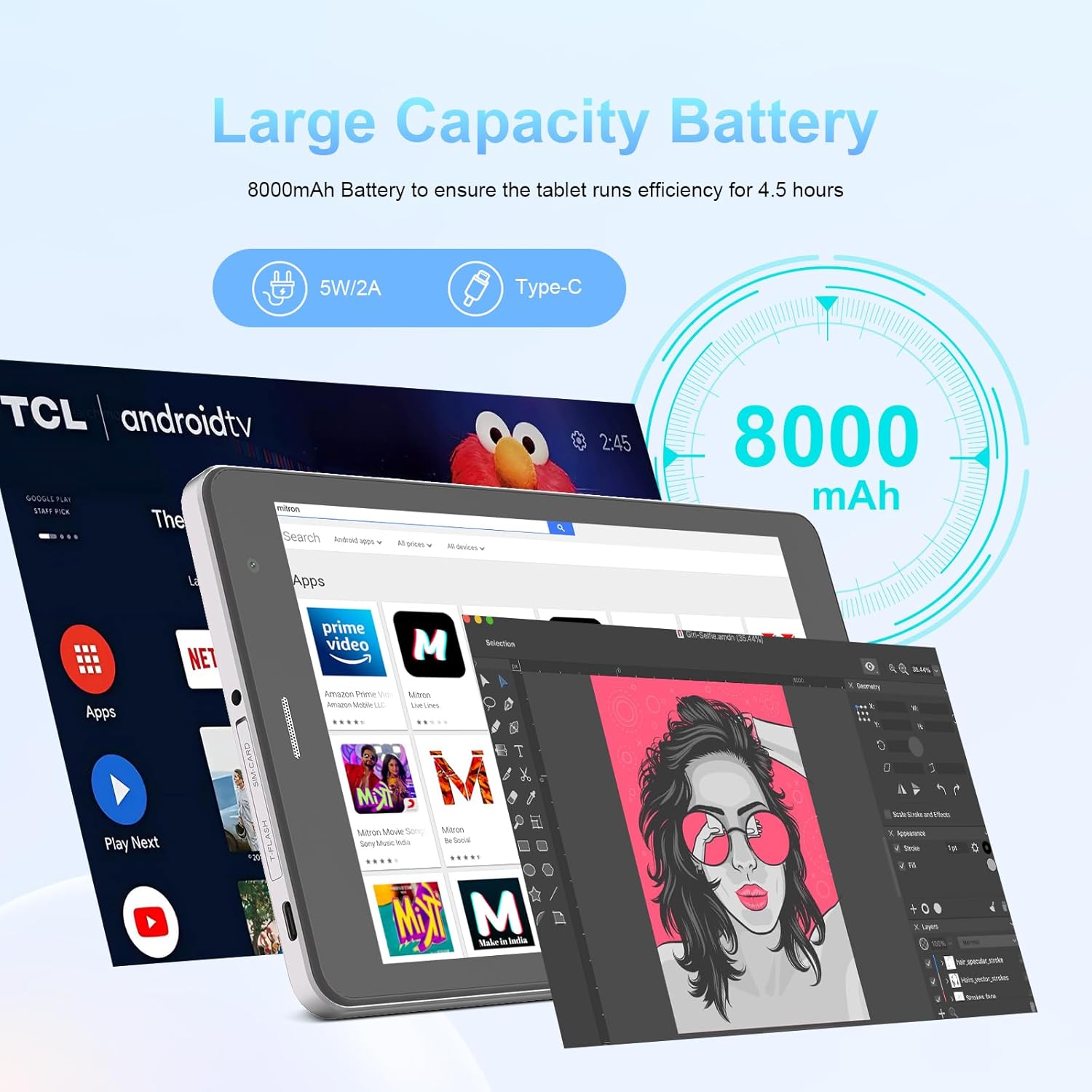
Image: The C idea CM817 Pro Max tablet, emphasizing its 8000mAh large capacity battery, designed for extended operational hours.
6. Ekrano nustatymai
The tablet features an 8-inch 1280x800 IPS HD display. Adjust brightness, font size, and display timeout in Nustatymai > Ekranas už patogų viewpatirtį.

Image: The C idea CM817 Pro Max tablet showcasing its 8-inch IPS HD screen with a resolution of 800x1280 pixels, providing clear visuals.
Priežiūra
1. Valymas
Use a soft, lint-free cloth to clean the screen and body of the tablet. Do not use abrasive cleaners or solvents, as they may damage the surface. Avoid getting moisture into ports.
2. Programinės įrangos atnaujinimai
Reguliariai tikrinkite, ar yra sistemos atnaujinimų, kad jūsų planšetiniame kompiuteryje būtų įdiegtos naujausios funkcijos ir saugos pataisymai. Eikite į Nustatymai > Sistema > Sistemos naujinimas kad patikrintumėte, ar yra atnaujinimų, ir juos įdiegtumėte.
3. Akumuliatoriaus priežiūra
To prolong battery lifespan, avoid exposing the tablet to extreme temperatures. Do not let the battery completely drain frequently. Use the original charger or a certified compatible charger.
Trikčių šalinimas
- Planšetinis kompiuteris neįsijungia: Ensure the tablet is charged. Press and hold the Power On/Off button for at least 10-15 seconds to force a restart.
- „Wi-Fi“ ryšio problemos: Restart your Wi-Fi router and the tablet. Forget the network in Wi-Fi settings and reconnect.
- Lėtas veikimas: Close unused apps, clear cache (Settings > Storage), and restart the tablet. Consider uninstalling large or unnecessary applications.
- Kamera neveikia: Ensure the Camera app has necessary permissions (Settings > Apps > Camera > Permissions). Restart the tablet.
- Saugykla pilna: Delete old photos/videos, uninstall unused apps, or move files to an inserted MicroSD card.
- Programėlės stringa: Išvalykite programėlės talpyklą ir duomenis (Nustatymai > Programos > [Programėlės pavadinimas] > Atmintis > Išvalyti talpyklą / Išvalyti duomenis). Jei problema išlieka, pašalinkite programėlę ir įdiekite ją iš naujo.
Specifikacijos
| Funkcija | Detalė |
|---|---|
| Prekės ženklas | C idėja |
| Modelio pavadinimas | CM817 Pro Max |
| Operacinė sistema | Android 15 |
| Procesorius | Octa-core (MediaTek) |
| RAM | 8 GB |
| Vidinė atmintis (ROM) | 512 GB |
| Išplečiama saugykla | Up to 512GB (via TF/MicroSD card) |
| Ekrano dydis | 8 colių |
| Ekrano raiška | 1280 x 800 pikselių (IPS HD) |
| Priekinė kamera | 5 MP |
| Galinė kamera | 8 MP |
| Baterijos talpa | 8000 mAh (ličio polimeras) |
| Ryšys | Wi-Fi, 5G SIM, Bluetooth |
| Uostai | USB-C, 3.5 mm ausinių lizdas |
| Prekės svoris | 1 kg 80 g |
| Pakuotės matmenys | 29.8 x 18 x 6.4 cm |
Garantija ir palaikymas
For warranty information and technical support, please refer to the warranty card included in your package or contact C idea customer service. Keep your purchase receipt as proof of purchase.