
ARCCTV P2
ARCCTV 2K Security Camera Outdoor P2 User Manual
Modelis: P2
1. Įvadas
This manual provides detailed instructions for the installation, operation, and maintenance of your ARCCTV 2K Security Camera Outdoor P2. Please read this manual thoroughly before using the product to ensure correct usage and optimal performance. Keep this manual for future reference.

1.1 vaizdas: priekis view of the ARCCTV 2K Security Camera Outdoor P2.
2. Kas yra dėžutėje
Patikrinkite, ar pakuotėje yra visi komponentai:
- Kameros korpusas
- 5 V 1 A maitinimo adapteris
- Mounting Screws (set)
- Varžtų padėties lipdukas
- Įspėjamasis lipdukas
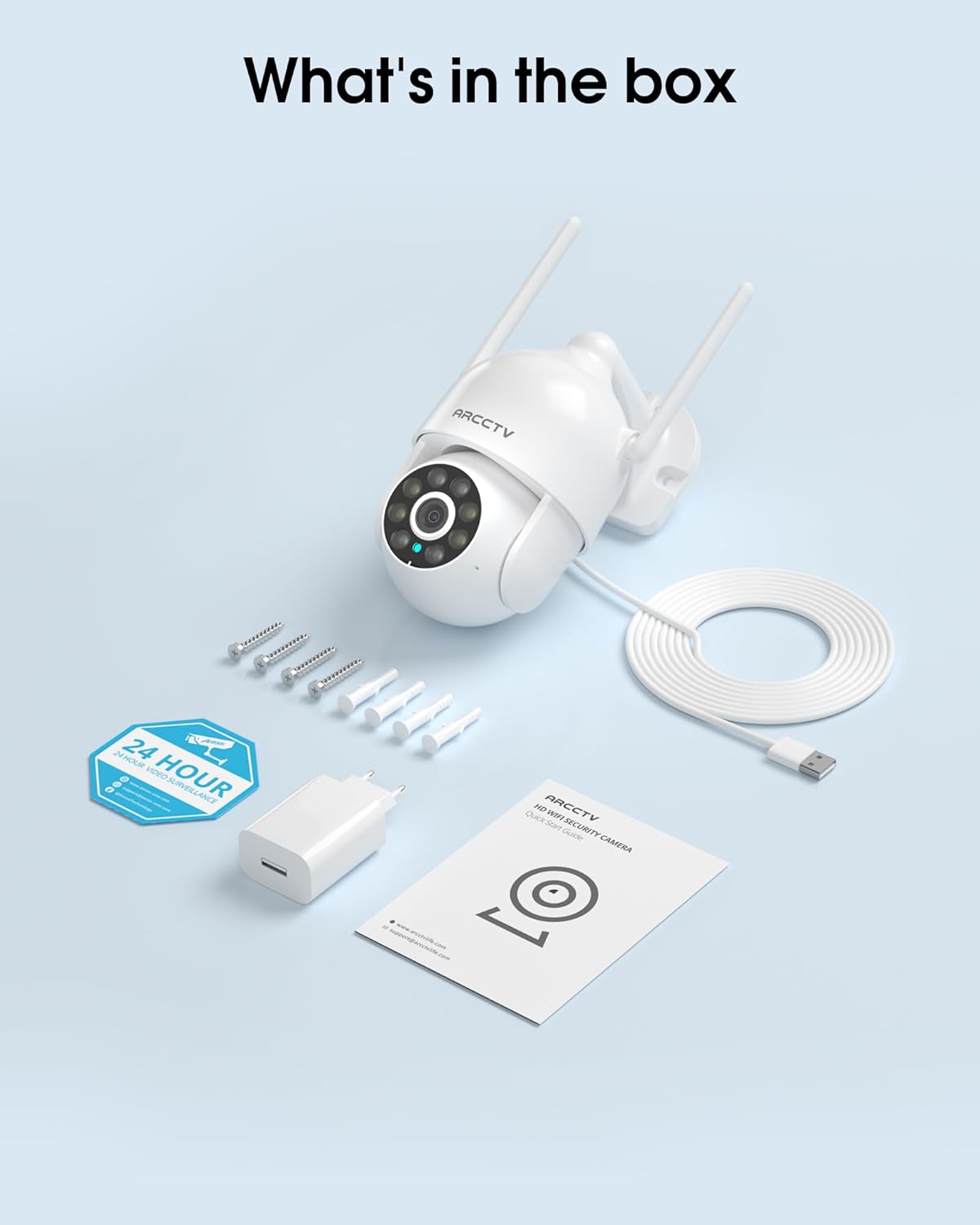
Image 2.1: All items included in the ARCCTV 2K Security Camera package.
3. Produkto ypatybės
- 2K Ultra HD raiška: Provides clear 2304x1296p video.
- Spalvotas naktinis matymas: Built-in spotlight enables vivid color monitoring in low light.
- 360° panoraminis, pakreiptas ir priartintas vaizdas (PTZ): Remotely control 355° horizontal and 90° vertical rotation.
- Auto Motion Tracking: Smart AI automatically follows and records detected movement.
- Dviejų juostų WiFi: Supports both 2.4G and 5G WiFi for stable connectivity.
- Dvipusis garsas: Įmontuotas mikrofonas ir garsiakalbis bendravimui.
- IP66 atsparumas oro sąlygoms: Durable design for outdoor use in various weather conditions (-4°F ~ 122°F).
- Lankstus saugojimas: Supports local microSD card storage (up to 128GB, not included) and optional cloud storage.
- 24/7 įrašymas: Continuous recording capability with stable power supply.
4. Sąranka
4.1 diegimas
- Pasirinkite vietą: Pasirinkite vietą lauke su skaidria šviesa view of the area you wish to monitor. Ensure it is within range of your Wi-Fi network and a power outlet.
- Sumontuokite fotoaparatą: Use the provided screw positioning sticker to mark drill holes. Drill holes, insert wall anchors, and secure the camera body to the wall using the mounting screws.
- Prijunkite maitinimą: Plug the 5V1A power adapter into the camera and then into a power outlet. The camera will power on and begin its startup sequence.
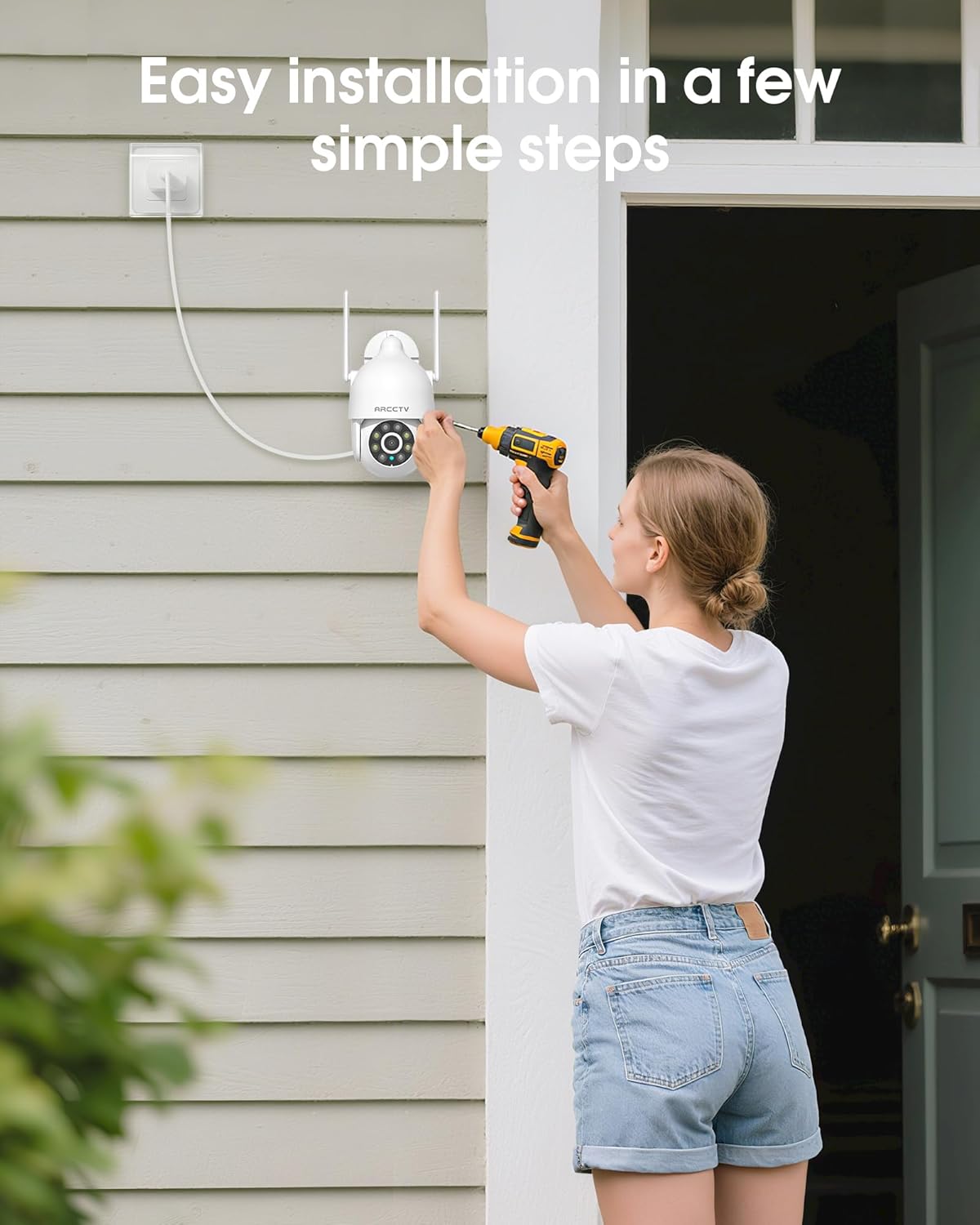
Image 4.1: Illustration of easy camera installation steps.
4.2 Programėlės atsisiuntimas ir paskyros sukūrimas
- Download the official ARCCTV app from your smartphone's app store (iOS or Android).
- Atidarykite programėlę ir vykdykite ekrane pateikiamus nurodymus, kad sukurtumėte naują paskyrą arba prisijunkite, jei jau turite.
4.3 „Wi-Fi“ ryšys
- In the app, tap the "Add Device" or "+" icon.
- Select your camera model and follow the prompts to connect it to your Wi-Fi network. The camera supports both 2.4GHz and 5GHz bands for stable connectivity.
- Įsitikinkite, kad sąrankos metu jūsų išmanusis telefonas yra prijungtas prie to paties „Wi-Fi“ tinklo.
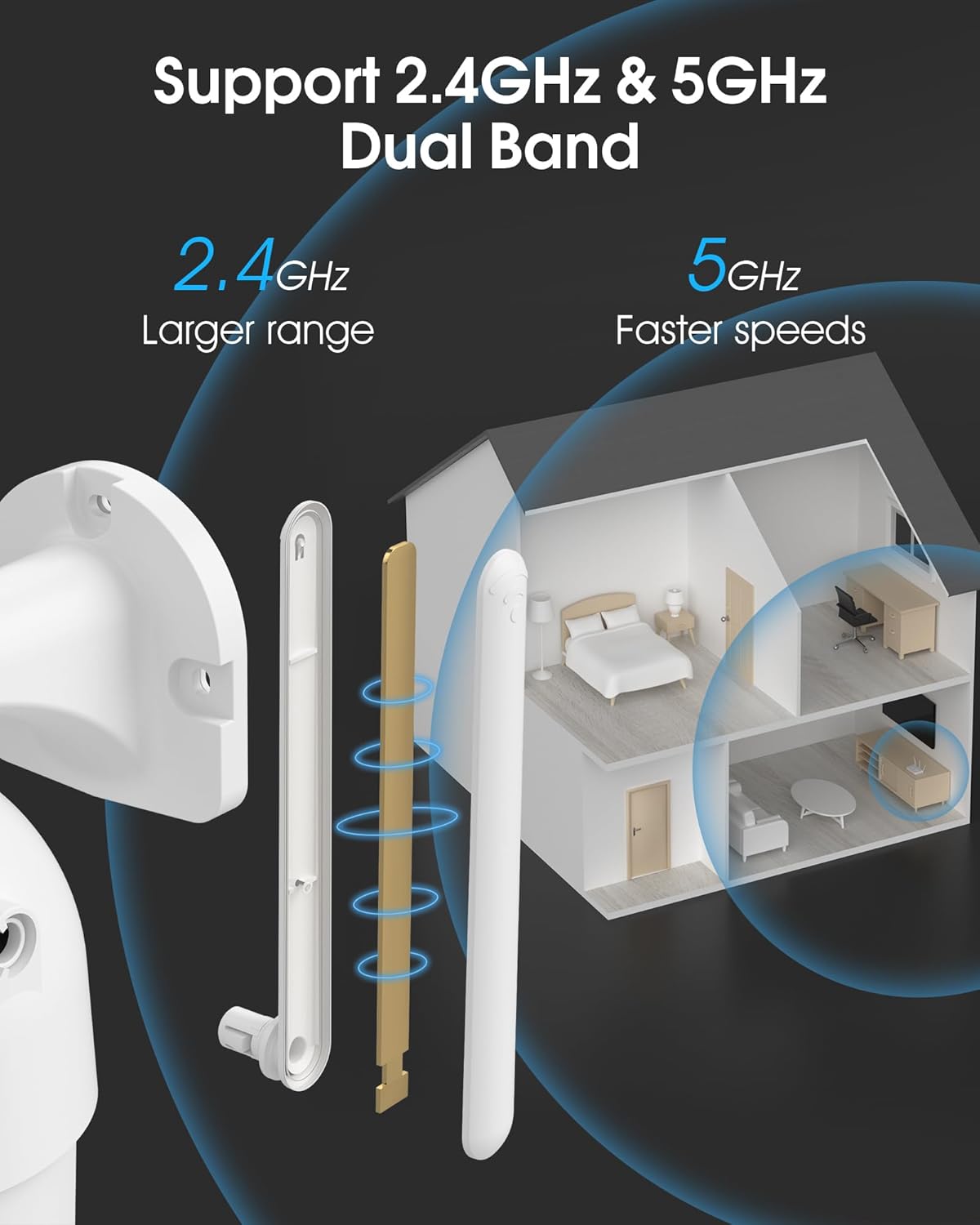
Image 4.2: The camera supports both 2.4GHz (larger range) and 5GHz (faster speeds) Wi-Fi bands.
4.4 „MicroSD“ kortelės įdėjimas (pasirinktinai)
For local storage, install a microSD card (up to 128GB, not included) into the designated slot on the camera. Ensure the camera is powered off before inserting or removing the card.

Image 4.3: Location of the microSD card slot on the camera.
5. Fotoaparato valdymas
5.1 Tiesiogiai View
Open the ARCCTV app and select your camera to view the live feed. You can monitor your property in real-time.
5.2 Pasukimo, pakreipimo ir priartinimo (PTZ) valdymas
Tiesioginiame eteryje view screen, use the directional controls to rotate the camera horizontally (Pan: 355°) and vertically (Tilt: 90°) to adjust the viewing angle. You can also set preset points for quick navigation.
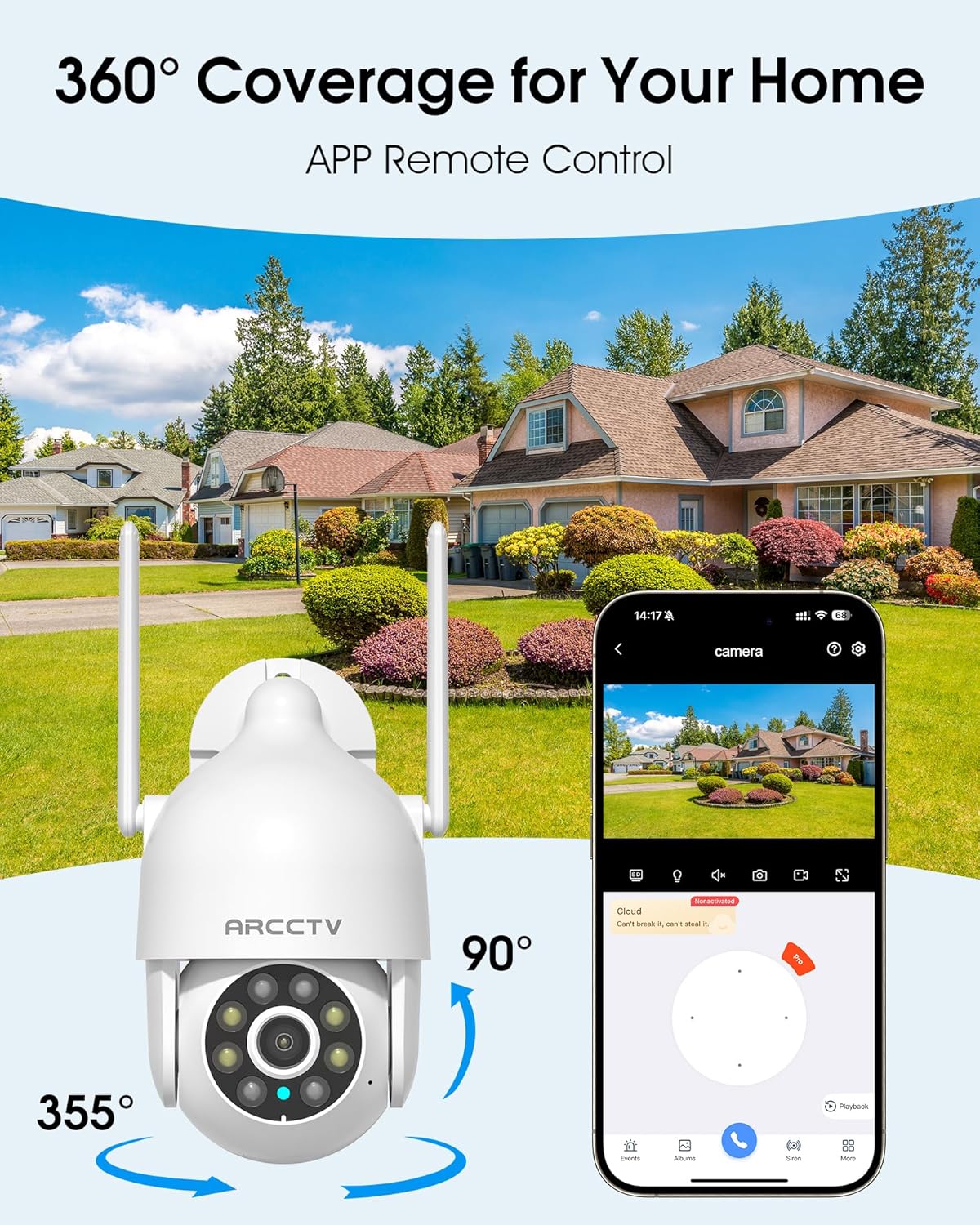
Image 5.1: The camera offers 360° coverage through remote pan and tilt controls.
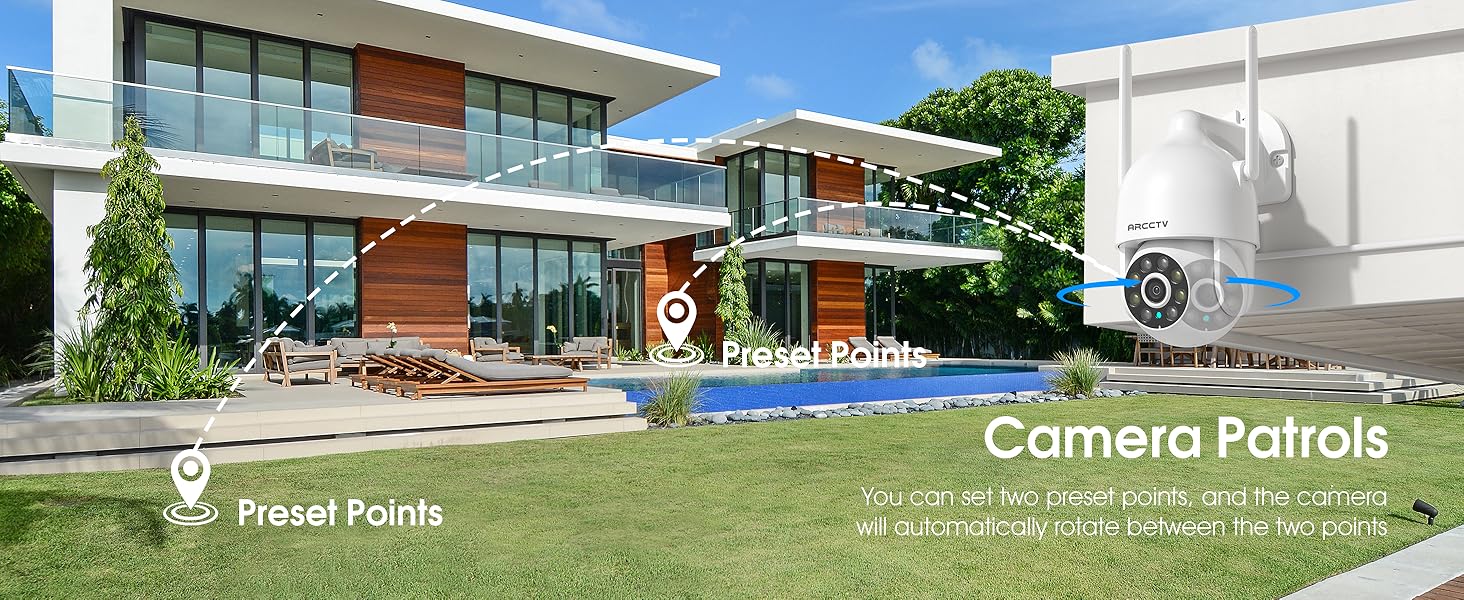
Image 5.2: Setting up camera patrol routes between preset points.
5.3 Motion Tracking and Alerts
The camera features smart AI motion tracking that automatically follows detected movement. You can customize alert zones and receive instant notifications on your smartphone when motion is detected.

Image 5.3: The camera's smart motion tracking feature in action.

Image 5.4: Instant alerts with customizable settings, including spotlight, siren, and two-way audio.
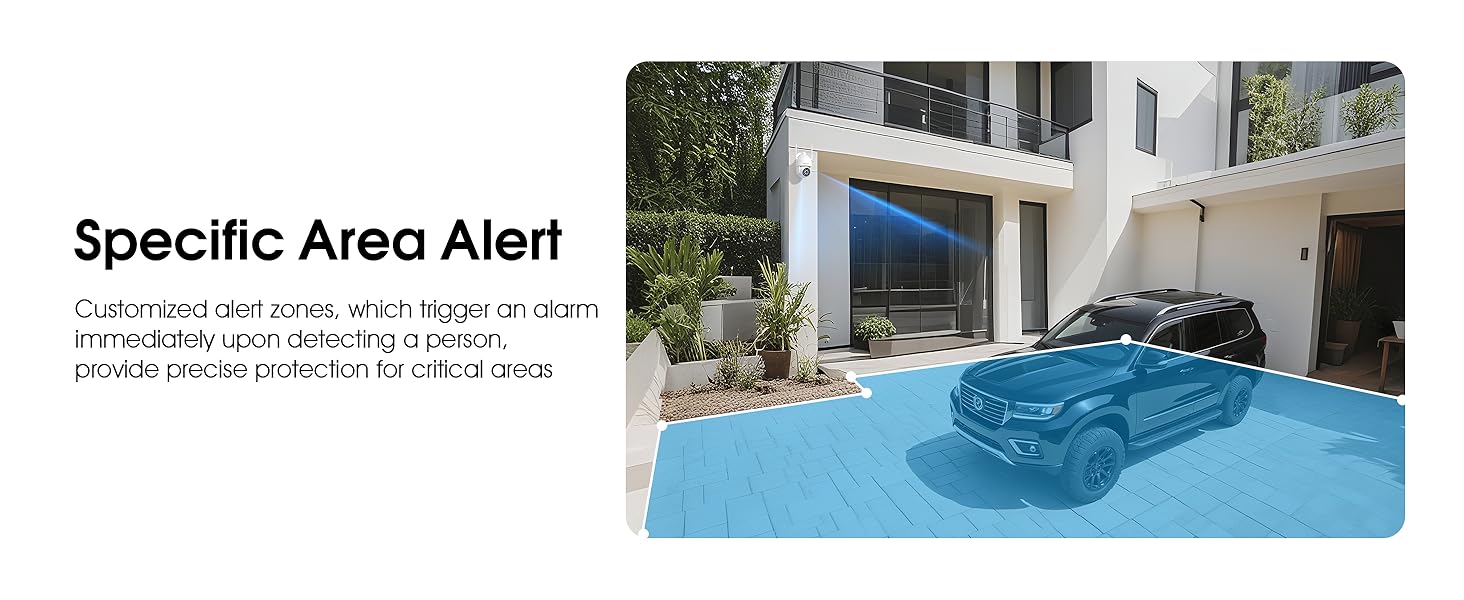
Image 5.5: Setting up specific area alerts for precise protection.
5.4 Naktinio matymo režimai
The camera offers both full-color night vision (activated by the built-in spotlight) and infrared night vision for clear monitoring in various low-light conditions.

Image 5.6: Comparison of Color Night Vision and Infrared Night Vision.
5.5 Dvipusis garsas
Use the two-way audio feature to communicate with visitors or deter unwanted guests directly through the camera's built-in microphone and speaker.
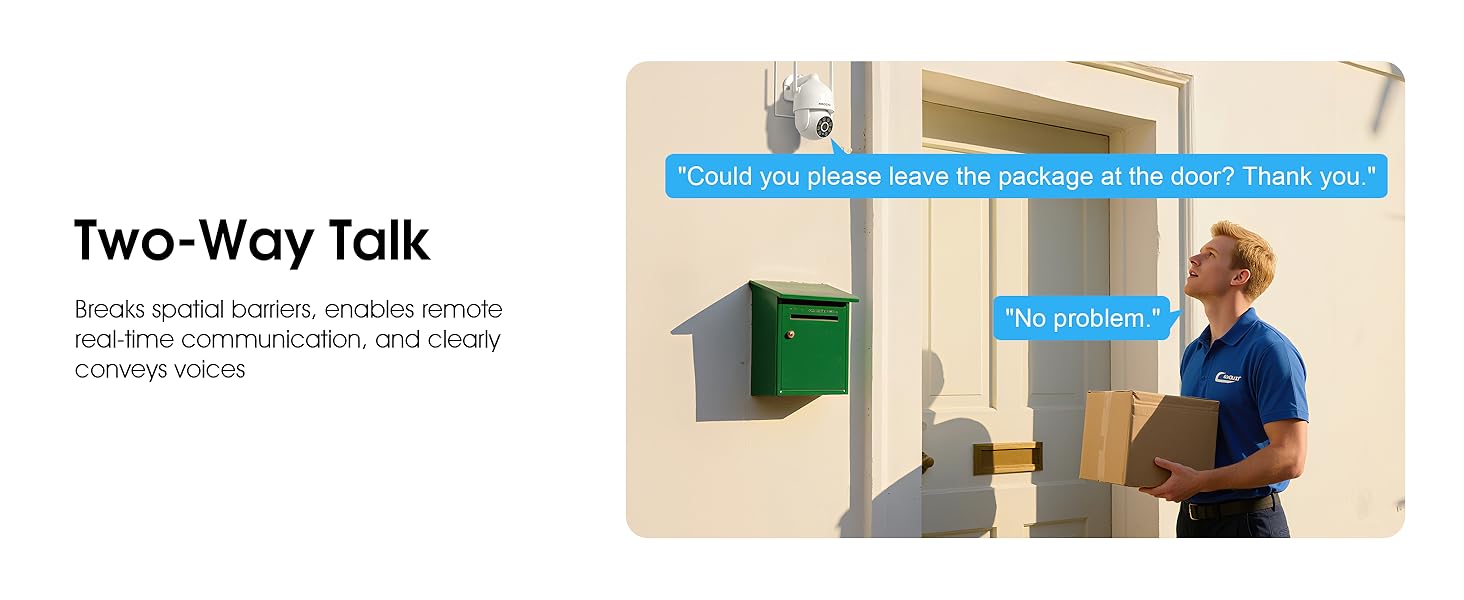
Image 5.7: Utilizing two-way talk for remote communication.
5.6 Įrašymas ir atkūrimas
Kamera palaiko nepertraukiamą įrašymą visą parą.tage can be saved to a local microSD card (up to 128GB) or to optional cloud storage. Access recorded videos through the app's playback function.

Image 5.8: The camera provides 24/7 recording capabilities.
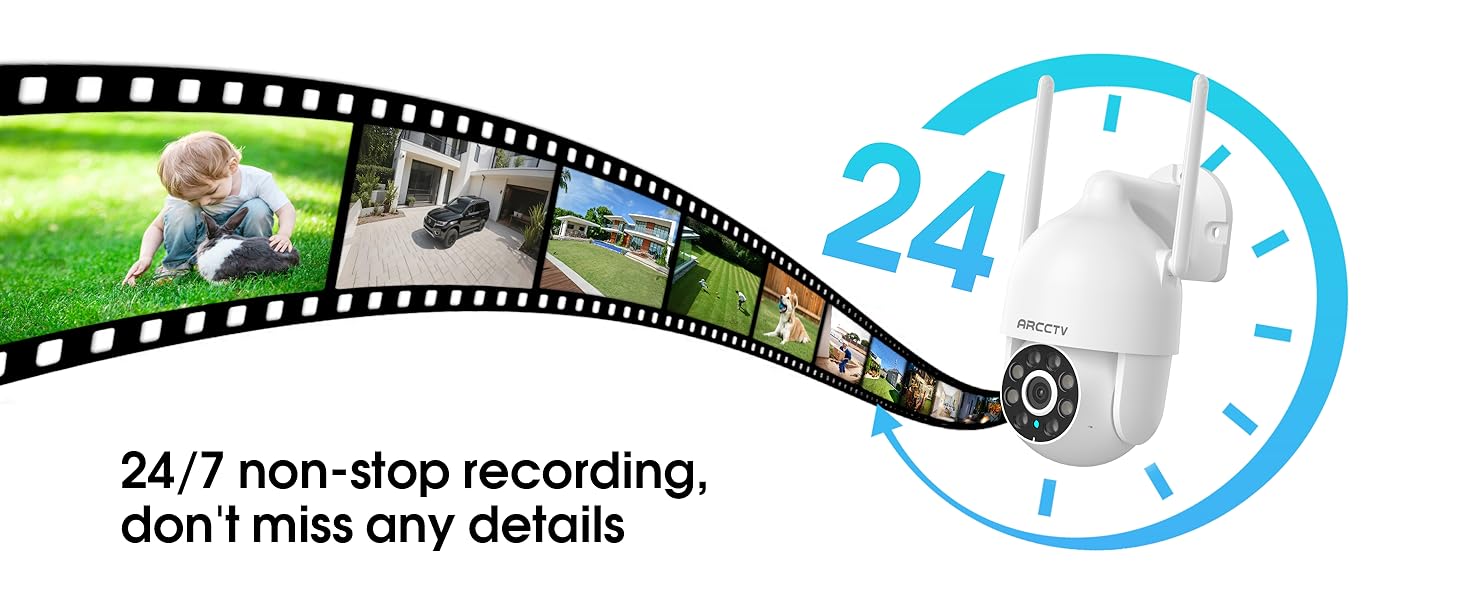
Image 5.9: Continuous 24/7 recording ensures no details are missed.
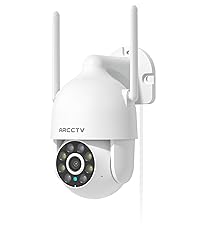
Image 5.10: Cloud storage encryption for secure and accessible recordings (subscription may apply).
5.7 Šeimos bendrinimas
The app supports multi-member sharing, allowing family members to view the camera feed and collaborate on security monitoring.
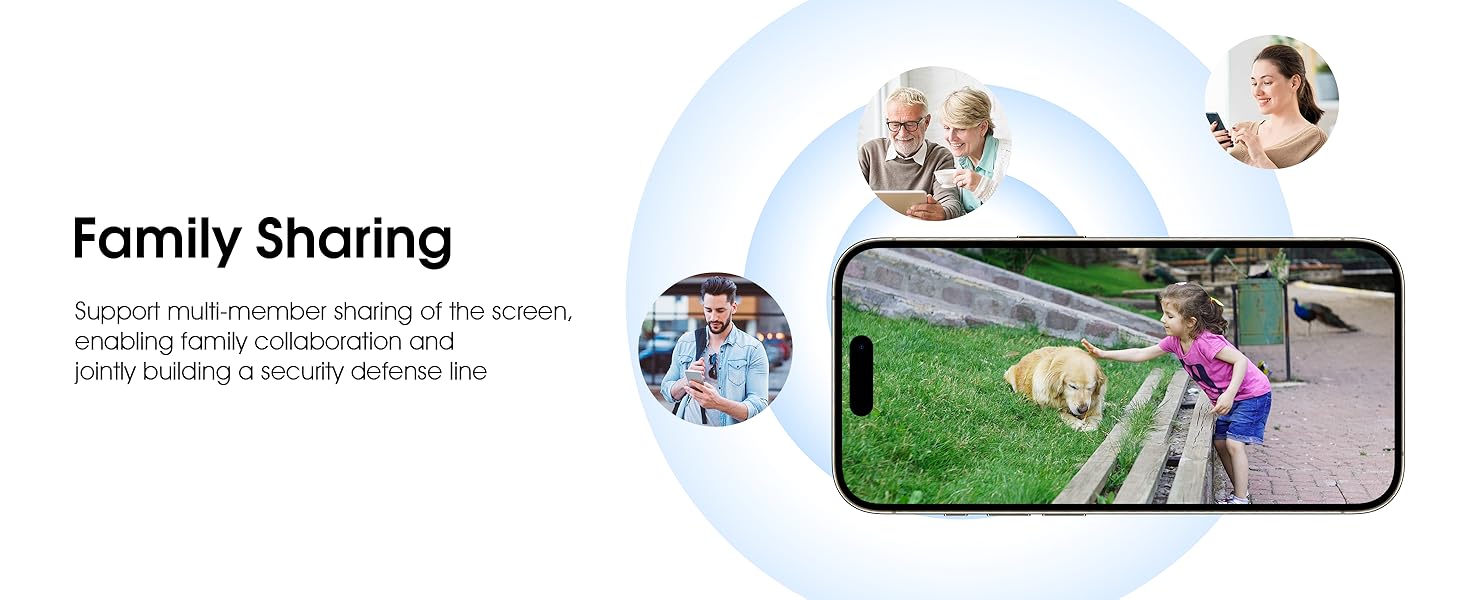
Image 5.11: The family sharing feature allows multiple users to access the camera feed.
5.8 Suderinamumas su „Alexa“
The camera is compatible with Alexa, allowing you to check the monitoring screen using voice commands.
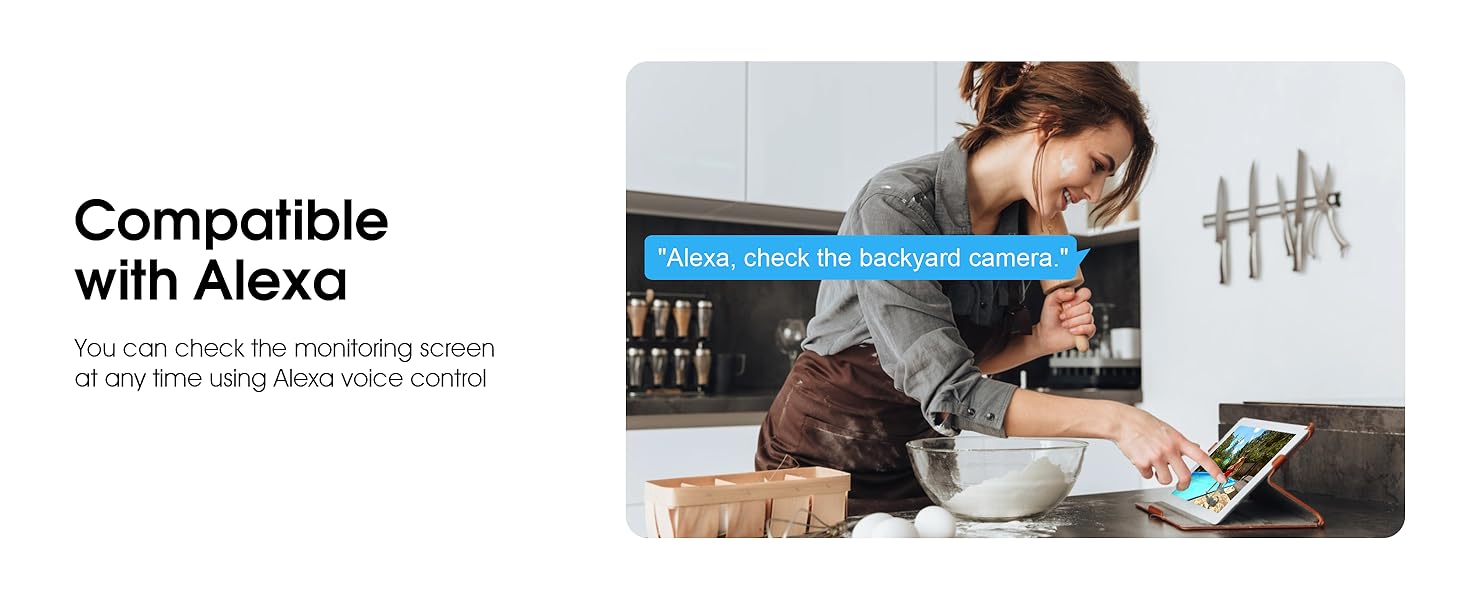
Image 5.12: Voice control via Alexa for convenient monitoring.
6. Priežiūra
6.1 Kameros valymas
Reguliariai valykite kameros objektyvą ir korpusą minkšta šluosteamp šluoste dulkes ir šiukšles pašalinti. Nenaudokite stiprių cheminių medžiagų ar abrazyvinių valiklių.
6.2 Firmware atnaujinimai
Ensure your camera's firmware is up to date for optimal performance and security. Check for updates within the ARCCTV app and follow the instructions to install them.
6.3 Saugojimo valdymas
If using a microSD card, regularly check its status in the app. Format the card periodically to maintain performance. For cloud storage, manage your subscription and storage space through the app.
7. Problemų sprendimas
- Fotoaparatas neprisijungia prie „Wi-Fi“:
- Ensure your Wi-Fi network is 2.4GHz or 5GHz and has a strong signal at the camera's location.
- Patikrinkite, ar teisingai įvestas „Wi-Fi“ slaptažodis.
- Iš naujo paleiskite maršrutizatorių ir kamerą.
- Prasta vaizdo kokybė:
- Nuvalykite fotoaparato objektyvą.
- Užtikrinkite tinkamą apšvietimą optimaliam naktinio matymo našumui.
- Patikrinkite savo interneto ryšio greitį.
- Judesio aptikimas neveikia:
- Patikrinkite, ar programėlės nustatymuose įjungtas judesio aptikimas.
- Sureguliuokite jautrumo nustatymus.
- Įsitikinkite, kad kameros matymo lauke nėra jokių kliūčių view.
- No Recording to MicroSD Card:
- Ensure a microSD card is properly inserted and formatted in the app.
- Check if the card is full; consider formatting or replacing it.
- Patikrinkite įrašymo nustatymus programėlėje.
8. Specifikacijos
| Funkcija | Specifikacija |
|---|---|
| Modelio pavadinimas | P2 |
| Naudojimas viduje / lauke | Lauke |
| Vaizdo įrašymo raiška | 2K (2304 x 1296p) |
| Ryšio technologija | Belaidis ryšys (Wi-Fi) |
| Belaidžio ryšio technologija | Wi-Fi (2.4G/5G Dual-Band) |
| Viewing kampas | 360 laipsnių (355° pasukimas, 90° pakreipimas) |
| Naktinio matymo diapazonas | 50 pėdų |
| Atsparumo vandeniui lygis | IP66 Atsparus vandeniui |
| Maitinimo šaltinis | 5V1A maitinimo adapteris |
| „Flash“ atminties palaikomas maksimalus dydis | 128 GB (MicroSD) |
| Garso ir vaizdo įrašymo galimybės | Vaizdo įrašas ir garsas |
| Ypatinga funkcija | 2-Way Audio, Motion Tracking, Full Color Night Vision |
| Prekės matmenys P x P x A | 7.8 x 6.6 x 5.3 colio |
| Prekės svoris | 1.39 svaro |
9. Garantija ir palaikymas
For warranty information and technical support, please refer to the official ARCCTV website or contact their customer service directly. Contact details are typically provided on the product packaging or within the mobile application.
Susiję dokumentai - P2
 |
ARCCTV - Guide de Démarrage Rapide et Dépannage Guide de démarrage rapide et dépannage pour les caméras de surveillance ARCCTV. Instructions pour la configuration, la détection de mouvement et la gestion des cartes SD. |
 |
ARCCTV Y2U3 Security Camera Quick Start Guide Concise guide to setting up your ARCCTV Y2U3 security camera, including app download, Wi-Fi connection, and troubleshooting. Features FCC compliance information. |
 |
ARCCTV Quick Support Guide Quick support guide for ARCCTV security cameras, including links to user manuals, FAQs, and contact information for customer support and warranty assistance. |
 |
ARCCTV Wireless Battery Camera User Quick Manual Comprehensive guide to setting up and using the ARCCTV wireless battery security camera, including app installation, Wi-Fi connection, storage, playback, and motion detection features. |
 |
ANRAN Q4-J40W WiFi baterijos kameros naudotojo vadovas Comprehensive user manual for the ANRAN Q4-J40W WiFi Battery Camera, covering setup, installation, app pairing, features, and troubleshooting. Learn how to install, connect, and manage your ANRAN security camera using the ARCCTV app. |
 |
ANRAN AR-B01/50W/30W IP WiFi Bezpečnostní Kamera Uživatelský Manuál Kompletní uživatelský manuál pro IP WiFi bezpečnostní kameru ANRAN AR-B01/50W/30W. Zjistěte, jak nainstalovat aplikaci ARCCTV, namontovat kameru, zaregistrovat účet, spárovat zařízení, nastavit detekci pohybu a nahrávání, a přehrávat záznamy. |
Ask a question about this manual
Ask about setup, troubleshooting, compatibility, parts, safety, or missing instructions. Manuals+ will review the question and use this page’s manual context to help answer it.