
1. Įvadas
Thank you for choosing the OSRAM LEDSTIXX USB Light Stick. This manual provides essential information for the safe and efficient use of your new light stick. Please read these instructions carefully before installation and operation, and retain them for future reference.
The OSRAM LEDSTIXX is a versatile, rechargeable LED light stick designed for flexible illumination in various indoor environments. It features a durable aluminum body, 3-level dimming, and a rotatable design for optimal light positioning.
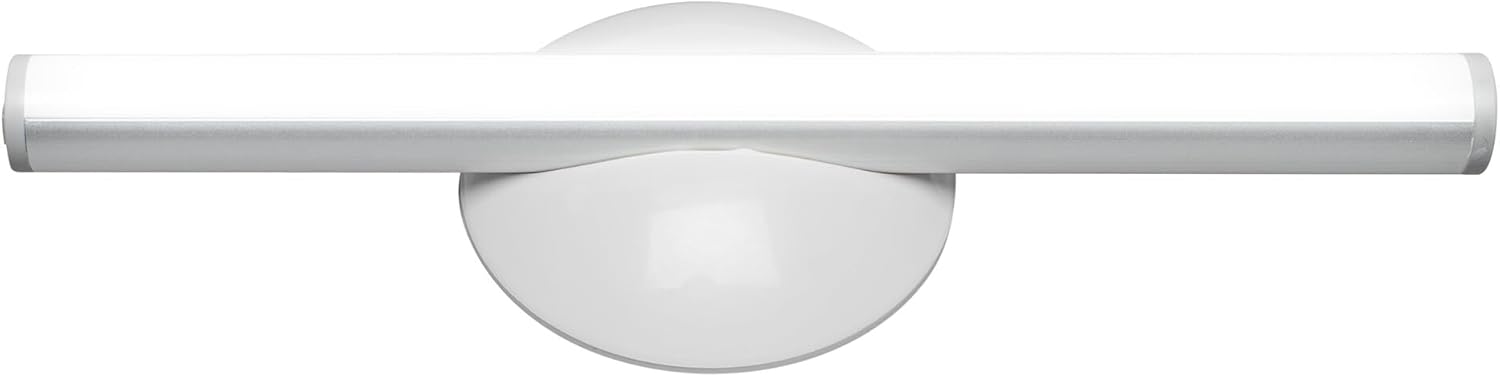
1.1 vaizdas: priekis view of the OSRAM LEDSTIXX USB Light Stick.
2. Saugos informacija
- Šis gaminys skirtas naudoti tik patalpose.
- Nelaikykite prietaiso ekstremaliose temperatūrose, tiesioginiuose saulės spinduliuose ar didelėje drėgmėje.
- Do not attempt to open, modify, or repair the device. This may void the warranty and pose a safety risk.
- Laikyti vaikams nepasiekiamoje vietoje.
- Įkrovimui naudokite tik pridedamą USB laidą arba sertifikuotą lygiavertį laidą.
- Prieš montuodami įsitikinkite, kad tvirtinimo paviršius yra švarus ir sausas.
3. Pakuotės turinys
Patikrinkite, ar pakuotėje yra visi reikalingi daiktai:
- 1x OSRAM LEDSTIXX USB Light Stick (Silver)
- Installation accessories (mounting bracket, adhesive pads)
- USB įkrovimo laidas
- Vartotojo vadovas
4. Sąranka ir diegimas
The LEDSTIXX offers flexible mounting options. Follow these steps for installation:
- Pasirinkite vietą: Select a clean, dry, and flat surface for mounting. Common applications include under cabinets, inside wardrobes, or near mirrors.
- Paruoškite paviršių: Clean the chosen surface thoroughly to ensure optimal adhesion of the mounting bracket.
- Pritvirtinkite montavimo laikiklį: Peel the protective film from the adhesive pad on the back of the mounting bracket. Firmly press the bracket onto the desired surface for at least 30 seconds. Allow the adhesive to set for a few hours before attaching the light stick.
- Attach the Light Stick: The LEDSTIXX light stick attaches magnetically to the mounting bracket. Simply place the light stick onto the bracket. It can be rotated and oriented as needed.
- Įkrovimas: Before first use, fully charge the light stick using the provided USB cable. Connect the USB cable to the charging port on the light stick and to a standard USB power source (e.g., computer, USB wall adapter). The charging indicator will show the charging status.
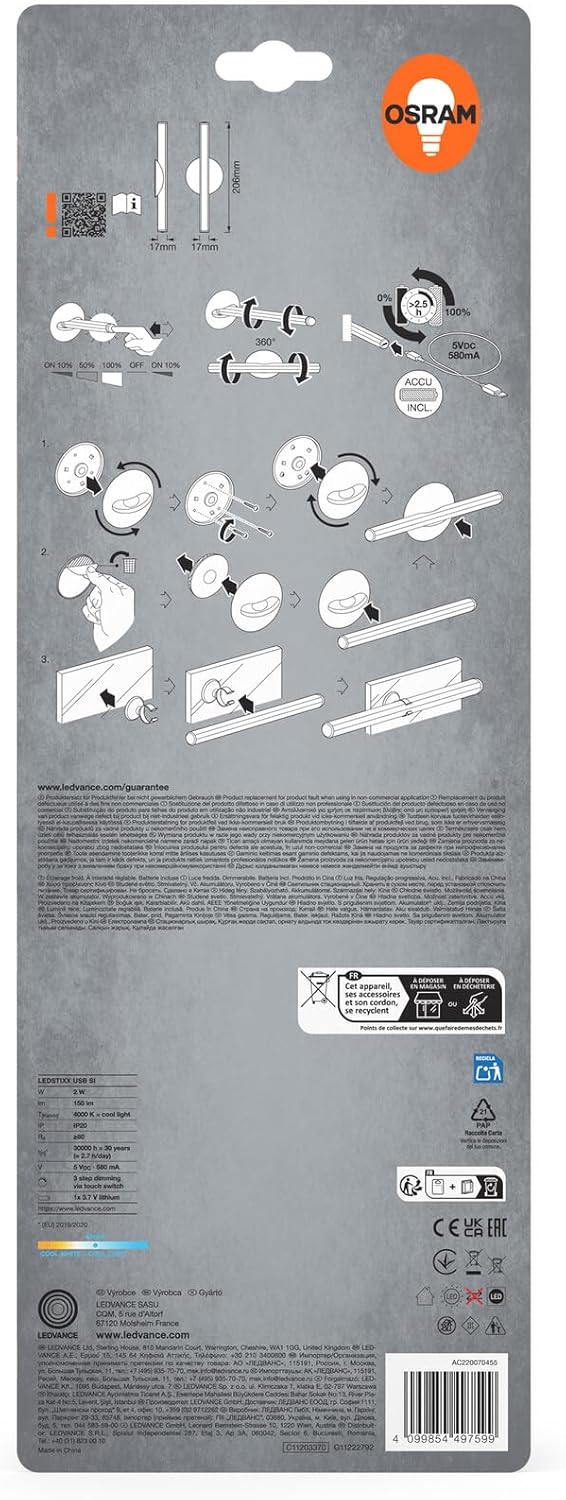
Image 4.1: Visual guide for installing the OSRAM LEDSTIXX using the adhesive mounting bracket.
5. Operacija
The OSRAM LEDSTIXX features simple touch control for power and dimming.
- Maitinimo įjungimas/išjungimas: Briefly touch the control area on the light stick to turn it on or off.
- Pritemdymas: The light stick has 3 dimming levels. After turning it on, repeatedly touch the control area to cycle through the brightness levels (e.g., 100% > 50% > 25% > Off).
- Įkrovimo indikatorius: A small LED indicator will show the charging status. Typically, red indicates charging and green indicates fully charged.
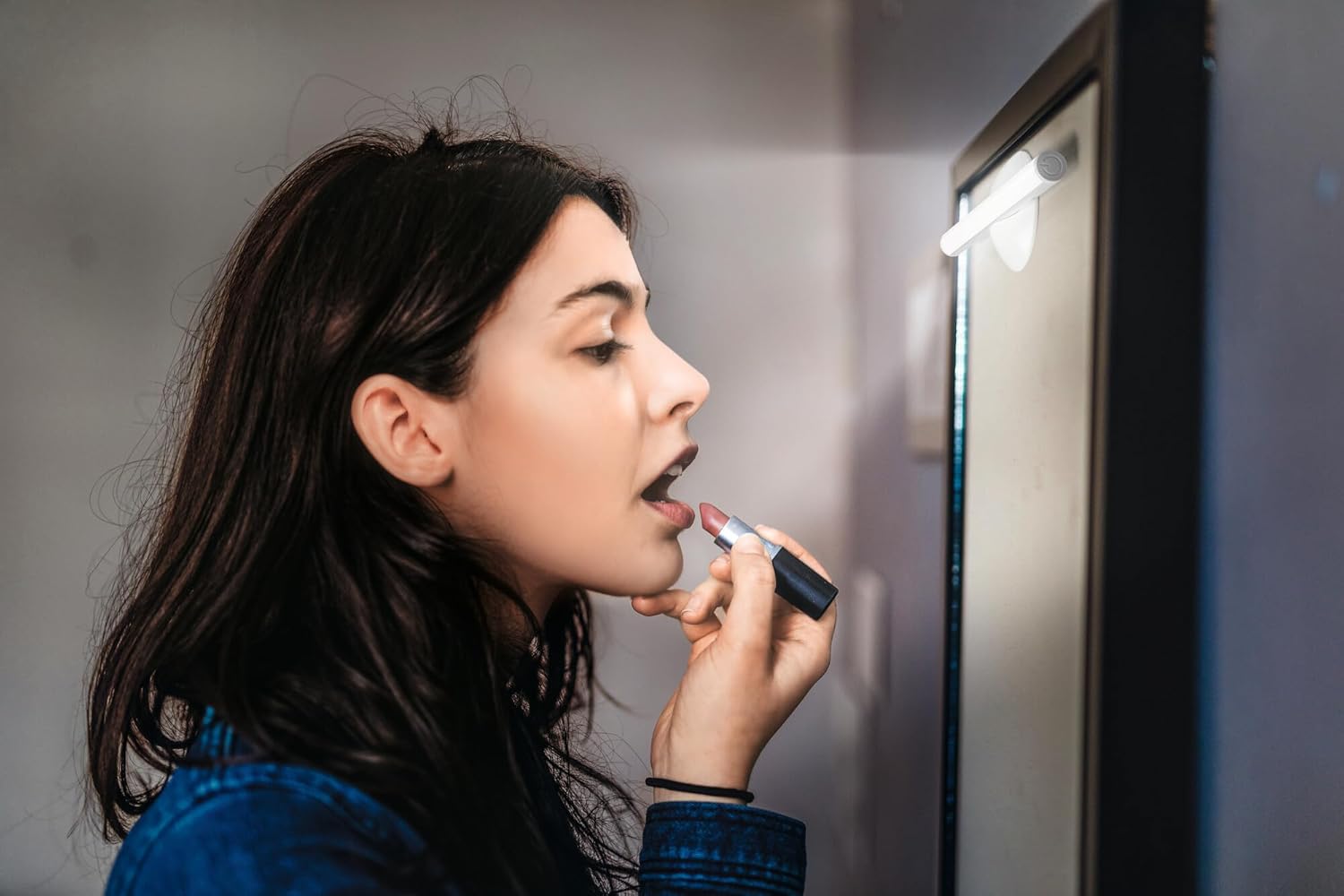
Image 5.1: The LEDSTIXX providing neutral white light for tasks such as applying makeup.
6. Priežiūra
- Valymas: Wipe the light stick with a soft, dry cloth. Do not use abrasive cleaners or solvents.
- Akumuliatoriaus priežiūra: To prolong battery life, avoid fully discharging the battery frequently. Recharge the device regularly, especially if it will not be used for an extended period.
- Saugykla: Store the light stick in a cool, dry place when not in use.
7. Problemų sprendimas
| Problema | Galima priežastis | Sprendimas |
|---|---|---|
| Šviesa neįsijungia. | Baterija išsikrovusi. | Charge the light stick using the USB cable. |
| Šviesa blanki arba mirga. | Senka baterija. | Recharge the light stick. |
| Light stick does not adhere to surface. | Surface is dirty or uneven. Adhesive not fully set. | Clean the surface thoroughly. Allow adhesive to set for several hours before attaching the light stick. |
| Cannot change brightness levels. | Neteisingas veikimas. | Ensure you are briefly touching the control area repeatedly to cycle through the 3 dimming levels. |
8. Specifikacijos
| Funkcija | Detalė |
|---|---|
| Prekės ženklas | OSRAM |
| Modelio pavadinimas | LEDstixx USB Silver |
| Modelio numeris | 4099854497599 |
| Medžiaga | Aliuminis |
| Spalva | Sidabras |
| Šviesos šaltinis | Integruotas LED |
| Šviesos srautas | 150 liumenų |
| Spalvos temperatūra | 4000 kelvinų (neutrali balta) |
| Vattage | 2 vatų |
| ttage | 5 Volt (USB) |
| Maitinimo šaltinis | Battery powered (Rechargeable Lithium Battery) |
| Pritemdymas | 3 lygiai |
| Atsparumas vandeniui | Atsparus vandeniui (IP44) |
| Matmenys (I x P x A) | 20.6 cm x 1.7 cm x 1.7 cm |
| Produkto svoris | 85 gramų |
| ES energijos vartojimo efektyvumo ženklas | G (View EPREL) |
| Kilmės šalis | Kinija |

Image 8.1: Dimensional drawing of the OSRAM LEDSTIXX, showing its length of 206mm and width of 17mm.
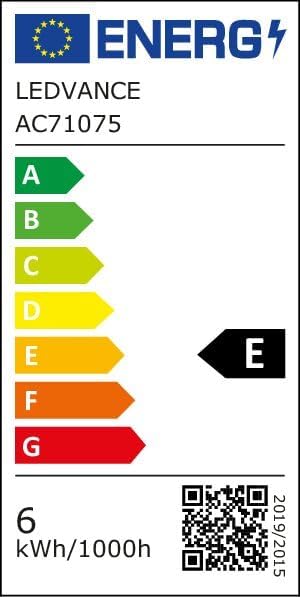
Image 8.2: EU Energy Efficiency Label for the LEDSTIXX, indicating class G and 6 kWh/1000h consumption.
9. Garantija ir palaikymas
OSRAM products are manufactured to high-quality standards. For warranty information and customer support, please refer to the official OSRAM websvetainėje arba susisiekite su vietiniu pardavėju. Išsaugokite pirkimo įrodymą, jei prireiktų garantijos.