
1. Įvadas
This manual provides detailed instructions for the MCHOSE A5 Ultra V2 Wireless Gaming Mouse. Designed for high-performance gaming, this mouse combines a lightweight, symmetrical design with advanced connectivity and sensor technology. Please read this manual thoroughly to ensure proper setup and optimal use of your device.
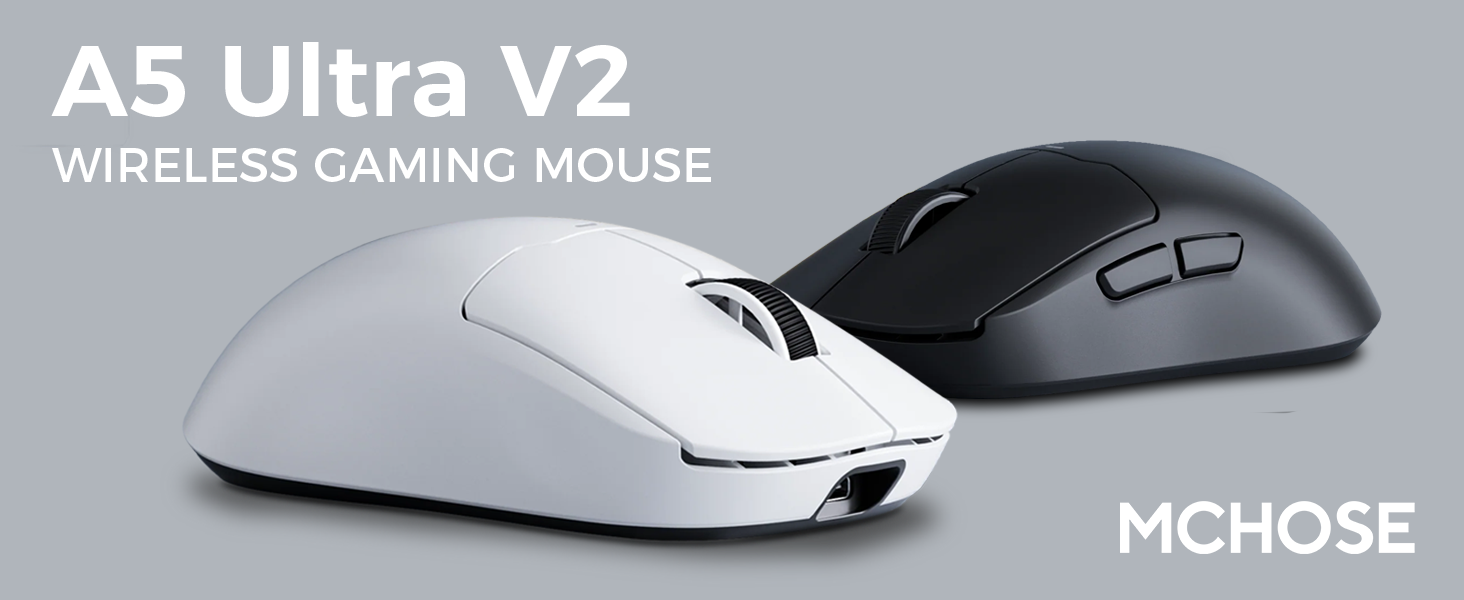
Figure 1: MCHOSE A5 Ultra V2 Wireless Gaming Mouse Overview
2. Pagrindinės savybės
- Lengvas dizainas: Weighing only 54g, the mouse offers optimal control and comfort for extended gaming sessions.

Figure 2: Lightweight design for enhanced comfort.
- High Precision PAW3395 Optical Sensor: Achieve maximum accuracy with up to 26,000 DPI for precise tracking.

Figure 3: PAW3395 optical sensor for high precision.
- Wired 8K/Wireless 4K Polling Rate: Experience ultra-low-latency and lightning-fast response times with up to 8000Hz wired and 4000Hz wireless polling rates.

Figure 4: Illustrating the 4K wireless polling rate capability.
- Trijų režimų jungtis: Connect via ultra-low-latency 2.4GHz wireless, Bluetooth, or wired USB for versatile use across various devices.

5 pav.: Trijų režimų ryšio parinktys.
- Individuali programinė įranga: Utilize the dedicated software to store custom settings for buttons, DPI adjustments, polling rates, and gaming modes directly on the mouse's onboard memory.

Figure 6: Custom software for personalized settings.
- Ilgai veikianti baterija: Enjoy up to 130 hours of battery life on a single charge, minimizing interruptions during gameplay.
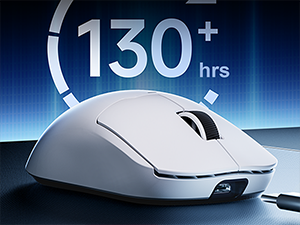
7 pav.: Ilgesnis baterijos veikimo laikas ilgesniam naudojimui.
3. Sąrankos instrukcijos
The MCHOSE A5 Ultra V2 offers three connection modes: 2.4GHz wireless, Bluetooth, and wired USB.
3.1. 2.4 GHz belaidis ryšys
- Locate the 2.4GHz USB receiver (dongle) inside the mouse's bottom compartment.
- Prijunkite USB imtuvą prie laisvo kompiuterio USB prievado.
- Turn on the mouse using the switch located on the bottom. Ensure it is set to the 2.4GHz wireless mode (usually indicated by a specific position or LED color).
- Your computer should automatically detect the mouse. If not, try restarting your computer or replugging the receiver.

Figure 8: USB receiver stored in the mouse compartment.
3.2. „Bluetooth“ ryšys
- Turn on the mouse and set the switch on the bottom to Bluetooth mode.
- Kompiuteryje arba įrenginyje eikite į „Bluetooth“ nustatymus.
- Initiate the pairing process on your device. The mouse should appear as "MCHOSE A5 Ultra V2" or similar.
- Pasirinkite pelę, kurią norite susieti. Vykdykite visus ekrane pateikiamus nurodymus.
3.3. Laidinis USB ryšys
- Prijunkite pridėtą USB-C laidą prie pelės priekinio prievado.
- Kitą laido galą prijunkite prie laisvo kompiuterio USB prievado.
- Pelė automatiškai persijungs į laidinį režimą ir pradės krautis.
4. Naudojimo instrukcijos
4.1. Pagrindinės funkcijos
- Kairysis spustelėjimas: Pirminis veiksmas.
- Dešiniuoju pelės mygtuku spustelėkite: Antrinis veiksmas / kontekstinis meniu.
- Slinkties ratukas: Slinkite aukštyn / žemyn, spustelėkite vidurinį pelės klavišą.
- Šoniniai mygtukai: Typically configured for forward/backward navigation in web browsers. Customizable via software.
4.2. DPI reguliavimas
The mouse features a dedicated DPI button (often located on the bottom or top, near the scroll wheel) to cycle through preset DPI levels. For fine-tuning and custom DPI settings, use the MCHOSE custom software.
4.3. Custom Software Usage
Download the MCHOSE custom software from the official MCHOSE websvetainė. Ši programinė įranga leidžia jums:
- Remap buttons.
- Koreguokite DPI lygius ir sukurkite pasirinktinį profesionalųfiles.
- Modify polling rates.
- Configure macros.
- Manage gaming modes.
Settings are stored on the mouse's onboard memory, allowing you to use your custom configurations on any computer without the software installed.
5. Priežiūra
- Valymas: Pelės paviršių valykite minkšta, sausa šluoste. Įsisenėjusius nešvarumus galima lengvai nuvalyti.amp cloth can be used, ensuring no moisture enters the device. Avoid harsh chemicals or abrasive materials.
- Jutiklio valymas: Periodically clean the optical sensor on the bottom of the mouse with a cotton swab to ensure optimal tracking performance.
- Akumuliatoriaus priežiūra: To prolong battery life, avoid fully discharging the mouse frequently. Charge the mouse when the battery indicator is low.
- Saugykla: Kai ilgesnį laiką nenaudojate pelės, laikykite ją vėsioje, sausoje vietoje.
6. Problemų sprendimas
| Problema | Galima priežastis | Sprendimas |
|---|---|---|
| Pelė nereaguoja (belaidė) | Low battery; USB receiver disconnected; Incorrect mode selected. | Charge the mouse; Re-plug the USB receiver; Ensure the mouse is in 2.4GHz or Bluetooth mode. |
| Pelė nereaguoja (Bluetooth) | Not paired; Bluetooth off on device; Low battery. | Re-pair the mouse; Enable Bluetooth on your device; Charge the mouse. |
| Netikslus sekimas | Nešvarus jutiklis; Netinkamas paviršius; Neteisingas DPI nustatymas. | Clean the optical sensor; Use a mouse pad or suitable surface; Adjust DPI settings. |
| Neveikia mygtukai | Programinės įrangos konfliktas; fizinė žala. | Restart computer; Check custom software settings; Contact support if physical damage is suspected. |
| Trumpas baterijos veikimo laikas | Frequent high polling rate use; Battery degradation. | Reduce polling rate if not critical; Ensure full charges; Contact support if battery life significantly degrades. |
7. Gaminio specifikacijos
| Funkcija | Detalė |
|---|---|
| Modelis | A5 Ultra V2 |
| Prekės ženklas | PASIRINKIMAS |
| Ryšio technologija | 2.4 GHz belaidis ryšys, „Bluetooth“, USB laidinis ryšys |
| Judesio aptikimo technologija | Optinis (PAW3395) |
| Maksimalus DPI | 26,000 DPI |
| Apklausos rodiklis | Wired 8000Hz, Wireless 4000Hz |
| Prekės svoris | 54 gramų (2.12 uncijos) |
| Baterijos veikimo laikas | Iki 130 valandų |
| Baterijos | 1 ličio jonų baterija (pridedama) |
| Spalva | Juoda (kaip ir dabartiniame variante) |
| Pakuotės matmenys | 7.36 x 4.53 x 3.31 colio |
| Operacinės sistemos suderinamumas | Linux, Windows |
8. Garantija ir palaikymas
This MCHOSE product is covered by a standard manufacturer's warranty. For specific warranty details, please refer to the warranty card included in your product packaging or visit the official MCHOSE websvetainę.
Dėl techninės pagalbos, trikčių šalinimo ar garantinių pretenzijų kreipkitės į MCHOSE klientų aptarnavimo tarnybą per jų oficialią websvetainėje arba kontaktinę informaciją, pateiktą jūsų produkto dokumentuose.
Note: Protection plans may be available for purchase separately through retailers. These plans are not directly provided by MCHOSE.