
1. Įvadas
This manual provides essential information for the safe and efficient operation of your Xiaomi TV A Pro 2026 43-inch LED Smart TV. Please read this manual thoroughly before using the product and retain it for future reference.
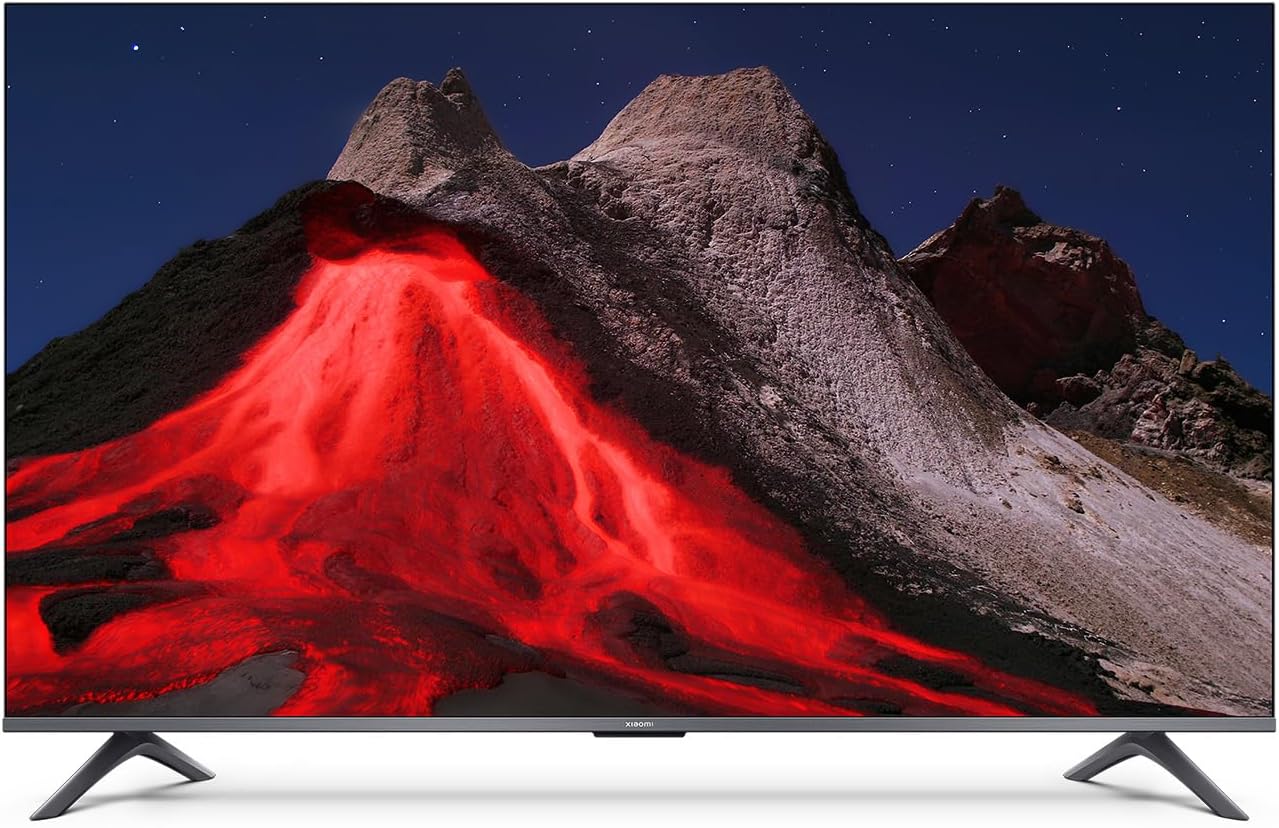
1.1 vaizdas: priekis view of the Xiaomi TV A Pro 2026 43-inch TV.
2. Saugos informacija
Always observe the following safety precautions to prevent electric shock, fire, or damage to the TV:
- Saugokite televizorių nuo lietaus ar drėgmės.
- Neatidarykite televizoriaus korpusoasing; visus techninės priežiūros darbus patikėkite kvalifikuotiems darbuotojams.
- Užtikrinkite tinkamą vėdinimą aplink televizorių.
- Laikykite televizorių atokiau nuo tiesioginių saulės spindulių, šilumos šaltinių ir atviros liepsnos.
- Naudokite tik prie televizoriaus pridėtą maitinimo laidą.
- Atjunkite televizorių nuo elektros tinklo žaibuojant arba kai jis ilgą laiką nenaudojamas.
3. Sąranka
3.1. Išpakavimas
Carefully remove the TV and all accessories from the packaging. The TV weighs approximately 31 kilograms. It is recommended that two people handle the TV during unpacking and installation.
3.2. Stovo montavimas (laikiklis ant stalo)
Norėdami sumontuoti stalo stovą:
- Padėkite televizorių ekranu žemyn ant minkšto, lygaus paviršiaus, kad nepažeistumėte ekrano.
- Sulygiuokite stovo kojeles su atitinkamomis varžtų skylėmis televizoriaus apačioje.
- Pritvirtinkite stovo kojeles pridėtais varžtais. Įsitikinkite, kad jie tvirtai priveržti.
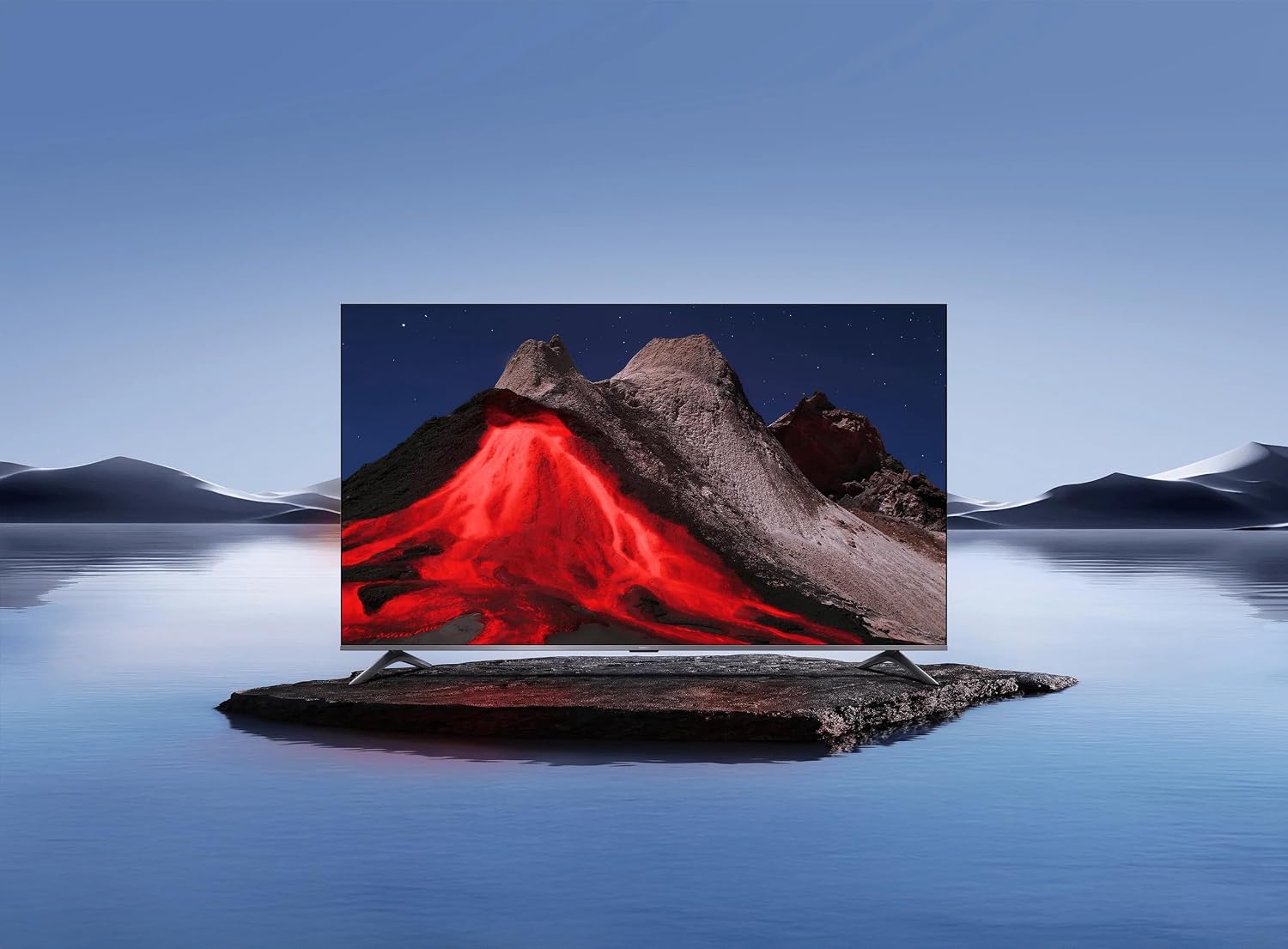
Image 3.1: Xiaomi TV A Pro 2026 43-inch mounted on its table stand.
3.3. Sienų montavimas
If you choose to wall mount your TV, use a VESA-compliant wall mount kit (not included) that supports a 400 x 400 mm pattern. Follow the instructions provided with your wall mount kit. Ensure the wall can support the weight of the TV.

Image 3.2: Xiaomi TV A Pro 2026 43-inch wall-mounted.
3.4. Prietaisų prijungimas
Connect your external devices to the TV using the available ports:
- HDMI prievadai: Skirta prijungti „Blu-ray“ grotuvus, žaidimų konsoles, priedėlius ir kt.
- USB prievadai: For connecting USB storage devices (e.g., flash drives) to play media. There is 1 USB 3.0 port.
- Ethernet prievadas: Laidiniam interneto ryšiui.
- Infraraudonųjų spindulių prievadas: For external IR blaster (if applicable).
- Maitinimo kabelis: Prijunkite maitinimo laidą prie televizoriaus, o tada – prie elektros lizdo.
3.5. Pradinis įjungimas
After connecting all cables, plug the TV into a power outlet. Press the power button on the remote control or on the TV itself. Follow the on-screen instructions to complete the initial setup, including language selection, network connection (Wi-Fi or Ethernet), and channel scanning.
4. Televizoriaus valdymas
4.1. Nuotolinio valdymo pultas
The TV can be controlled using the provided remote control. It supports both traditional button input and voice control. Refer to the remote control guide for specific button functions.
4.2. Išmaniojo televizoriaus funkcijos
Your Xiaomi TV A Pro 2026 runs on the Android operating system, providing access to a wide range of applications. Supported internet services include Netflix, Hulu, and Amazon Prime Video. Connect to the internet via Wi-Fi or Ethernet to access these features.
4.3. Balso asistento integracija
Utilize the integrated voice assistant for hands-free control. Press the dedicated voice button on your remote and speak commands to search for content, control playback, or adjust settings.
4.4. Vaizdo nustatymai
Norėdami pritaikyti vaizdo nustatymus, eikite į meniu viewpatirtis:
- Rezoliucija: The TV supports 1080p resolution.
- Atnaujinimo dažnis: Enjoy smooth motion with a 120Hz refresh rate.
- Kraštinių santykis: The standard aspect ratio is 16:9.
- AI padidinimas: Enhances lower-resolution content to near 1080p quality.
- HDR/Quantum Dot Display: Provides enhanced contrast and color vibrancy.
4.5. Garso nustatymai
The TV features standard built-in speakers. Adjust volume, sound modes, and other audio settings through the sound menu.
5. Priežiūra
5.1. Televizoriaus valymas
- Ekranas: Švelniai nuvalykite ekraną minkštu, nepūkuotu skudurėliu. Jei dėmės sunkiai įveikiamos, šiek tiek nuvalykite.ampen the cloth with water or a screen cleaner specifically designed for TVs.
- Korpusas: Televizoriaus vidų nuvalykite minkštu, sausu skudurėliu.asing. Nenaudokite abrazyvinių valiklių ar tirpiklių.
- Prieš valydami visada atjunkite televizorių nuo elektros tinklo.
5.2. Programinės įrangos atnaujinimai
Periodically check for software updates to ensure optimal performance and access to the latest features. Navigate to the settings menu, then select 'About' or 'System Update' to check for and install available updates. Ensure a stable internet connection during updates.
6. Problemų sprendimas
Jei kyla problemų dėl televizoriaus, žr. šiuos dažniausiai pasitaikančius sprendimus:
- Nėra galios: Įsitikinkite, kad maitinimo laidas yra tvirtai prijungtas prie televizoriaus ir maitinimo lizdo. Išbandykite kitą lizdą.
- Nėra vaizdo / garso: Patikrinkite įvesties šaltinį. Įsitikinkite, kad išoriniai įrenginiai yra įjungti ir tinkamai prijungti.
- Prasta vaizdo kokybė: Adjust picture settings. Check the signal source quality.
- Nuotolinio valdymo pultas neveikia: Pakeiskite baterijas. Įsitikinkite, kad tarp nuotolinio valdymo pulto ir televizoriaus IR jutiklio nėra jokių kliūčių.
- Tinklo ryšio problemos: Restart your router. Check Wi-Fi password. Try a wired Ethernet connection.
If problems persist, consult the Xiaomi support websvetainėje arba susisiekite su klientų aptarnavimo tarnyba.
7. Specifikacijos
| Funkcija | Specifikacija |
|---|---|
| Prekės ženklas | XIAOMI |
| Modelio pavadinimas | A Pro 2026 |
| Ekrano dydis | 43 colių |
| Ekrano technologija | LED |
| Rezoliucija | 1080p |
| Atnaujinimo dažnis | 120 Hz |
| Krašto santykis | 16:9 |
| Ypatingos savybės | AI Upscaling, Voice Assistant Integration, HDR or Quantum Dot Display |
| Ryšio technologija | HDMI, USB, Ethernet, Infrared, Wi-Fi |
| Palaikomos interneto paslaugos | „Netflix“, „Hulu“, „Amazon Prime Video“ |
| Operacinė sistema | Android |
| Kontrolės metodas | Nuotolinis, Balso |
| Prekės svoris | 31 kilogramo |
| VESA tvirtinimo standartas | 400 x 400 mm |
8. Garantija ir palaikymas
8.1. Informacija apie garantiją
Your Xiaomi TV A Pro 2026 is covered by a Ribota garantija. Please refer to the warranty card included with your product or visit the official Xiaomi websvetainėje rasite išsamias garantijos ir aptarnavimo sąlygas.
8.2. Pagalba klientams
For technical assistance, product inquiries, or warranty claims, please contact Xiaomi customer support through their official websvetainėje arba kontaktinę informaciją, pateiktą jūsų produkto dokumentuose.