
1. Įvadas
This manual provides comprehensive instructions for the ZWP Replacement Remote Control. This remote is designed to be a direct replacement for the original remote controls of specific tower heaters and fans. It requires no programming and is ready for use after battery installation.
Suderinami modeliai:
- PELONIS 23" Oscillating Ceramic Tower Space Heater (Models: PHTPU1501, PTH15A4BGB)
- SPT SH-1516D PTC Fan Tower
- Better Homes & Gardens 40" Tower Fan (Model: BHS2803696710BR)
2. Produktas baigtasview
The ZWP Replacement Remote Control features a durable ABS construction and soft silicone buttons for comfortable use. Its ergonomic design ensures a secure grip and easy operation.

2.1 pav.: Priekinė ir galinė dalys view of the remote control, showing the button layout and battery compartment.

Figure 2.2: Detail of the remote control's soft silicone buttons and durable ABS material.
The remote control includes the following buttons:
- Maitinimo mygtukas: Turns the device On or Off.
- Pliuso (+) mygtukas: Increases settings (e.g., fan speed, temperature).
- Minuso (-) mygtukas: Decreases settings (e.g., fan speed, temperature).
- Laikmačio mygtukas: Activates or adjusts the timer function.
- Režimo mygtukas (M): Cycles through different operating modes (e.g., fan, heat, eco).
- Virpesių mygtukas: Controls the oscillation feature of the device.
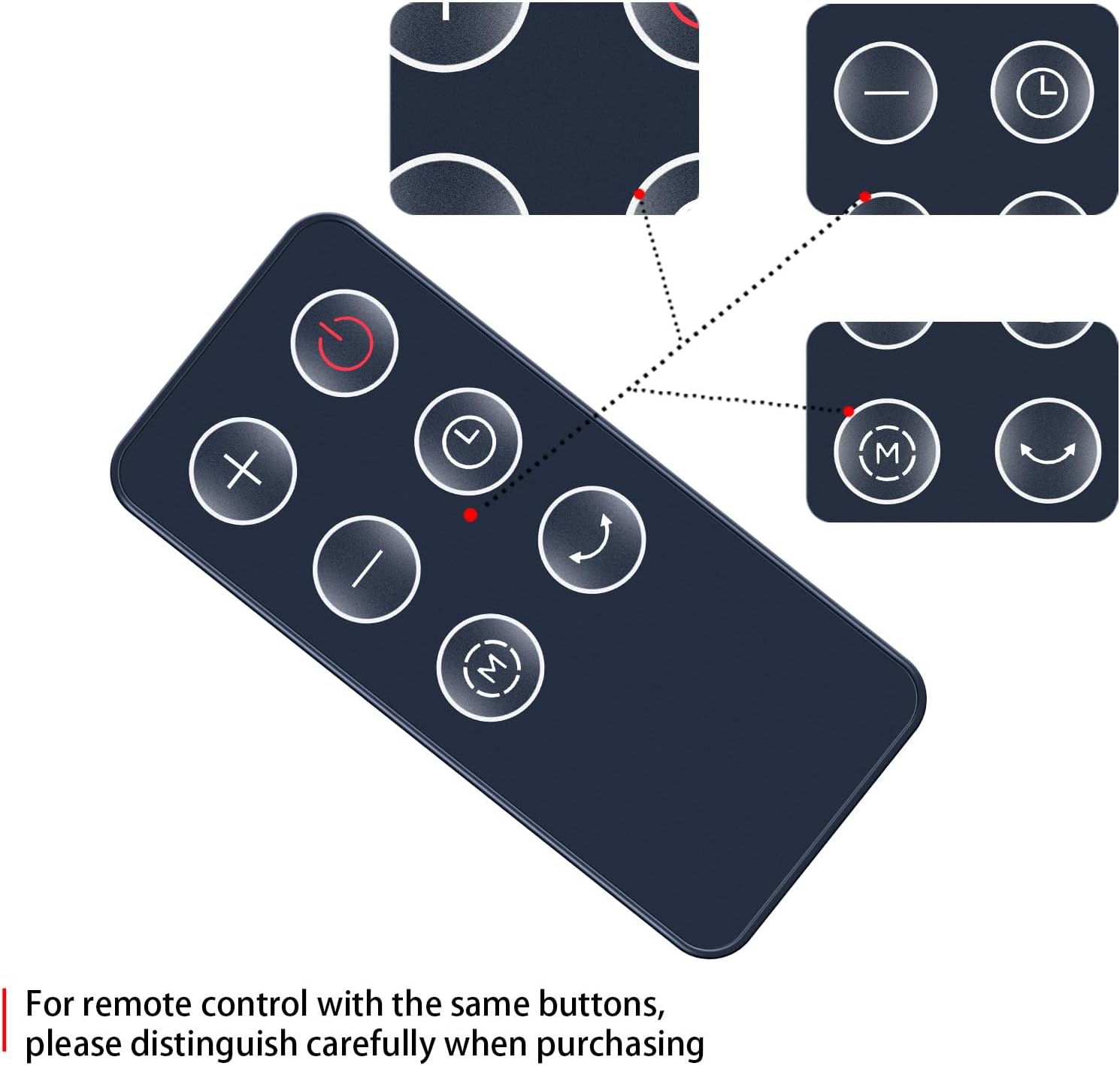
Figure 2.3: Visual representation of the remote control's buttons and their positions.
3. Sąranka: Baterijos įdėjimas
The remote control requires one CR2025 button cell battery (not included). Follow these steps to install the battery:
- Nuotolinio valdymo pulto gale raskite baterijų skyrių.
- Press the 'RELEASE' tab and slide the battery tray out.
- Insert one CR2025 battery with the positive (+) side facing upwards, as indicated in the compartment.
- Slide the battery tray back into the compartment until it clicks securely into place.
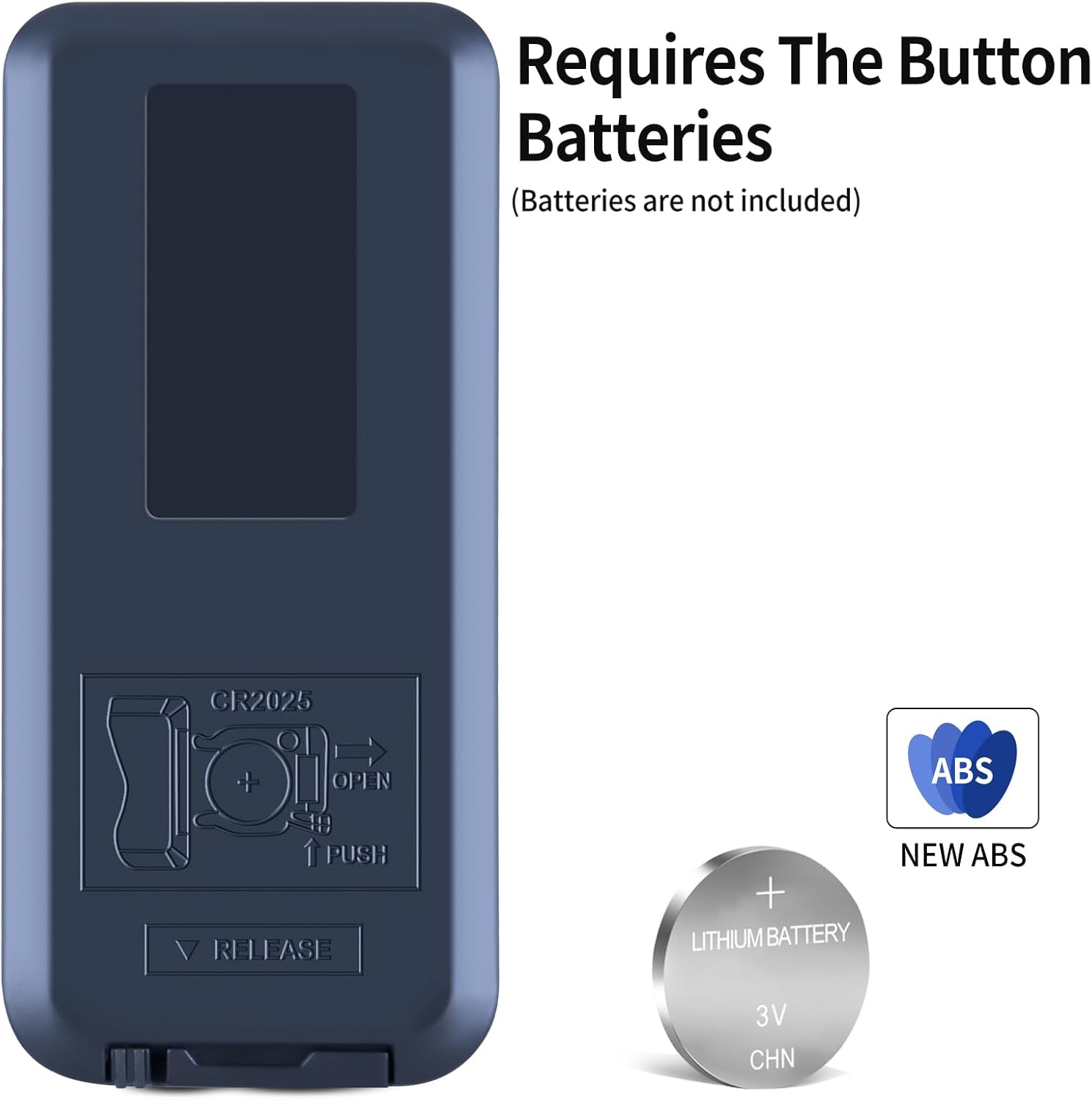
Figure 3.1: The battery compartment on the back of the remote, indicating CR2025 battery type and installation direction.
Important: Ensure the battery is inserted with the correct polarity. Incorrect installation may damage the remote control.
4. Naudojimo instrukcijos
This remote control requires no programming. Once the battery is installed, it is ready to operate your compatible device. Point the remote control directly at the infrared receiver on your device.
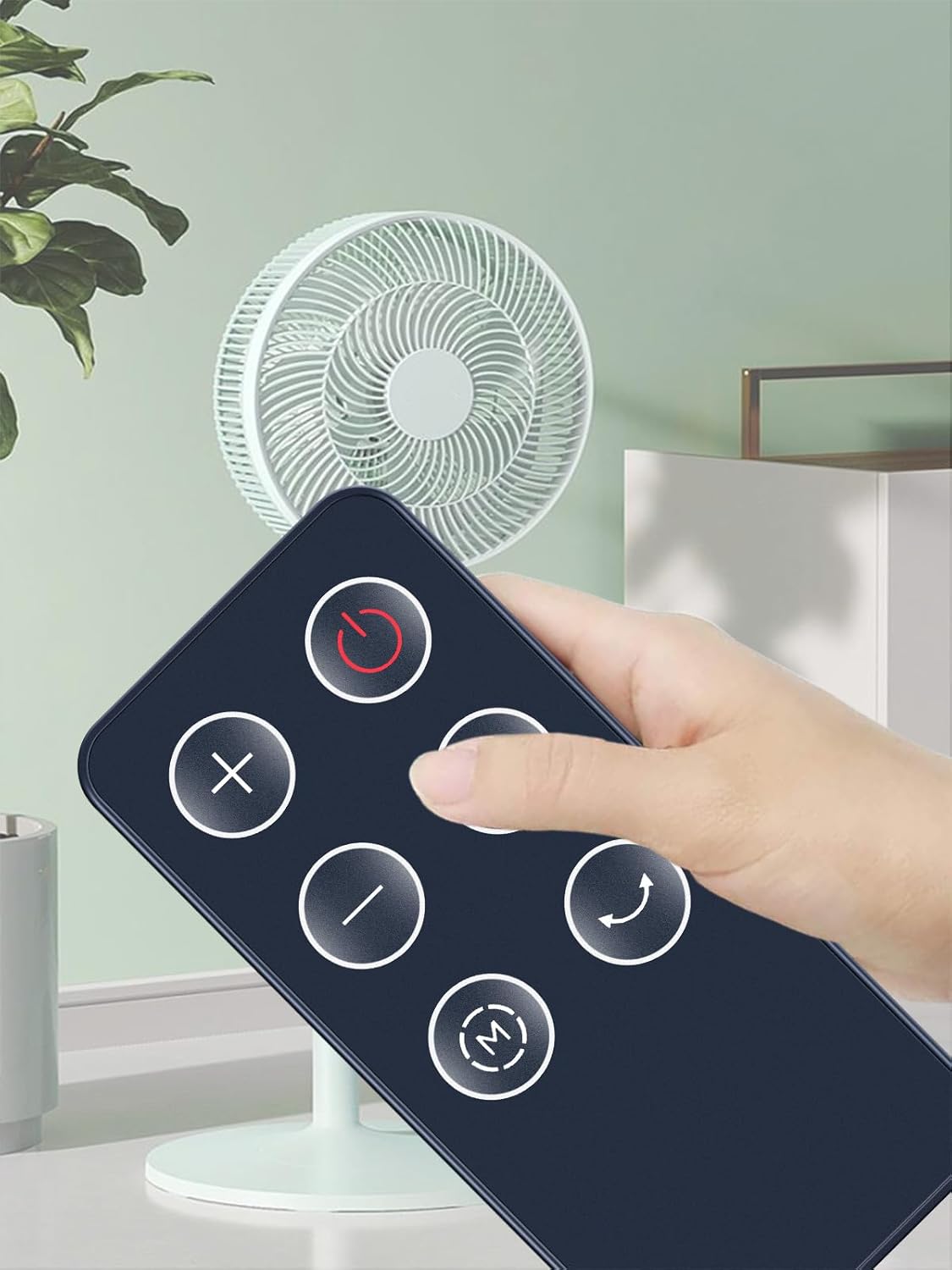
Figure 4.1: Proper way to hold and point the remote control towards the device.
The operational distance for the remote control is approximately 10 meters (33 feet) under optimal conditions. Ensure there are no obstructions between the remote and the device's receiver.
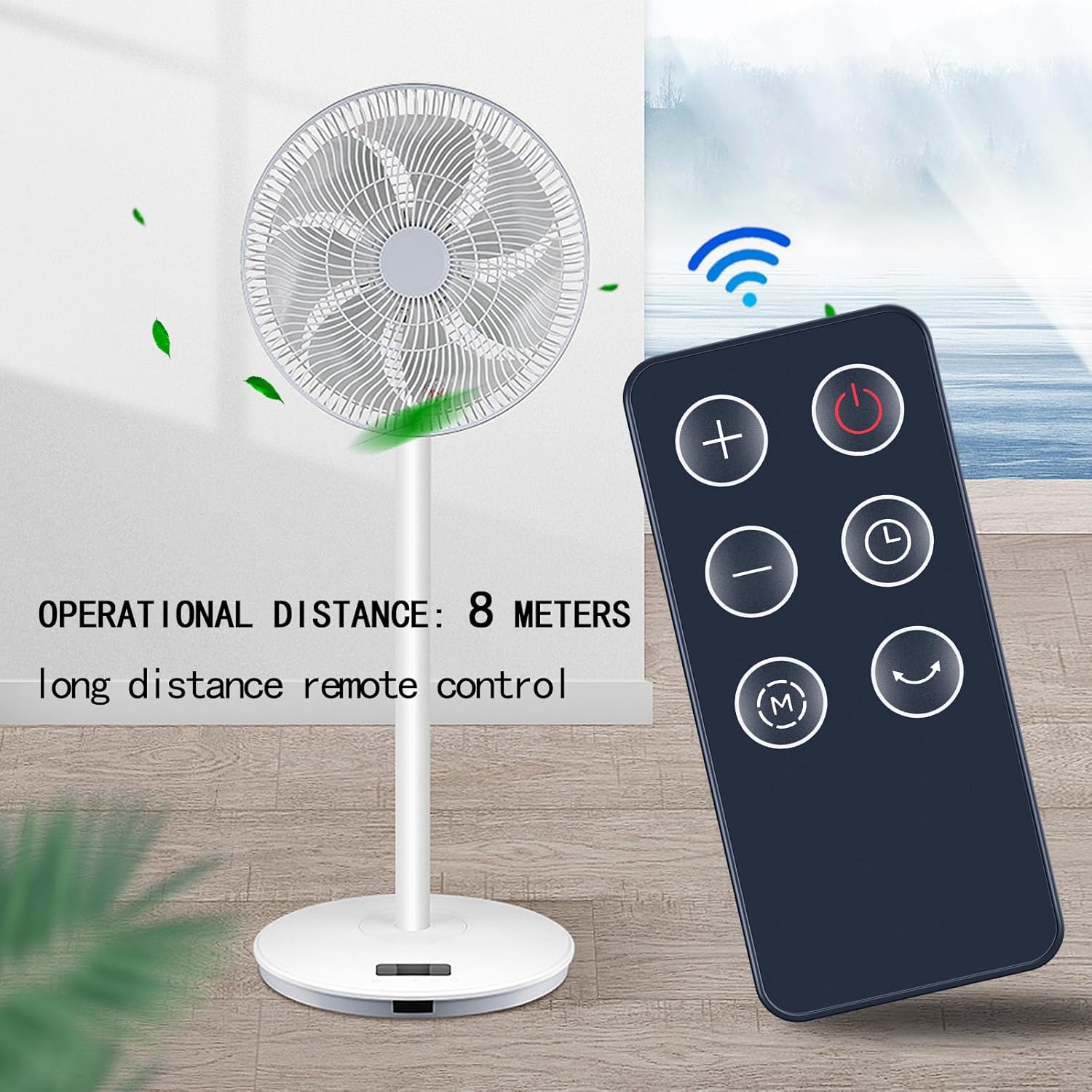
Figure 4.2: The remote control's effective operational distance from the device.
To use the remote:
- Paspauskite Maitinimo mygtukas to turn your device on or off.
- Naudokite Pliusas (+) ir Minus (-) Buttons to adjust settings such as fan speed or temperature.
- Paspauskite Režimo mygtukas (M) to cycle through available operating modes.
- Activate or deactivate the oscillation feature using the Virpesių mygtukas.
- Set or adjust the device's timer function with the Laikmačio mygtukas.
5. Priežiūra
Kad jūsų nuotolinio valdymo pultas tarnautų ilgai ir tinkamai veiktų, laikykitės šių priežiūros nurodymų:
- Valymas: Nuotolinio valdymo pultą valykite minkšta, sausa šluoste. Nenaudokite skystų valiklių ar abrazyvinių medžiagų, nes jos gali pažeisti paviršių ar vidinius komponentus.
- Baterijos keitimas: Replace the CR2025 battery when the remote control's range decreases or it stops responding. Always dispose of old batteries responsibly according to local regulations.
- Saugykla: Jei ilgesnį laiką nenaudojate nuotolinio valdymo pulto, laikykite jį vėsioje, sausoje vietoje, toliau nuo tiesioginių saulės spindulių ir ekstremalių temperatūrų.
6. Problemų sprendimas
Jei kyla problemų dėl nuotolinio valdymo pulto, pabandykite atlikti šiuos trikčių šalinimo veiksmus:
- Nuotolinio valdymo pultas nereaguoja:
- Check if the battery is installed correctly with the positive (+) side up.
- Pakeiskite bateriją nauja CR2025 baterija.
- Įsitikinkite, kad tarp nuotolinio valdymo pulto ir įrenginio infraraudonųjų spindulių imtuvo nėra jokių kliūčių.
- Make sure you are within the operational range (approximately 10 meters).
- Operacija su pertraukomis:
- This often indicates a low battery. Replace the battery.
- Ensure a clear line of sight to the device.
7. Specifikacijos
| Prekės ženklas | ZWP |
| Suderinami įrenginiai | PELONIS PHTPU1501, PTH15A4BGB; SPT SH-1516D; Better Homes & Gardens BHS2803696710BR |
| Ryšio technologija | Infraraudonųjų spindulių |
| Didžiausias diapazonas | 10 metrų (apie 33 pėdas) |
| Baterijos tipas | CR2025 Button Cell (not included) |
| Medžiaga | High-quality ABS with Soft Silicone Buttons |
| Spalva | Juoda |
| Prekės svoris | 2.08 uncijos |
8. Parama
For any questions or assistance regarding your ZWP Replacement Remote Control, please do not hesitate to contact us. We are committed to helping you resolve any issues you may encounter.
Dėl tiesioginės pagalbos žr. pardavėjo kontaktinę informaciją savo pirkimo platformoje.