
1. Įvadas
This user manual provides detailed instructions for the Tangxi Portable 4G/5G Mobile Hotspot, model Tangxiwbt2r4vmkc. It covers everything from initial setup and operation to maintenance and troubleshooting, ensuring you can maximize your device's potential for reliable, high-speed internet access wherever you are.
2. Saugos informacija
- Nelaikykite prietaiso ekstremaliose temperatūrose, tiesioginiuose saulės spinduliuose ar drėgmėje.
- Stenkitės, kad prietaisas nenumestų ar nepatirtų stipraus smūgio.
- Naudokite tik pateiktą arba patvirtintą įkrovimo laidą.
- Laikyti vaikams nepasiekiamoje vietoje.
- Nebandykite patys išardyti ar taisyti įrenginio.
3. Pakuotės turinys
Patikrinkite, ar pakuotėje yra visi reikalingi daiktai:
- 1 x Tangxi Portable 4G/5G Mobile Hotspot
- 1 x USB Supply Cable (Type-C)
- 1 x Naudotojo vadovas (šis dokumentas)
4. Produktas baigtasview
The Tangxi Portable 4G/5G Mobile Hotspot is a compact and powerful device designed to provide high-speed internet connectivity on the go. It supports 4G/5G networks, offering speeds up to 300Mbps, and can connect up to 10 devices simultaneously. Its built-in 3200mAh battery ensures over 10 hours of continuous use.
Pagrindinės funkcijos:
- 4G/5G Connectivity: Enjoy fast internet without broadband, simply by inserting a SIM card.
- Didelės spartos tinklas: Supports LTE CAT4 standard with speeds up to 300Mbps.
- Ilgas baterijos veikimo laikas: Integrated 3200mAh Lithium-ion battery provides over 10 hours of usage.
- Kelių įrenginių palaikymas: Connect up to 10 devices simultaneously.
- Plug and Play: Easy setup with USB-C power supply and SIM card insertion.
Įrenginio komponentai:

1 pav.: priekis view of the hotspot highlighting key features like Type-C interface, 4G/5G high-speed internet, and battery capacity.

Figure 2: The mobile hotspot demonstrating its high-performance battery, capable of over 10 hours of continuous use.
5. Sąranka
5.1 SIM kortelės įdėjimas
- Carefully remove the back cover of the hotspot device.
- Raskite SIM kortelės lizdą.
- Insert your 4G/5G SIM card into the designated slot, ensuring correct orientation.
- Saugiai uždėkite galinį dangtelį.
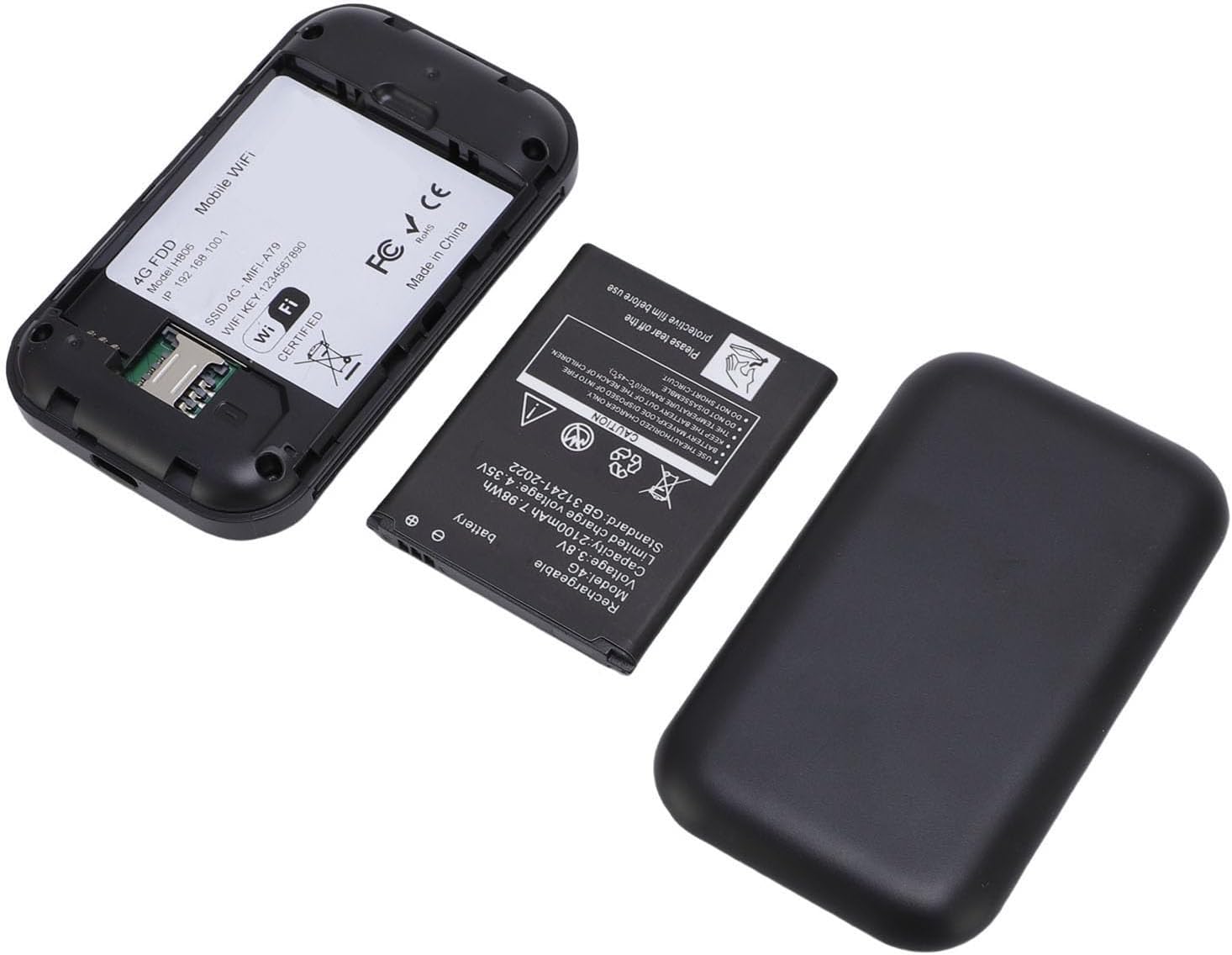
3 pav.: Vidinis view of the hotspot, showing the battery removed and the SIM card slot for easy insertion.
5.2 Įjungimas ir pradinis prijungimas
- Press and hold the power button on the device until the screen illuminates.
- The device will begin registering with the network. This may take a few moments.
- Once registered, the screen will display network status, remaining data, and Wi-Fi details.
- Išmaniajame telefone, planšetiniame kompiuteryje arba nešiojamajame kompiuteryje ieškokite galimų „Wi-Fi“ tinklų.
- Select the network name (SSID) displayed on your hotspot's screen.
- Enter the Wi-Fi password (Key) shown on the hotspot's screen to connect.
Video 1: A short demonstration of unboxing the mobile hotspot and inserting the SIM card, followed by powering on the device.
6. Naudojimo instrukcijos
6.1 Kelių įrenginių prijungimas
The hotspot supports simultaneous connections for up to 10 devices. Follow the initial connection steps (Section 5.2) for each device you wish to connect.
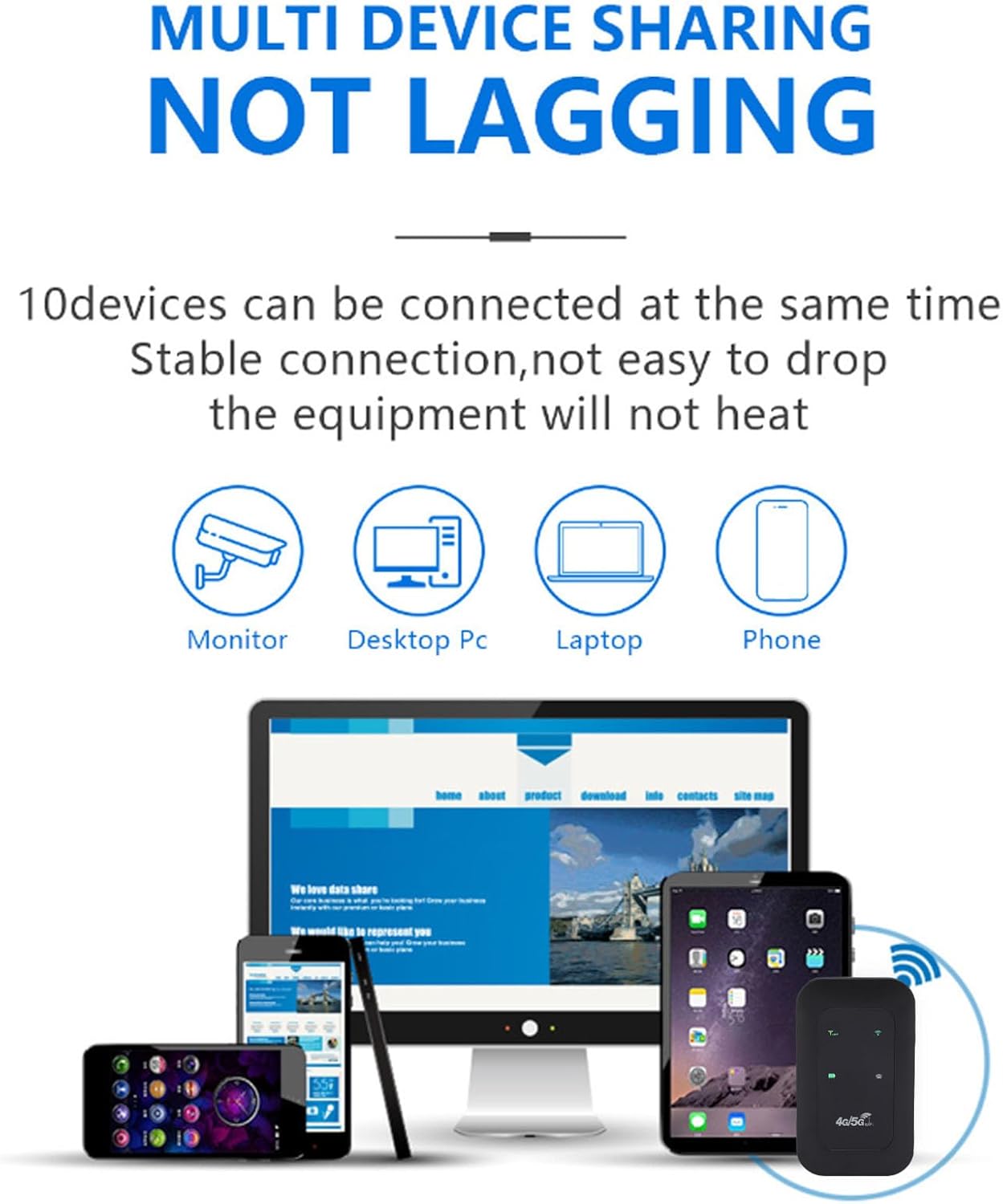
Figure 4: The hotspot providing stable internet to various devices including a monitor, desktop PC, laptop, and smartphone.
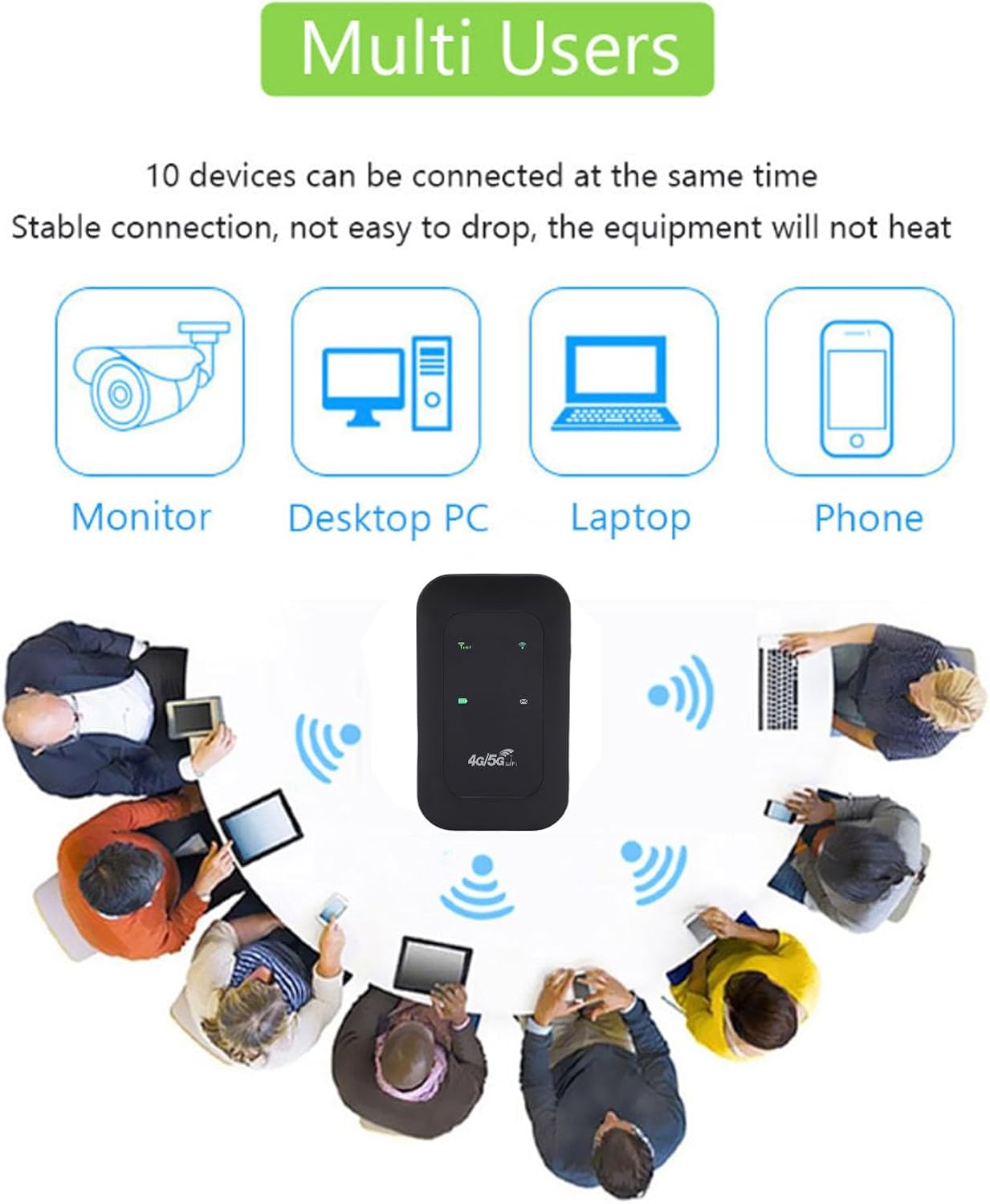
Figure 5: The mobile hotspot facilitating internet access for several individuals and their devices, emphasizing its multi-user capability.
6.2 Rodiklių supratimas
The device's display provides real-time information about its status:
- Signalo stiprumas: Bars indicate the strength of the 4G/5G cellular signal.
- „Wi-Fi“ būsena: An icon indicates if Wi-Fi is active and broadcasting.
- Baterijos lygis: An icon shows the current battery charge.
- Duomenų naudojimas: Displays remaining and total data usage (if applicable to your SIM plan).

Figure 6: The hotspot's ability to provide smooth network speed and accurate reception of high-frequency signals within a home environment.
7. Priežiūra
7.1 Akumuliatoriaus priežiūra
- Prieš naudodami pirmą kartą, visiškai įkraukite prietaisą.
- Kad pailgintumėte akumuliatoriaus tarnavimo laiką, venkite jo reguliariai visiškai iškrauti.
- Jei įrenginį ketinate laikyti ilgesnį laiką, įkraukite jį iki maždaug 50 % ir laikykite vėsioje, sausoje vietoje.
7.2 Valymas ir laikymas
- Prietaisą valykite minkštu, sausu skudurėliu. Nenaudokite skystų valiklių.
- Store the hotspot in a protective pouch or case when traveling to prevent scratches or damage.
8. Problemų sprendimas
8.1 Nėra interneto ryšio
- Įsitikinkite, kad SIM kortelė tinkamai įdėta ir aktyvuota su duomenų planu.
- Check the signal strength indicator on the hotspot. If signal is weak, move to an area with better reception.
- Restart the hotspot device and your connected device.
- Verify that your data plan has not been exhausted.
8.2 Lėtas ryšio greitis
- Sumažinkite prijungtų įrenginių skaičių.
- Ensure you are in an area with good 4G/5G coverage.
- Check for any background applications consuming bandwidth on connected devices.
8.3 Įrenginys neįsijungia
- Įsitikinkite, kad akumuliatorius įkrautas. Prijunkite įrenginį prie maitinimo šaltinio naudodami USB-C laidą.
- Pabandykite naudoti kitą USB-C laidą ir maitinimo adapterį.
Video 2: An instructional video demonstrating how to set up tethering, which can be a useful alternative connection method or troubleshooting step.
9. Specifikacijos
| Funkcija | Detalė |
|---|---|
| Prekės tipas | Nešiojamas viešosios interneto prieigos taškas |
| Medžiaga | ABS + electronic components |
| Tinklo juostos | LTE: B1/B3/B5/B40, WCDMA: B1 |
| „Wi-Fi“ palaikymas | 802.11 b/g/n Wireless Network |
| Perdavimo dažnis | Iki 300 Mbps |
| SIM kortelės lizdas | 1 (neįtraukta) |
| Baterijos tipas | Built-in 3200mAh Lithium-ion Battery |
| Ryšio protokolas | 4G LTE, 5G |
| Suderinami įrenginiai | Nešiojamasis kompiuteris, išmanusis telefonas |
| Saugumo protokolas | WPA2-PSK |
| Modelio numeris | Tangxiwbt2r4vmkc |
10. Informacija apie garantiją
This product comes with a manufacturer warranty for 90 days from the date of purchase. Please retain your proof of purchase for any warranty claims.
11. Parama
For further assistance, product information, or to explore other Tangxi products, please visit the official Tangxi store:
Visit the Tangxi Store on Amazon
Manufacturer: Tangxi