
1. Produktas baigtasview
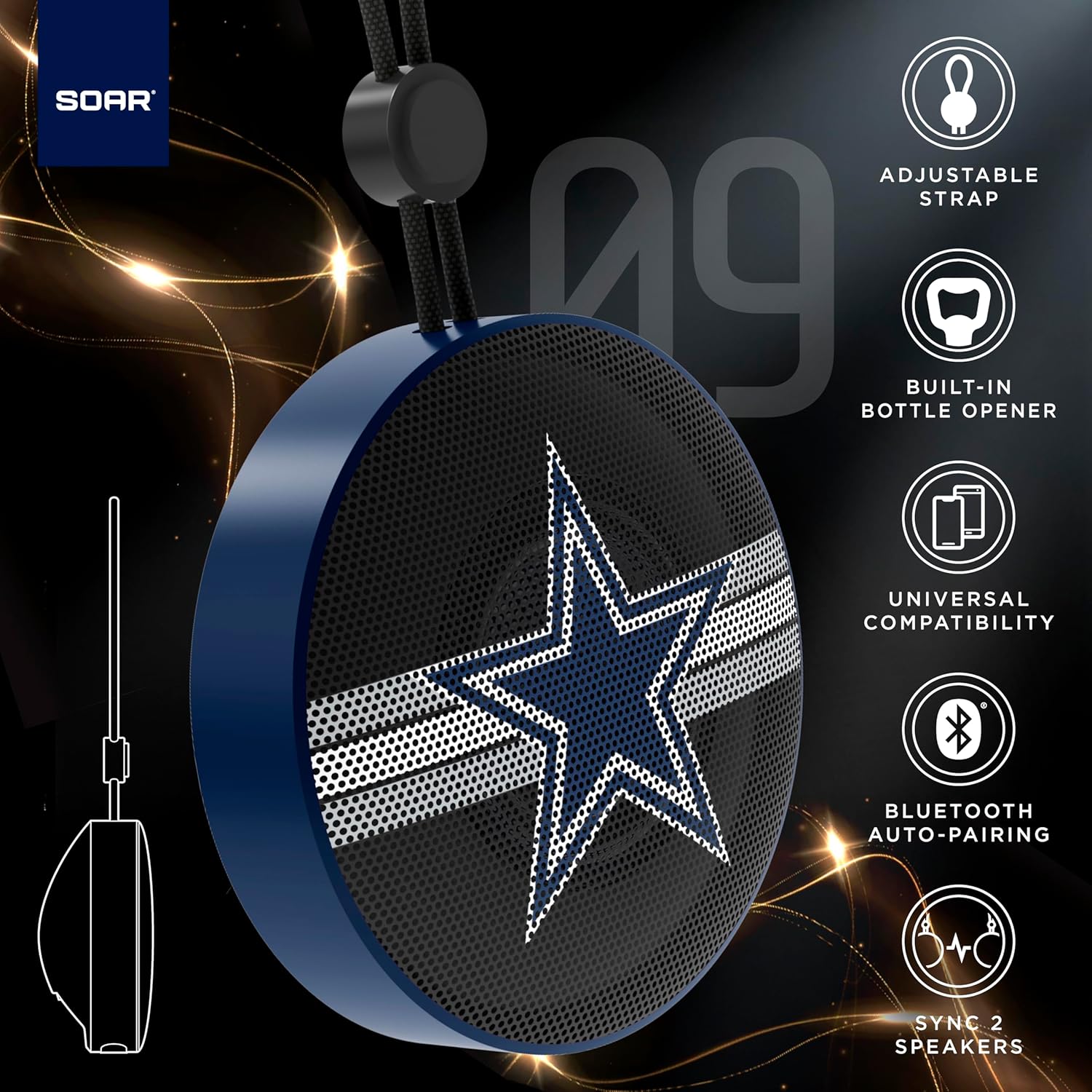
The SOAR NFL Bluetooth Bottle Opener Speaker is a compact and portable audio device designed for convenience and entertainment. It features 5W sound output, Bluetooth connectivity for wireless audio streaming, and a built-in bottle opener. The speaker includes an adjustable lanyard for easy carrying and offers up to 10 hours of playback on a single charge. It also supports dual pairing for an immersive stereo experience and has a built-in microphone for hands-free calls.

Priekyje view of the SOAR NFL Bluetooth Bottle Opener Speaker featuring the Arizona Cardinals logo.

The product packaging highlighting features like adjustable strap, 10-hour battery life, and built-in bottle opener.
2. Pakuotės turinys
- SOAR NFL Bluetooth Bottle Opener Speaker
- USB-C įkrovimo laidas
- Vartotojo vadovas
3. Sąranka
3.1 Garsiakalbio įkrovimas
Before first use, fully charge the speaker. Use the provided USB-C cable to connect the speaker's charging port to a compatible USB power source (e.g., wall adapter, computer USB port).
- Įkrovimo metu užsidegs įkrovimo indikatoriaus lemputė.
- The light will change or turn off once charging is complete.
Detail of the USB-C charging port and control buttons on the speaker.
3.2 Įjungimas / išjungimas
To power on the speaker, press and hold the power button until you hear an audible prompt or see the LED lights activate. To power off, press and hold the power button again.
3.3 Bluetooth poravimas
- Įsitikinkite, kad garsiakalbis įjungtas ir veikia susiejimo režimu (tai rodo mirksintis LED indikatorius).
- Mobiliajame įrenginyje (išmaniajame telefone, planšetiniame kompiuteryje ir kt.) įjunkite „Bluetooth“.
- Ieškokite available Bluetooth devices. The speaker will appear as "SOAR POP" or a similar name.
- Select the speaker from the list to connect. A confirmation tone or voice prompt will indicate successful pairing.
4. Operacija
4.1 Garso grojimas
Once paired, you can stream audio from your device to the speaker. Use your device's controls to manage playback (play, pause, skip tracks) and adjust volume. The speaker itself may have basic playback controls (e.g., play/pause, next/previous track) as shown near the charging port.
4.2 Dual Pairing (True Wireless Stereo)
For an enhanced audio experience, two SOAR POP speakers can be paired together to create a stereo sound system. Refer to the specific instructions provided with your speakers for dual pairing mode activation.
4.3 Įmontuotas butelių atidarytuvas
The speaker features a discreetly integrated bottle opener. Position the bottle cap under the metal opener and apply upward pressure to remove the cap.

The speaker demonstrating its built-in bottle opener function.
4.4 Adjustable Lanyard
The speaker includes a 10-inch adjustable lanyard for convenient portability. Attach it to a backpack, belt loop, or other gear for easy transport.

Image showing the speaker's dimensions and the adjustable lanyard for portability.
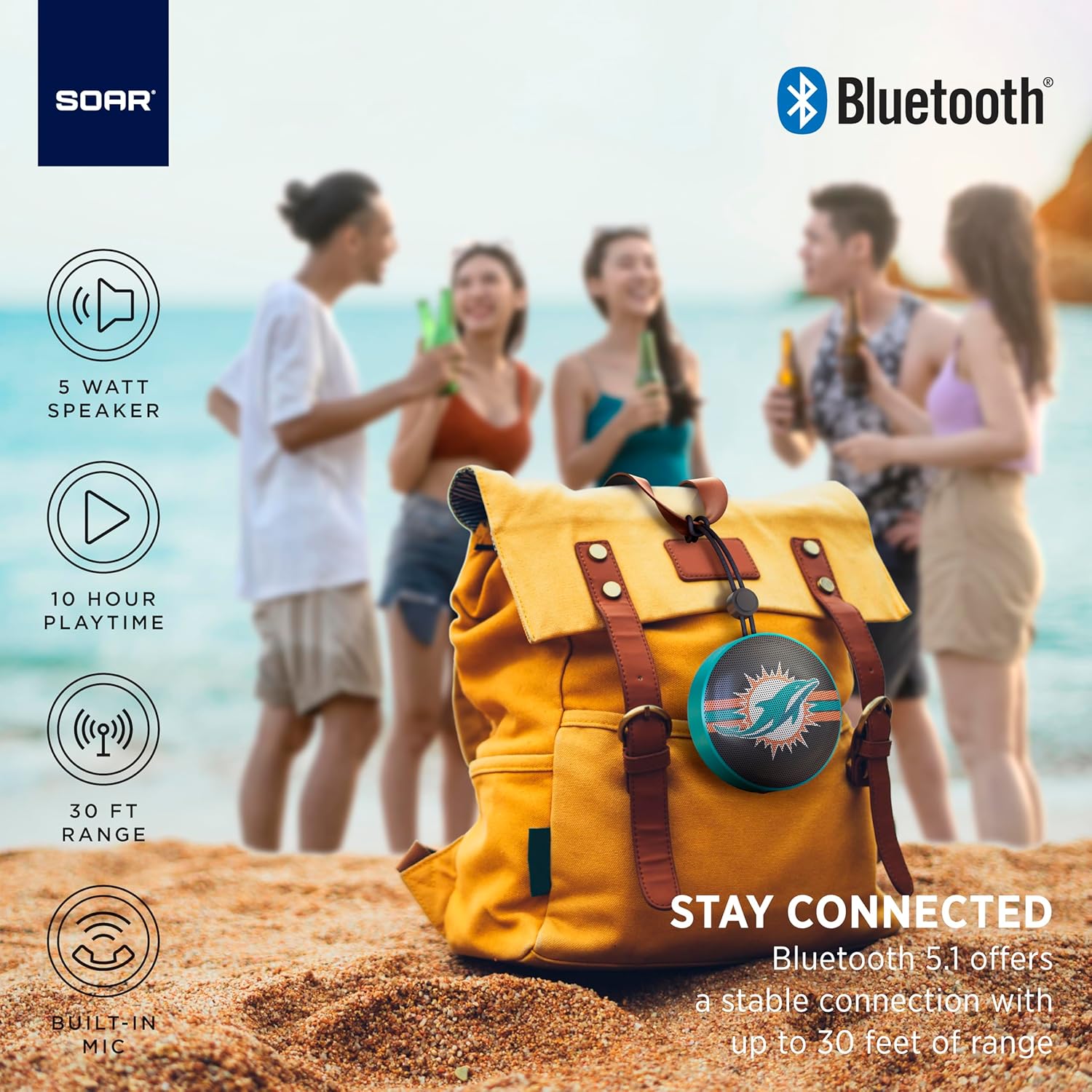
The portable speaker attached to a backpack, illustrating its on-the-go use.
4.5 Skambinimas laisvų rankų įranga
With the built-in microphone, you can answer calls directly through the speaker when connected to your smartphone. Press the play/pause button to answer or end a call.
5. Priežiūra ir priežiūra
- Valymas: Garsiakalbį valykite minkšta, sausa šluoste. Nenaudokite stiprių cheminių medžiagų ar abrazyvinių valiklių.
- Atsparumas vandeniui: The speaker is designed with IPX4 water resistance, meaning it is protected against splashing water from any direction. It is not intended for submersion in water. Ensure the charging port cover is securely closed to maintain water resistance.
- Saugykla: Garsiakalbį laikykite vėsioje, sausoje vietoje, toliau nuo tiesioginių saulės spindulių ir ekstremalių temperatūrų.
6. Problemų sprendimas
- Nėra galios: Įsitikinkite, kad garsiakalbis yra visiškai įkrautas. Prijunkite jį prie maitinimo šaltinio naudodami USB-C laidą.
- Nepavyksta susieti per „Bluetooth“:
- Make sure the speaker is in pairing mode (flashing LED).
- Ensure Bluetooth is enabled on your device and it is within range (up to 30 feet).
- Pamirškite įrenginį iš telefono „Bluetooth“ nustatymų ir bandykite susieti dar kartą.
- Iš naujo paleiskite garsiakalbį ir įrenginį.
- Nėra garso:
- Patikrinkite garsumo lygius tiek garsiakalbyje, tiek prijungtame įrenginyje.
- Įsitikinkite, kad garsiakalbis sėkmingai susietas ir prijungtas prie jūsų įrenginio.
- Pabandykite leisti garsą iš kitos programos ar šaltinio.
- Prasta garso kokybė:
- Perkelkite garsiakalbį arčiau savo įrenginio, kad sumažintumėte trukdžius.
- Įsitikinkite, kad tarp garsiakalbio ir jūsų įrenginio nėra jokių kliūčių.
- Check if the speaker is fully charged. Low battery can affect sound quality.
7. Specifikacijos
| Prekės ženklas | SOAR |
| Modelio numeris | NFL-BTX9-CARD |
| Medžiaga | Polimeras |
| Gaminio matmenys | 3.6 colio ilgio x 1.8 colio pločio |
| Prekės svoris | 9.4 uncijos |
| Garsiakalbio galia | 5W |
| Baterijos veikimo laikas | Iki 10 valandų |
| Bluetooth versija | 5.1 |
| Atsparumas vandeniui | IPX4 (Protected against splashing of water) |
| UPC | 192129183983 |
8. Garantija ir palaikymas
For warranty information and customer support, please refer to the documentation included with your product or visit the official SOAR websvetainę. Išsaugokite pirkimo čekį garantiniams reikalavimams.