
1. Įvadas
Welcome to the FUNYET 16-inch Laptop Computer NY-08 user manual. This guide provides essential information for setting up, operating, maintaining, and troubleshooting your new laptop. Designed for versatility and performance, the FUNYET NY-08 is equipped with an Intel 13th Gen N150 processor, ample memory, and a vibrant display to support your daily computing needs, from productivity to entertainment.
Figure 1: The FUNYET 16-inch Laptop Computer, showcasindėl savo elegantiško dizaino ir didelio ekrano.
2. Sąranka
2.1 Išpakavimas ir pirminė apžiūra
Atsargiai išimkite visus komponentus iš pakuotės. Įsitikinkite, kad yra šie daiktai:
- FUNYET 16-inch Laptop Computer
- Kintamosios srovės adapteris
- Vartotojo vadovas (šis dokumentas)
- Garantijos kortelė
2.2 Powering On and First Boot
Connect the AC adapter to the laptop's DC port and a power outlet. Press the power button to turn on the laptop. Follow the on-screen instructions to complete the initial Windows 11 Pro setup, including language, region, and user account creation.
Figure 2: The laptop displaying the Windows 11 Pro operating system during initial setup.
2.3 Prisijungimas prie „Wi-Fi“.
During the Windows setup or afterwards, navigate to the network settings. Select your desired Wi-Fi network from the list, enter the password if prompted, and click 'Connect'.
3. Nešiojamojo kompiuterio valdymas
3.1 „Windows 11 Pro“ ir naujesnė versijaview
Your FUNYET laptop comes with Windows 11 Pro pre-installed, offering enhanced security, productivity features, and a redesigned user interface. Explore the Start Menu, Taskbar, and Widgets for a personalized experience.
3.2 Klaviatūra ir jutiklinė planšetė
The laptop features a full-size backlit keyboard for comfortable typing in various lighting conditions and a numeric keypad for efficient data entry. The integrated touchpad supports multi-touch gestures for navigation. A fingerprint scanner is integrated for secure and quick login.
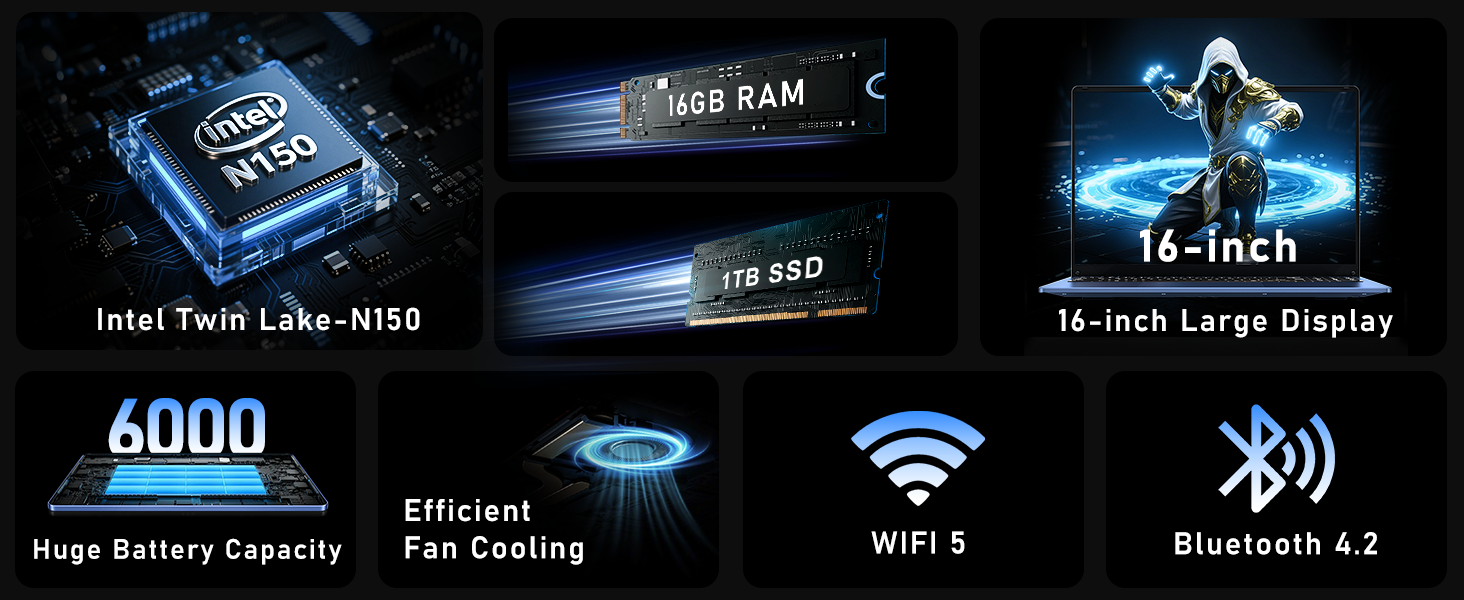
Figure 3: Close-up of the laptop's full-size backlit keyboard and numeric keypad.
3.3 Ryšio prievadai
The laptop is equipped with various ports for external device connectivity:
- USB 2.0 prievadas: Skirta senesnių USB įrenginių prijungimui.
- USB 3.0 prievadai: Two ports for high-speed data transfer with compatible devices.
- Mini HDMI prievadas: Skirta prijungti išorinius ekranus arba projektorius.
- 3.5 mm ausinių lizdas: Garso išvesčiai į ausines arba išorinius garsiakalbius.
- DC prievadas: For connecting the AC adapter to charge the laptop.
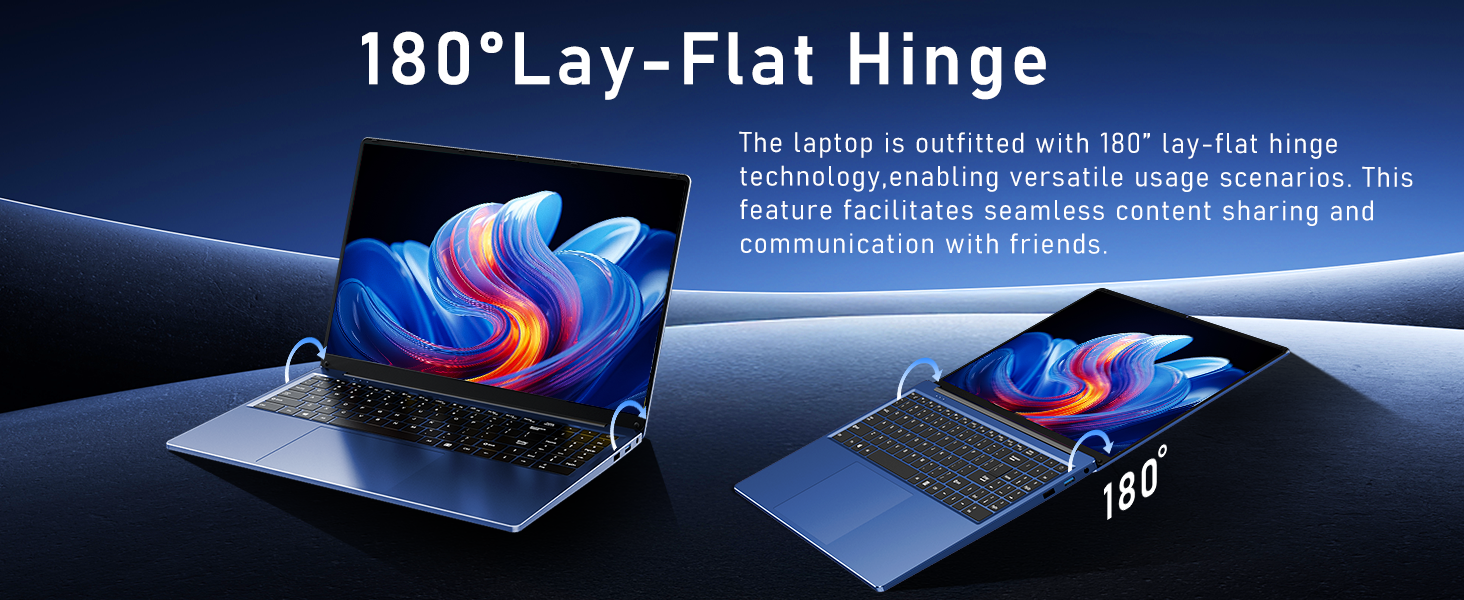
Figure 4: Diagram illustrating the various connectivity ports on the FUNYET laptop.
4. Pagrindinės savybės
The FUNYET NY-08 laptop is engineered with components designed for optimal performance and user experience.
4.1 Advanced Processor
Equipped with the latest 13th generation Intel Alder Lake N150 processor, featuring a boost frequency of up to 3.6GHz, 4 cores, and 4 threads. This provides robust performance for multitasking, streaming, and light gaming.
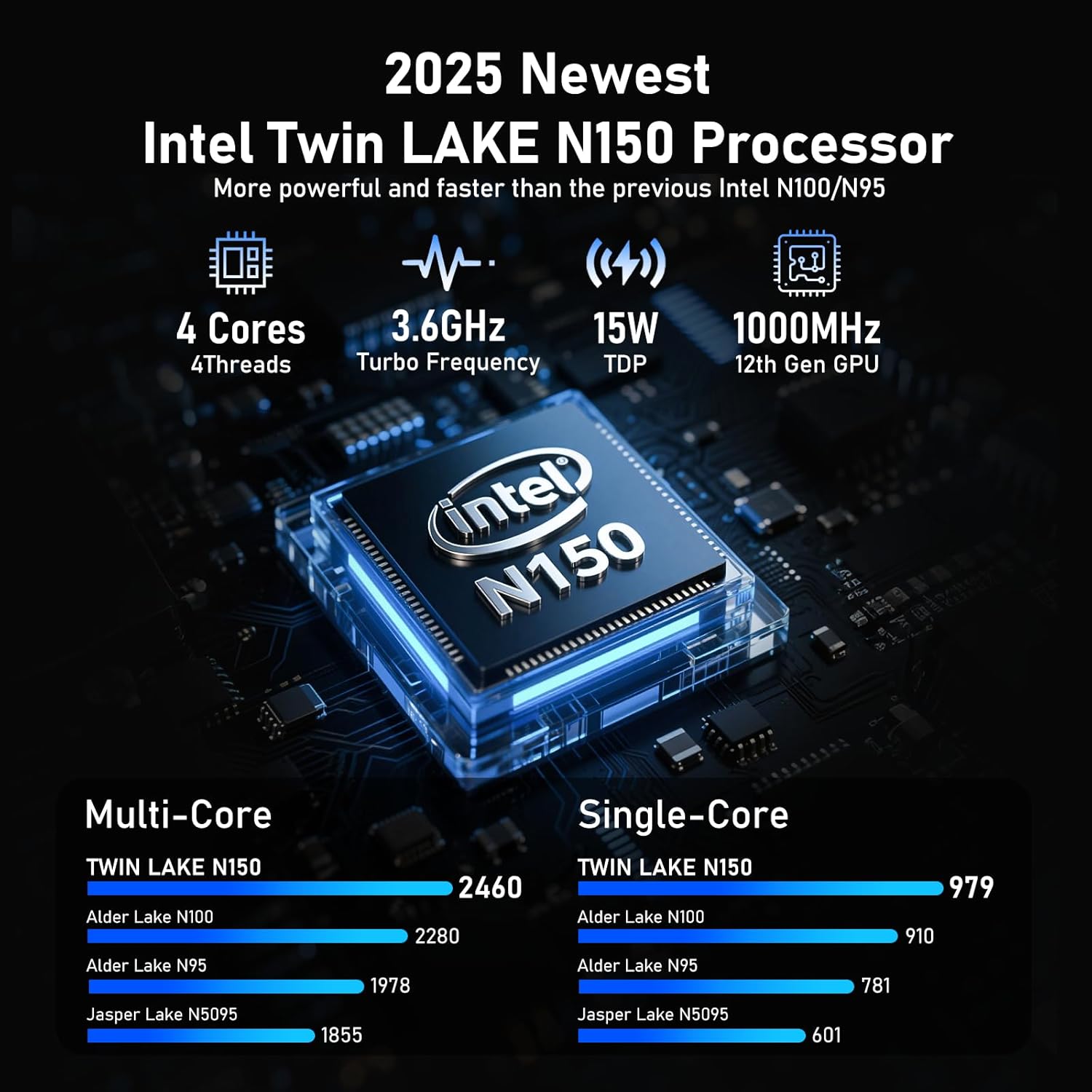
5 pav. Išsamus view of the Intel N150 processor, highlighting its core specifications.
4.2 Atmintis ir saugykla
With 16GB of DDR4 RAM and a 1TB high-speed SSD, the laptop ensures effortless multitasking and provides ample space for all your data, applications, and media files.
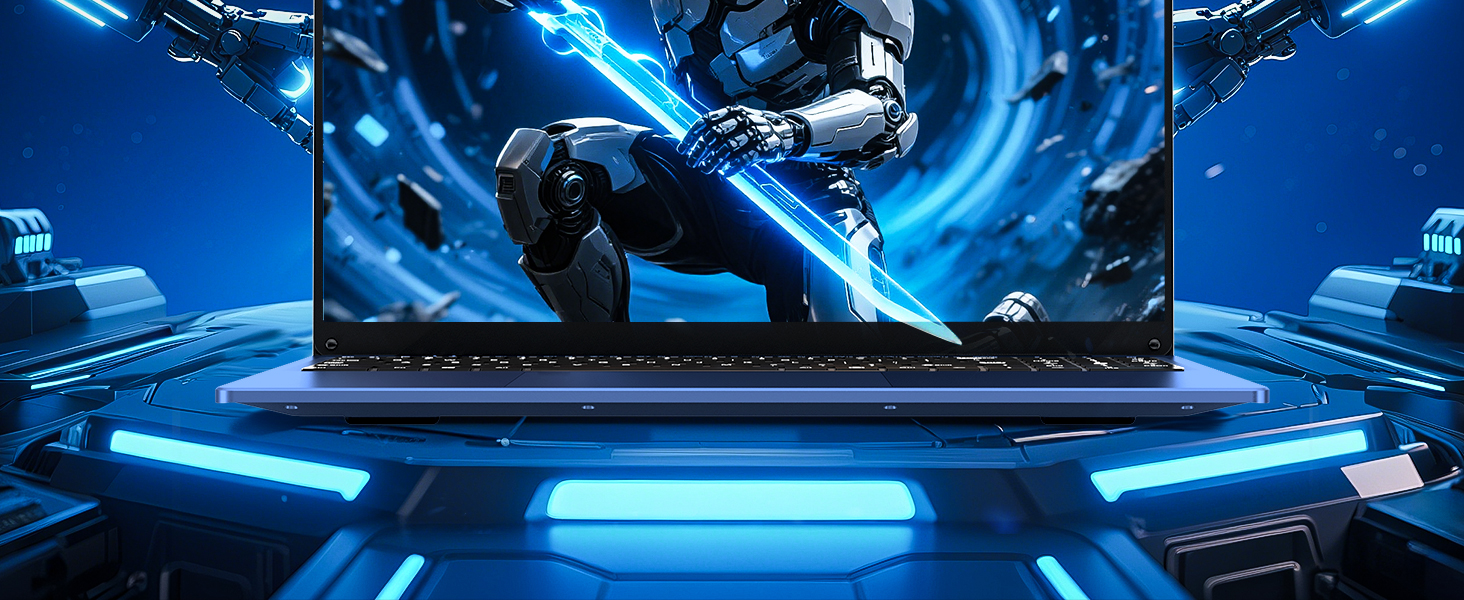
Figure 6: Visual representation of the 16GB RAM and 1TB SSD for high capacity and performance.
4.3 Visual Brilliance Display
Experience stunning visuals on the 16.0-inch Full HD IPS display with a 1920x1200 resolution. The 0.2-inch micro-bezel and 90% screen-to-body ratio provide an immersive viewing experience with vivid colors and eye protection features.

Figure 7: The laptop's 16-inch FHD IPS display, showcasing its visual clarity and narrow bezels.
4.4 Ilgai veikianti baterija
The laptop is equipped with a 6000mAh (46.2Wh) rechargeable battery, offering up to 6 hours of battery life, making it suitable for on-the-go use.
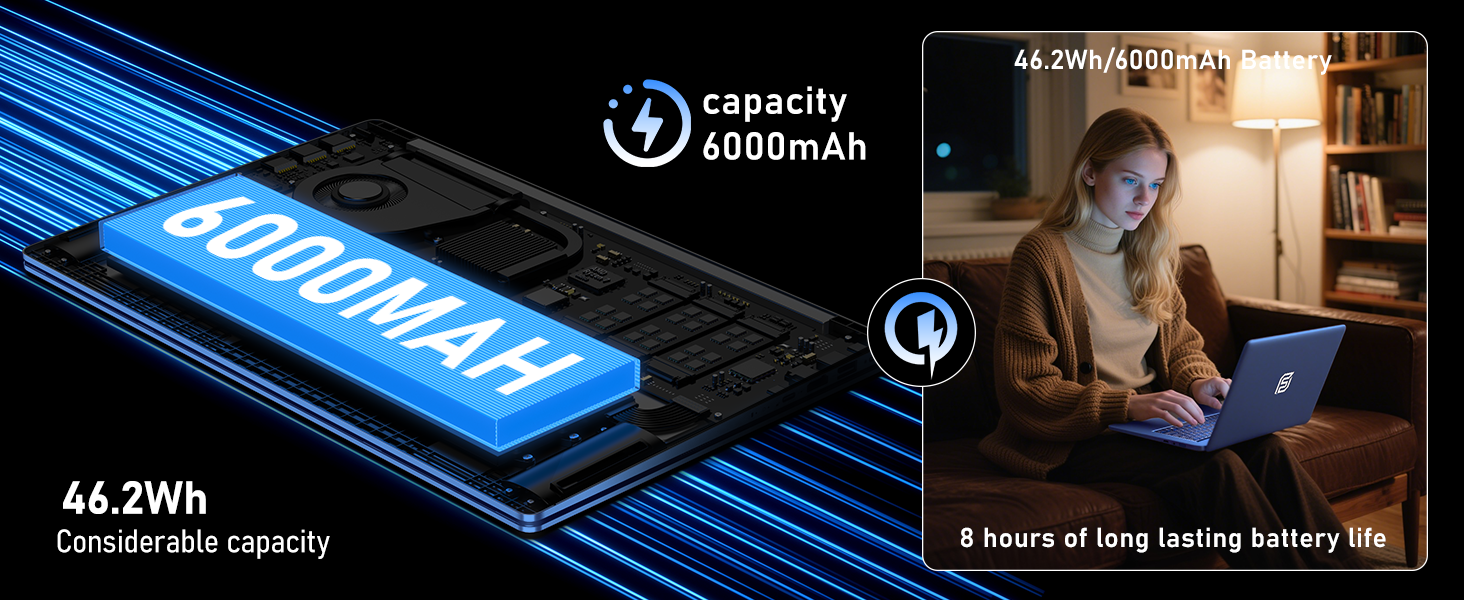
Figure 8: Illustration of the laptop's 6000mAh battery, providing extended usage.
4.5 Nešiojamas dizainas
With a slim 0.8-inch body and a weight of only 3.5 pounds, this laptop is highly portable. It also features a 180° lay-flat hinge, allowing for versatile usage scenarios and easy content sharing.
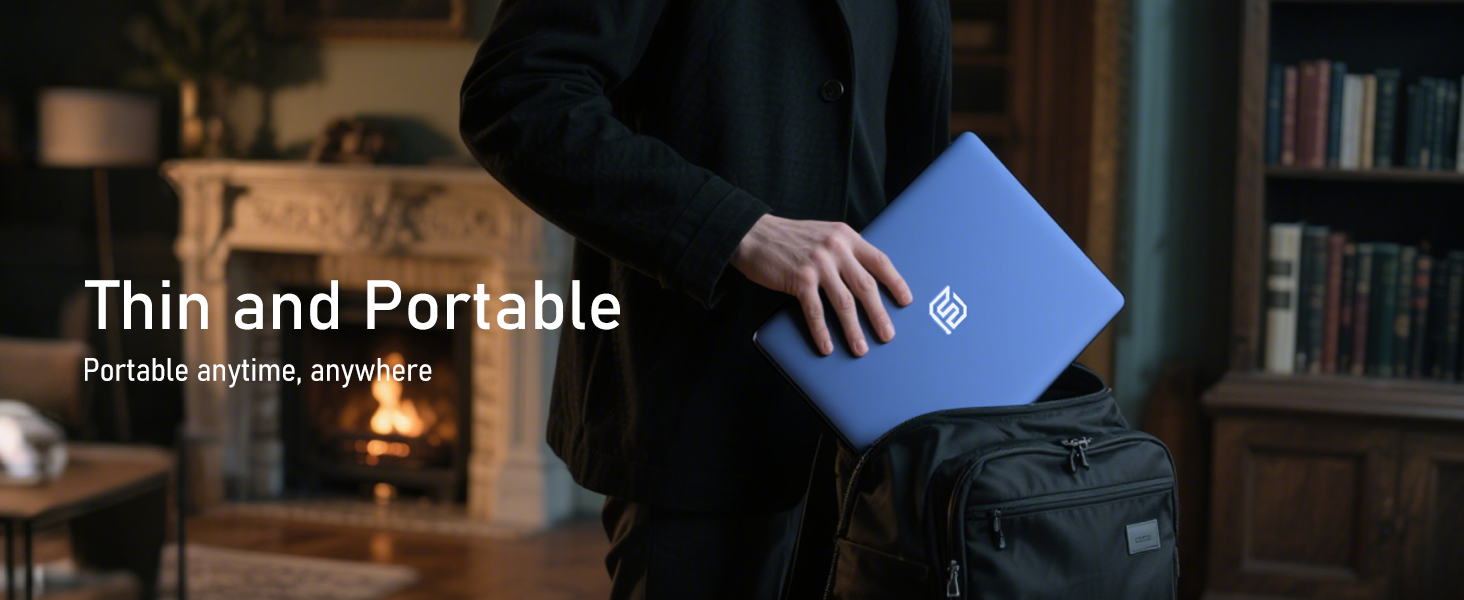
Figure 9: The laptop demonstrating its 180-degree lay-flat hinge for flexible use.
5. Priežiūra
To ensure the longevity and optimal performance of your FUNYET laptop, follow these maintenance guidelines:
- Valymas: Ekraną ir išorę valykite minkšta, nepūkuota šluoste. Venkite stiprių cheminių medžiagų.
- Programinės įrangos atnaujinimai: Regularly update Windows 11 Pro and drivers to ensure security and performance.
- Akumuliatoriaus priežiūra: Venkite dažnai visiškai iškrauti akumuliatorių. Ilgalaikiam laikymui įkraukite akumuliatorių maždaug iki 50–70 %.
- Vėdinimas: Įsitikinkite, kad nešiojamojo kompiuterio ventiliacijos angos nėra užblokuotos, kad jis neperkaistų.
6. Problemų sprendimas
Čia pateikiami dažniausiai pasitaikančių problemų, su kuriomis galite susidurti, sprendimai:
| problema | Sprendimas |
|---|---|
| Nešiojamasis kompiuteris neįsijungia | Įsitikinkite, kad kintamosios srovės adapteris yra tvirtai prijungtas ir maitinimo lizdas veikia. Pabandykite palaikyti maitinimo mygtuką 10–15 sekundžių, kad atliktumėte visišką atkūrimą. |
| Nėra „Wi-Fi“ ryšio | Check if Wi-Fi is enabled in Windows settings. Restart your router and the laptop. Verify your Wi-Fi password. |
| Lėtas veikimas | Close unnecessary applications. Check for background processes consuming resources. Ensure Windows and drivers are up to date. Run a disk cleanup. |
| Ekrano problemos | Adjust screen brightness. Ensure display drivers are updated. If connected to an external monitor, check cable connections. |
7. Specifikacijos
Detailed technical specifications for the FUNYET 16-inch Laptop Computer NY-08:
| Funkcija | Detalė |
|---|---|
| Modelio pavadinimas | NY-08 |
| Ekrano dydis | 16 colių |
| Ekrano raiška | 1920 x 1200 pikselių (Full HD IPS) |
| Procesorius | Intel 13th Gen Alder Lake N150 (up to 3.6GHz, 4 Cores, 4 Threads) |
| RAM | 16GB DDR4 |
| Kietasis diskas | 1TB SSD |
| Operacinė sistema | Windows 11 Pro |
| Vaizdo plokštė | Integrated Celeron Graphics |
| Belaidis tipas | 5 GHz Radio Frequency (Wi-Fi 5) |
| Bluetooth | Bluetooth 4.2 |
| USB prievadai | 1x USB 2.0, 2x USB 3.0 |
| Vaizdo išvestis | Mini HDMI |
| Garso lizdas | 3.5 mm ausinės |
| Baterijos veikimo laikas | Up to 6-8 Hours (6000mAh) |
| Prekės svoris | 3.5 svaro |
| Gaminio matmenys | 14 x 9 x 0.8 colio |
| Ypatinga funkcija | Backlit Keyboard, Fingerprint Scanner |
8. Garantija ir palaikymas
Your FUNYET NY-08 laptop comes with a 2 metų garantija, ensuring peace of mind. For any issues or queries, our dedicated customer support team is available 24/7 to provide prompt and efficient assistance.
Kontaktinė informacija:
- Telefonas: +1 800-986-9631 (4AM-10PM PT)
- El. paštas: funyetstore@outlook.com

Figure 10: FUNYET customer support information, including warranty and contact details.
9. Produktų vaizdo įrašai
9.1 FUNYET Gaming Laptop Overview
1 vaizdo įrašas: Oficialus asmuoview of the FUNYET Gaming Laptop, highlighting its design and core features. This video provides a visual introduction to the product's capabilities and aesthetics.
9.2 FUNYET Laptop for Gaming Features
Video 2: A detailed look at the FUNYET Laptop's features optimized for gaming and productivity. This video demonstrates the laptop's performance and various functionalities in action.